
Haute42 X-Move Aluminium Alloy Hitbox Leverless Controller Stickless Fightstick For PC/PS4/PS5 Arcade Game Controller Joystick
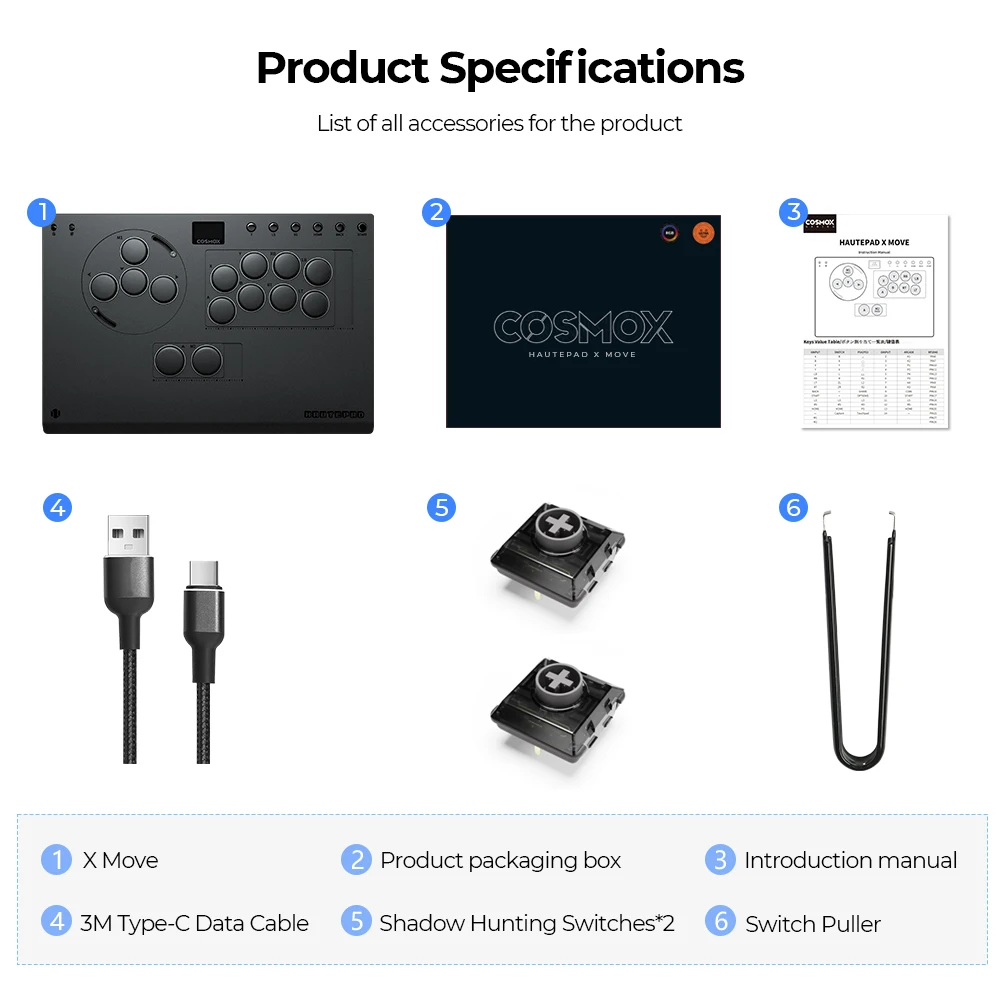
X-Move
HK$2,914.00 HKD
Цена при разпродажба
HK$2,914.00 HKD
Обичайна цена
HK$0.00 HKD
Haute42 X-Move Aluminium Alloy Hitbox Leverless Controller Stickless Fightstick For PC/PS4/PS5 Arcade Game Controller Joystick
HK$2,914.00 HKD
Цена при разпродажба
HK$2,914.00 HKD
Обичайна цена
HK$0.00 HKD
✔ I have reviewed the product version and details
В момента няма възможност за вземане
SPECIFICATIONS
Accessories Type: Leverless Controller,Game Keyboards
Brand Name: haute42
Compatible Brand/Model: PC
Electric: No(AE存量)********
Electronic: No
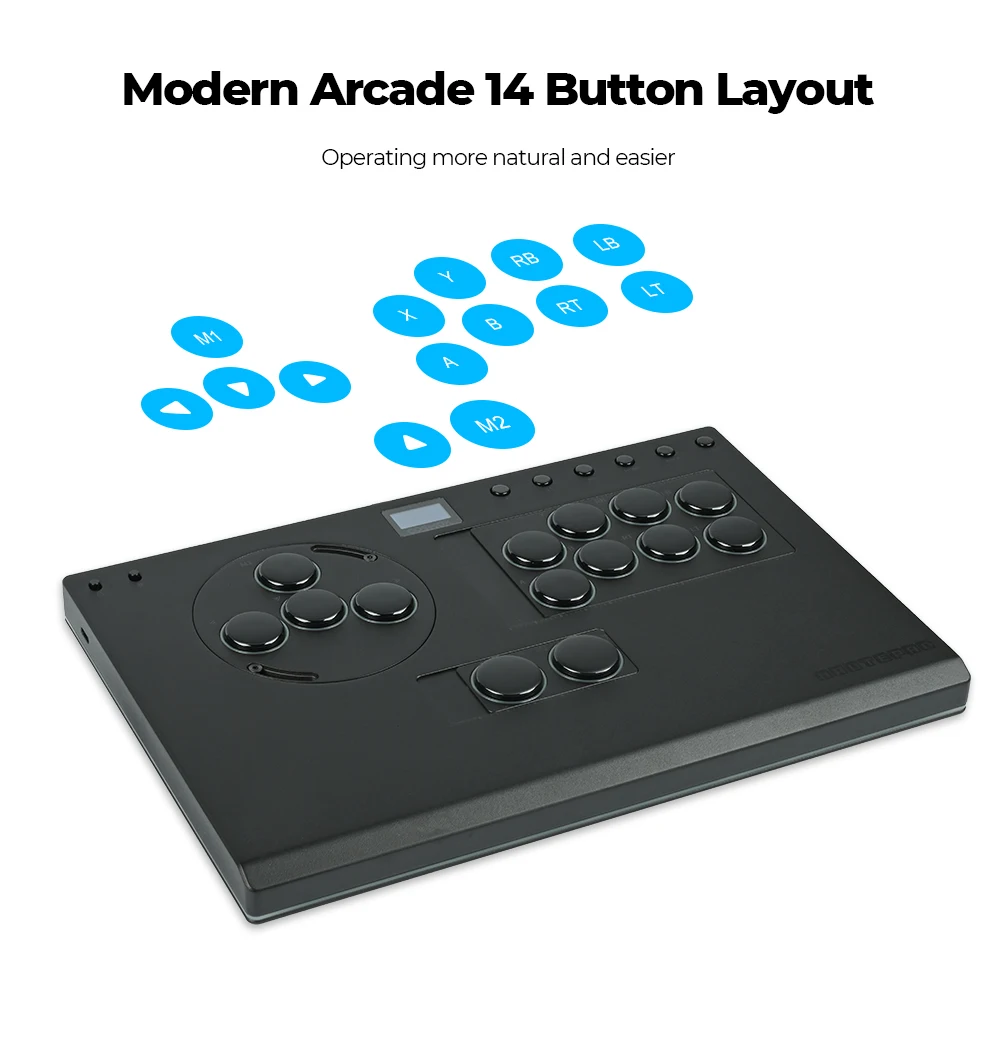
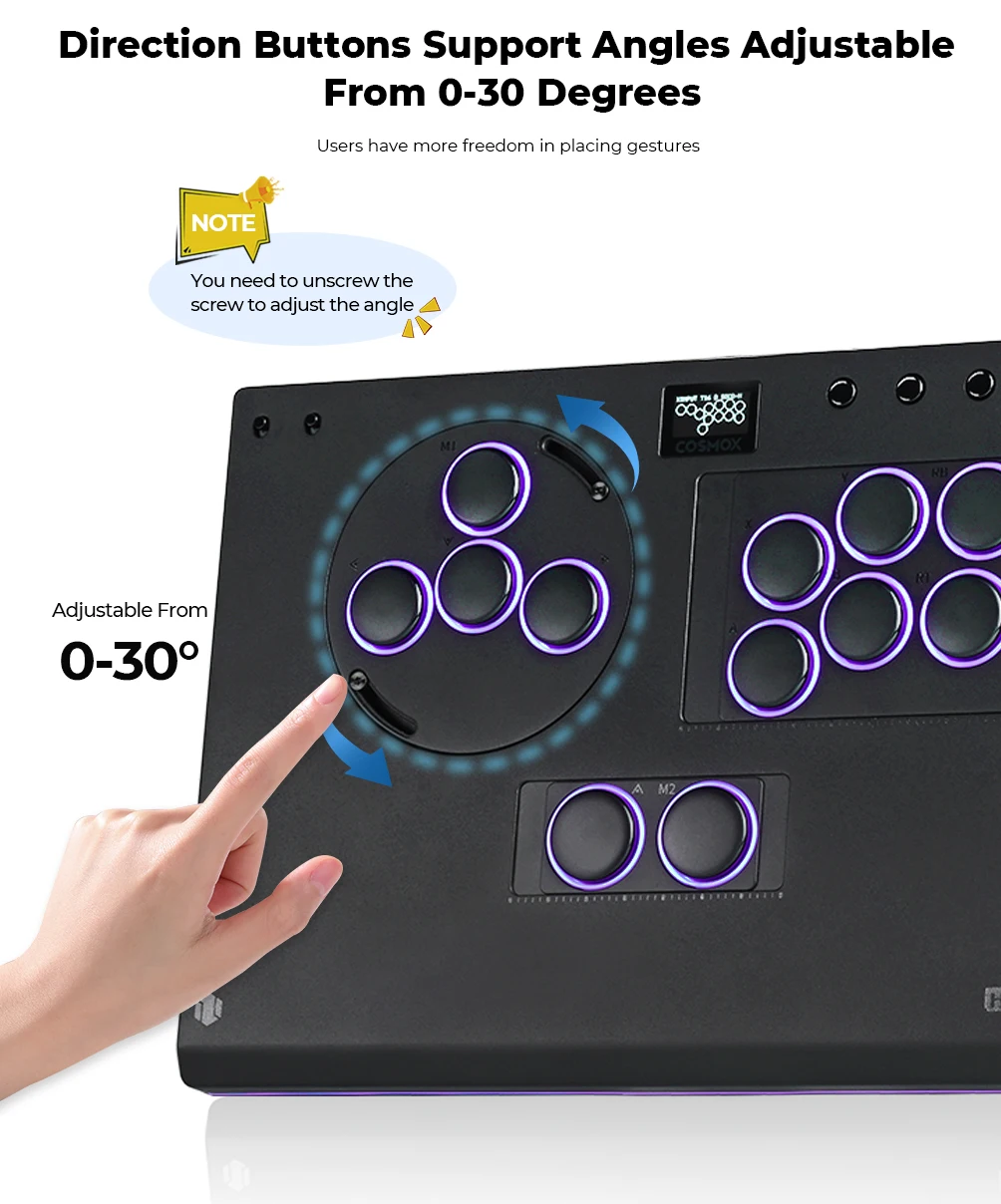
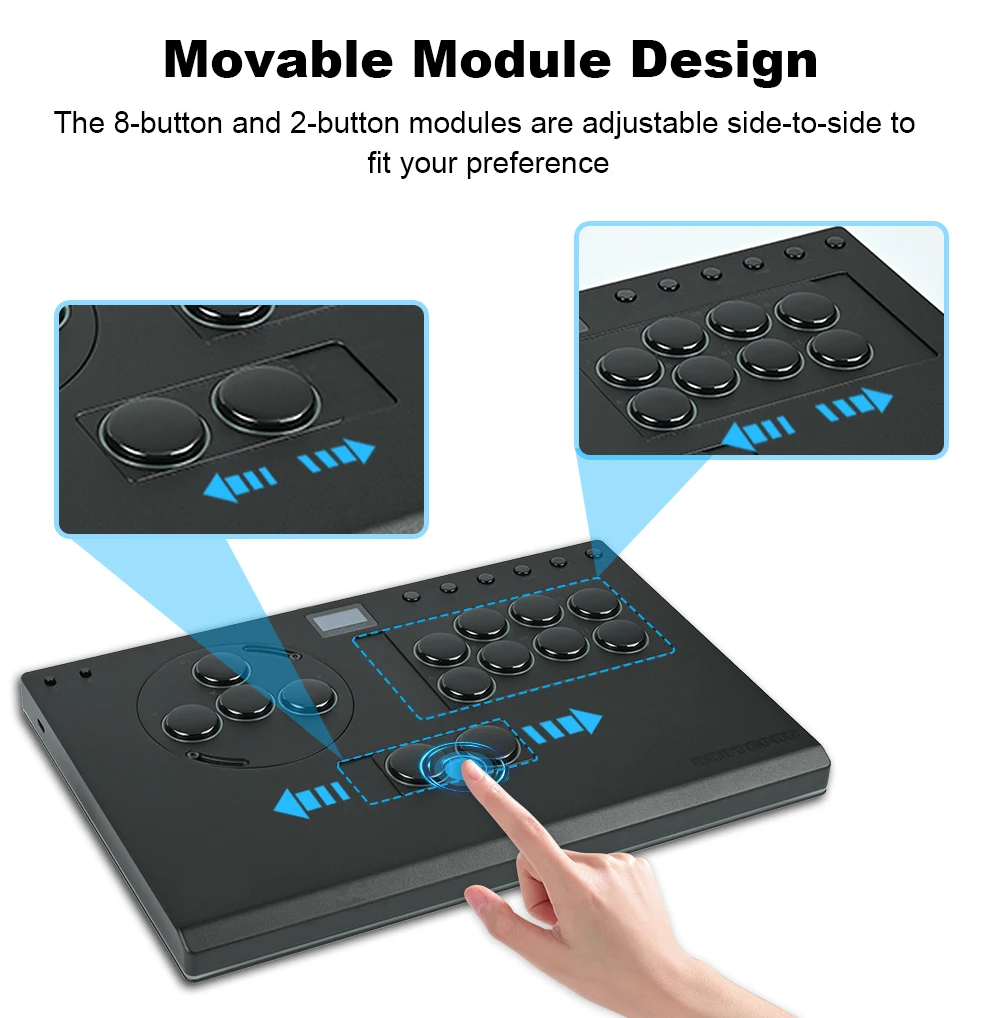
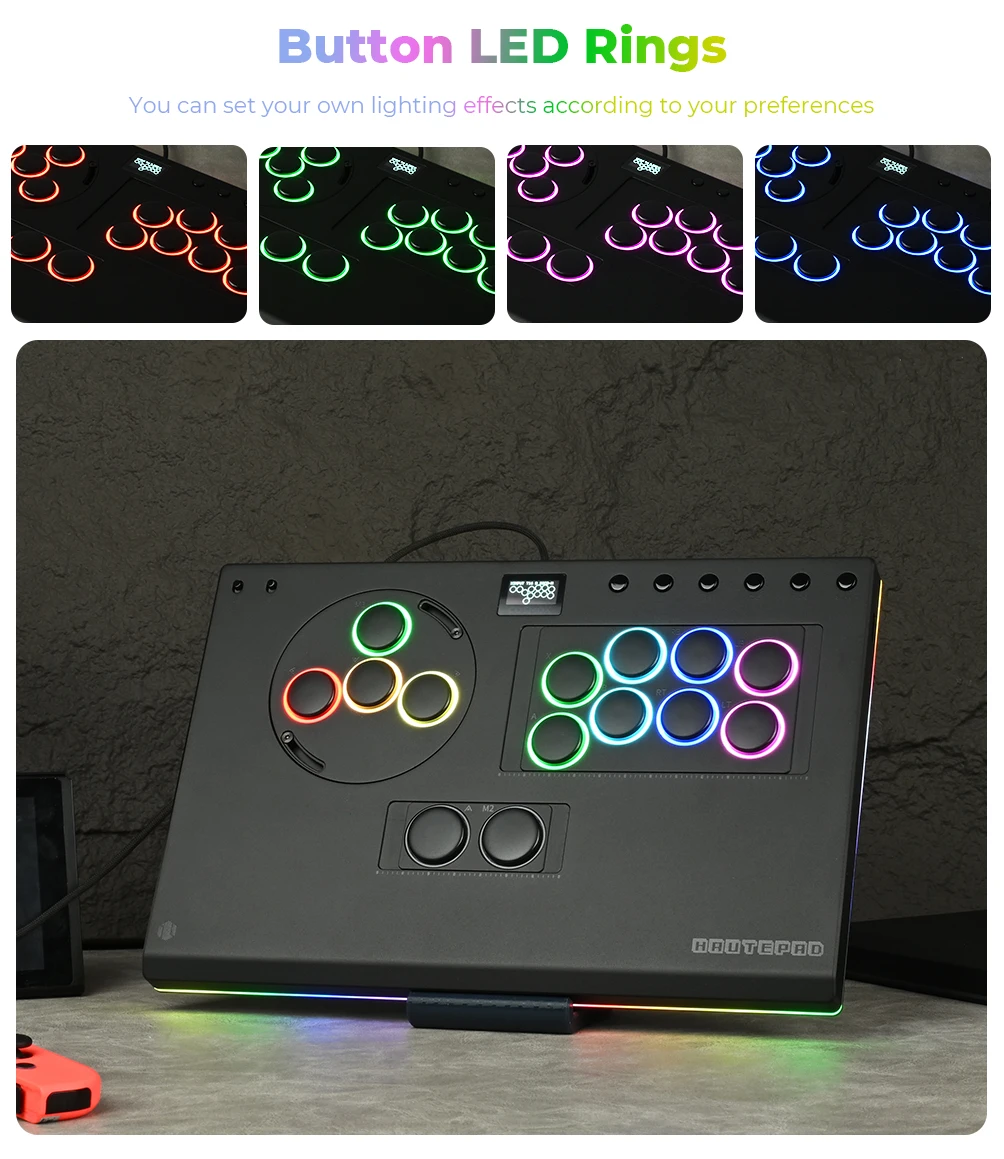
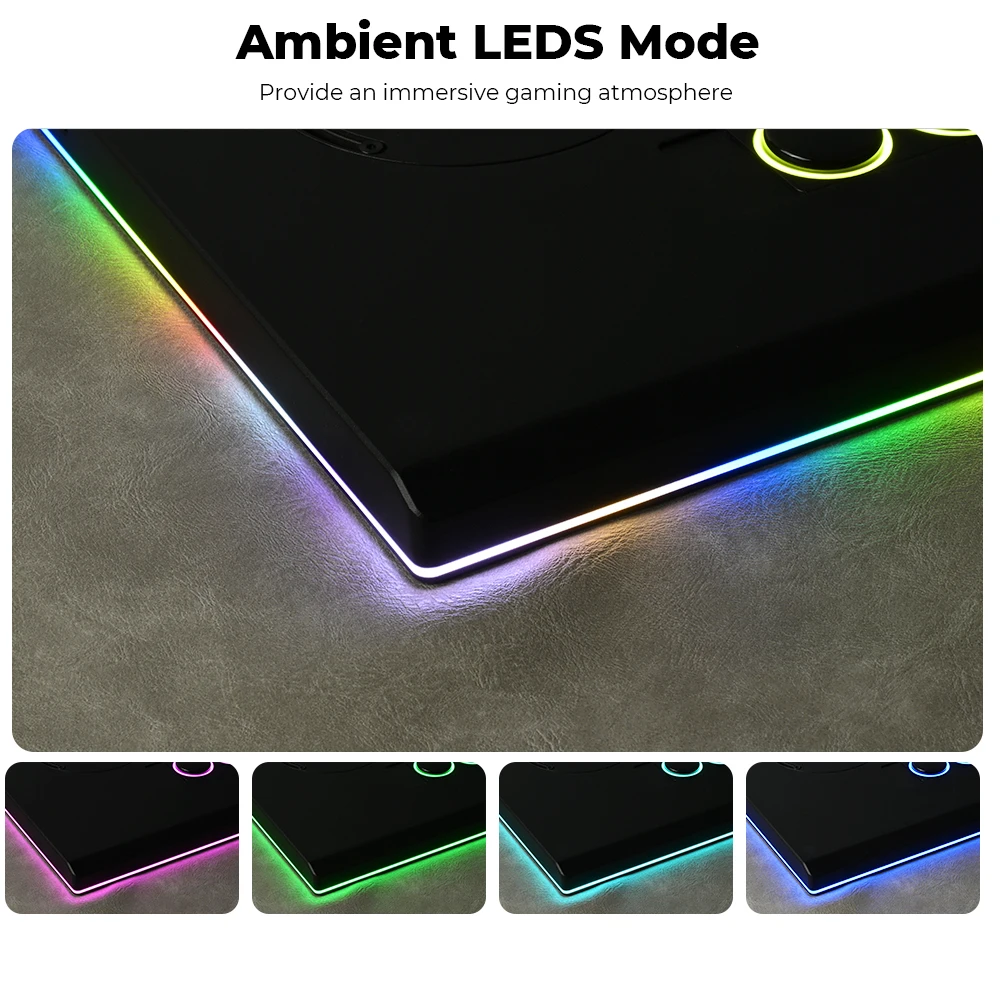
Feature: 14 button with RGB mode,Movable button
High-concerned chemical: None
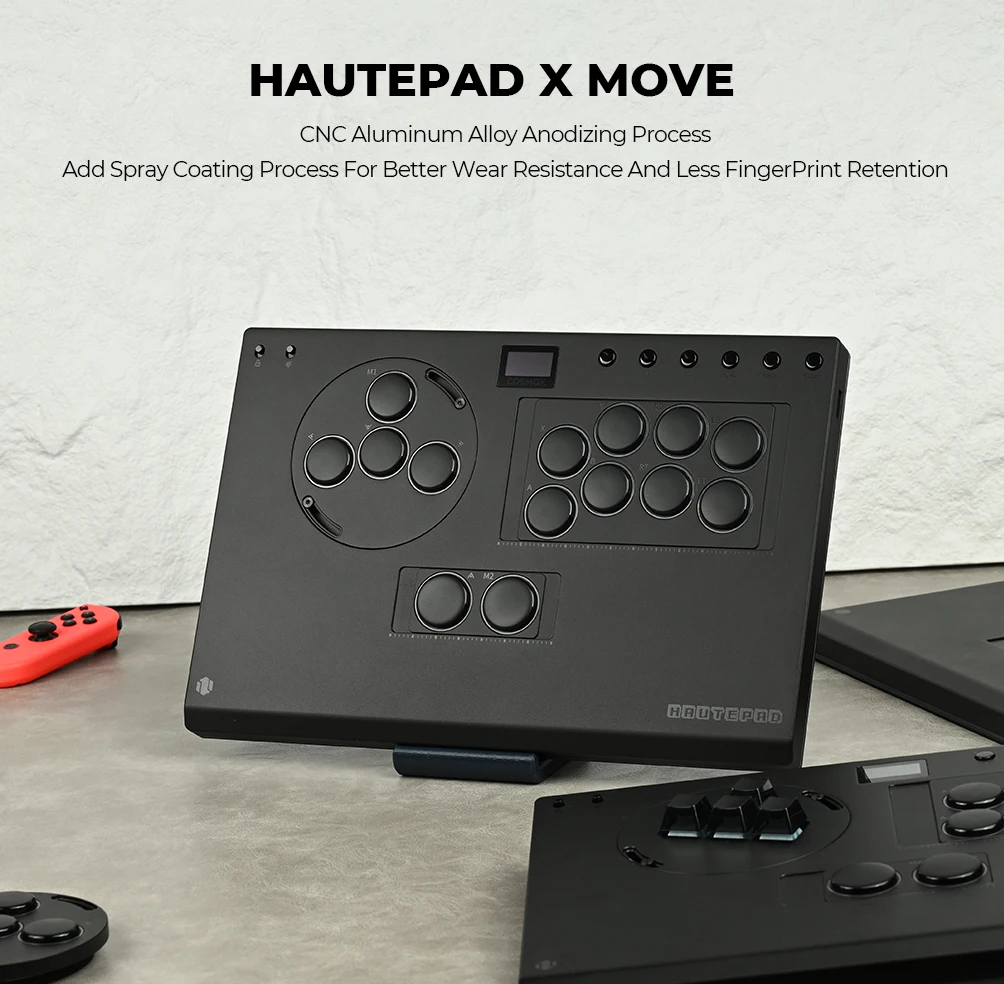
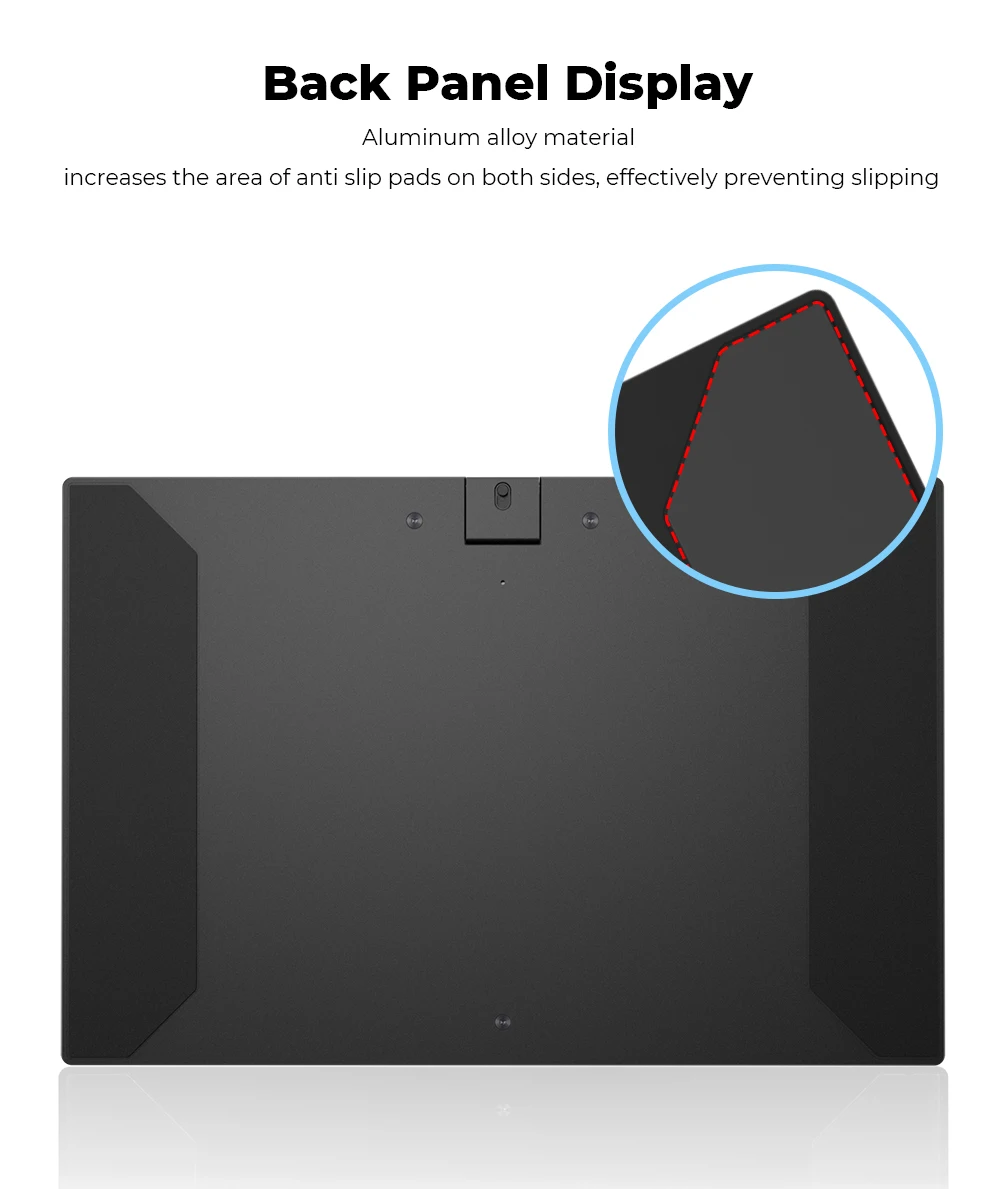
Material: CNC Aluminum Alloy
Model: X-Move
Model Number: X-Move
Origin: Mainland China
PC System: Windows 10
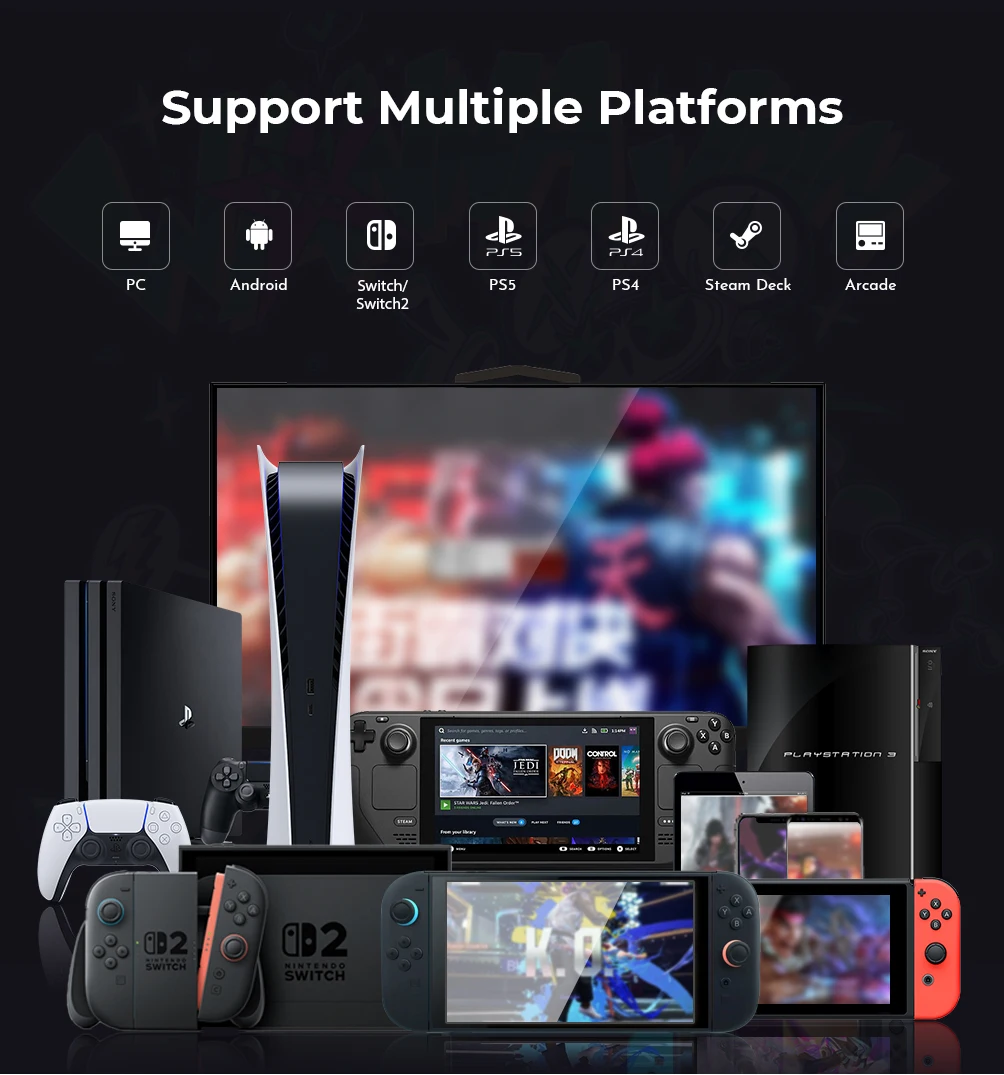
Supported Platforms: For PS4/PS5/Switch/Steam
With USB: YES
is_customized: NO
joystick hitbox keyboard: Hitbox Controller
X-MOVE Unboxing Video
Haute42 X-Move Aluminium Alloy Hitbox Leverless Controller Stickless Fightstick For PC/PS4/PS5 Arcade Game Controller Joystick
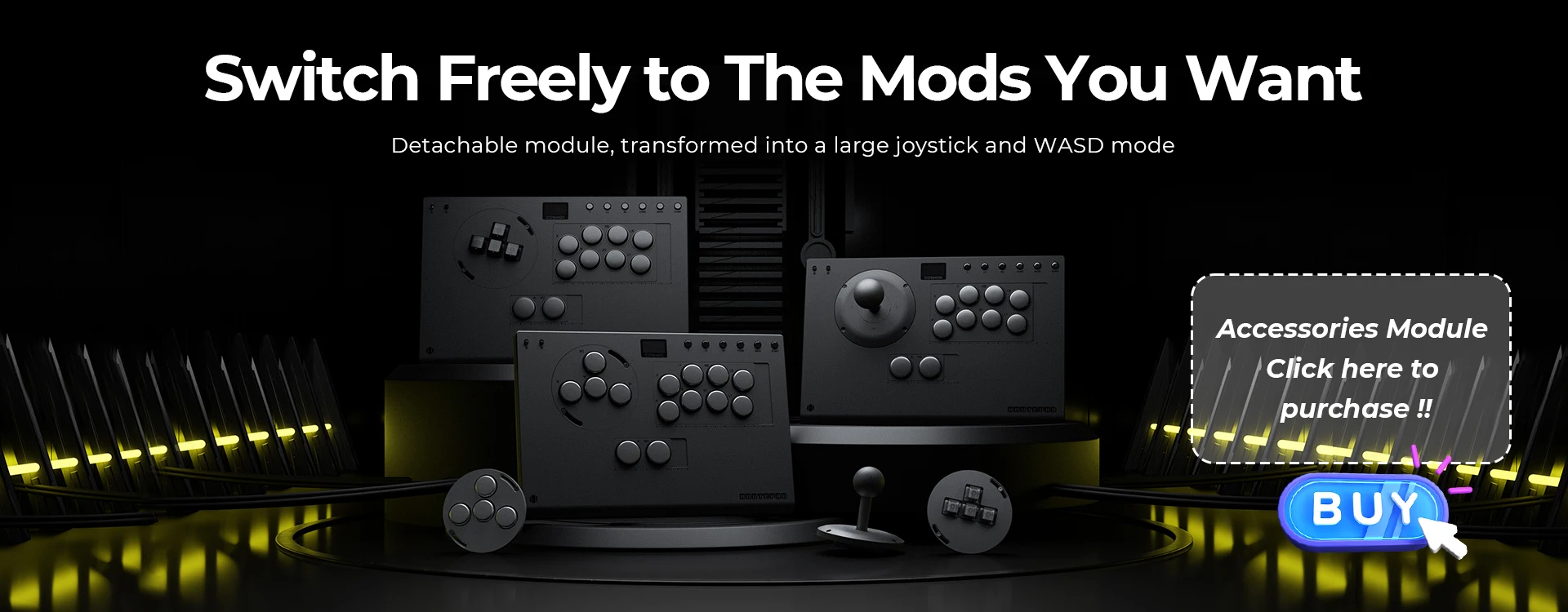
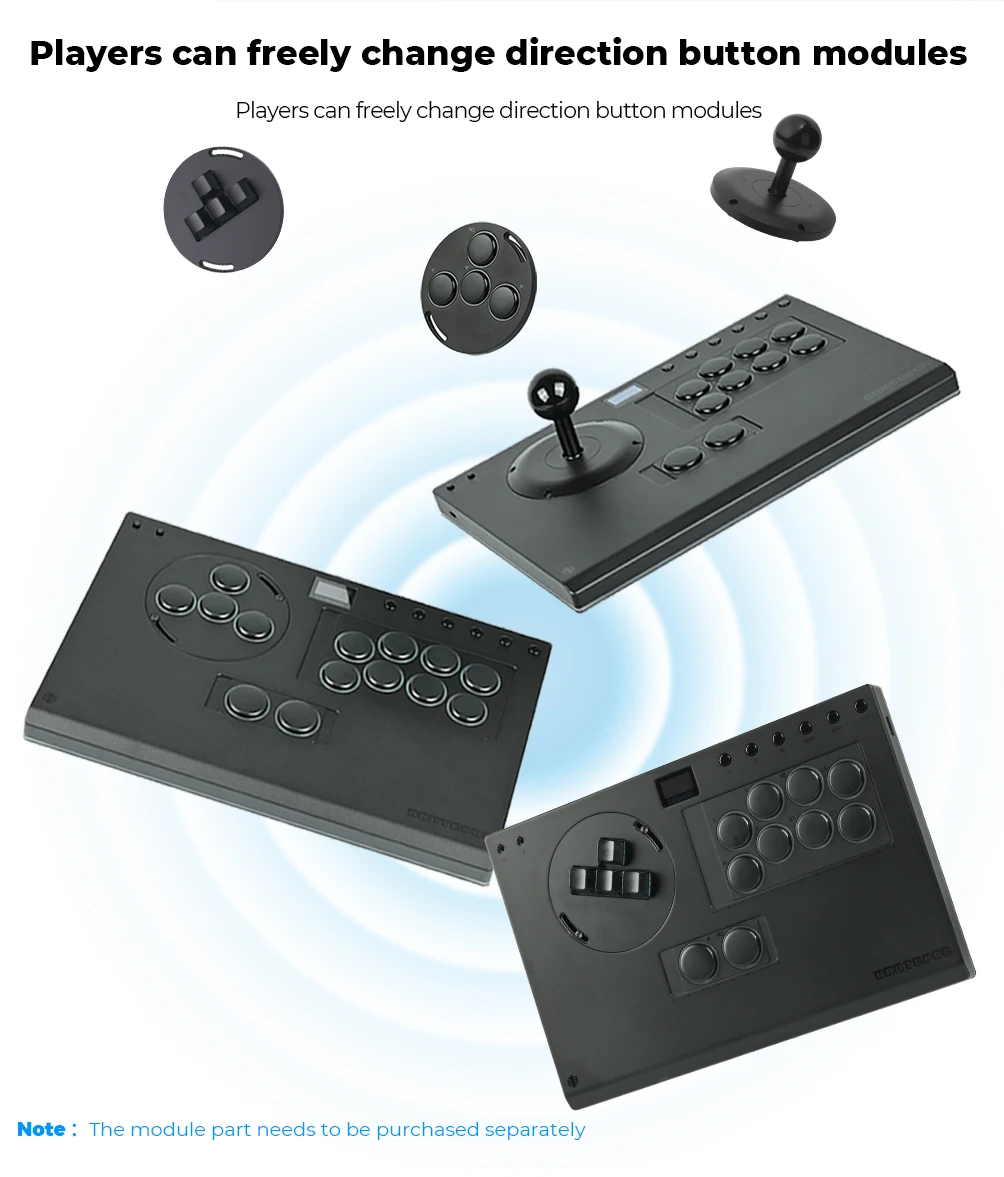
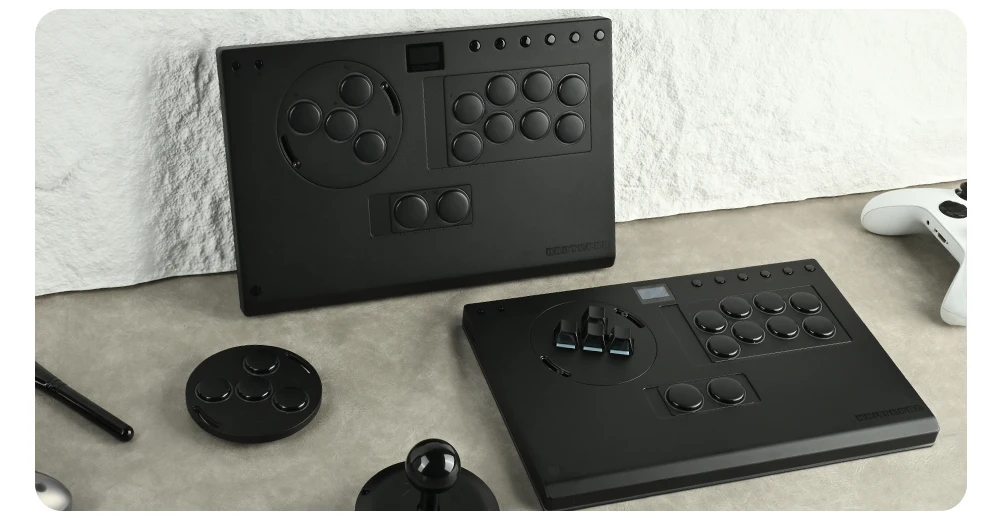
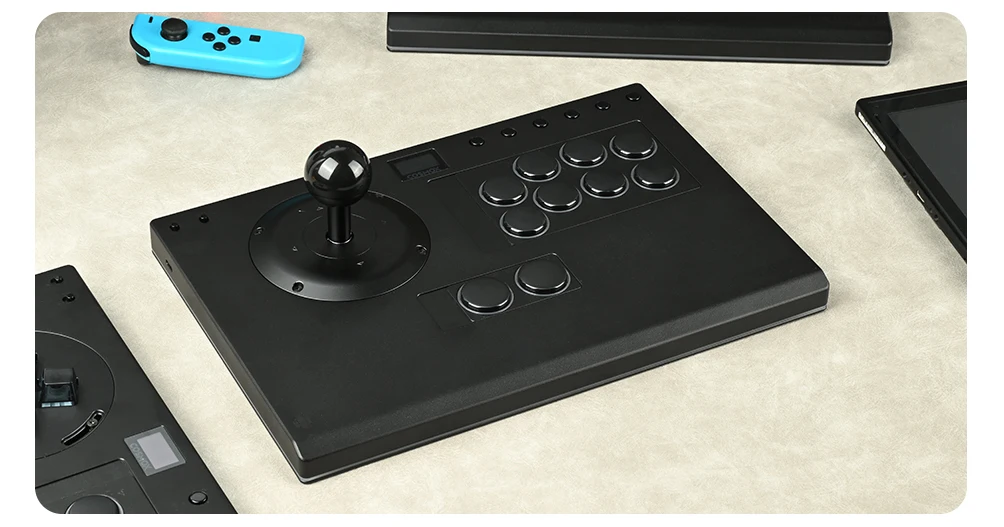
Notice: For the large joystick and WASD module, please click on the picture to purchase the accessory. The module needs to be purchased separately
Product Description
Working voltage: 5V
Link method: USB Type-C
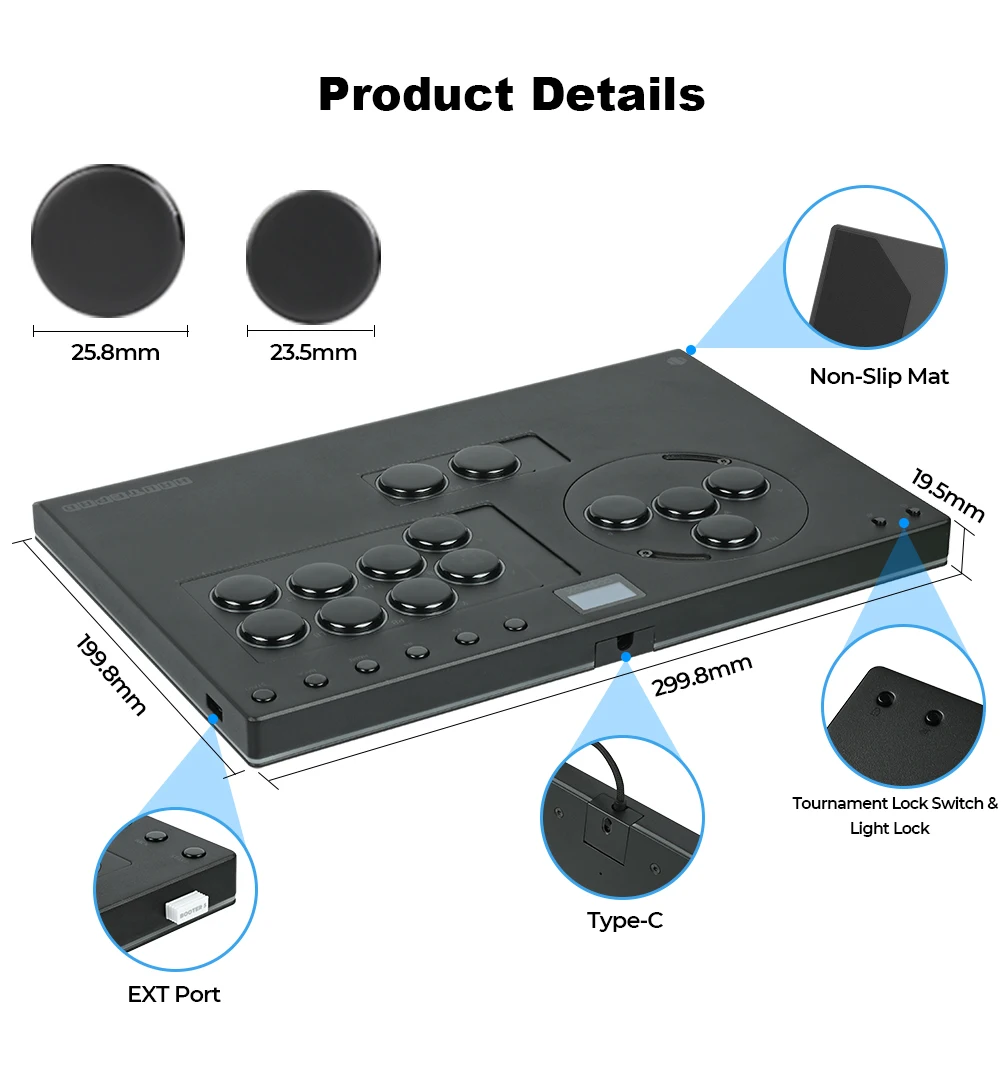
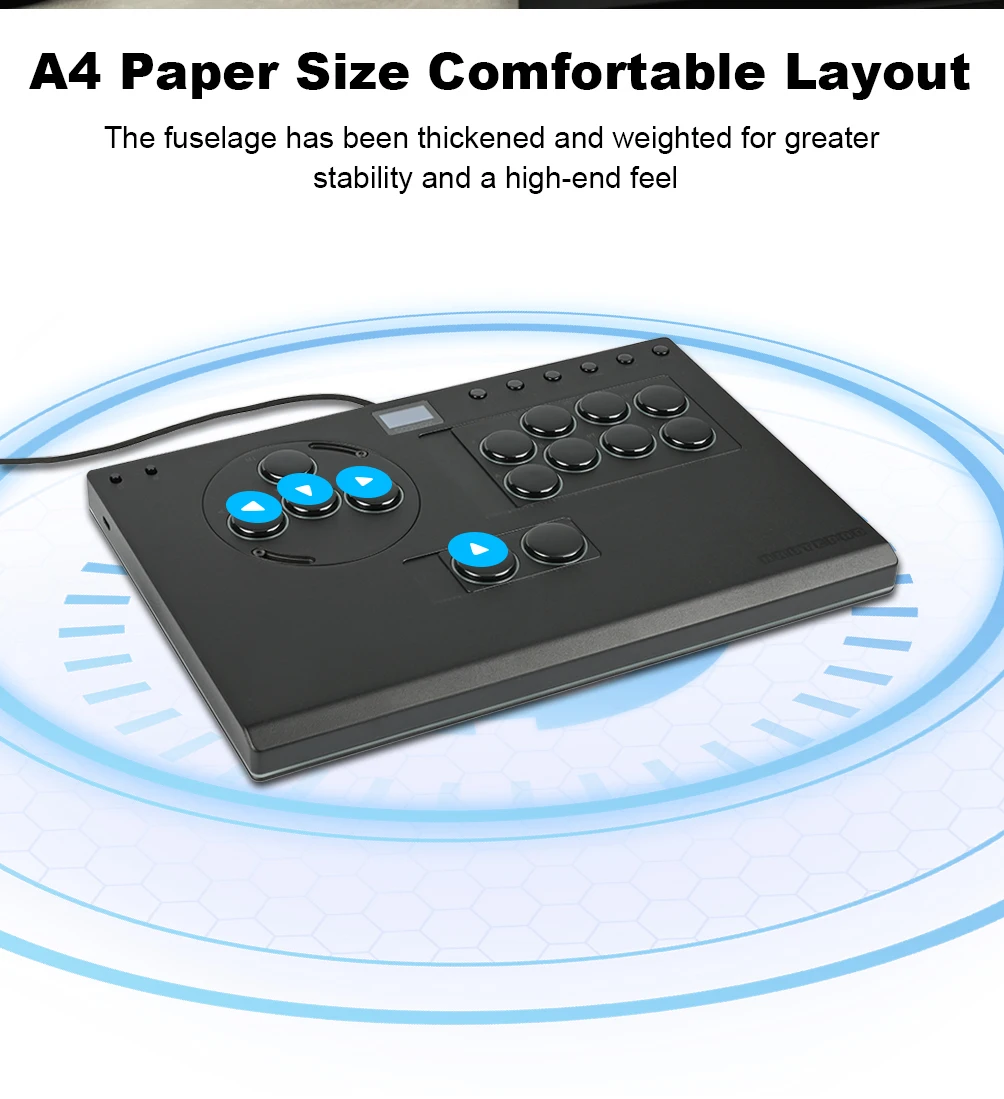
Product size: 300mm * 200mm * 2mm Key cap Size:23.5 mm
Supported Platforms : pc /ps3/ps4/switch/ Android/Steam/xbox
HautePad X-Move series
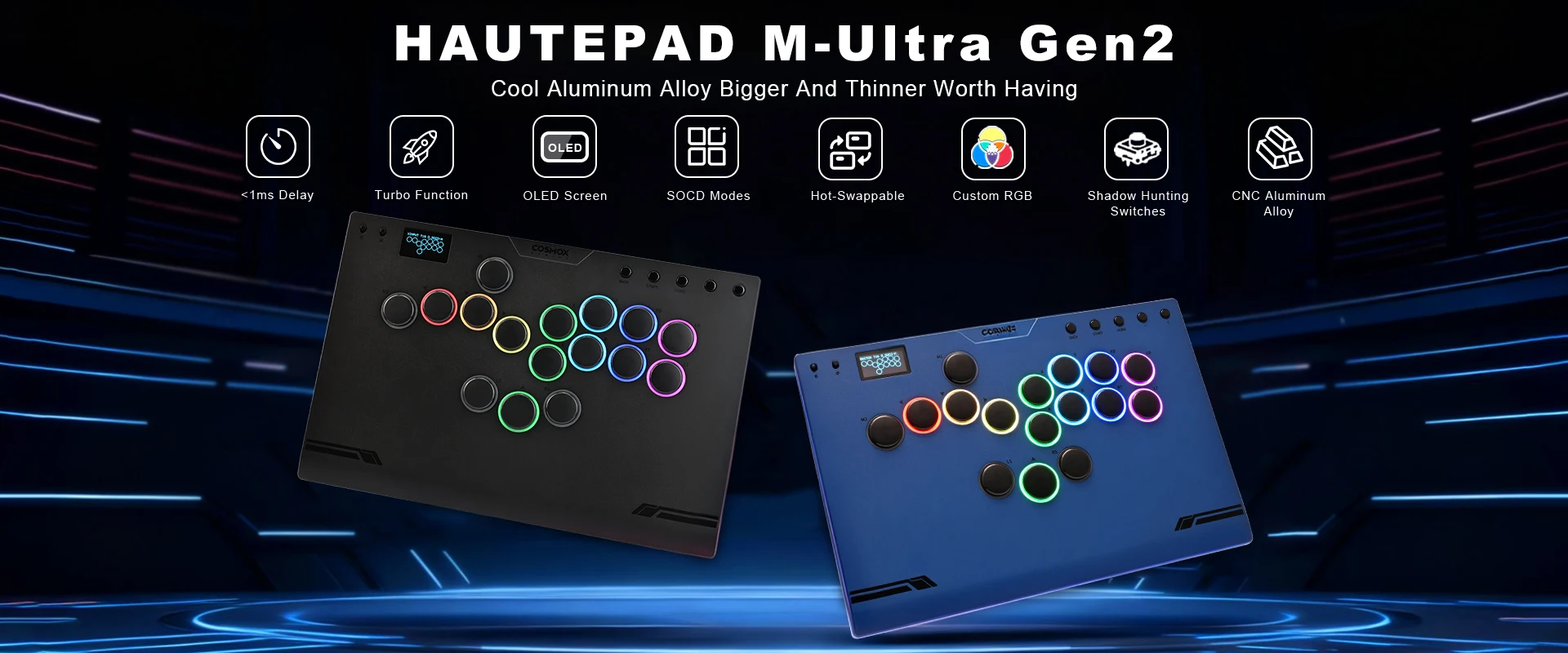
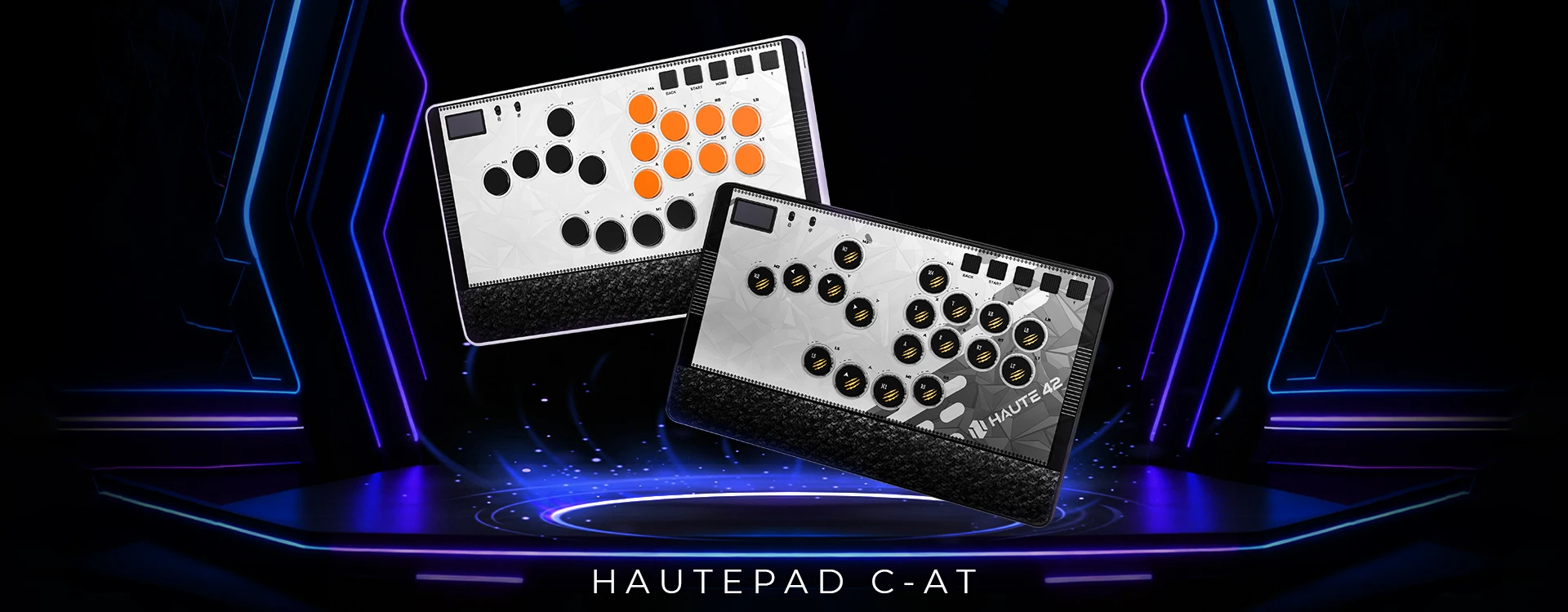
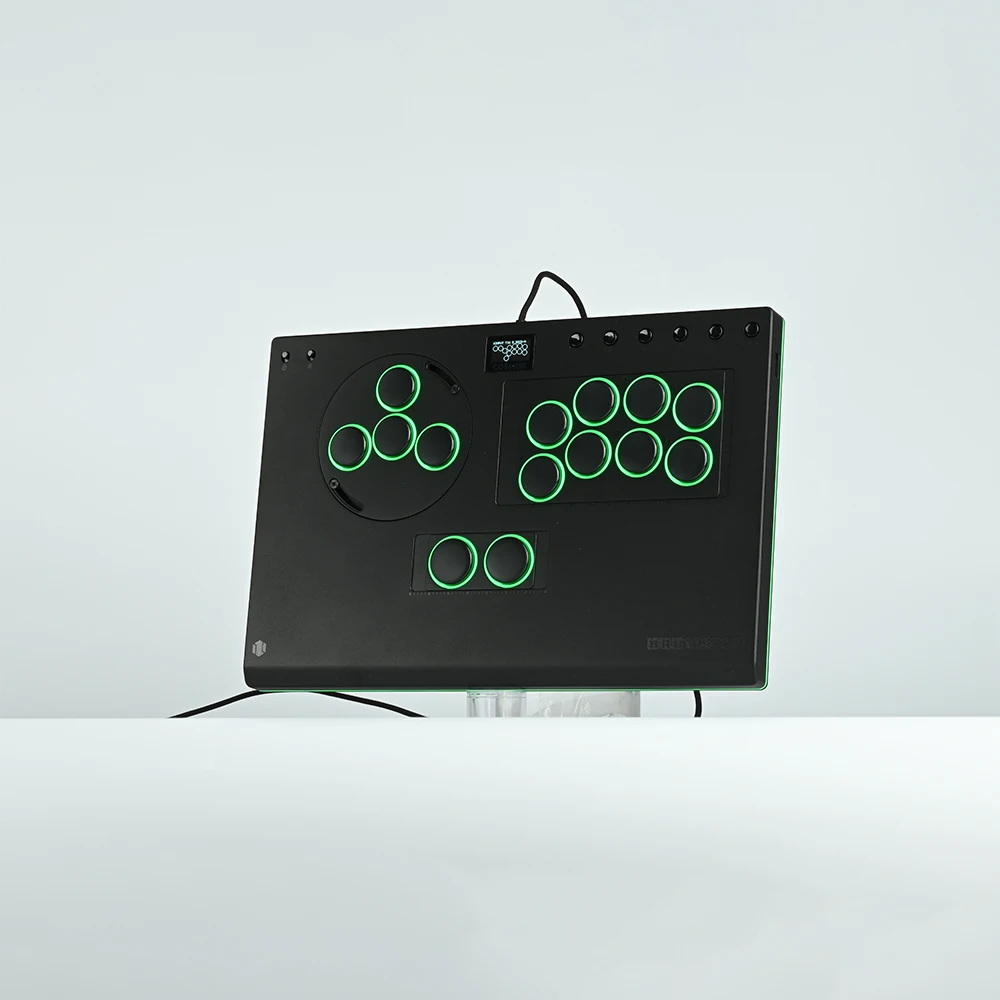
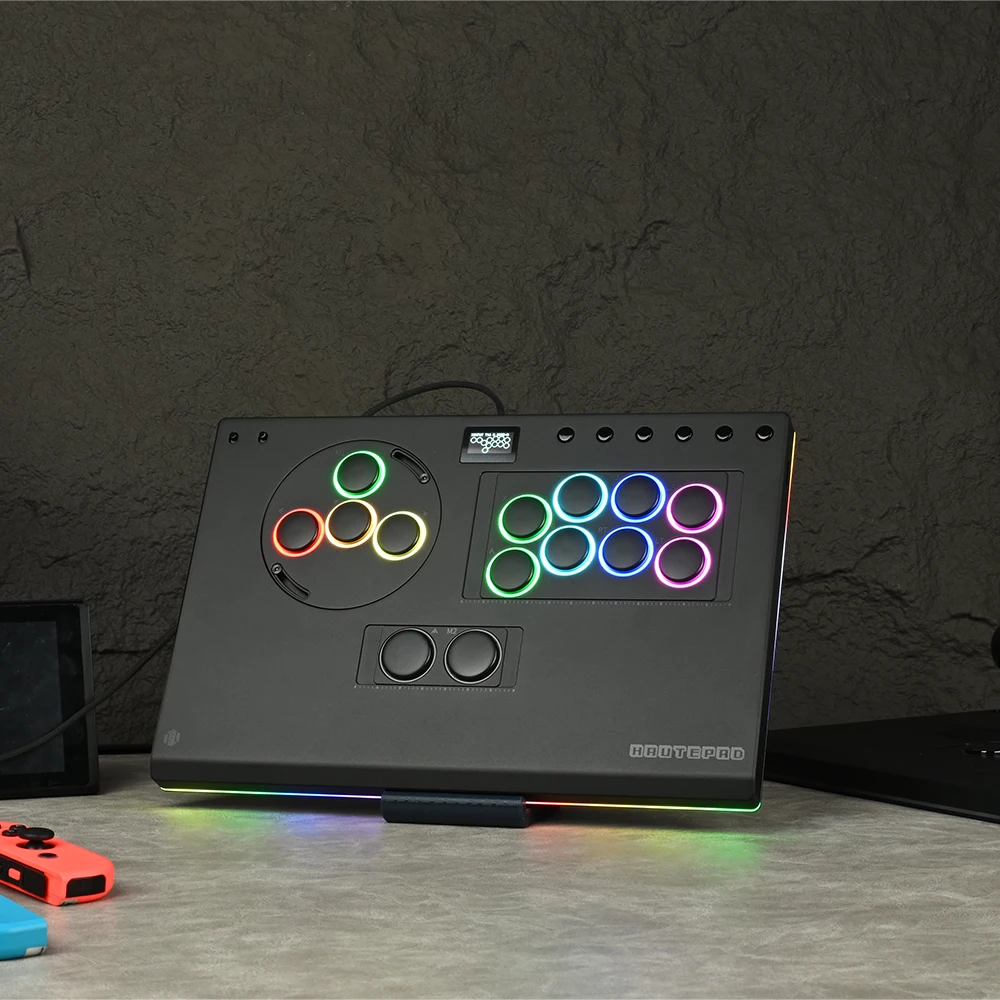
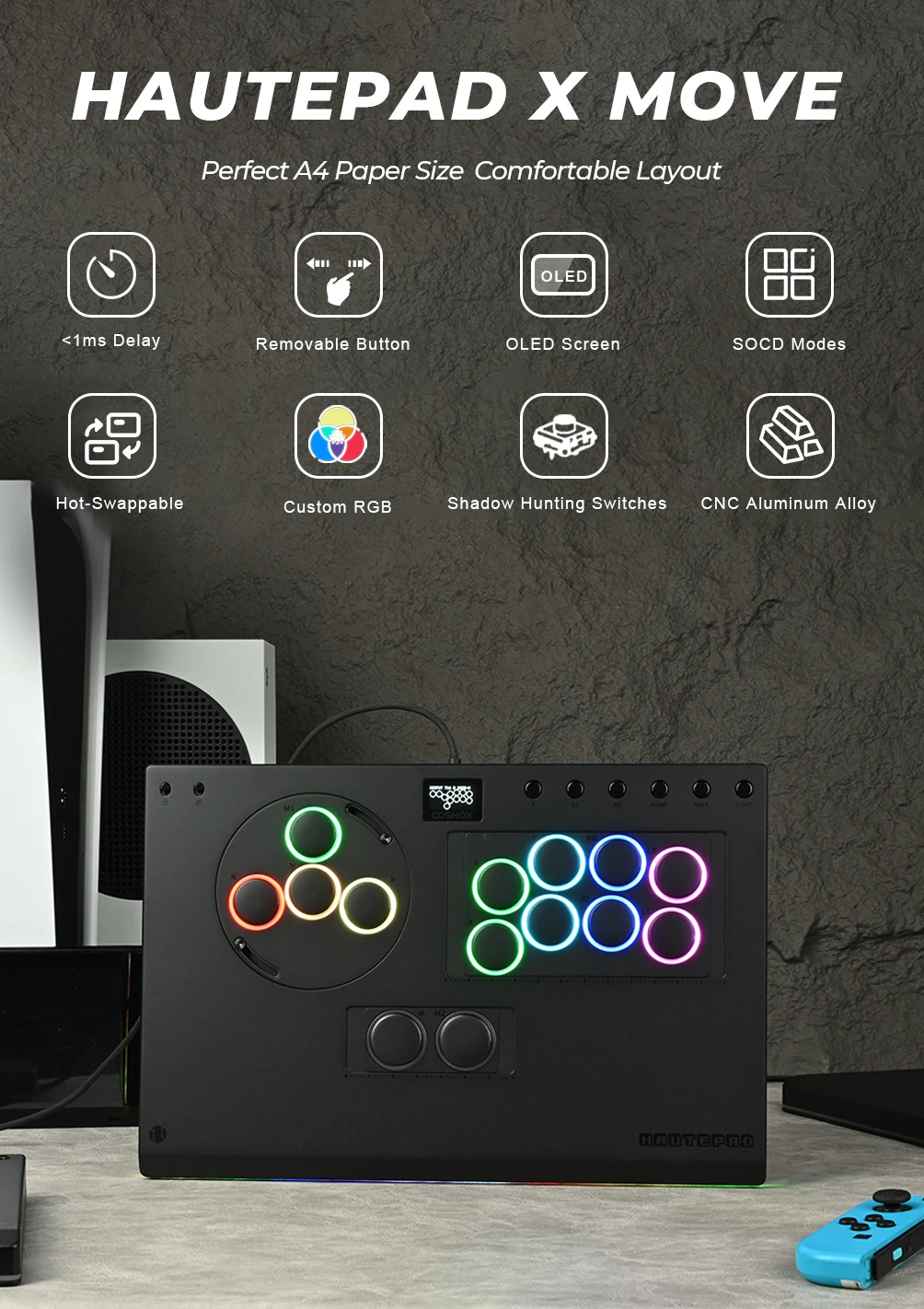
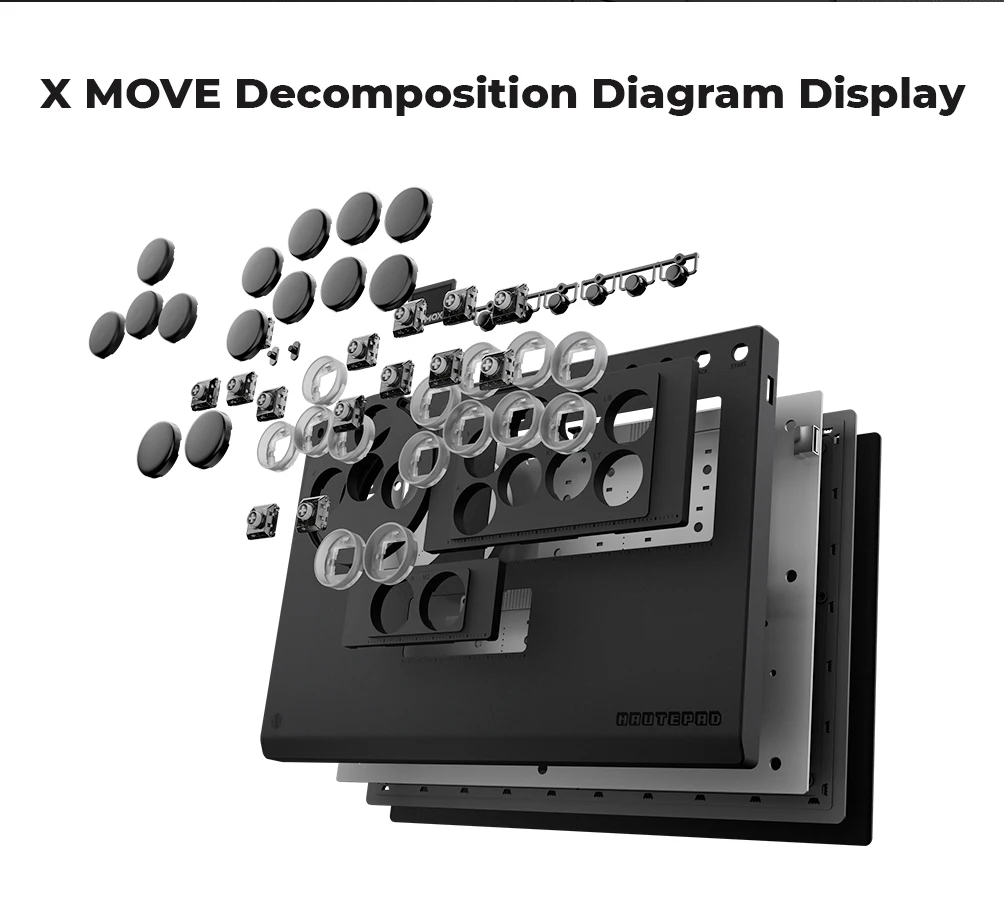
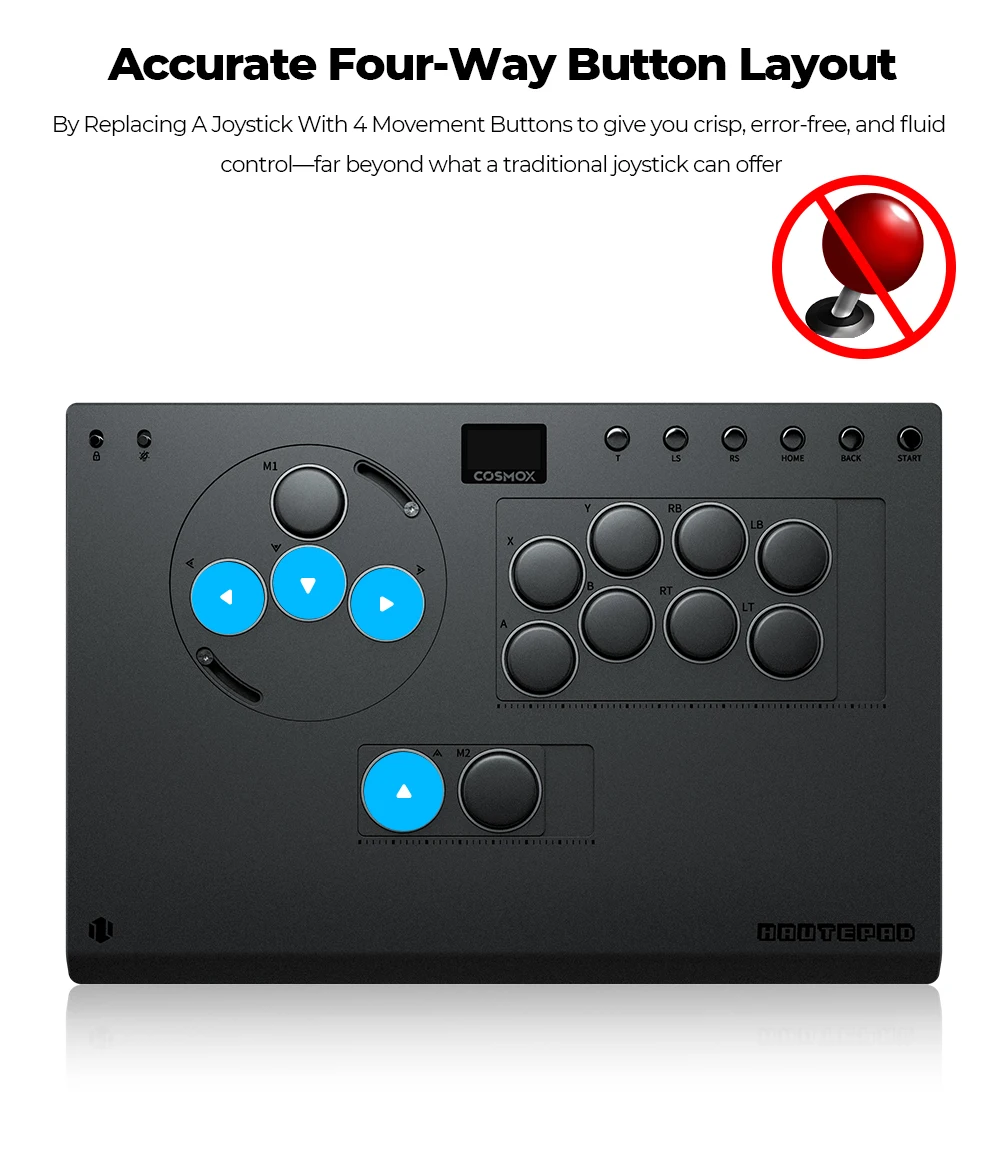
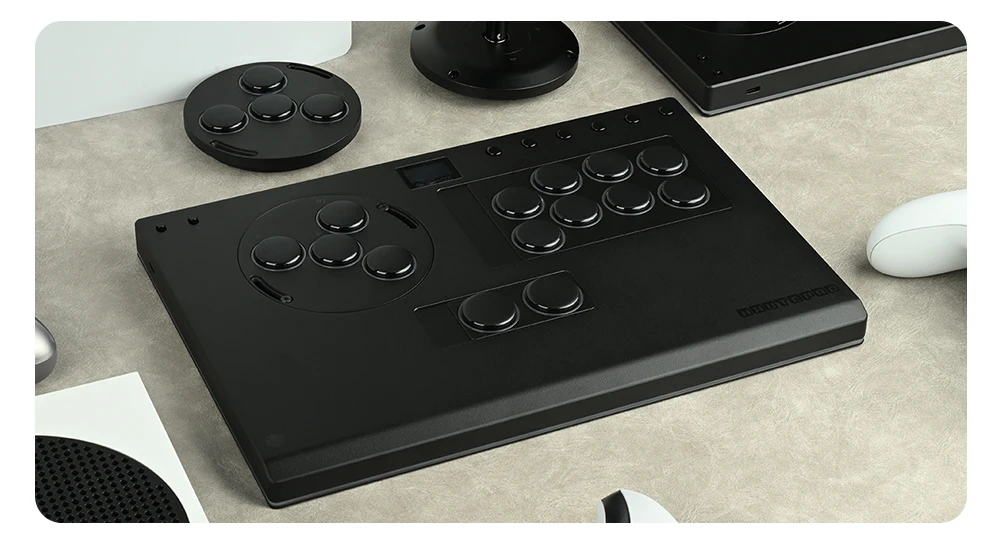
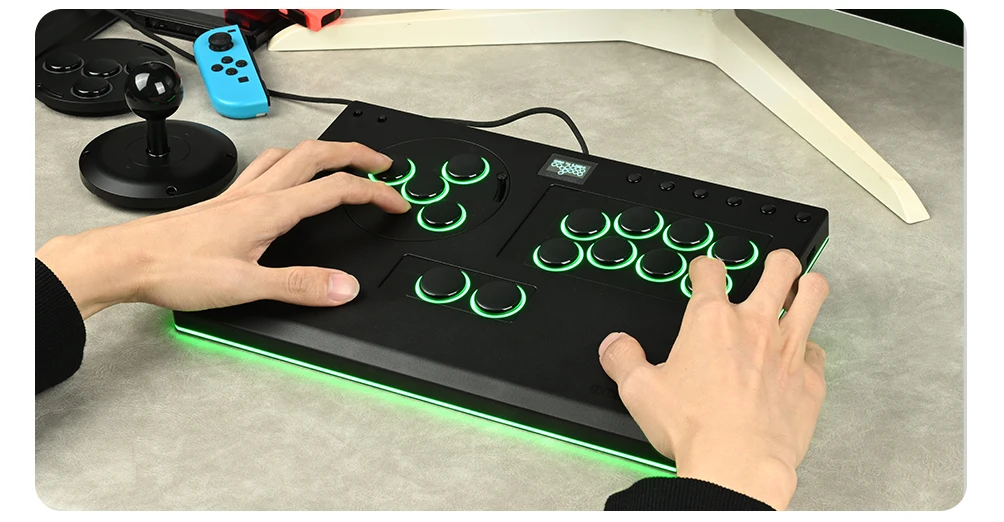
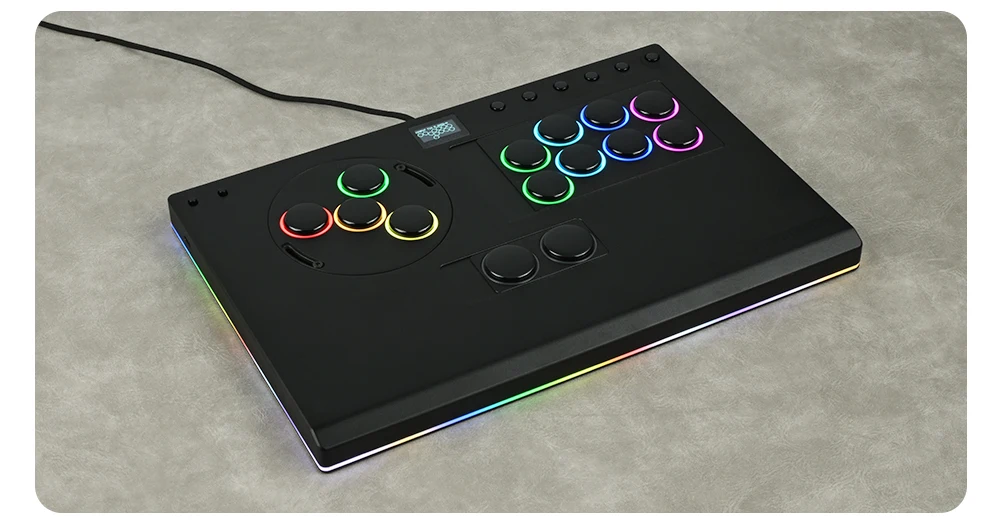
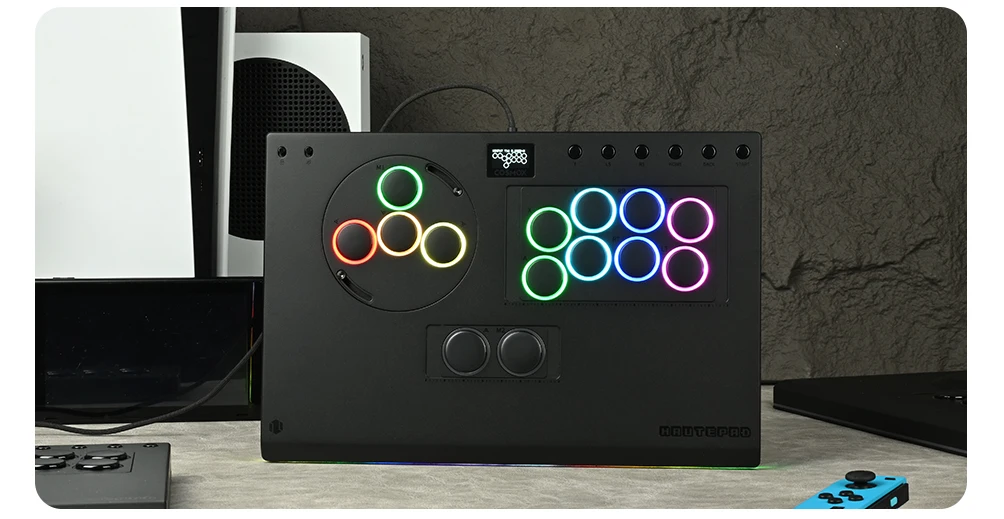
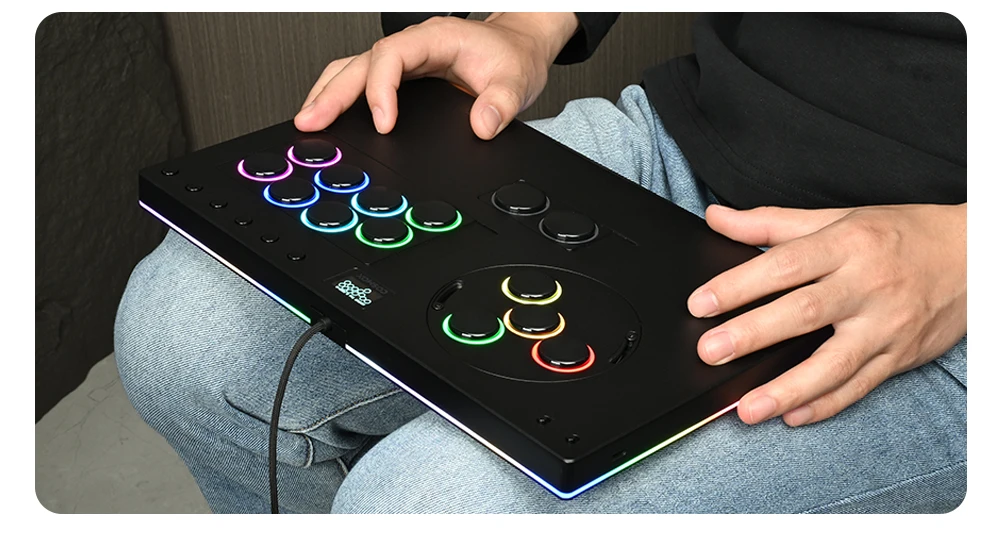
Modern 14 button layout, A4 size, suitable size, CNN aluminum alloy material, movable button features, adjust the appropriate position according to your preference, replace the module, such as the large joystick, WASD , High looks, worth having
01 Compatibility
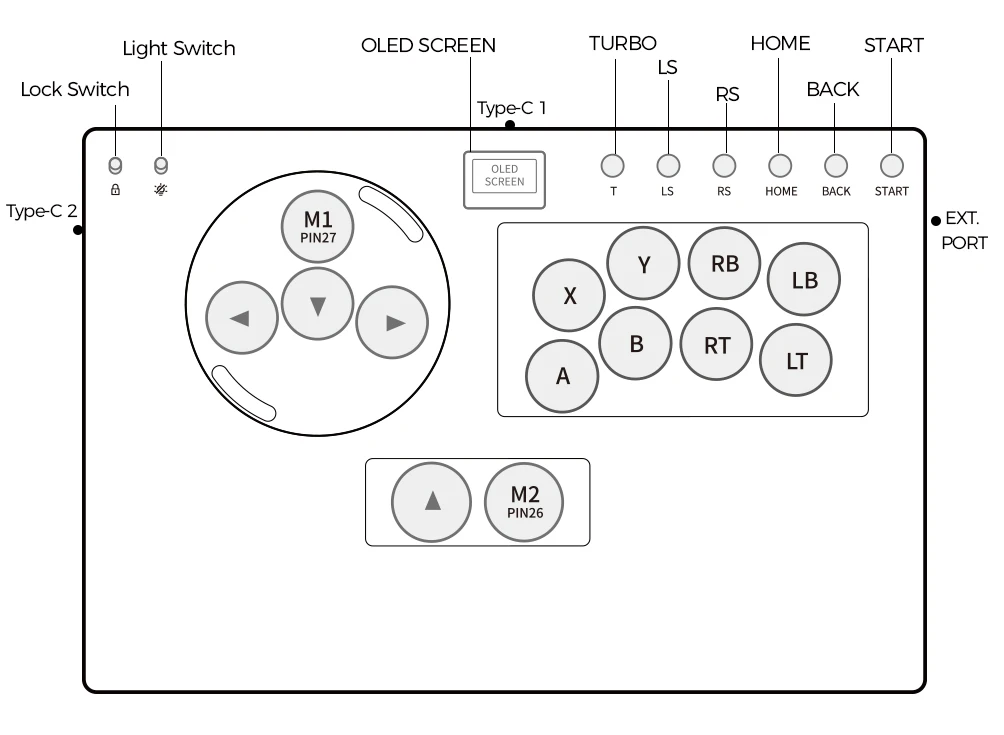
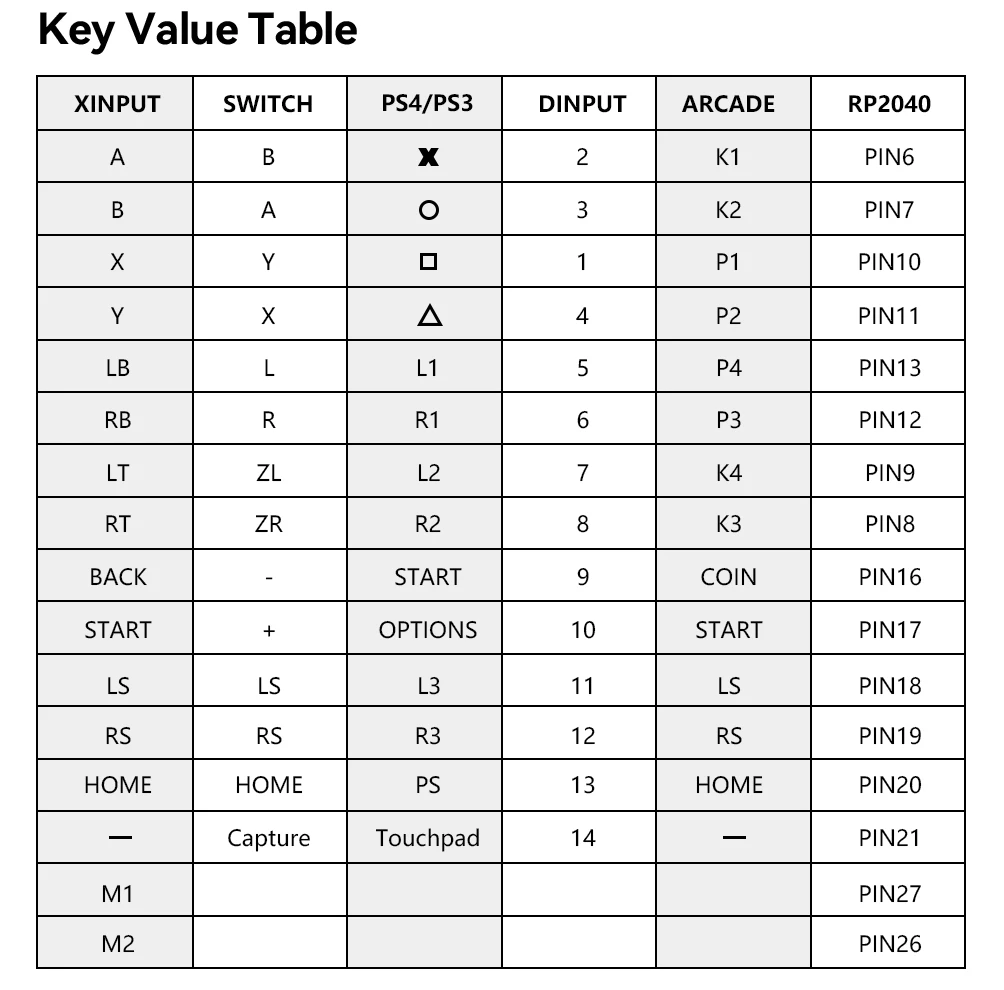
B — Xinput mode (Windows/Steam)
A — SWITCH mode
X — PS3 / Dinput mode (Raspberry Pi / Android)
Y — PS4 mode (Compatible with PS4 games on PS5 console)
RT — KEYBOARD mode
Input Mode
To change the input mode, hold one of the buttons(as shown above) as the controller is plugged in.
Tips:
This product defaults to Xinput mode,Input mode is saved across power cycles.
PS4 /PS5 Mode
About PS4 /PS5 8 minute disconnection,there are two ways, one is insert a dongle or a officially authorized PS4 wired controller to the EXT.port,We don't have a recommend one,there are too many choices,maybe you can add our discord with other nice players in haute42 group,oficial Website:haute42-cosmox.com
Web Configurator
This product contains a built-in web-based configuration application which can be started up by holding START when plugging your controller into a PC. Then access http://192.168.7.1 in a web browser to begin configuration.
TURBO
Hold TURBO,then press the button which you need to be set for turbo function,then this button will be continuous sending while you press it,to cancel this turbo key,just repeat the privious step.
The turbo key that set will be cleard when power off.
These keys can be set as a Turbo key: A / B / X / Y / LB / RB / LT / RT
04 RGB LED Setting
●BACK + START + X Next Animation
●BACK + START + A Previous Animation
●BACK + START + Y Brightness Up
●BACK + START + B Brightness Down
●BACK + START + RB LED Parameter Up
●BACK + START + RT LED Parameter Down
●BACK + START + LB Pressed Parameter Up
●BACK + START + LT Pressed Parameter Down



Връзки към правни и политически въпроси


Real Unboxing
Warehouse Packing
Shipping Orders Daily
Търсите още?
Абонирайте се за нашите имейли
Бъдете първите, които ще научат за нови колекции и специални оферти.