
Batocera 1TB Game Card with 61200+Retro Games for PS3/PS2/PS1/PSP/MAME/WII/NES/SS for Steam Deck/Win 600/GDP WIN4/Win PC/Laptop
1TB 61240 Games
HK$2,806.00 HKD
Цена при разпродажба
HK$2,806.00 HKD
Обичайна цена
HK$0.00 HKD
Batocera 1TB Game Card with 61200+Retro Games for PS3/PS2/PS1/PSP/MAME/WII/NES/SS for Steam Deck/Win 600/GDP WIN4/Win PC/Laptop
HK$2,806.00 HKD
Цена при разпродажба
HK$2,806.00 HKD
Обичайна цена
HK$0.00 HKD
✔ I have reviewed the product version and details
В момента няма възможност за вземане
SPECIFICATIONS
Applicable Device 1: Steam Deck (Oled)
Applicable Device 2: Steam Deck Oled
Applicable Device 3: Win 600
Applicable Device 4: GDP WIN4
Applicable Device 5: MAC (Intel Chip)
Applicable Device 6: Windows PC
Applicable Device 7: Windows Laptop
Application: Laptop,Handheld game console
Brand Name: JMachen
Capacity: 1TB,1TB
Certification: CE,weee
Compatible Brand/Model: None
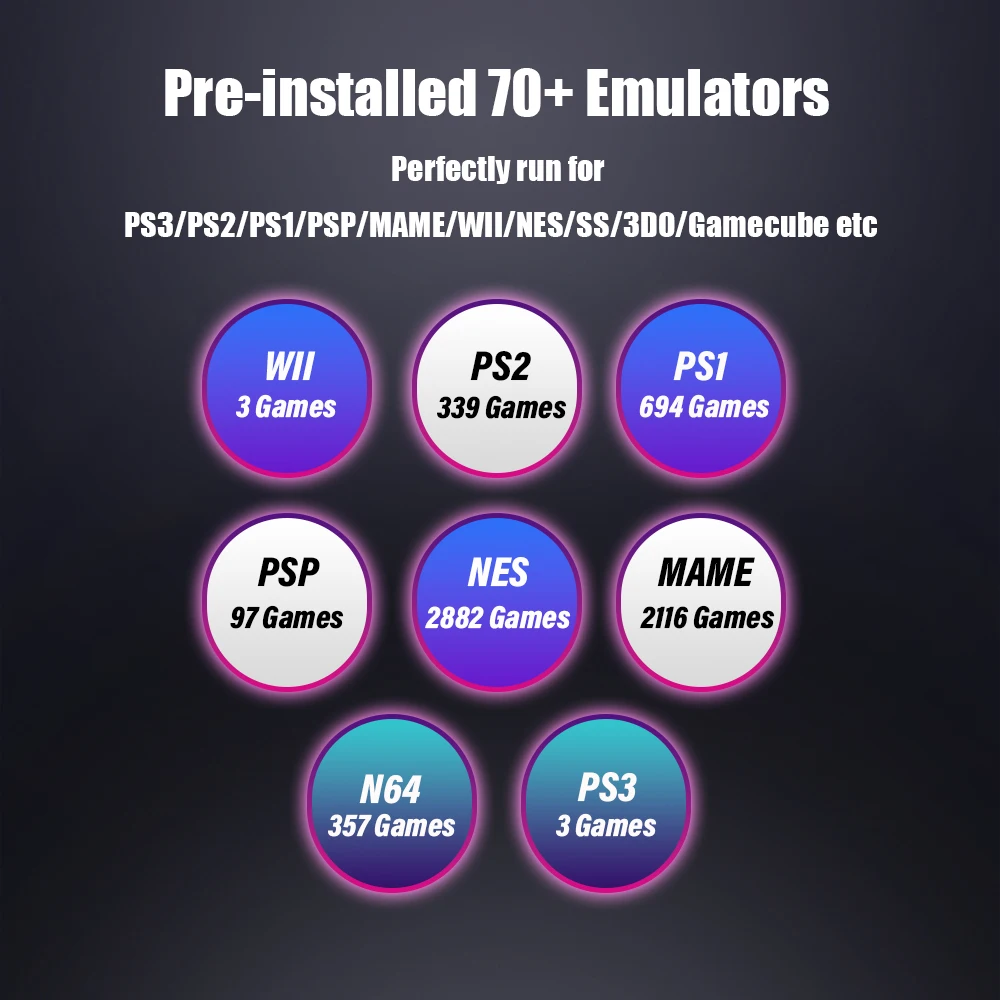
Emulators: 70+ Emulators for PS3/PS2/PS1/PSP/MAME/WII/NES/SS/3DO/Gamecube etc
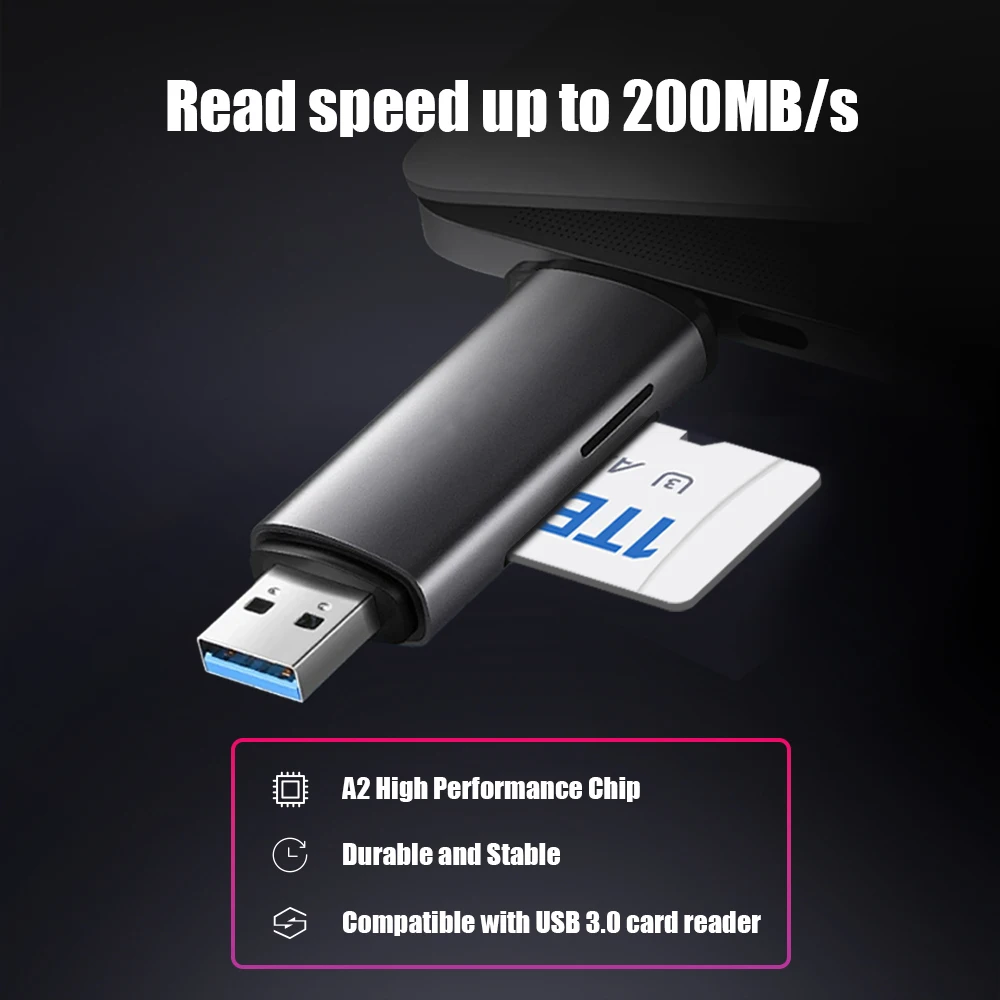
Fast Reading Speed: Up to 200MB/s
Feature 1: A2 High Performance Chip,Durable and Stable,Compatible with USB 3.0 Card Reader,Supports Multi-Languages,Game Card,Memory Card
Games: 61240+ Retro Games
High-concerned chemical: None
Model Number: 1TB Game Card
Operate: Plug and Play
Origin: Mainland China
System: Latest Batocera 39 System
Video Speed Class: None
👉Contact online customer service to get the game list !
⭐Buy products from our store -- we will provide technical support and after-sales service !
Main Highlights
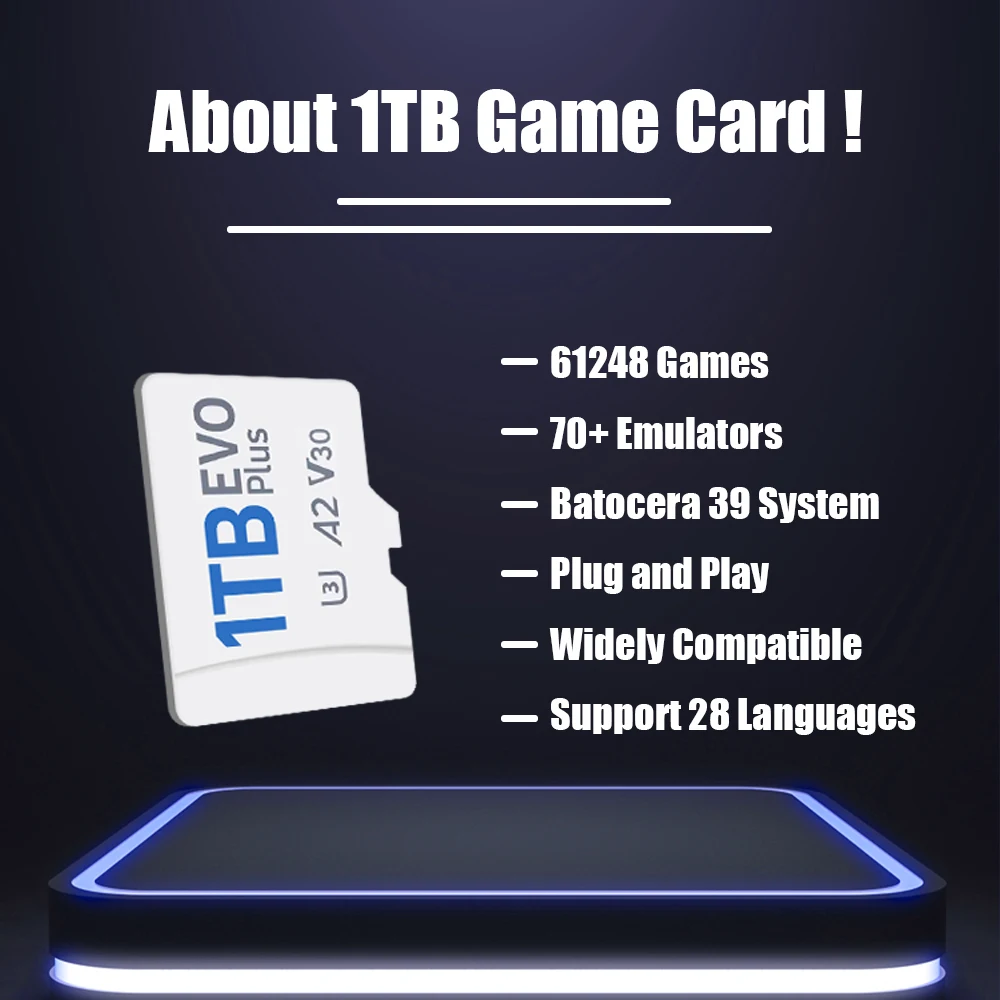
🔷 100% Plug and Play, no additional driver needed!
🔷 1TB Capacity, built-in 61200+ Retro Games
🔷 Suitable for Steamdeck/ Steamdeck OLED/ Windows Handheld Game Console/ Windows PC/Windows Laptop etc
🔷 A2 high performance chip, reading speed up to 200MB/s, say goodbye to long waits and enjoy a convenient gaming experience
🔷 Latest Batocera 39 system, pre-installed 70+ emulators, perfectly run for PS3, PS2, PS1, PSP, MAME, NES, N64, GameCube, WII, Sega Saturn etc
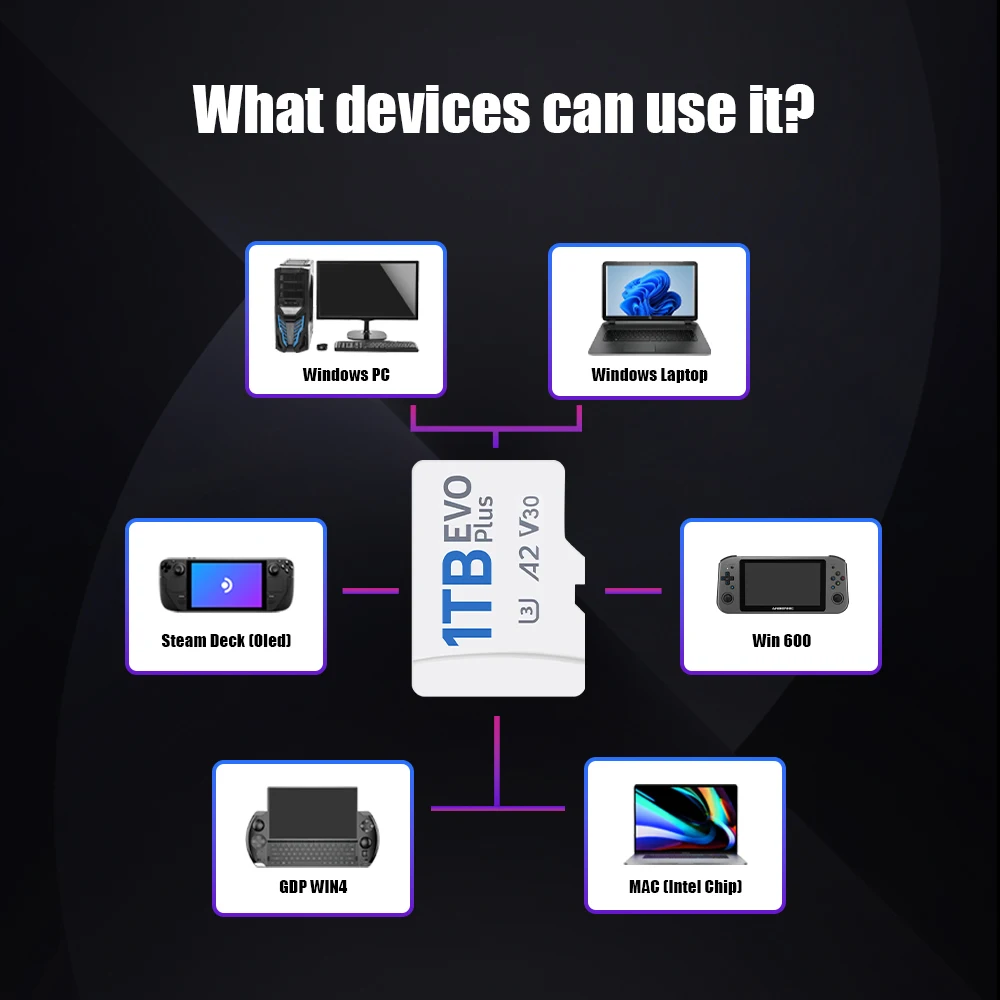
What Devices Can Use This Game Card?
✅Steam Deck
✅ Steam Deck Oled
✅Win 600
✅GDP WIN4
✅MAC (Intel Chip)
✅Windows PC
✅Windows Laptop
📢 Note: Please confirm carefully before placing an order. If you are not sure whether your device is compatible with this game card, please feel free to contact our online sales representatives.
How to Enter the Batocera system❓
FOR STEAM DECK USERS
🔶 Method 1: Turn off the power, insert the game card into your device; first press and hold the “volume ➕ ”, do not release it in the shutdown state, press the “power“ button at the same time for about ten seconds . Immediately release the "volume ➕" and "power" button after hearing the prompt sound to successfully enter the BIOS interface.
🔶 Method 2: Press the power button once in the shutdown state and release it, and immediately press the B button to successfully enter the bios interface
🔶 Method 3: Press and hold the volume button ➖ and do not release it, press the power button at the same time, release the power button, hear the prompt tone, release the volume button ➞, you will enter the system boot interface, and then press the B button to return to the bios interface
For WIN PC/MAC users
① Insert the game card into your device
② After pressing the power button, press and hold the ESC or Delete key on the keyboard to enter the BIOS. For Mac users, just hold Option and select the removable drive to boot from.
(Select Hard Drive in the boot override option, your PC will start Batocera once, and it will return to your own operating system after restarting. If you want Batocera to be the default boot option, please enter the startup page and set the mobile hard disk as the boot option #1)
🔷 Your device's BIOS interface and options may be different due to a manufacturer's unique BIOS or UEFI system. If you encounter any questions and difficulties, you are very welcome to communicate with our friendly sales staff.
What should I do if the image is displayed vertically on the screen when using it on a computer❓
Method: just call up the MAIN MENU - find the SYSTEM SETTING - find the SCREEN POTATION - change to ATUO !
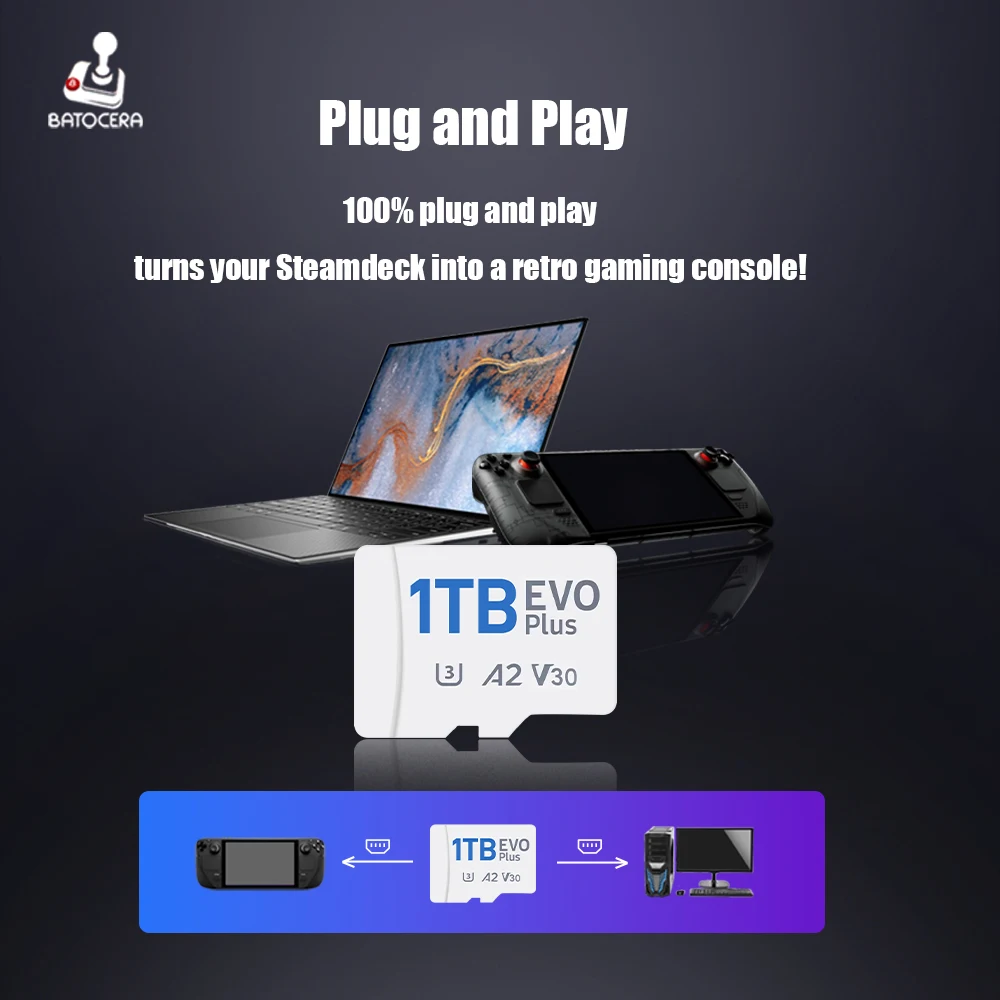
Plug and Play
100% plug and play, turns your Steamdeck into a retro gaming console!
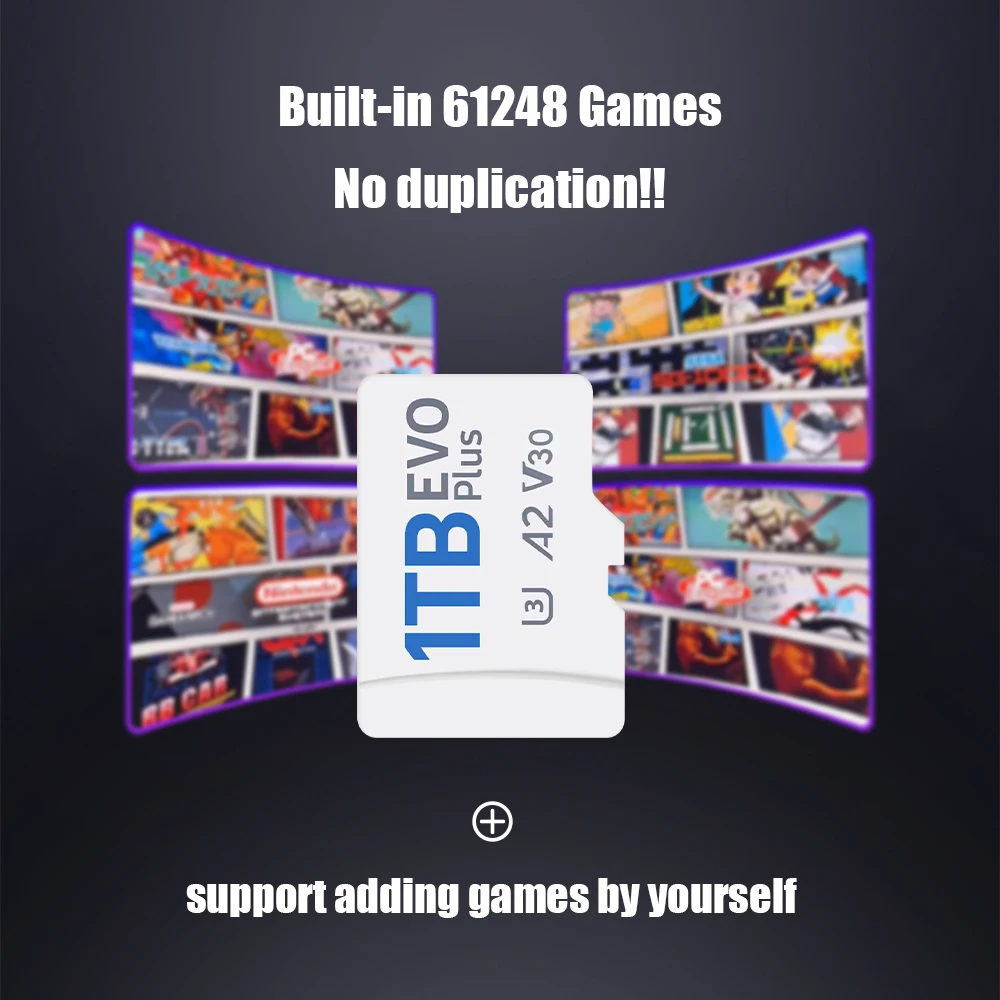
Built-in 61248 Games
This 1TB game card built-in 61248 retro games, no duplicate games, support adding games by yourself
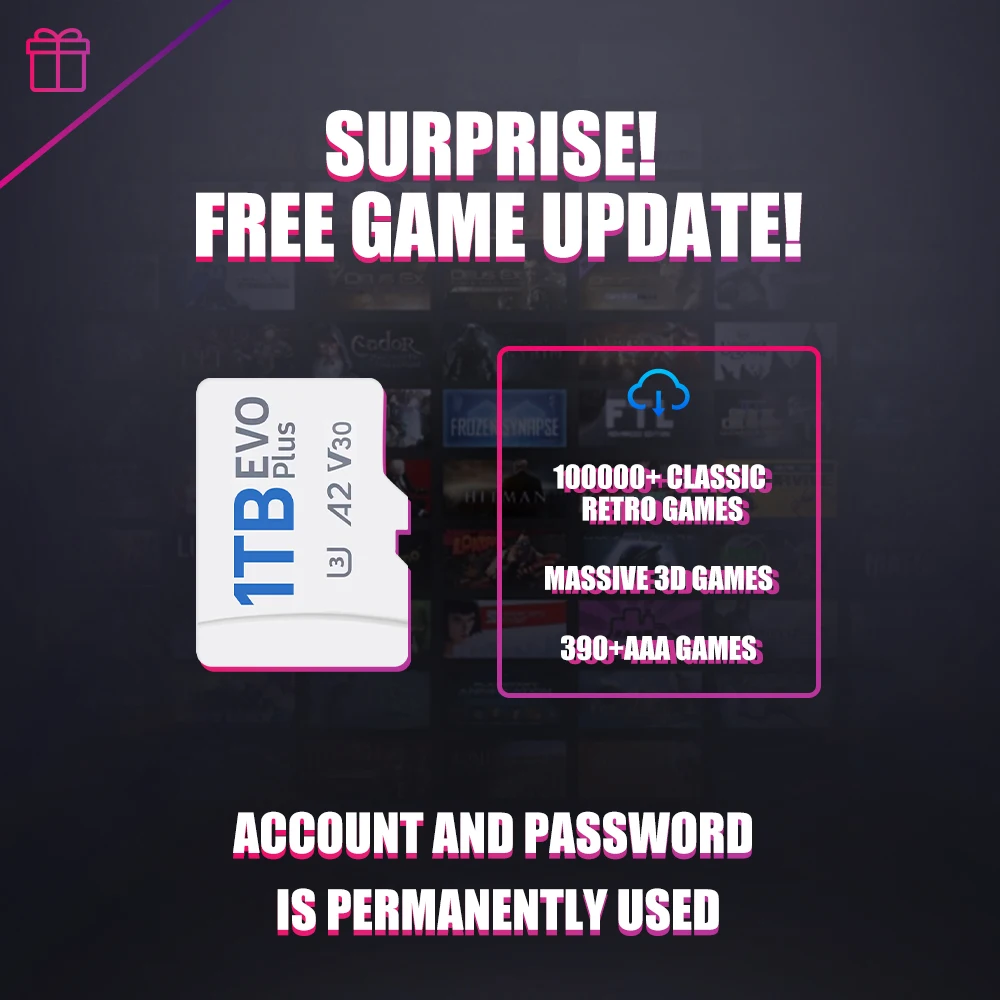
🎁 Surprise! Free Game Update!
🔸100000+ Classic Retro Games
🔸 Massive 3D Games
🔸 390+AAA Games
🎀 If necessary, contact our customer service staff to obtain the account and password for game download resources
Read speed up to 200MB/s
Fast reading speed, up to 200MB/s, more stable, bringing you a perfect gaming experience!
🚀 A2 High Performance Chip
🚀 Durable and Stable
🚀 Compatible with USB 3.0 card reader
Pre-installed 70+ Emulators
This game card pre-inatalled 70+ emulators, perfectly run for PS3, PS2, PS1, PSP, MAME, WII, NES, SS, 3DO, Gamecube etc
Supports Multi-Languages
Support 28+ languages, language is no longer a barrier to gaming

Buy With Confidence
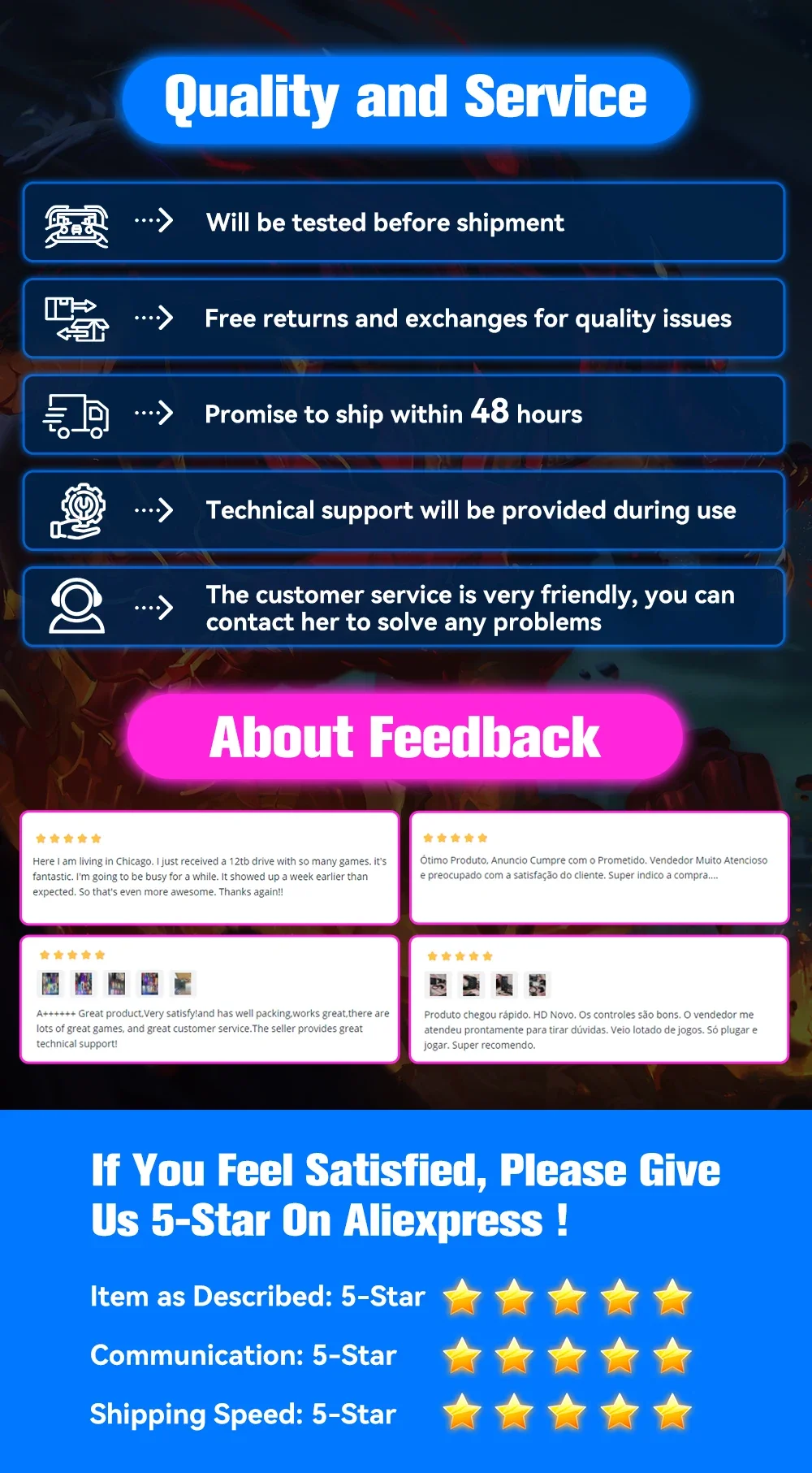
⭐Will be tested before shipment.
⭐Free returns and exchanges for quality issues.
⭐Promise to ship within 48 hours.
⭐Technical support will be provided during use.
⭐The customer service is very friendly,you can contact her to solve any problems.
Връзки към правни и политически въпроси


Real Unboxing
Warehouse Packing
Shipping Orders Daily
Търсите още?
Абонирайте се за нашите имейли
Бъдете първите, които ще научат за нови колекции и специални оферти.