
Wireless Controller For Xbox One Series X/S Pc Gaming Gamepad With 6-Axis Gyro Sensor Dual Vibration Hall Effect Wifi Joystick
blue
HK$1,852.00 HKD
Wireless Controller For Xbox One Series X/S Pc Gaming Gamepad With 6-Axis Gyro Sensor Dual Vibration Hall Effect Wifi Joystick
HK$1,852.00 HKD
✔ I have reviewed the product version and details
В момента няма възможност за вземане
SPECIFICATIONS
6-Axis: Hall Effect
Brand Name: Bonadget
Certification: CE
Choice: yes
Compatible Brand/Model: Microsoft
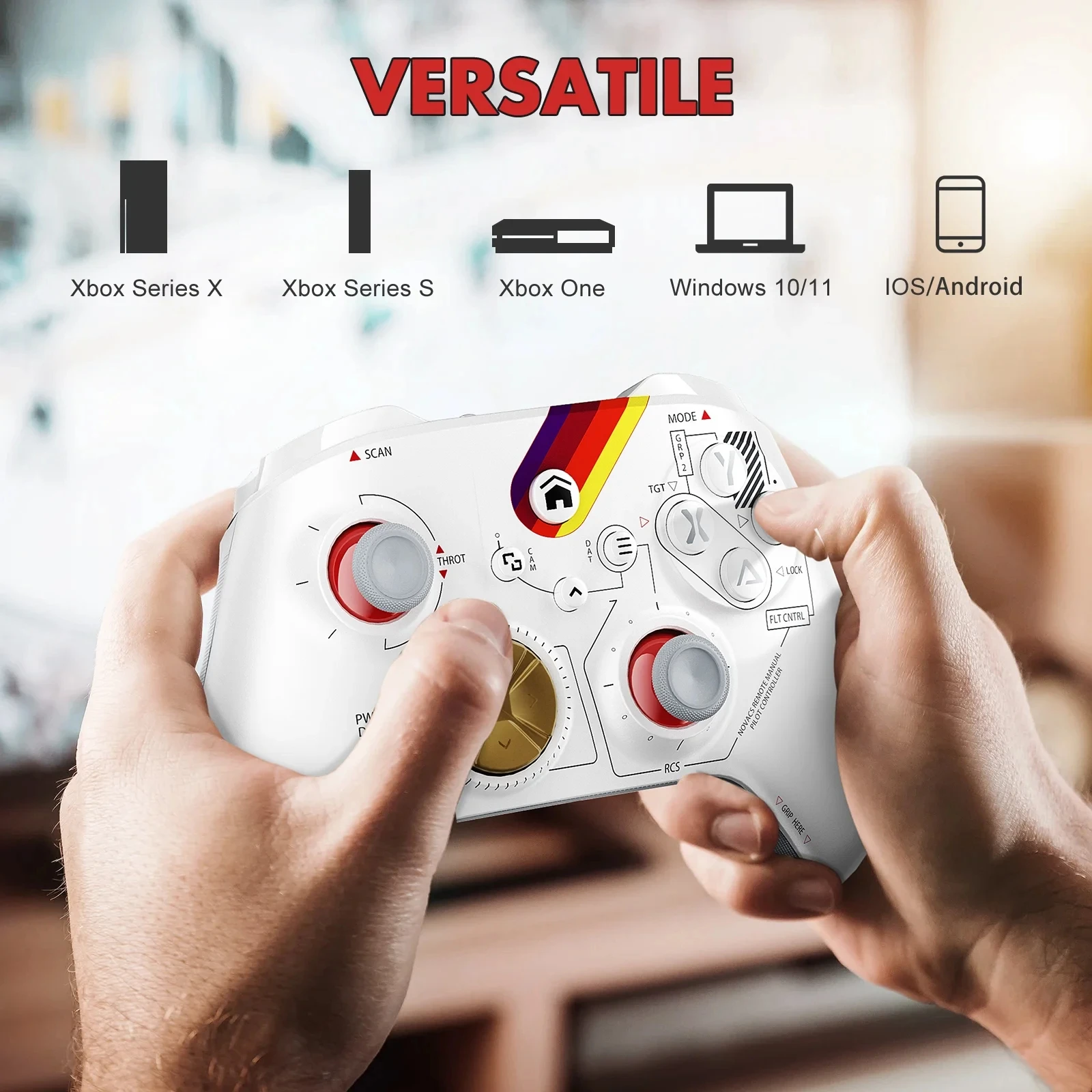
Compatible Microsoft Model: Xbox One,Xbox One S,Xbox One X,XBOX SERIES X,Xbox Series S
Compatible Platform: xbox,PC,Android,iOS
Hall Effect: Yes
High-concerned chemical: None
Interface Type: Bluetooth
Origin: Mainland China
Package: Yes
Pc Gamepad: Dual Vibration
Trigger Button Type: Hall-Linear
Type: Gamepads
Wireless Controller: Xbox One
Xbox Series X: Xbox Series S
semi_Choice: yes
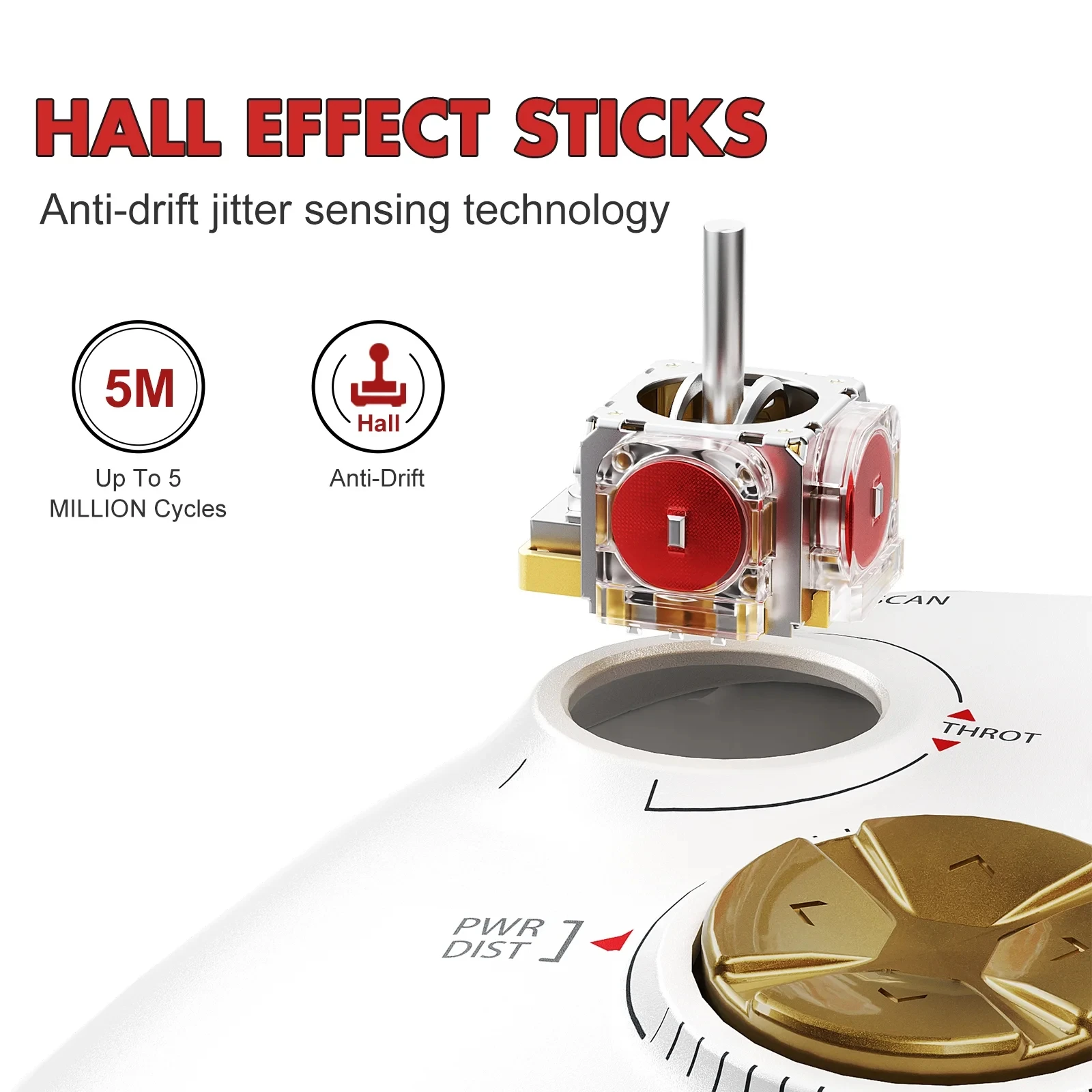
📌【 Newly Upgraded 3D Joystick and Button】Newly upgraded 3D joystick and buttons, moderate resistance of the joystick, sensitive and not drifting,Button rebounds quickly and does not stick,E-Sports Level Linear Trigger provide more precise operation.
📌【 Stable Connection No Delay】The Xbox One controller is connected by wireless WiFi/Bluetooth/USB cable, combined with a new generation of anti-interference technology, the connection is fast and stable without delay.
📌【 Six-Axis Sensor】The xbox controllers have a built-in 3-axis gyroscope and 3-axis accelerometer, which can accurately perceive the motion information of the controller and provide more precise and immersive somatosensory operations.
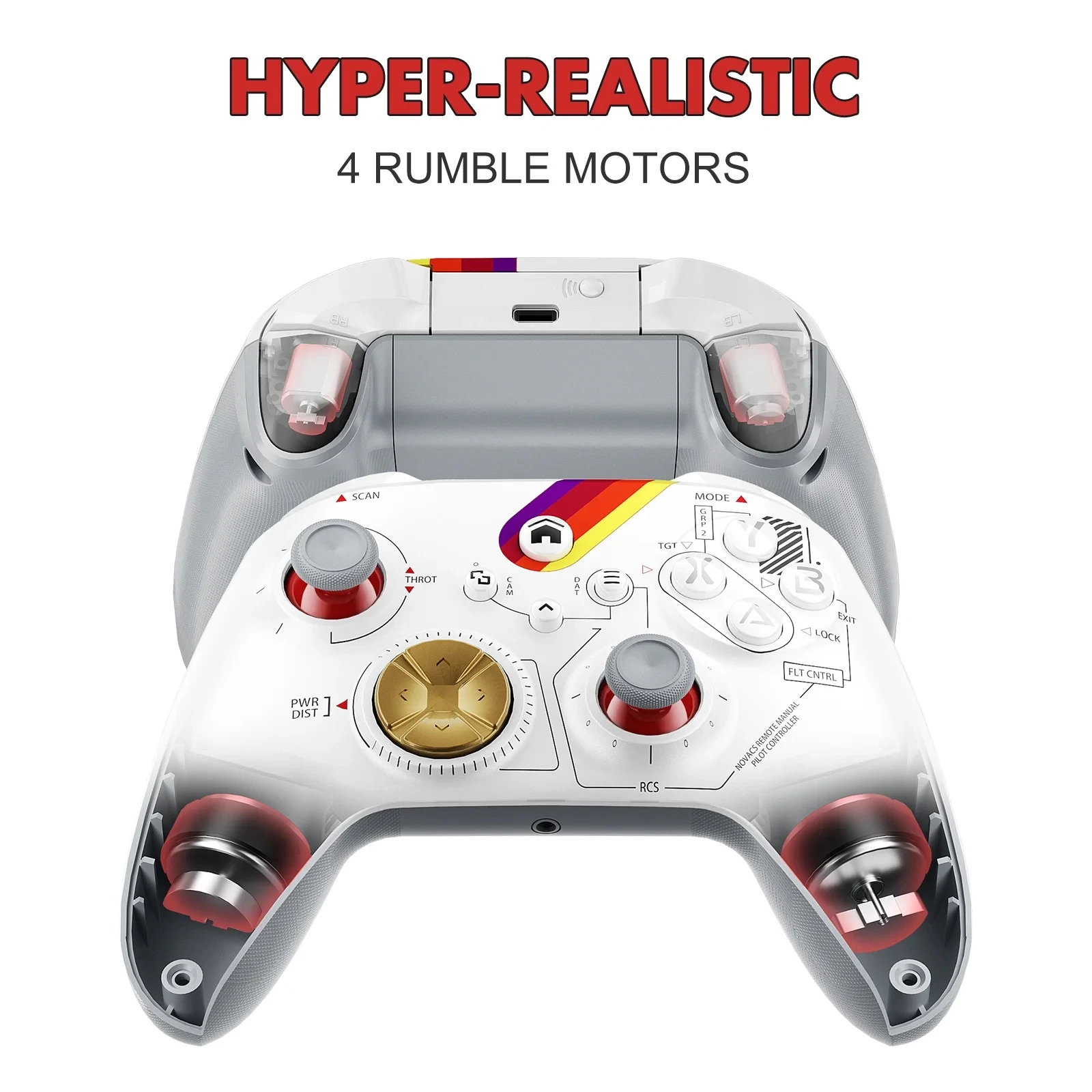
📌【 Dual Vibration】The xbox one controller has 2 built-in vibration motors, the vibration intensity is adjustable, providing realistic game vibration feedback.
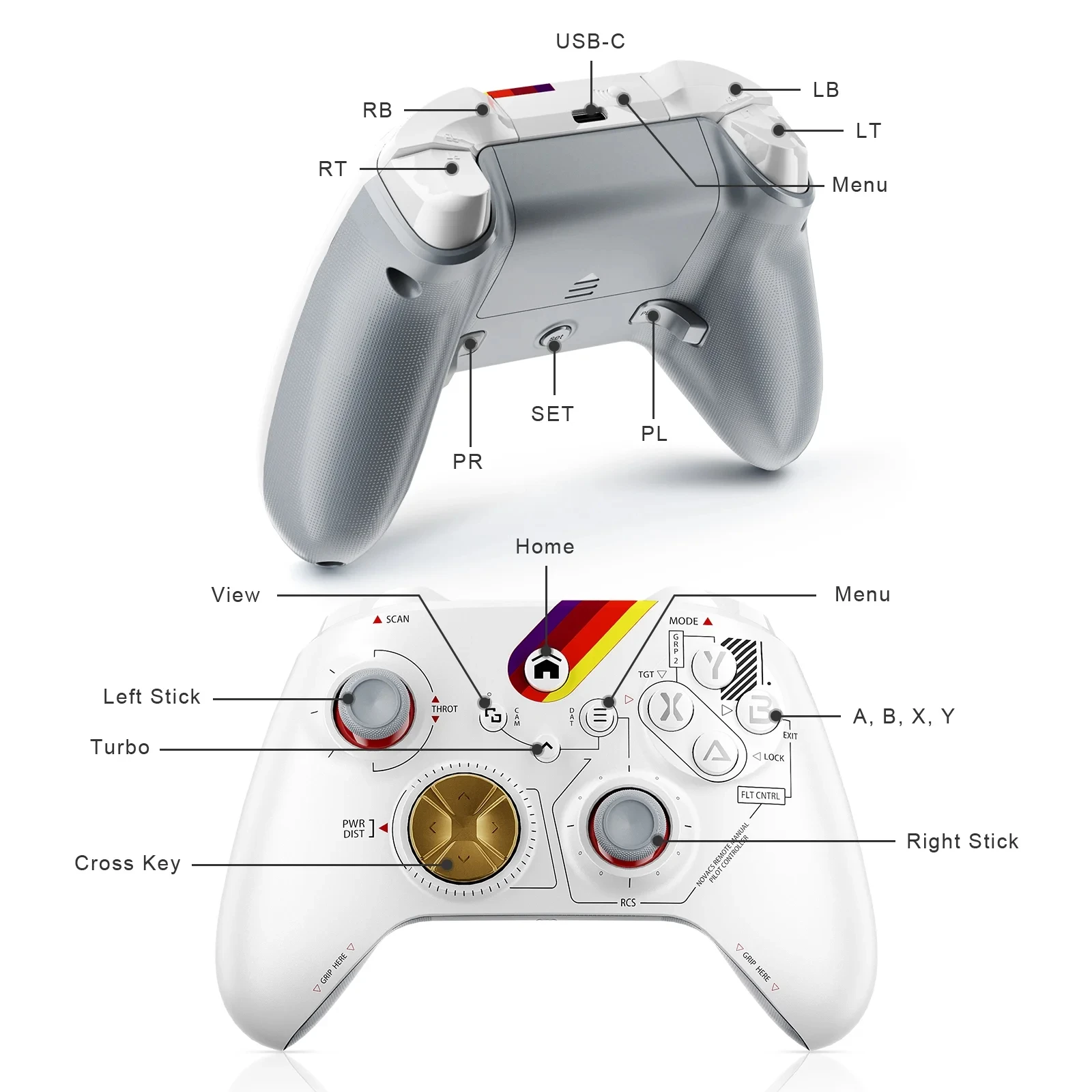
📌【 Button Mapping and Tubro Function】The controller supports TUBRO function, TUBRO target buttons: A, B, X, Y, LB, LT, RB, RT, with 2 mapped buttons on the back, support custom buttons.
📌【 Stable Connection No Delay】The Xbox One controller is connected by wireless WiFi/Bluetooth/USB cable, combined with a new generation of anti-interference technology, the connection is fast and stable without delay.
📌【 Six-Axis Sensor】The xbox controllers have a built-in 3-axis gyroscope and 3-axis accelerometer, which can accurately perceive the motion information of the controller and provide more precise and immersive somatosensory operations.
📌【 Dual Vibration】The xbox one controller has 2 built-in vibration motors, the vibration intensity is adjustable, providing realistic game vibration feedback.
📌【 Button Mapping and Tubro Function】The controller supports TUBRO function, TUBRO target buttons: A, B, X, Y, LB, LT, RB, RT, with 2 mapped buttons on the back, support custom buttons.
-
▼About the Connection of the Controller:1. First Press the host pairing button to enter the pairing mode, press and hold the controller "Home " button for 1 second to turn on the controller.2. Home light flashes slowly, press and hold the pairing button of the controller for 1 second, the home light flashes quickly, and the controller enters the pairing state.3. Home light of the controller is always on, the controller and the host are successfully paired, and the pairing is complete.(For other device connection methods, please refer to the user manual)
-
▼Packing List:
Xbox Wireless Controller *1
USB Data Cable *1
Manual Warranty Card *1
Връзки към правни и политически въпроси


Real Unboxing
Warehouse Packing
Shipping Orders Daily
Търсите още?
Абонирайте се за нашите имейли
Бъдете първите, които ще научат за нови колекции и специални оферти.