
Latest FXPAK PRO MAX Firm1.11.0 For SNES NSTC/PAL Retro Console SFC Card Up To 200G RCT With Cyclone IV Hardware Game Everdrive
Black Tra No SD Card / China Mainland
HK$1,716.00 HKD
Цена при разпродажба
HK$1,716.00 HKD
Обичайна цена
HK$0.00 HKD
Latest FXPAK PRO MAX Firm1.11.0 For SNES NSTC/PAL Retro Console SFC Card Up To 200G RCT With Cyclone IV Hardware Game Everdrive
HK$1,716.00 HKD
Цена при разпродажба
HK$1,716.00 HKD
Обичайна цена
HK$0.00 HKD
✔ I have reviewed the product version and details
В момента няма възможност за вземане
SPECIFICATIONS
Accessories Type: SD/TF Card Adapter
Brand Name: NONE
Built-in Real Time Clock: Supports ROMs up to 128Mbit
Choice: yes
Compatible Brand/Model: Nintendo
Compatible Nintendo Model: Super Famicom
Directories sort themselves automatically: Crisp 512*224 high-res menu
Electric: No
High-concerned chemical: None
Menu navigation is super snappy: Hard gold-plated cartridge contacts
Model Number: REV MAX2.0
Origin: Mainland China
SRAM saves to your microSD card almost instantly: MSU-1 works seamlessly with all supported chips and ROMs
With USB: YES
Works with microSD cards up to 200GB: ROM loading speed hits ~9MB/s
semi_Choice: yes
Must Read Before Buying
Please don't doubt its compatibility. Its hardware system and circuit design are identical to the Ukrainian version—I trust you got that.
Each item undergoes rigorous testing before shipment. Unless subjected to violent damage during transit, you will not receive defective items.
The CR2032 lithium battery is not included in the package at the time of shipment. Please refer to the Q&A section below for the reason. please be advised.
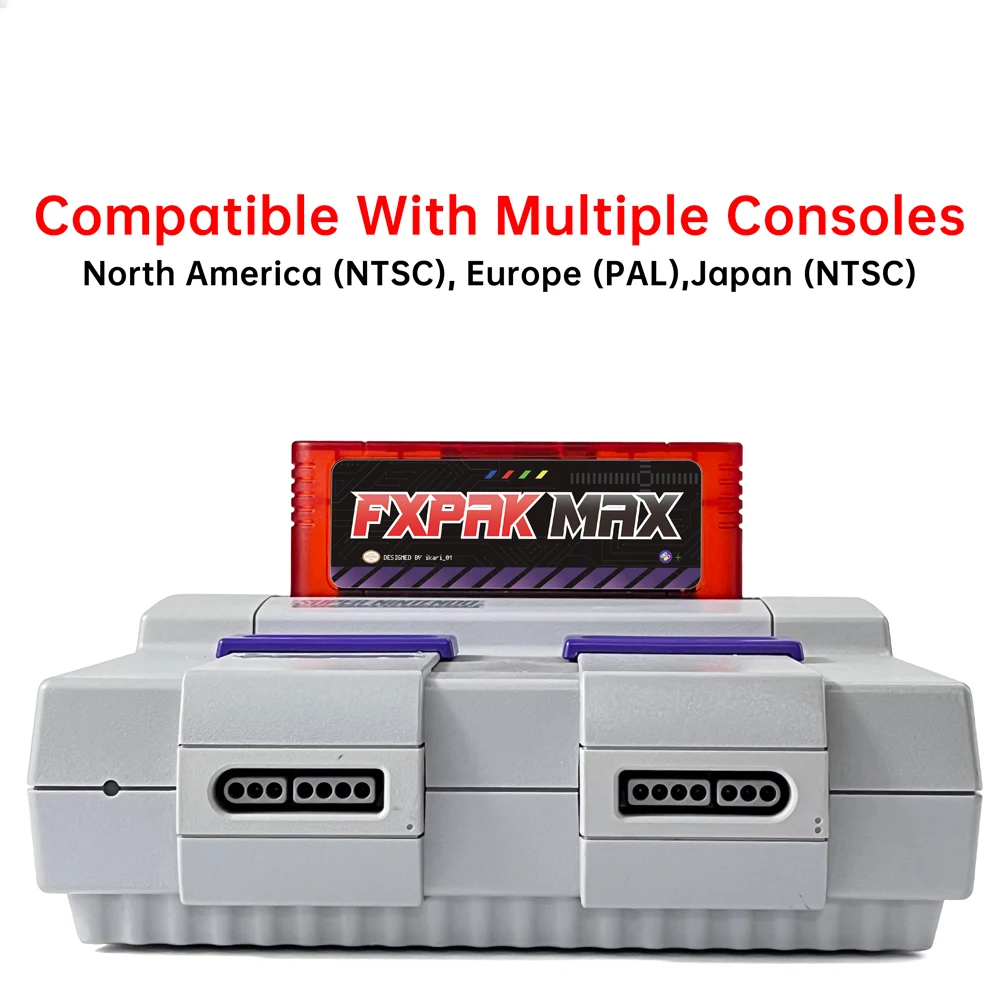
Must Read Before Buying
The performance of FXPAK PRO MAX depends on the health status of your console. Keep this in mind.
I recommend gathering several consoles, especially when testing the FXPAK PRO MAX. This way, you can select the best console from among them.
Your console must be in good working order, including an unmodified motherboard, complete and clean card slots, intact MSU circuitry, healthy capacitors, a qualified power supply chip, and so on.
Due to their age, some consoles remain unable to run FXPAK PRO MAX properly even after repairs.This advice comes from my own testing over the past six months and reports from hundreds of players.
The 2 chips console models (CPU-01/02, GPM-01/02, RGB-01/02, APU-01) runs it almost flawlessly.
Later-released consoles like the SFC/SNES Jr. and 1 chip 01/02/03 models exhibit slightly lower compatibility than 2 chips models. Similarly, it largely depends on the health of your console.
Regarding the compatibility of the clone console, it can run some games but clearly cannot match the compatibility level of the original console. You may test it if interested, but please do not damage the cartridges or the console.
A stable 9-volt, 1.5-amp power supply is required. Non-compliant power sources may cause screen flickering, game loading failures, and other issues.
Additionally, prolonged running of the FXPAK PRO MAX using the original power adapter may damage your console.
Please use professional software (such as Guiformat FAT32) to format the SD card to FAT32 format.
Before removing the FXPAK PRO MAX, be sure to reset it and then turn off the power. Do not hot-swap.
Do not disconnect the power while the “Write” indicator is lit, as this may damage the SD card.
If the package you selected does not include an SD card, you must properly configure the SD card (formatting, firmware, and enhanced chip support files).
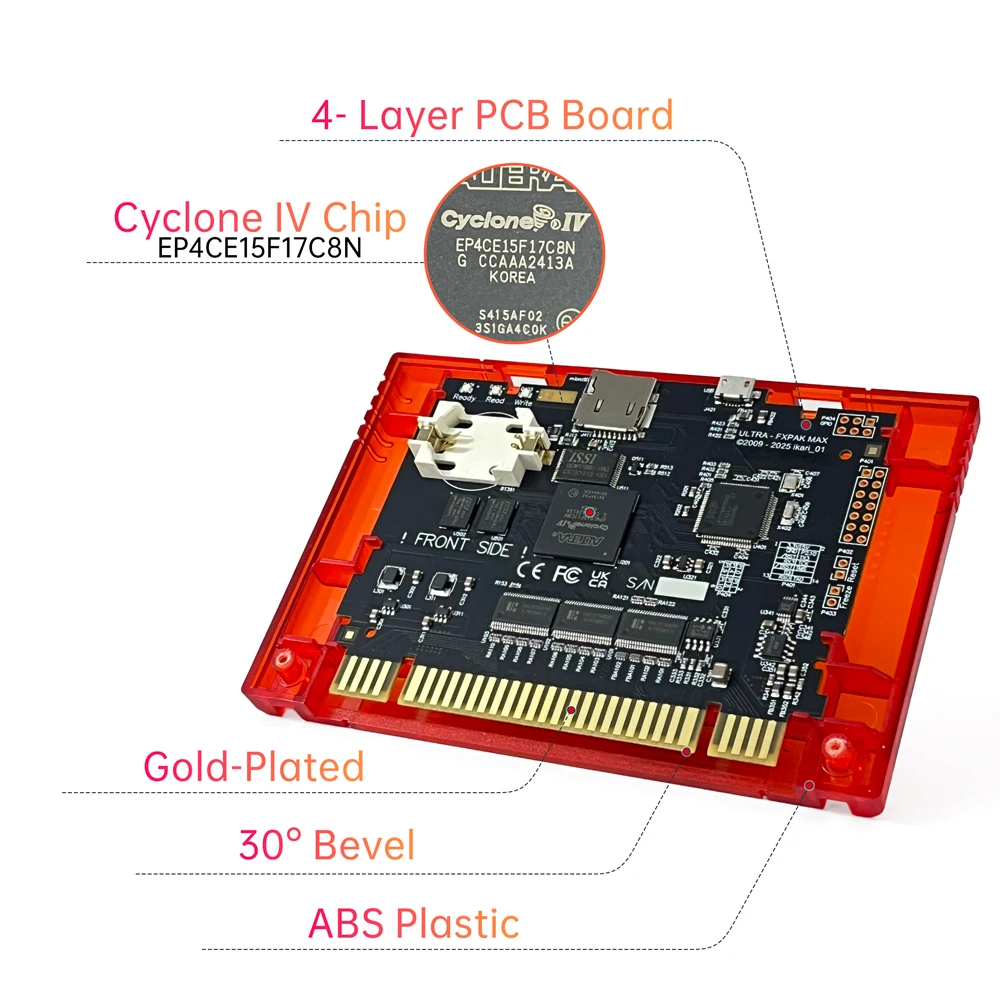
Package 1:
Tran Red No SD Card(Only cartridge,no SD card, no CR2032 lithium battery included.)
Tran Black No SD Card(Only cartridge,no SD card, no CR2032 lithium battery included.)
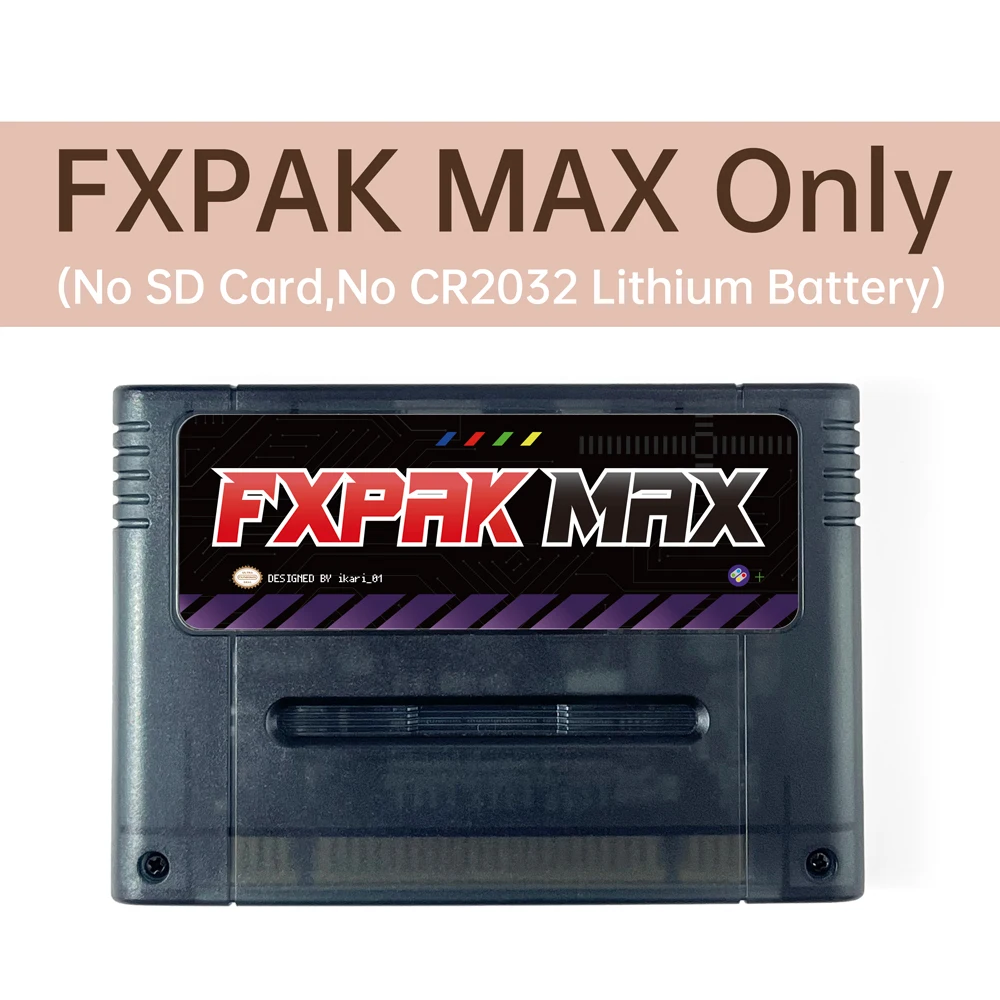
Package 2:
Tran Red 64GB(cartridge comes with 64GB card, no CR2032 lithium battery included.)
Tran Black 64GB(SD2SNES comes with 64GB card, no CR2032 lithium battery included.)
64GB SD card includes:
Firmware files, SFC/SNES original ROMs, including USA NTSC (784 titles), JAP NTSC (1,411 titles)and EUR PAL (652 titles). C×4 chip games (5 titles), DSP chip games (38 titles), Super FX chip games (21 titles), SA-1 chip games (29 titles), ST-010 chip games (2 titles), SGB2 games (61 titles), Satellaview games (12 titles), MSU games (60 titles), and HACK games (273 titles).
Must-Read Q&A
Q:What is the difference between the SD2 SNES and the FXPAK MAX?
A:First, in terms of compatibility, the FXPAK MAX performs better.
Compatibility with consoles: Those consoles in poor health perform better with FXPAK MAX than with SD2 SNES.
Compatibility with games: While the SD2 SNES can already meet your needs, the FXPAK MAX delivers even better performance.
For example,FXPAK MAX can run MUS+SA-1 combination enhanced chip ROMs normally (such as: Jikkyou Oshaberi Parodius (Japan)(MSU1) [Hack by PepilloPev v1.6]).However, no background music is audible when running this ROM on SD2 SNES.
Second, regarding power supply, the FXPAK MAX consumes relatively less power.As a result, FXPAK MAX achieves more stable performance.
Q:Does FXPAK MAX support all Enhancement chips games?
A:Of course. It's the best flash cartridge you'll find on AliExpress for your SNES/SFC console.
If you have an FXPAK PRO from Ukraine, you'll find their circuit boards are identical. However, other FXPAK PRO units sold on AliExpress feature partial circuit modifications and reduced manufacturing processes.
Q:Why doesn't the package include a CR2032 lithium battery?
A:If the package contains batteries, players in certain countries/regions will be unable to order this item due to shipping regulations.
Therefore, all packages will not include CR2032 lithium batteries. I have tested the cartridge and removed the battery beforehand.
Q:Why does the menu display garbled text, the screen flicker, and games fail to run?
A:First, ensure the power supply meets the requirements of 9V and 1.5A, and the polarity must match that of the original power supply.
Second, inspect the console's power supply chip, replace the console capacitors, clean the console card slots, and inspect the console motherboard circuitry.
The simplest solution: Test it on another console.
Additionally, please verify that the required files and directory structure on the SD card are correct. For example, placing game ROMs files in the sd2snes folder will prevent the game from being selected in the menu and cause garbled text.
If enabling the button combination settings causes the game to fail to load, simply disable it.
Access the main menu → Configuration → In-game settings, and turn off the ‘In-game hooks’ setting.
I recommend using the console's physical reset button. Press and hold it for at least 3 seconds.
Finally, if you test another FXPAK PRO that works fine but cannot get the FXPAK MAX to work, please run the diagnostic file and export the diagnostic report for analysis.
Q:Why can my console run actual carts and normal flash carts (like the Super Everdrive) but not FXPAK MAX?
A:The FXPAK MAX differs from actual carts and normal flash carts (without an enhancement chip) in its hardware design, thus imposing stricter requirements on the console's health.
Therefore, when you actually encounter this issue, don't hastily assume that the FXKAK MAX is malfunctioning.Simply test with another console.
Q:What is the function of the CR2032 lithium battery, and how do you install it?
A:The battery is used for saving and setting the date and time.
Installation Steps:
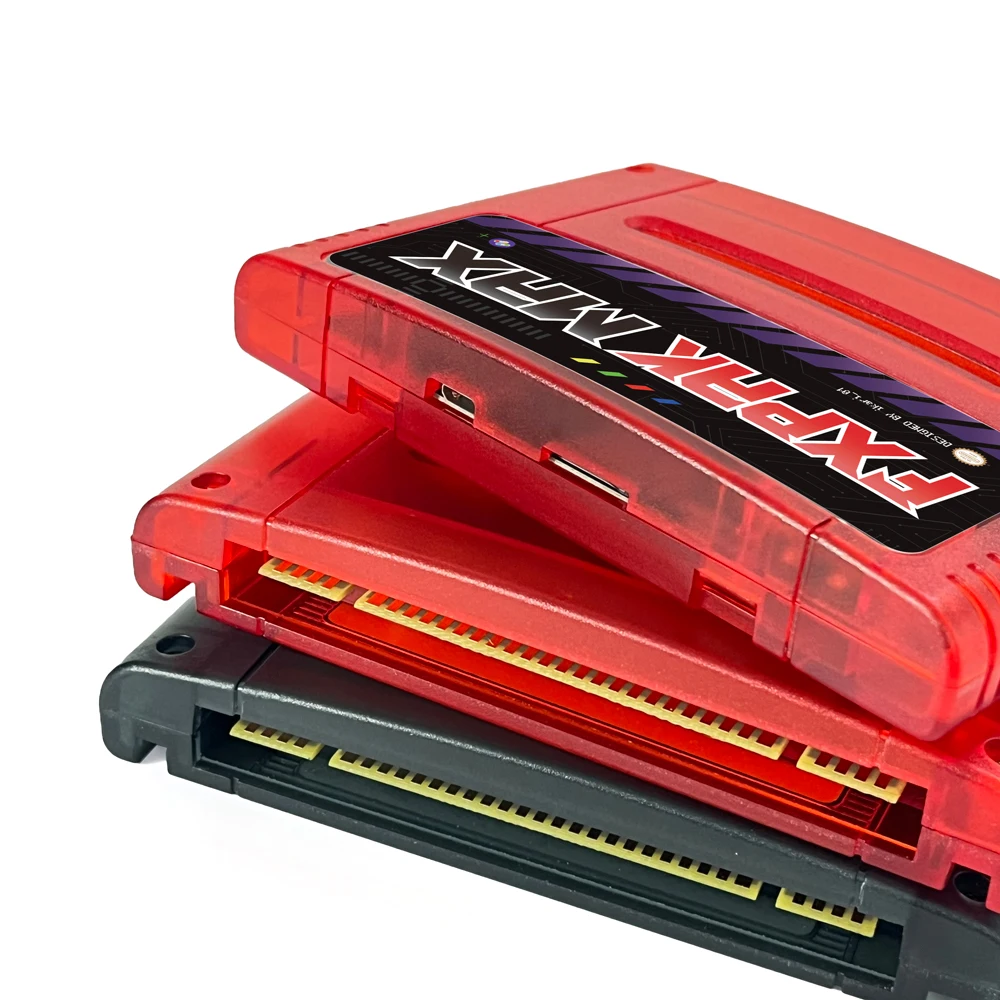
Identify polarity: Ensure the side marked with the CR2032 lithium battery symbol faces upward.
The battery compartment features four contacts. During installation, the two longer contacts on the left should press beneath the battery, while the two shorter contacts on the right must hook onto the lithium battery.
If all four pins are pressed beneath the lithium battery, this indicates incorrect installation.
Q:If I order a package that does not include an SD card, how do I configure the firmware files on the SD card?
A:You can download the firmware file from:https://sd2snes.de/blog/
Or download from my shared cloud drive:https://drive.google.com/file/d/1gnh7xwpj5flC4Gs4KSqdyZSKcqjW63SR/view?usp=sharing
Q: How do I maintain the cartridges?
A:Please follow the precautions listed on the back of the ink cartridge label.
Additionally, if the cartridge is to be stored for an extended period, keep it in a dry storage case. When reusing it, gently wipe the gold-plated contact pins with an eraser.
Q:I don't like the graffiti-style menu page. How can I customize it?
A:Custom Menu Website: https://isofrieze.com/sd2snesimg/
Pre-made Menu Website: https://stoneagegamer.com/fxpak-sd2snes-downloads.html
All issues revolve around the console model, motherboard circuitry, capacitor condition, power adapter, firmware version, ROM version, and SD card settings.
When you have a problem, please systematically troubleshoot each item one by one, or contact me immediately.
Връзки към правни и политически въпроси


Real Unboxing
Warehouse Packing
Shipping Orders Daily
Търсите още?
Абонирайте се за нашите имейли
Бъдете първите, които ще научат за нови колекции и специални оферти.