
Mobile Game Adapter Phone Converter Gamepad Controller Gaming Keyboard Mouse Converter For PUBG IOS Android Phone
Game Converter
HK$1,711.00 HKD
Mobile Game Adapter Phone Converter Gamepad Controller Gaming Keyboard Mouse Converter For PUBG IOS Android Phone
HK$1,711.00 HKD
✔ I have reviewed the product version and details
Pickup currently not available
SPECIFICATIONS
Battery Included: No
Brand Name: LIUTIANFEI
Compatible Brand/Model: Mobile Device
Compatible Platform: iOS,Android
High-concerned chemical: None
Interface Type: Bluetooth
Mobile Device Model: Android Smartphones
Origin: Mainland China
Package: Yes
Trigger Button Type: None
Type: Gamepads
[xlmodel]-[custom]-[8888]
Mobile Game Adapter Phone Converter Gamepad Controller Gaming Keyboard Mouse Converter For PUBG IOS Android Phone
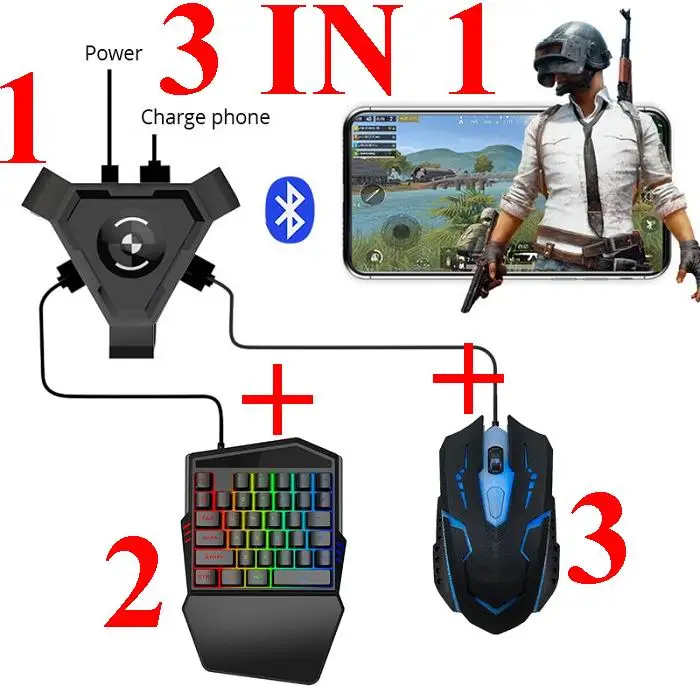
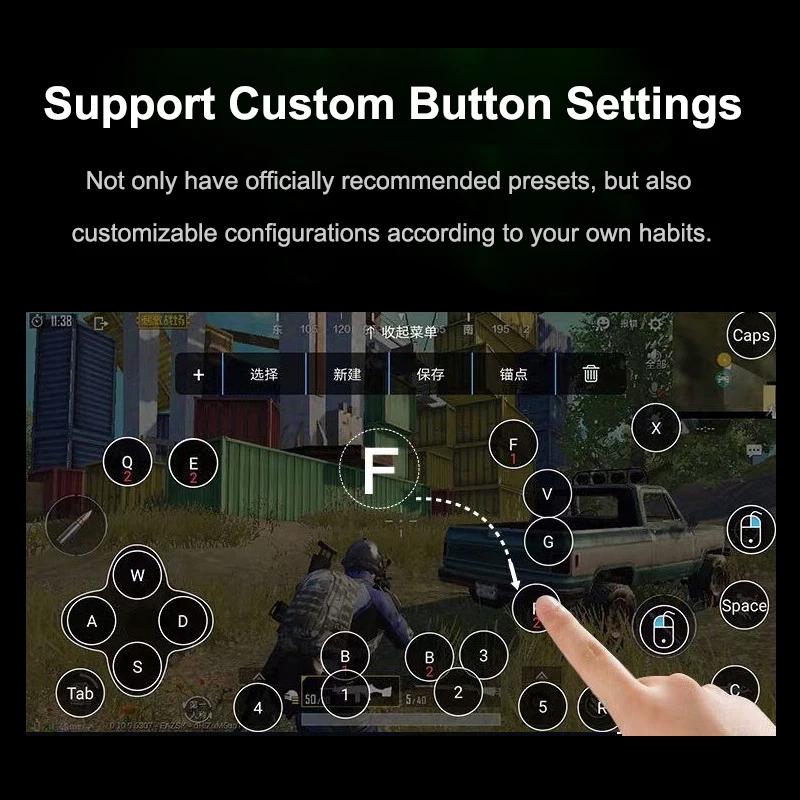
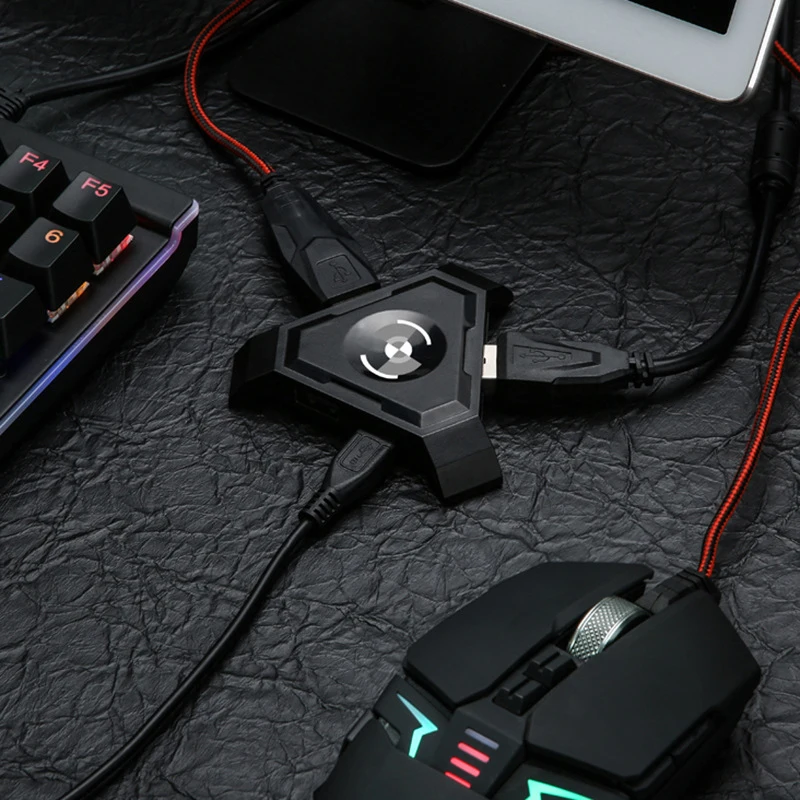
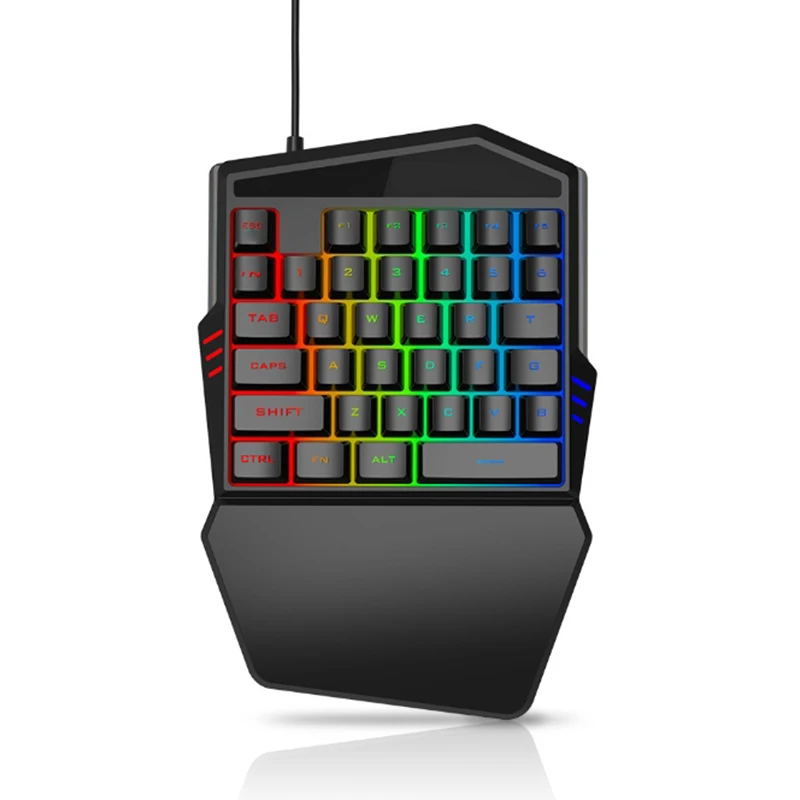
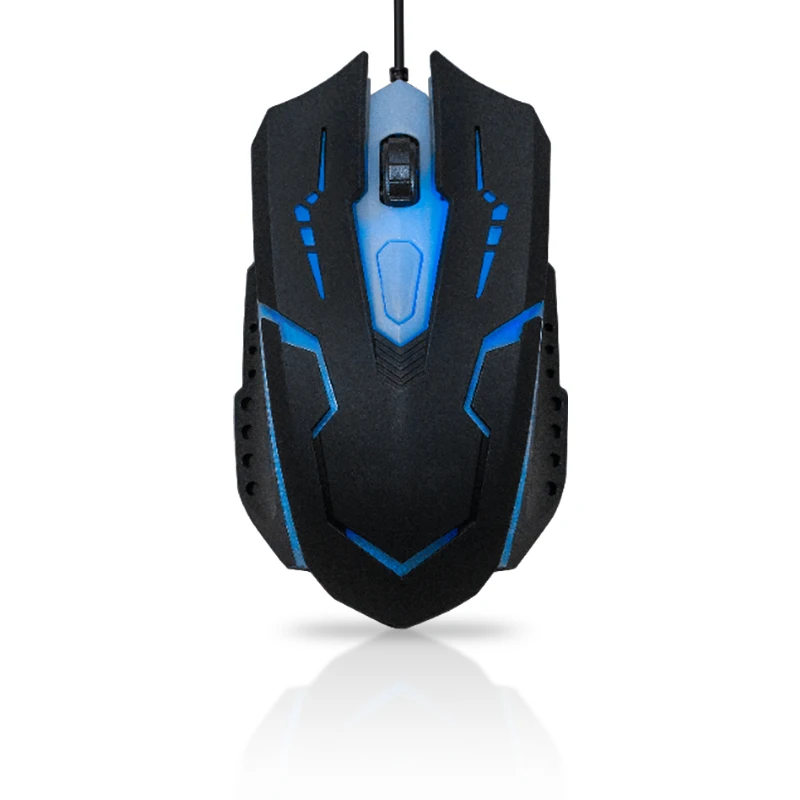
Note:1. Need download the official version of PUBG Game2. Do not use any auxiliary plug-in (including physical plug-in, macro mouse)3. Don't play PUBG game with who use auxiliary plug-in4.Not only support Android but also support IOS Features:1.Plug and play, Bring your PC gaming experience to mobile, allows you to use your own keyboard and mouse to control the mobile games 2.Significantly improves your victory by providing better control of quick-aiming, tap firing, spraying, and everything 3.Compatible with Android via Bluetooth 4.1. Support most common FPS games,such as PUBG mobile, Rules of Survival, Knives Out and more 4.Support for custom button settings,Customizable keyboard button setting for your preference, Specification:Product Name:Bluetooth keyboard Mouse ConterverModel:BSP-P5Rated voltage:DC4.7-5.5VWorking current:<30mA(Single working current)Rated frequency:<8MUser Tips:For Android:Bluetooth pairing connection:1. Use the charging cable of the mobile phone and the charging head to supply power to the product.2. Keyboard and mouse are connected to the USB interface3. Press Ctrl+1 on the keyboard to switch to Android mode. 4. Turn on the Bluetooth switch in your phone and connect. For IOS:1. Use the charging cable of the mobile phone and the charging head to supply power to the product.2. Keyboard and mouse are connected to the USB interface3. Press Ctrl+2 on the keyboard to switch to IOS mode. 4. Turn on the Bluetooth switch in your phone and connect. Setting Button:If you want to setting button,please scan the qr code in user manual, then you can download app:ShootingPlus V3For IOS,you can search in App store)
CompatibIlity
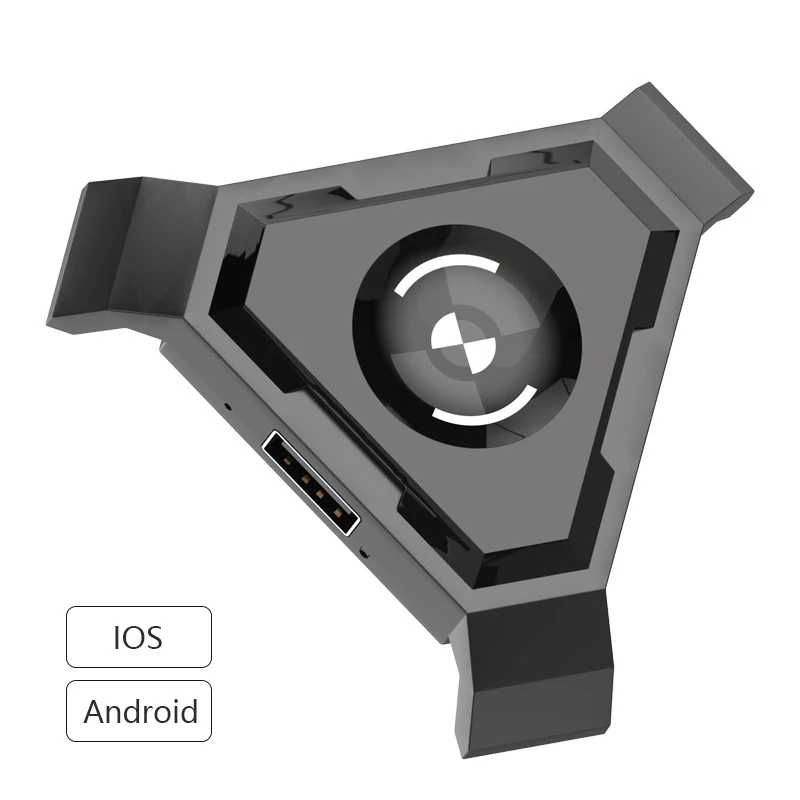
Compatible with Android and IOS
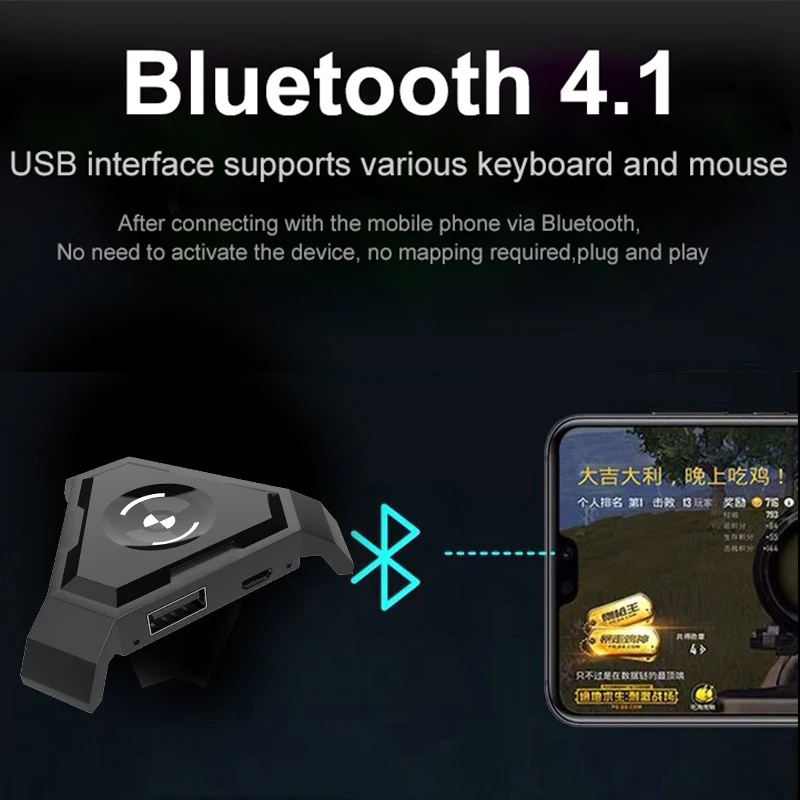
Plug and Play & Bluetooth Connection
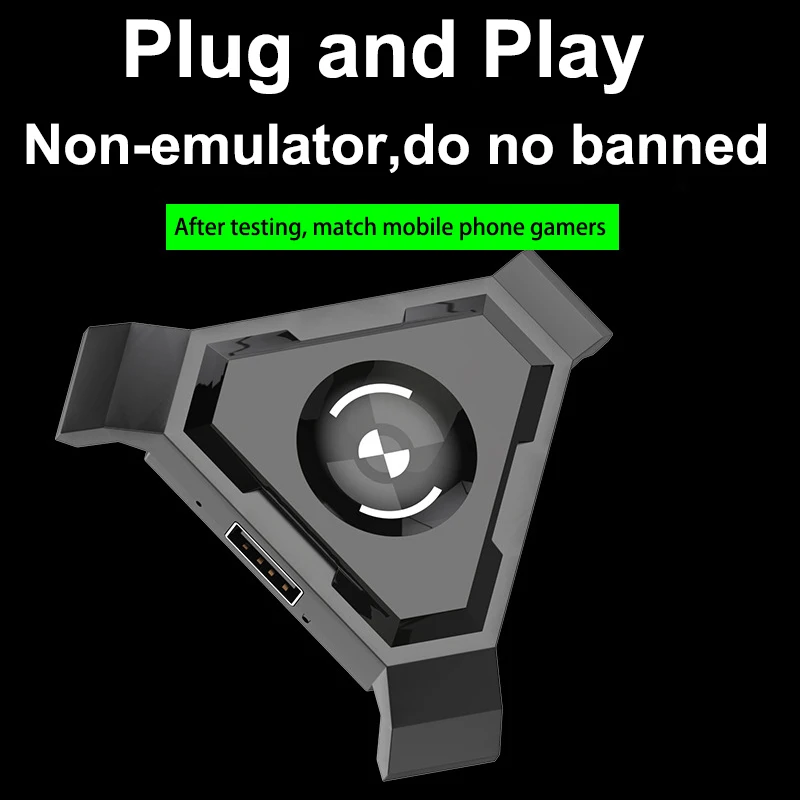
Just connected with Bluetooth, no need to activate the device, no app required. Plug and Play.
Support Custom Button Settings
Not only have officially recommended presets, but also customizable configurations according to your own needs.
RLegal & Policy Links


Real Unboxing
Warehouse Packing
Shipping Orders Daily
Looking for More?
Subscribe to our emails
Be the first to know about new collections and special offers.