
M87 Wireless Keyboard and Mouse Combo, Bluetooth Dual Mode, PBT,Backlit,Rechargeable Keyboard Mouse Kit for Silent Office Gaming
Cheese-only keyboard
HK$574.00 HKD
Sale price
HK$574.00 HKD
Regular price
HK$0.00 HKD
M87 Wireless Keyboard and Mouse Combo, Bluetooth Dual Mode, PBT,Backlit,Rechargeable Keyboard Mouse Kit for Silent Office Gaming
HK$574.00 HKD
Sale price
HK$574.00 HKD
Regular price
HK$0.00 HKD
✔ I have reviewed the product version and details
Pickup currently not available
SPECIFICATIONS
Applicable Object: For Home Office
Battery Included: Yes
Brand Name: FREEWOLF
Certification: CE,FCC
Choice: yes
Hign-concerned Chemical: None
Interface: Bluetooth,Bluetooth
Keyboard Connection: WireLess
Mouse Connection: WireLess
Optical Resolution: 4000DPI
Origin: Mainland China
Package: Yes
Supports Human Engineering: Yes
Type: ERGONOMIC
semi_Choice: yes
M87 Wireless Keyboard & X7 Mouse Set – Dual Mode Bluetooth, RGB Backlit, PBT Keycaps
M87 Keyboard Features:
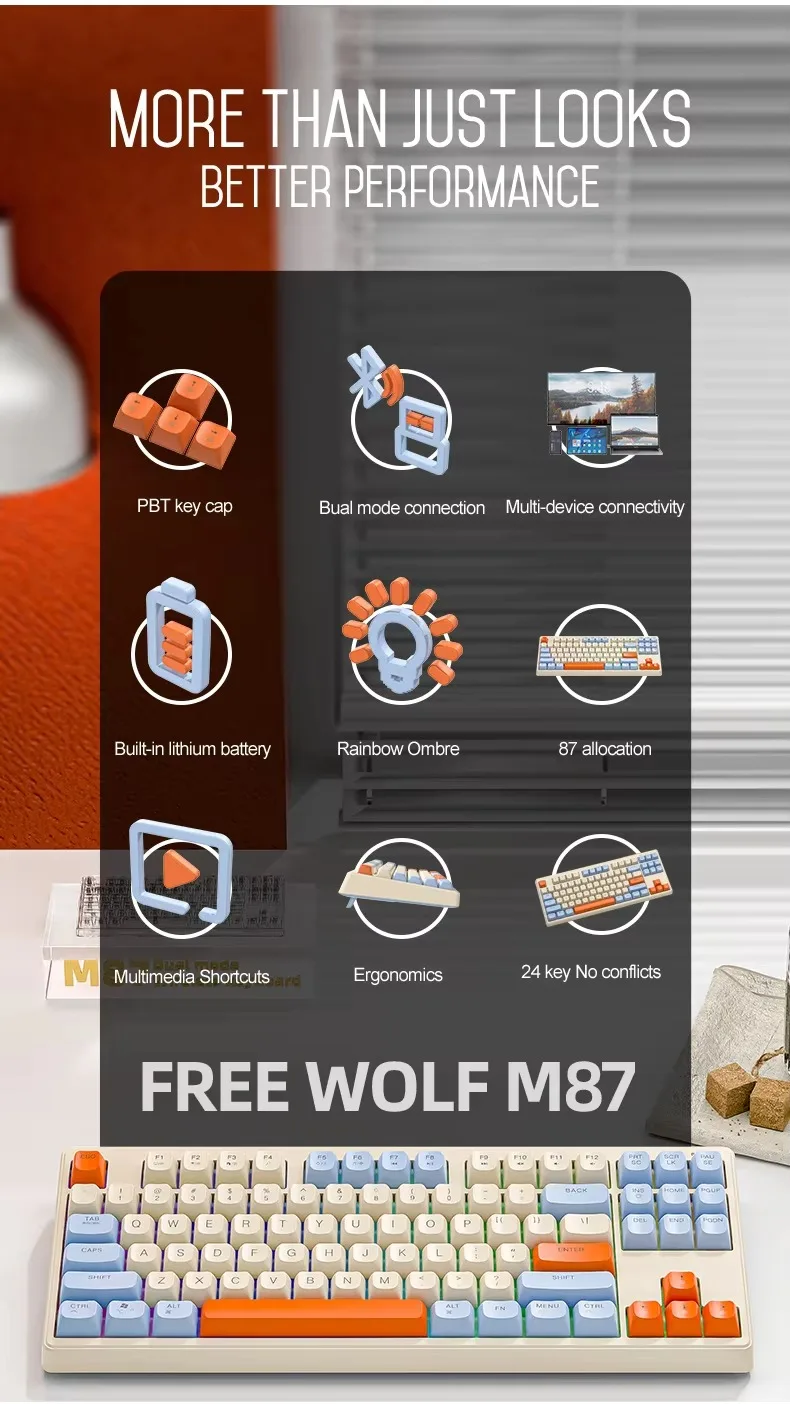
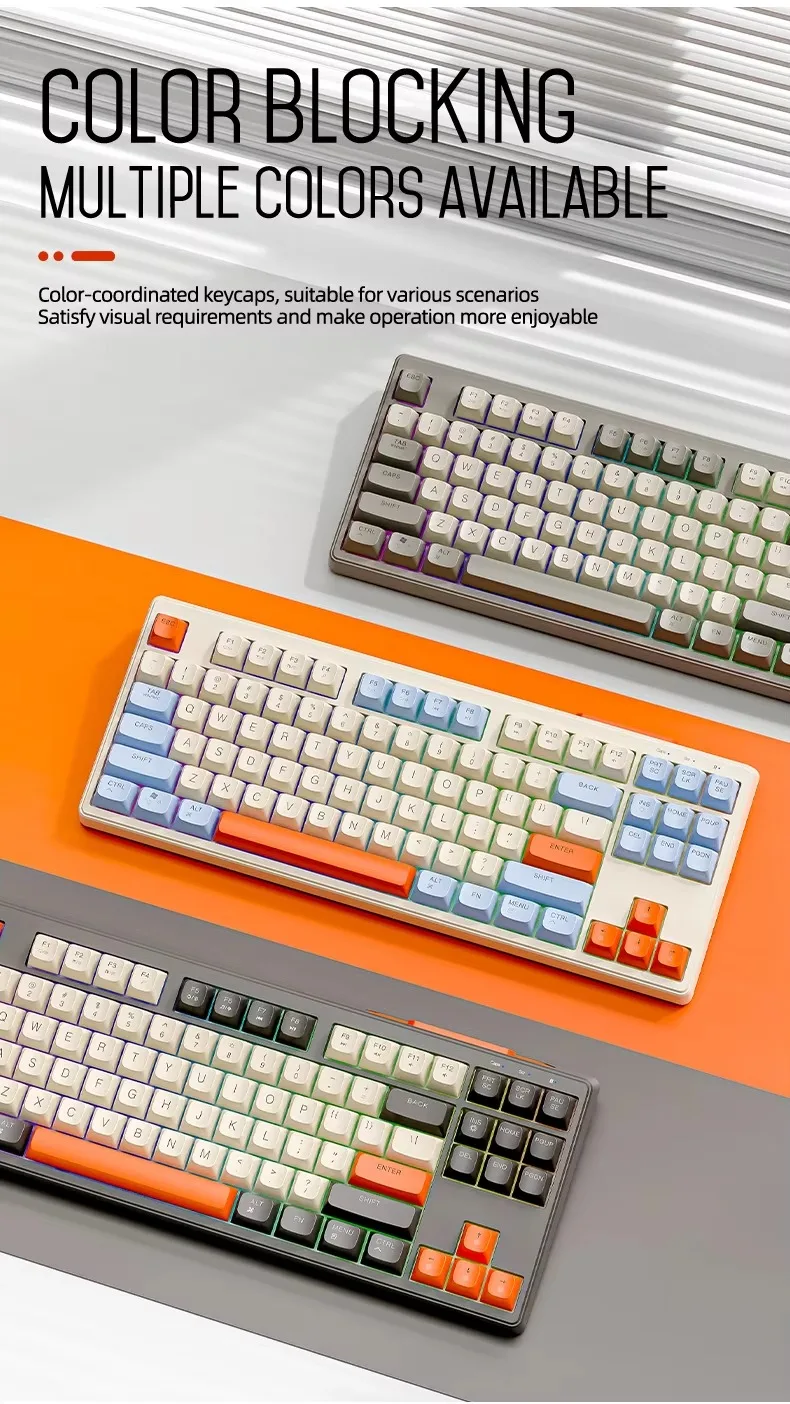
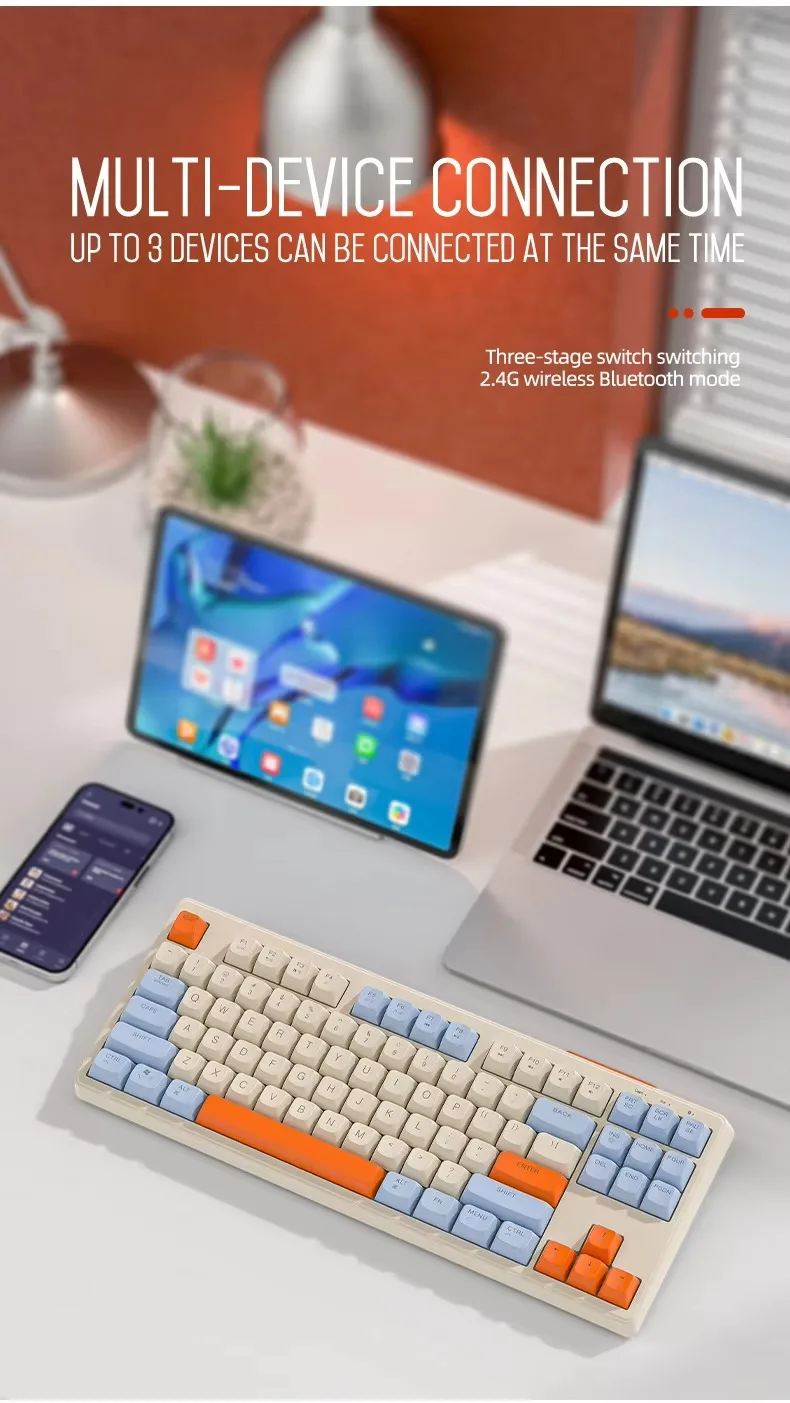
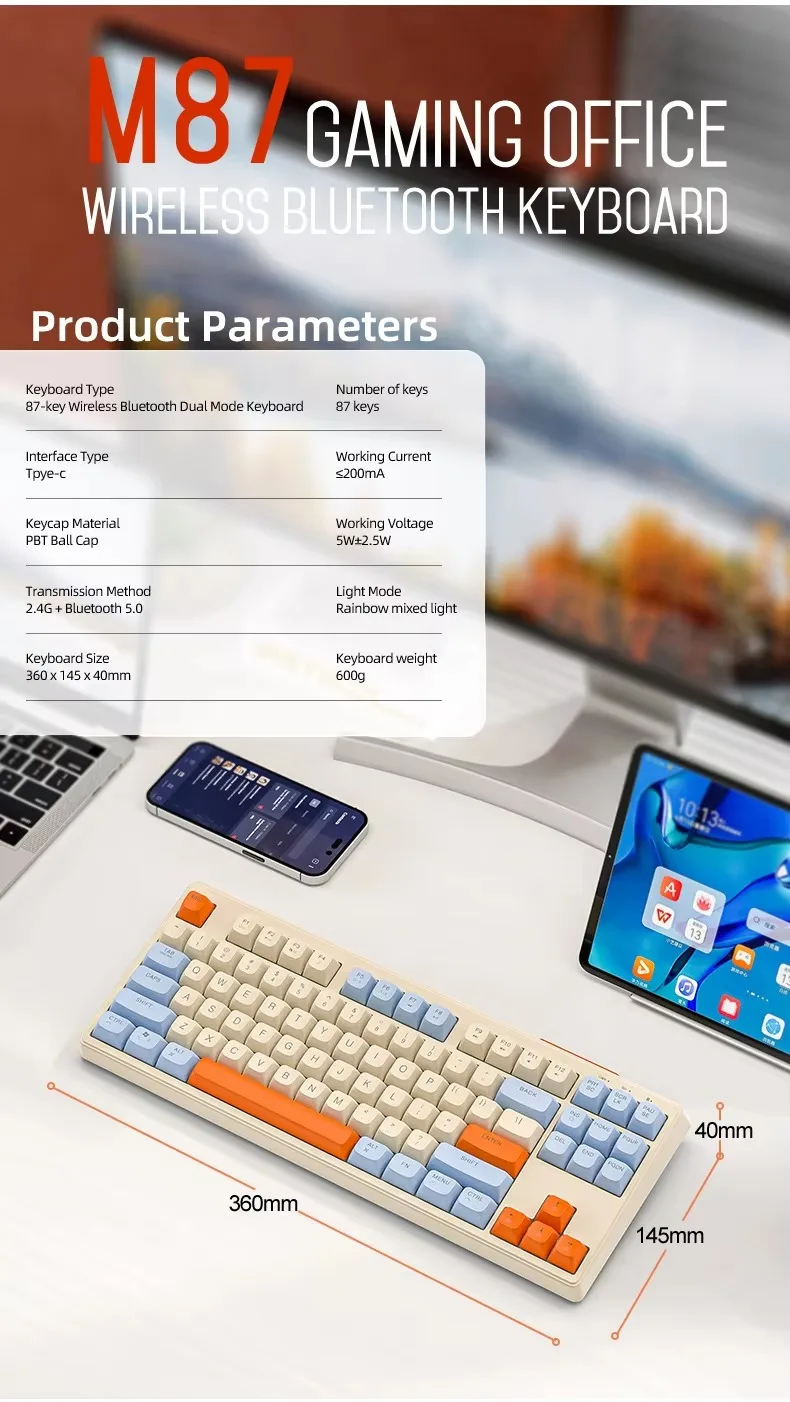
87-Key Layout: Compact and space-saving design for efficient typing and gaming.
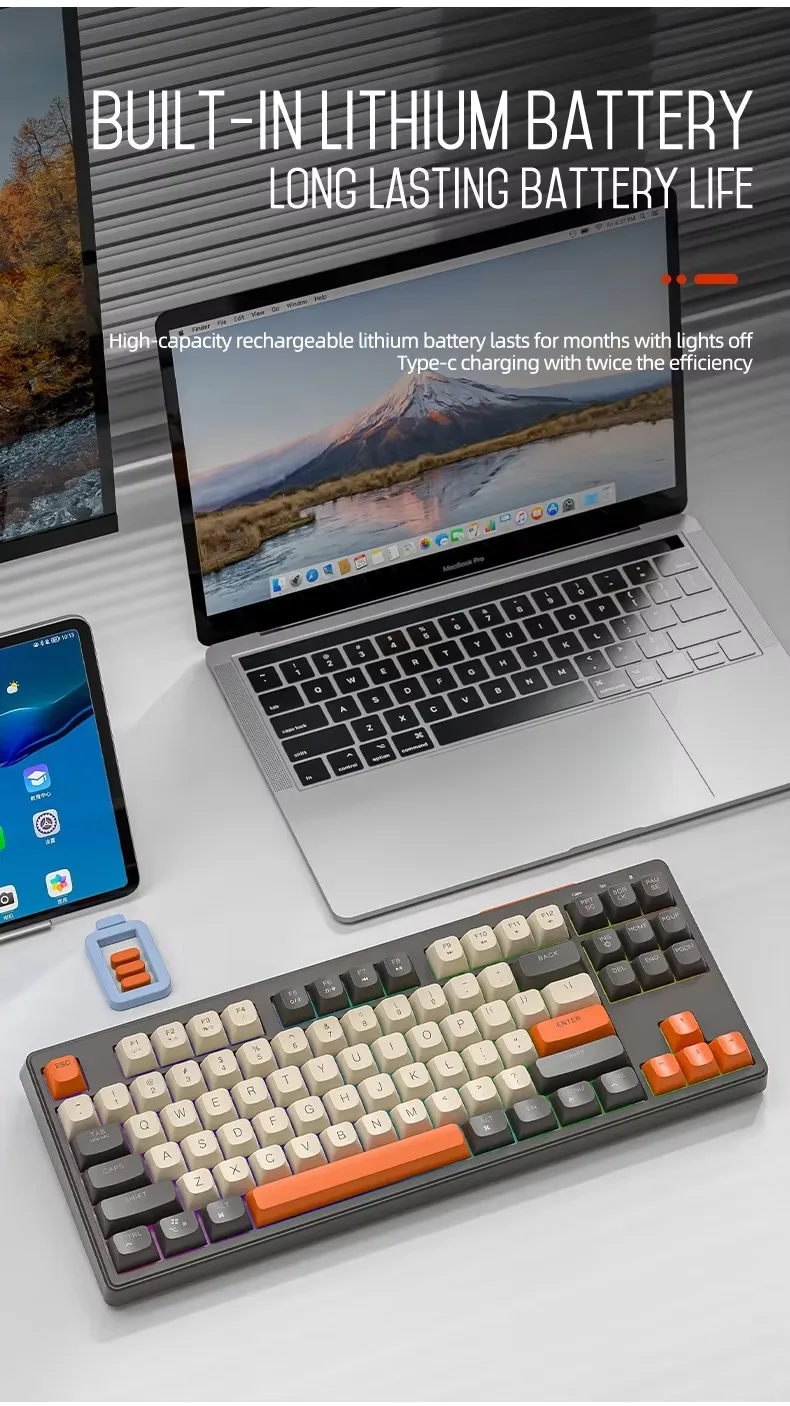
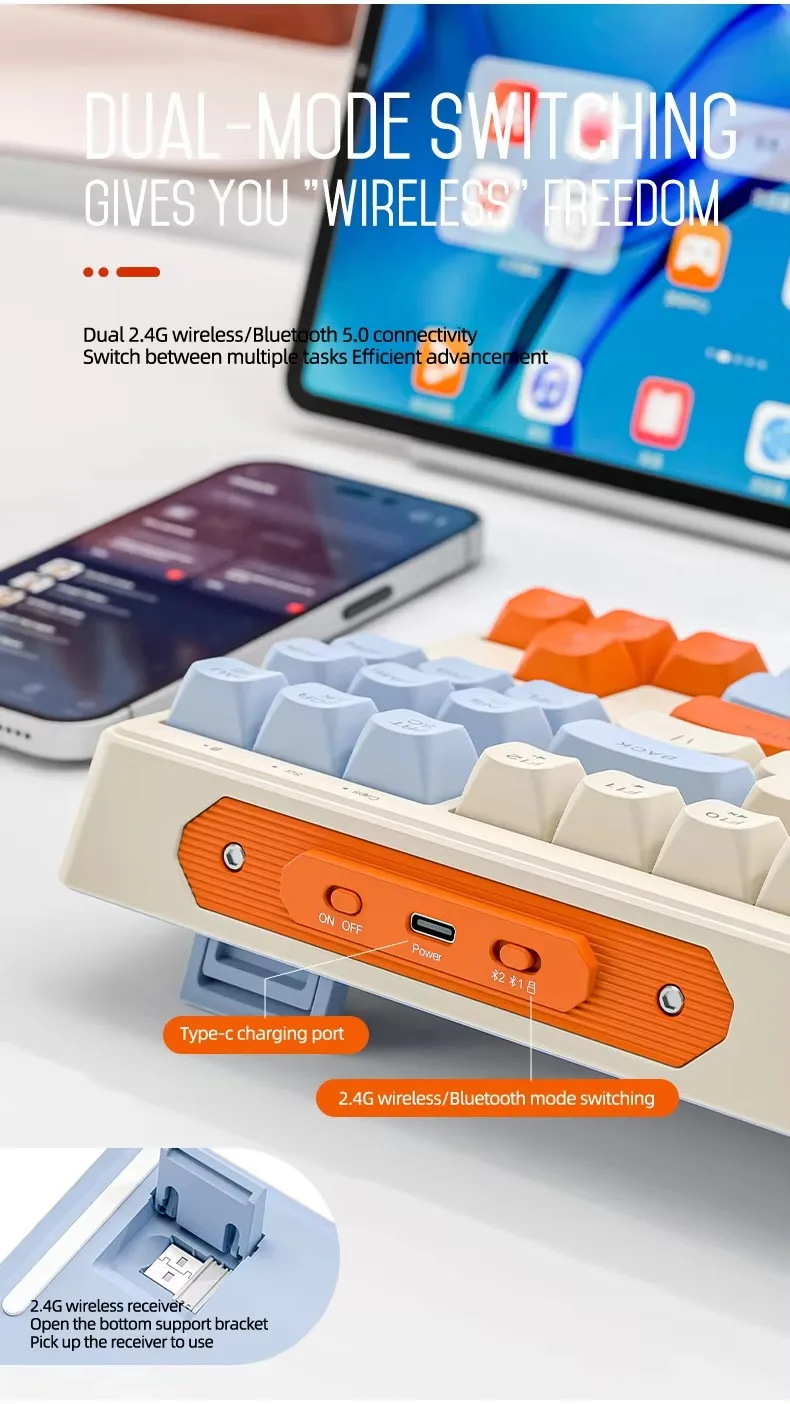
Dual-Mode Bluetooth 5.0 + 2.4GHz: Seamless wireless connection for both gaming and office use.
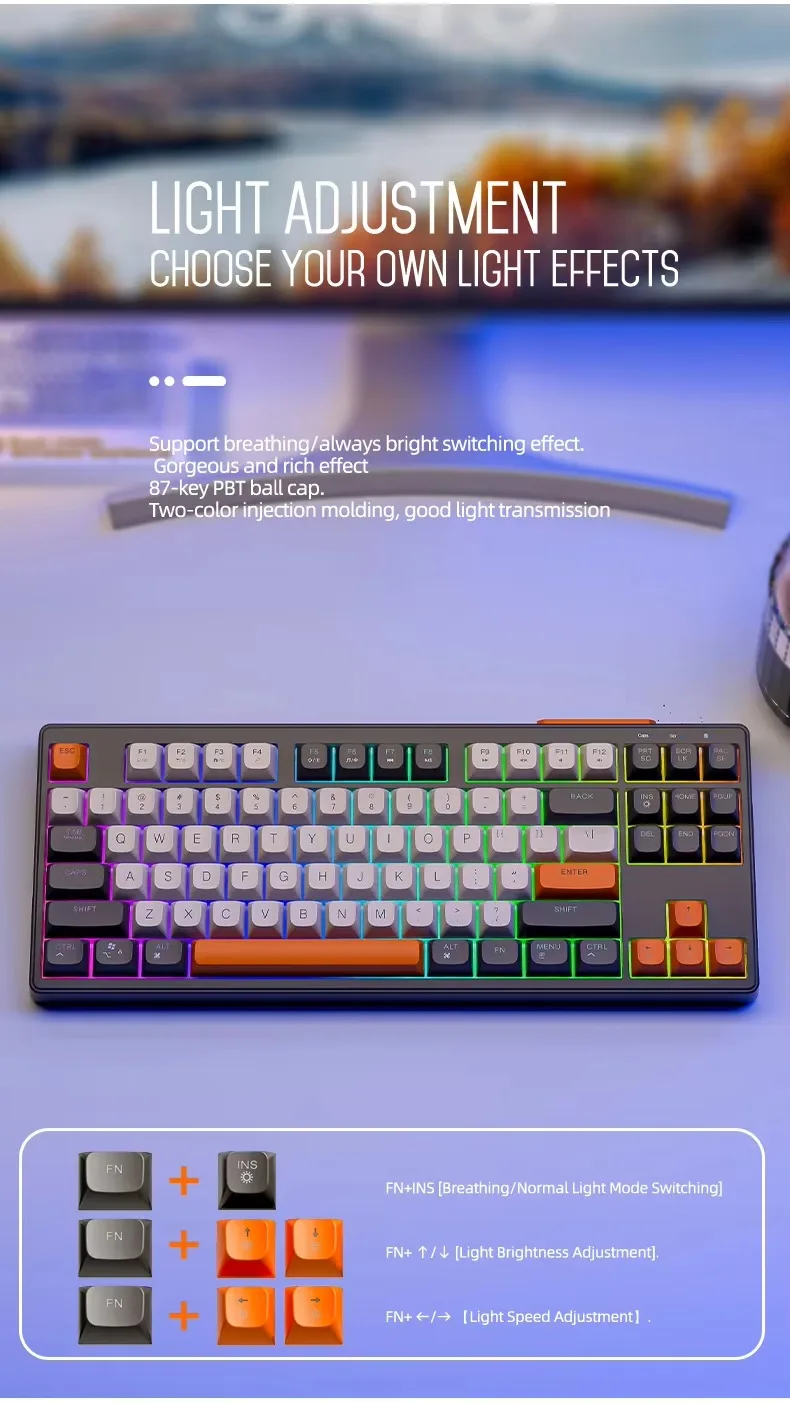
RGB Backlighting: Dynamic rainbow lighting with adjustable brightness for a personalized experience.
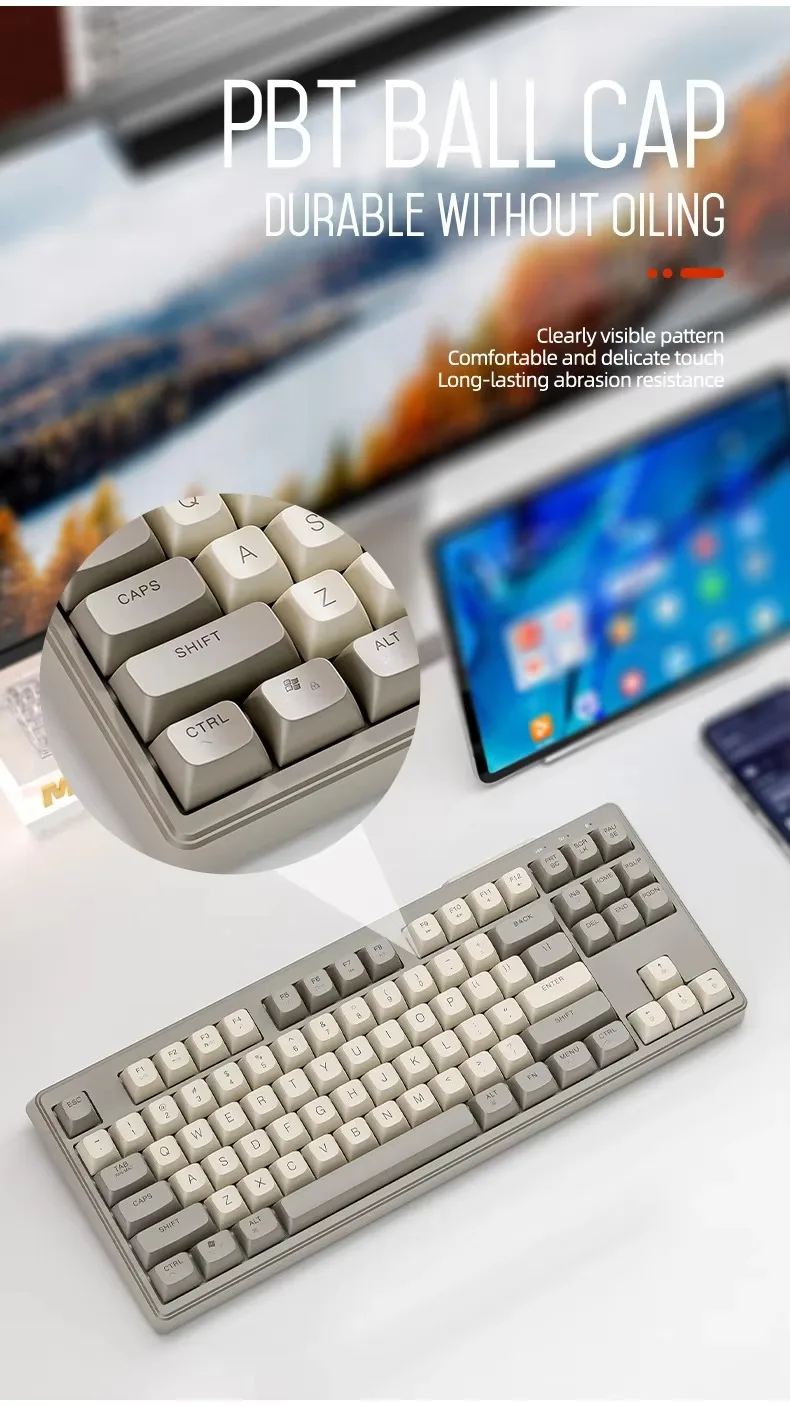
PBT Keycaps: High-quality, durable PBT ball-caps that resist wear and maintain a premium feel.
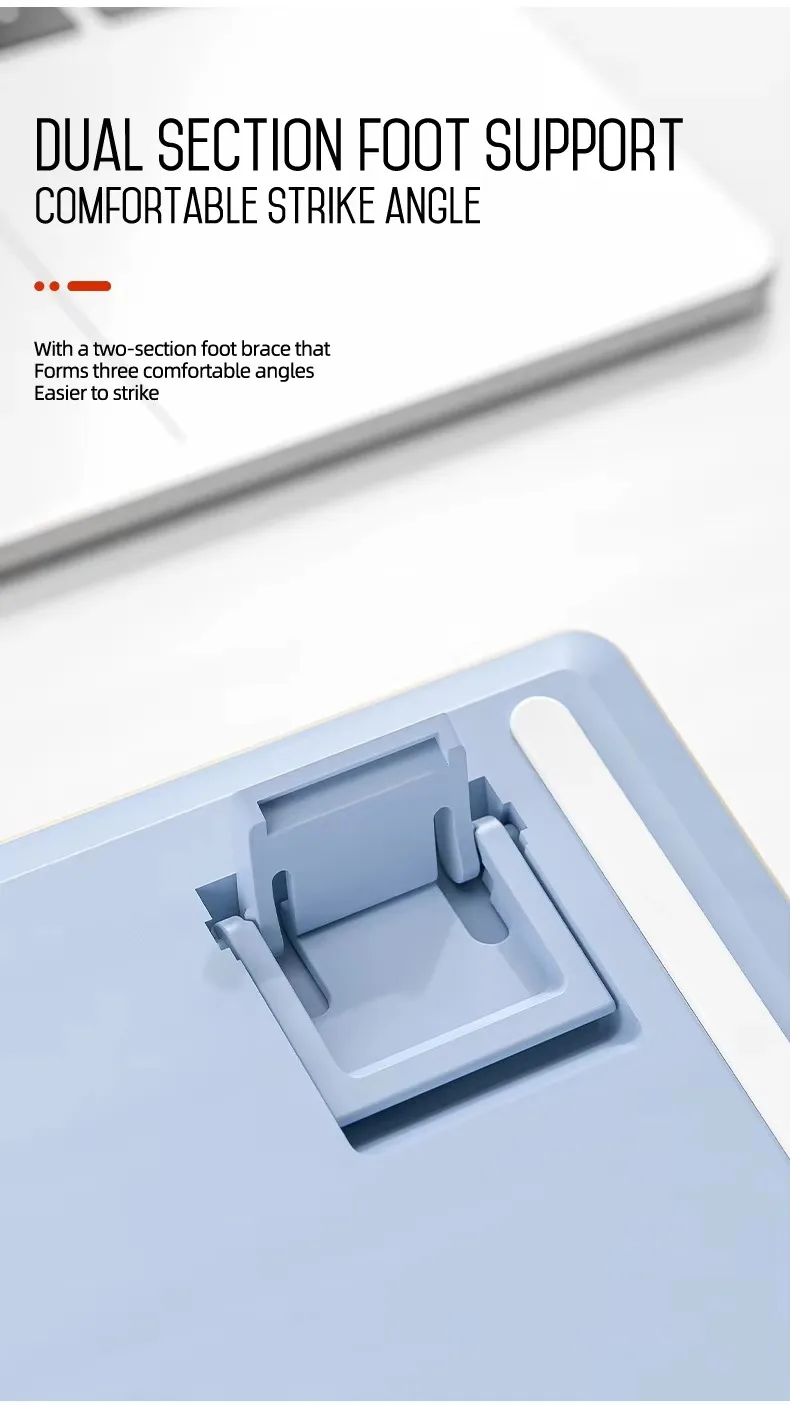
Ergonomic Design: Comfortable typing position with dual section foot support for long hours of use.
X7 Mouse Features:
Dual Mode Bluetooth + Type-C Charging: Wireless convenience with fast charging capabilities.
Up to 4000 DPI: Adjustable sensitivity for precise movements in both gaming and work environments.
Mute Button: Silent clicks to ensure minimal disturbance in quiet settings.
Ergonomic Design: Designed for comfort and prolonged use with a soft-touch, durable finish.
Perfect for:
Office users seeking quiet, efficient devices with customizable lighting.
Those who prefer wireless setups for a cleaner, more flexible workspace.
NOTE
M87 is not a mechanical keyboard, and the switches are not replaceable.
2.4G receiver: Both the keyboard and mouse come with 2.4G receivers. If you don’t want to use two receivers, you can connect them via Bluetooth.
FAQ
What should I do if Bluetooth cannot be connected?
1. Reset the Bluetooth connection status. Press ESC+Q on the keyboard. Press the Bluetooth pairing button on the mouse(Reference Manual)
2. Upgrade Bluetooth to version 5.0 or above
Why can't I use my keyboard or mouse after not using it for a while?
The keyboard enters standby mode after 3 minutes of inactivity and hibernation mode after 10 minutes. Press any key to wake it up; the input effect starts from the second press.
Is this product original?
Yes, this is an original product.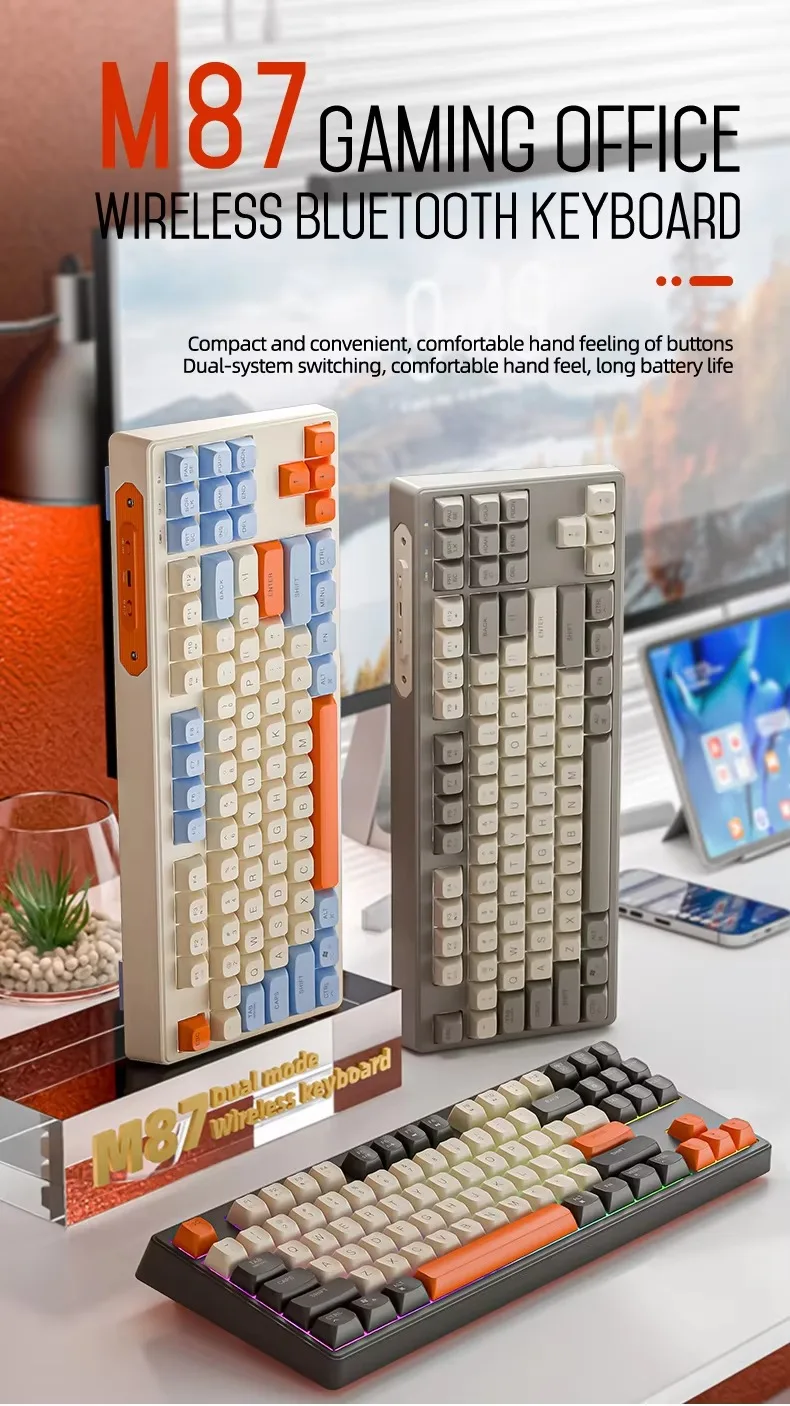
RLegal & Policy Links


Real Unboxing
Warehouse Packing
Shipping Orders Daily
Looking for More?
Subscribe to our emails
Be the first to know about new collections and special offers.