
Wireless Elite Gamepad For Switch Controller For Switch Oled Lite Joystick For PC/Steam Deck Control with Custom Anti-Slip Stick
02
HK$996.00 HKD
Wireless Elite Gamepad For Switch Controller For Switch Oled Lite Joystick For PC/Steam Deck Control with Custom Anti-Slip Stick
HK$996.00 HKD
✔ I have reviewed the product version and details
Pickup currently not available
SPECIFICATIONS
Battery Included: No
Brand Name: VILCORN
Choice: yes
Compatible Brand/Model: Nintendo
Compatible Nintendo Model: Nintendo Switch 2,Nintendo Switch
Compatible Platform: Nintendo Switch,playstation,PC,Android,iOS,steam
High-concerned chemical: None
Origin: Mainland China
Package: Yes
Trigger Button Type: Non-Linear
Type: Gamepads
Wireless Gamepad For Switch all version
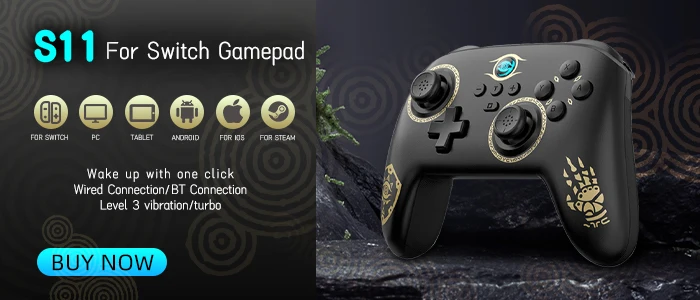
Elite Gaming Controller
Multi-platform compatibility
Supports all versions of Nintendo Switch, including for , Switch OLED, and Switch Lite; also compatible with devices such as computers and mobile phones.

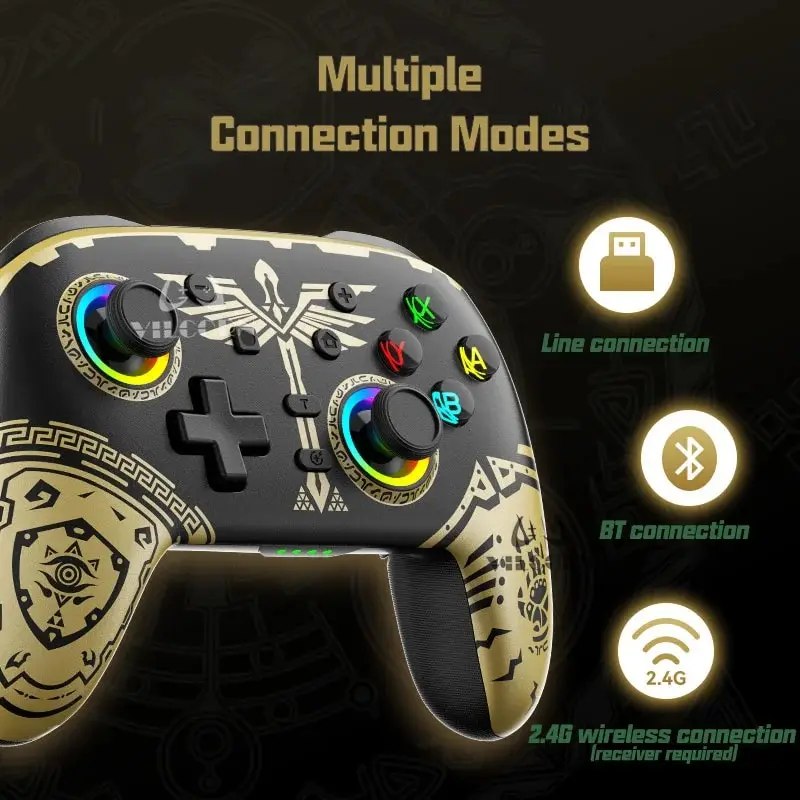
Multiple Connection Modes
Three types of connections for simpler, faster and more convenient operation!
Note: The package does not contain the receiver, the receiver needs to be purchased separately by the buyer.
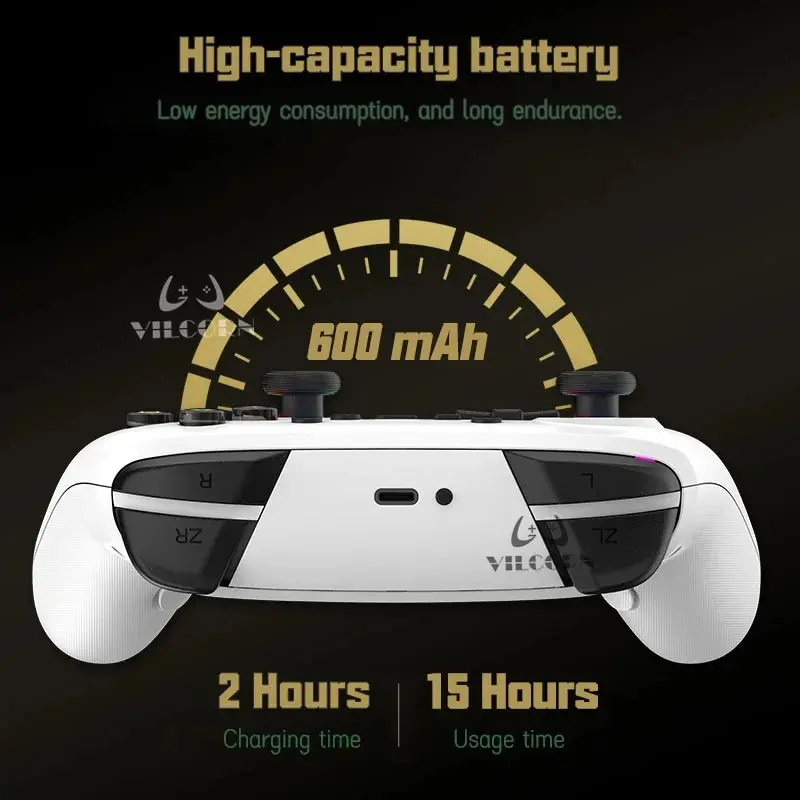
High battery capacity
Large battery capacity for worry-free play! No need for frequent recharging, long-lasting power to help you get into the game. With a larger battery capacity, you can enjoy your games without the hassle of running out of power.
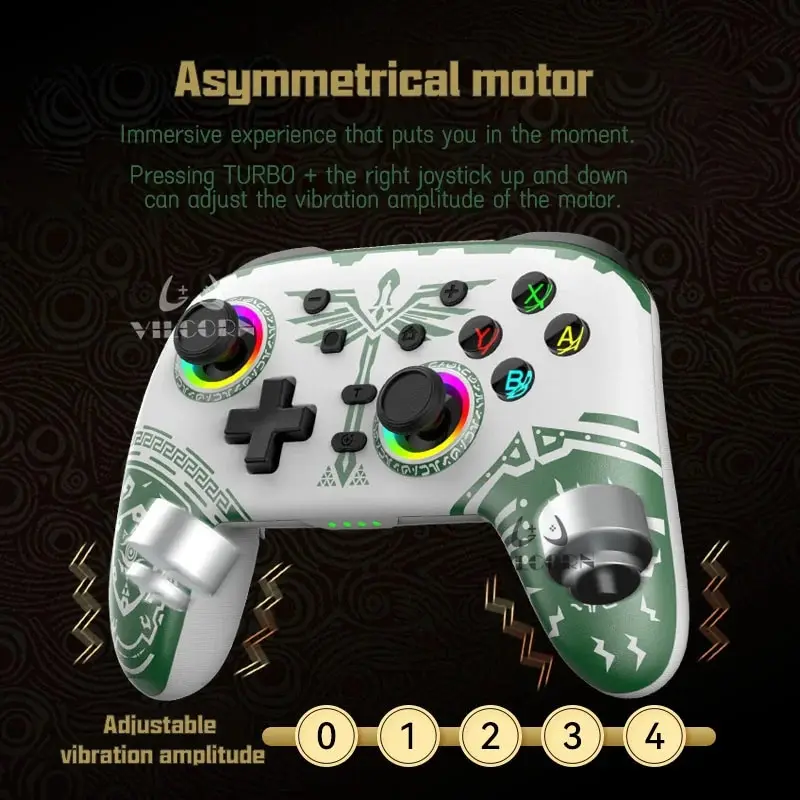
Asymmetrical motor
Designed exclusively for Nintendo Switch enthusiasts. Experience enhanced precision and control as you effortlessly navigate through your favorite games. This innovative controller features an asymmetrical motor design, providing immersive vibration feedback for a realistic gaming experience. With its sleek and ergonomic design, the controller guarantees maximum comfort during intense gaming sessions.
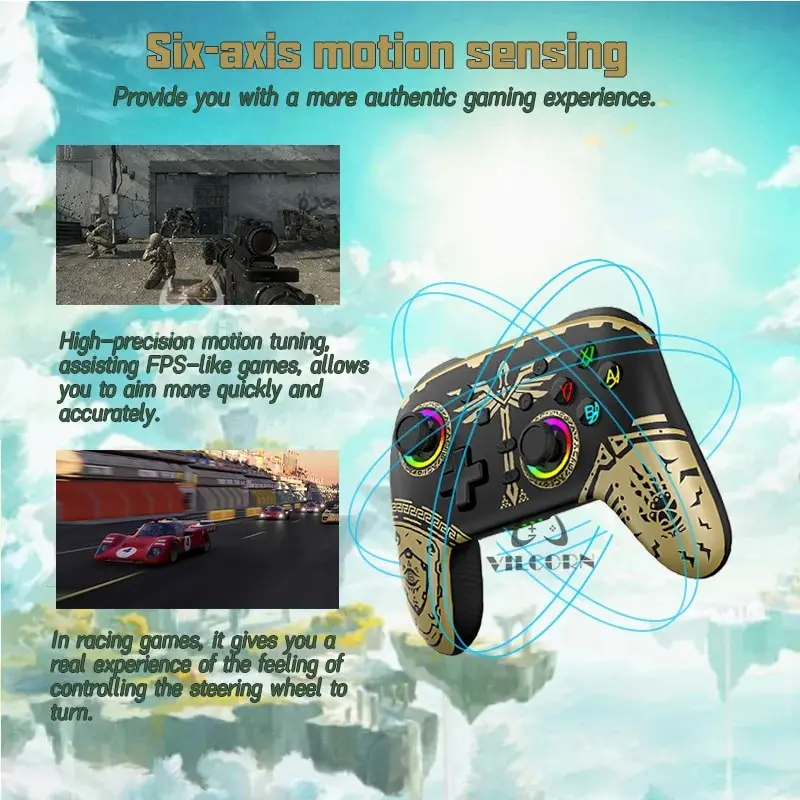
Six-axis motion sensing
Experience the ultimate gaming control with the NS08 Switch controller. Featuring the innovative six-axis motion sensing technology, immerse yourself in the world of NS like never before. Take your gaming to new heights and conquer every challenge with precision and ease. Elevate your gaming experience and reign supreme in the kingdom world.
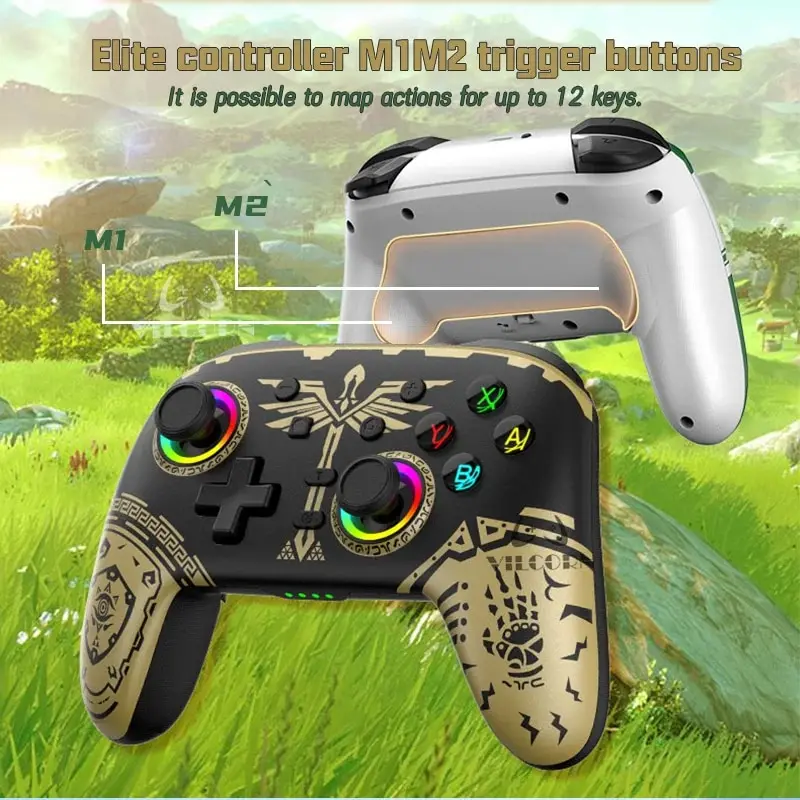
M1M2 buttion
Customised functions according to player needs:
Quick weapon or skill switching: players can assign different weapons or skills to the M1 and M2 buttons to achieve quick switching and increase flexibility and reaction time in combat.
Auto burst: By assigning the burst function to the M1 or M2 button, players can easily perform auto bursts to reduce finger fatigue.
Quickly perform special operations: such as dodging and evading attacks. By assigning these actions to the M1 or M2 buttons, players can react more quickly, increasing the playability and challenge of the game.
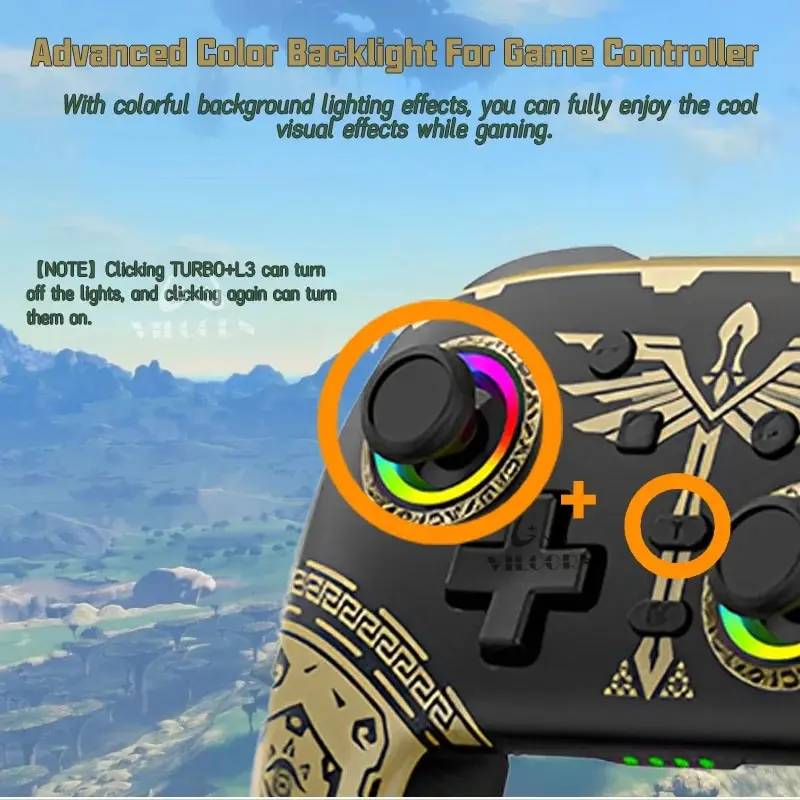
Colorful background lighting effect
Coloured background lighting brings visual appeal to the gamepad and enhances the gaming experience. Different coloured illumination identifies different buttons or functional areas for improved visibility. Personalisation allows the gamepad to be matched to the player's individual style. With variable colour and brightness, the lighting can provide an additional feedback effect. Appropriate background lighting can also create ambience and enhance the player's emotional experience.
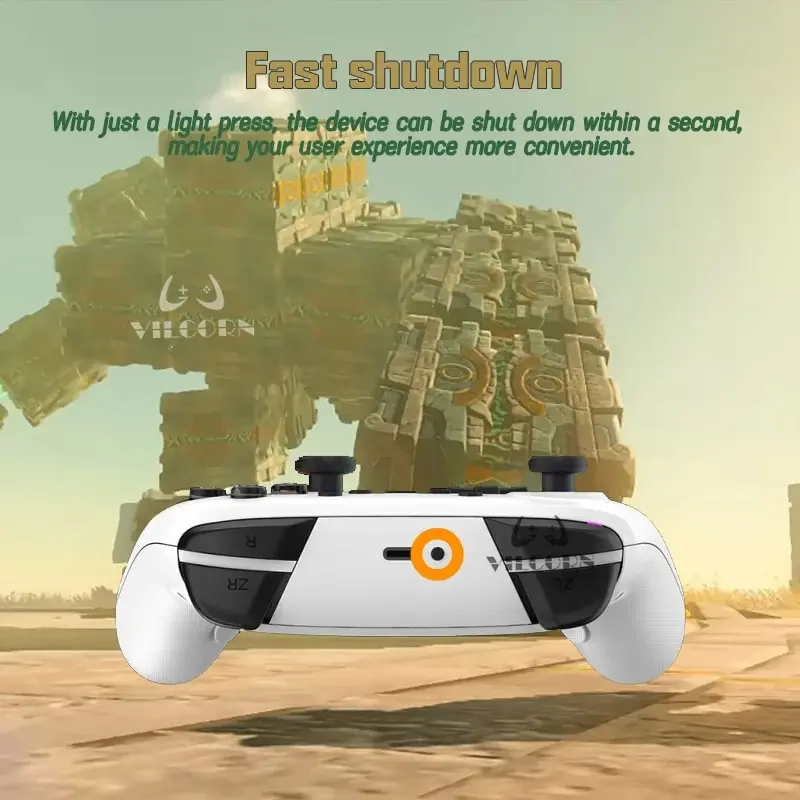
Fast shutdown
With the Fast shutdown feature, gamers can quickly shut down the game by simply pressing a specific button or key combination on the gamepad, saving time and operational steps. This is very convenient for players who need to turn off and on their game consoles or computers frequently.
Connection method
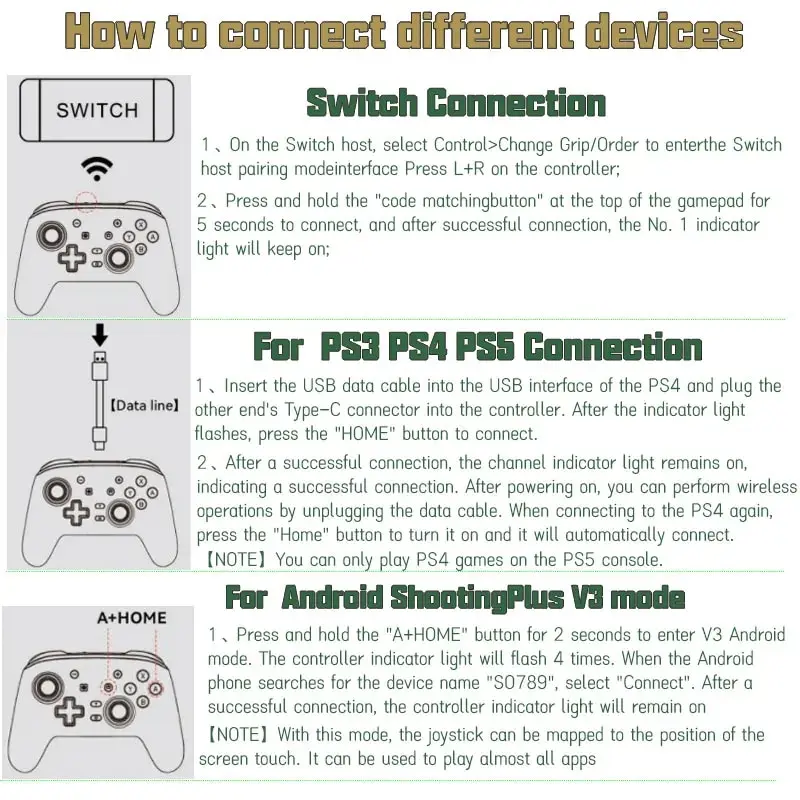
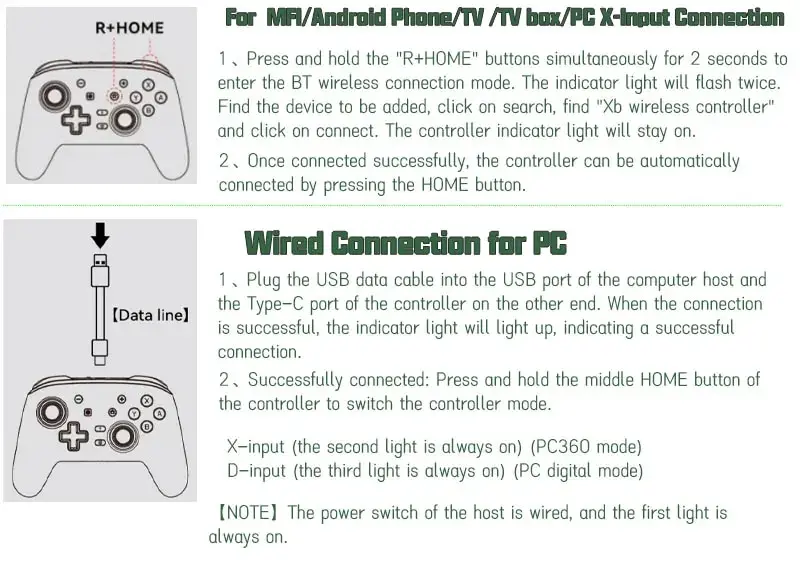
Faq
Q: Does it support wake-up, NFC, and amiibo?
A: Does not support NFC and AMIIBO. Only connect the switch1 host supports a wake-up function, while 2nd-generation hosts do not.
Q: Unable to connect to the switch host?
A: Please check if the host has more than 10 pairs. If there are more than 10, the handle cannot be paired and you need to delete the previous pairing information and reconnect; this is a normal phenomenon.
Q: Why can't it be charged?
A: This controller supports a maximum of 5V2A chargers. Please do not use a fast charger as it may trigger a protective device and prevent charging
Q: Why is the handle not controlled and always pointing in one direction after connection.
A: When connecting, do not touch the joystick because the handle has an automatic reset function. If you touch the joystick during connection, it will trigger an automatic reset, causing it to keep moving in the wrong direction. Simply turn off and restart it
Q:How to use the gyroscope function on computer?
A:You need to use the mode of connecting to Switch Mode, go to connect to PC via Bluetooth, you can play the games that support gyroscope on Steam games. Don't use X-Input to connect to PC, X-input mode does not support somatosensory. You need to enter the corresponding game from the steam platform.
Q:How to switch between AB or XY button positions to better adapt to the button habits of different devices?
A:Simultaneously click the X+B+home buttons on the joystick to switch!
Q: Unable to connect to switch2?
A: Please disconnect the previous pairing and reconnect. Once the host exceeds 10 pairings, it cannot accept new devices. Therefore, you must delete the previous pairing to reconnect.
Q: One-touch wake-up feature?
A: Only Switch1 supports the one-touch wake-up feature. Switch2 consoles do not support this feature.
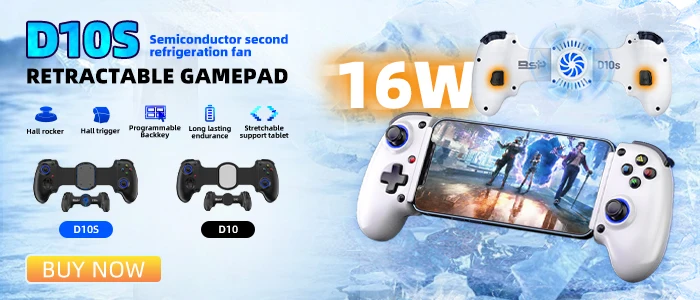
D10/D10S Stretching Cooling Gamepad For SWITCH/Android/lOS/PC/PS3/PS4
D10 (no cooling or cooling), D10S
-16W semiconductor refrigeration;
Features: Hall rocker + Hall trigger; macro programming, M1 and M2; supports multi-platform direct connection; supports multi-platform streaming
RLegal & Policy Links


Real Unboxing
Warehouse Packing
Shipping Orders Daily
Looking for More?
Subscribe to our emails
Be the first to know about new collections and special offers.