
Game The first handheld watch modified to TF card Open Source version & TF Card Ready
Modules only
HK$1,051.00 HKD
Sale price
HK$1,051.00 HKD
Regular price
HK$0.00 HKD
Game The first handheld watch modified to TF card Open Source version & TF Card Ready
HK$1,051.00 HKD
Sale price
HK$1,051.00 HKD
Regular price
HK$0.00 HKD
✔ I have reviewed the product version and details
Pickup currently not available
SPECIFICATIONS
Battery Included: Yes
Bluetooth-compatible: No
Brand Name: YTYIN
Category: Video Game Console
High-concerned chemical: None
Origin: Mainland China
Supporting Language: English
Type of devices: Other
WIFI: Yes
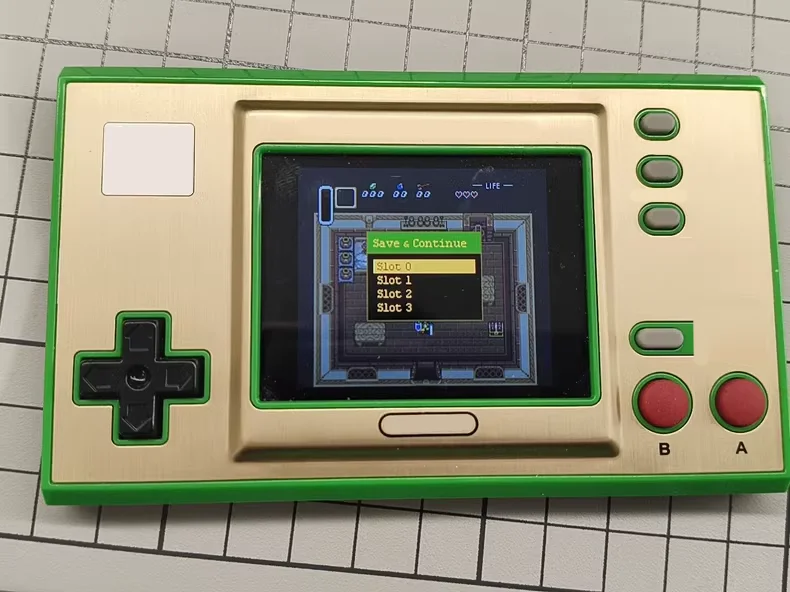
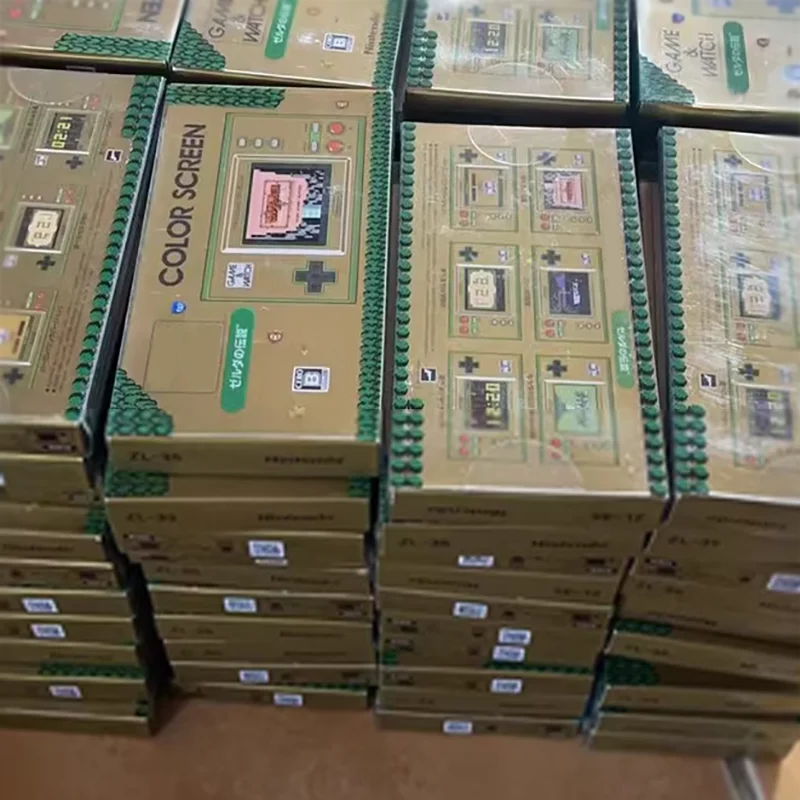
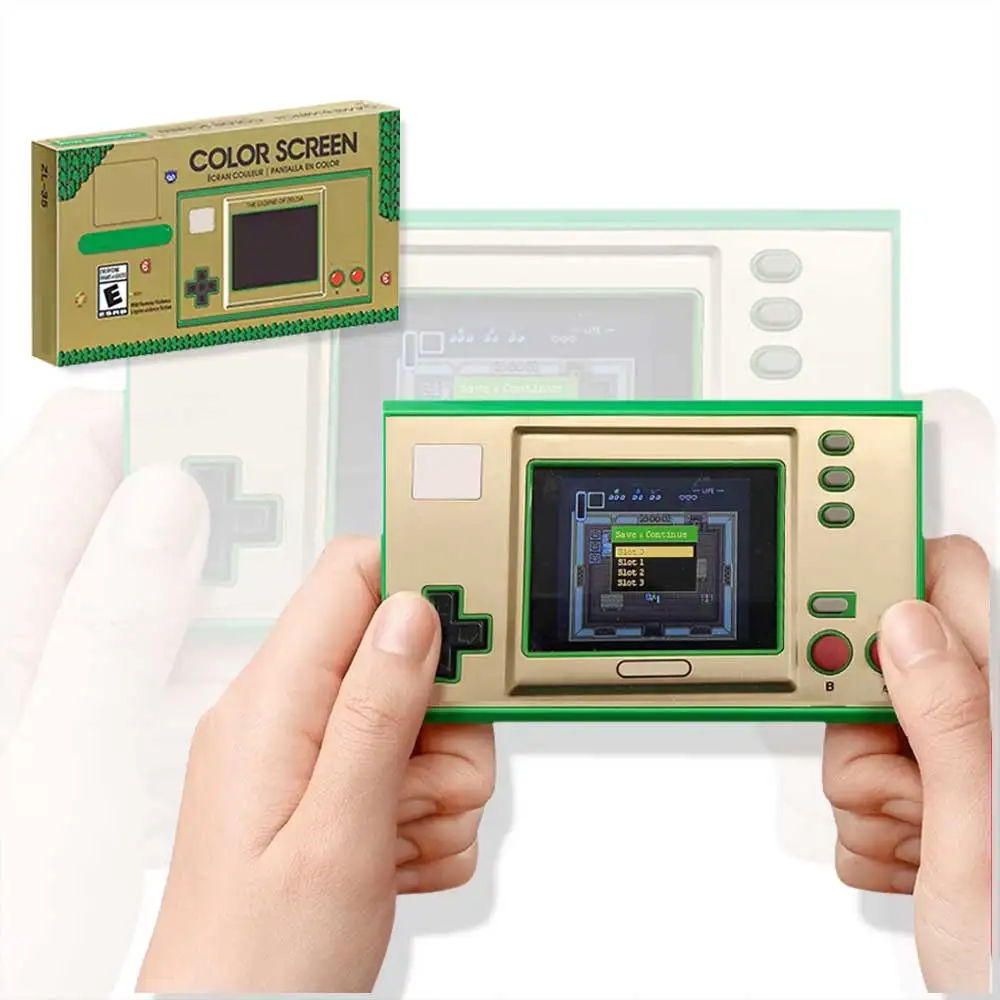
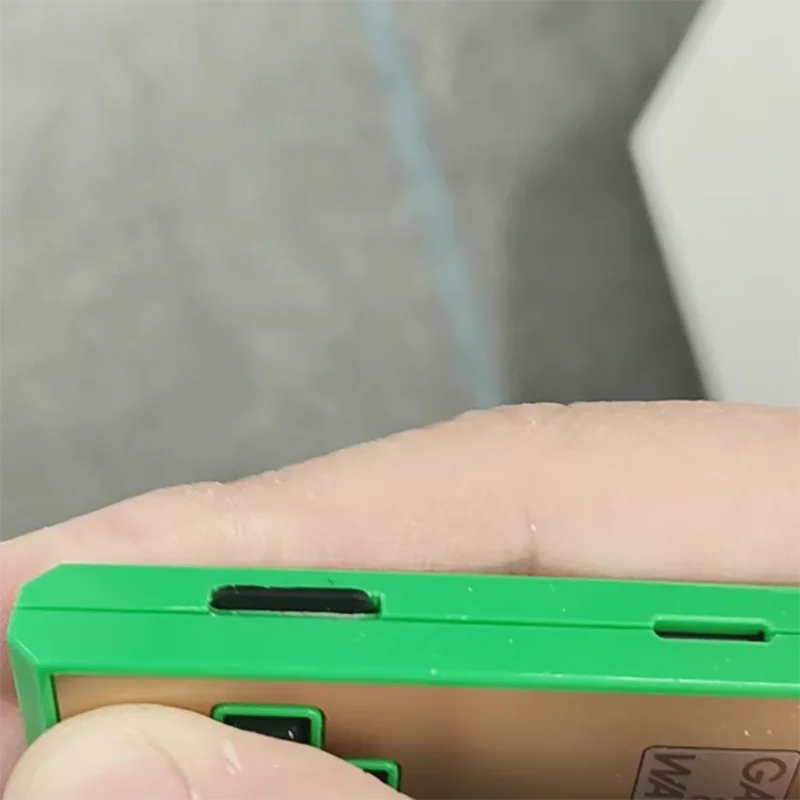
Gamewatch modified machine TF card solution modified finished product, gw35. With packaging host, not brand new. Only supports Zelda model, modified 64mflash, 4g card, pre-installed games. TIM solution; TIM solution is convenient for card replacement, it is the solution recommended by sylverb who made gwretrogo-sd, it needs to cut the shell, open the hole and polish the motherboard fixed card slot.
The machine has dual boot. The original system is retained. The default system is entered when it is turned on for the first time. Press the game+← key to switch to the custom system. The updated gwretro-sd system will directly enter the custom system by default the next time it is turned on;
How to use
1. Press and hold the menu key when booting to force the original system
2. In the custom system, select reboot original system in the menu to reboot to the original system
Product introduction
1. SD card modification uses Tim's SD card solution
Currently using gwretrogo-sd 0.5 version,
Latest version: https://github.com/sylverb/game-and-watch-retro-go-sd/releases
Download retro-go_update.bin and put it in the root directory of the TF card, open the custom system, and automatically start updating;
2. Bootloader use 1.04
https://github.com/sylverb/game-and-watch-bootloader/releases
The bootloader is a startup program and needs to be burned into the flash. No subsequent updates are required;
3. The cpu communicates with the TF card through spi; each time a new game is opened, the game will be read from the TF card and burned into the internal flash. The burning speed is slightly slow, but the game that has been burned and not erased will not be burned again when opened again, and will be opened directly from the flash;
4. The game data, including archives, are saved in the SD card by default. The game data is associated with the game data in the flash.
5. Please do not delete the data directory and config file at will or directly replace it with other gw devices that have changed the SD card. This may cause data errors. If you replace the new card, just copy the file completely to the new card. However, it is still recommended to re-update the firmware.
6. Replace the 4mflash of the host itself. The default replacement is 64m; after the flash game is full, it will be re-overwritten from the beginning. The old burned games will be overwritten, that is, these overwritten games need to be re-burned the next time they are opened. Of course, the game archive data is on the TF card and will not disappear, so it does not affect normal use;
A single category of games supports up to 1,000
Seventh, the rom file can be directly copied to the corresponding game directory under roms. The supported formats can refer to the original games. PS: SMD format can be modified to md, gen, bin and can also be supported. In addition to the solidified Azure, Mario World and Zelda 3 that need to generate data by themselves have been prepared;
Eighth, most of the pre-stored games have been tested and started, and there is no problem running; As for the current emulator compatibility, it is consistent with the original modified flash version; GB, GBC platform is the best, most of nes are supported, and a few of the pirated Chinese games have problems; MD is mostly fine, and a few have errors (layer loss problem, I have tested the flash modified version, which can be fixed by modifying the code. The current version directly used by the author does not seem to have been fixed);
Ninth, the game name does not support Chinese for the time being, Please use alphanumeric names;
10. Game cover, supports jpg.png, bmp formats, keep the same name as the game rom, put it in the same folder, use python to run gencover.py to generate the cover image; the generated cover image is in the covers directory. After generating the cover, the original cover image in the roms directory can be deleted (it is recommended to keep it to avoid accidental deletion). *The cover file format in the covers directory is .img, which can be modified to png, jpg, etc. to preview the effect in the windows environment; the current default compressed image size is 128*96, quality 85, you can modify the python script if you need to modify it
* I have modified the current script, and slightly changed the proportion of the cover size for MD, NES, GB games, and the overall image quality was changed to 90;
11. Run the terminal/cmd in the root directory of the TF card and execute python gencovers.py; you need to install the dependency PIL
RLegal & Policy Links


Real Unboxing
Warehouse Packing
Shipping Orders Daily
Looking for More?
Subscribe to our emails
Be the first to know about new collections and special offers.