
Divoom MiniToo Pixel Retro Bluetooth Speaker, App Control Clock & Alarm, White Noise, Portable Cute Desk Speaker Gift
beige
HK$1,344.00 HKD
Sale price
HK$1,344.00 HKD
Regular price
HK$0.00 HKD
Divoom MiniToo Pixel Retro Bluetooth Speaker, App Control Clock & Alarm, White Noise, Portable Cute Desk Speaker Gift
HK$1,344.00 HKD
Sale price
HK$1,344.00 HKD
Regular price
HK$0.00 HKD
✔ I have reviewed the product version and details
Pickup currently not available
SPECIFICATIONS
Accessories Type: Speaker
Brand Name: Divoom
Compatible Brand/Model: None
Electric: Yes
High-concerned chemical: None
Model Number: MiniToo
Origin: Mainland China
With USB: yes
Retro-pixel charm on your desk — a compact Bluetooth speaker with a lively pixel display
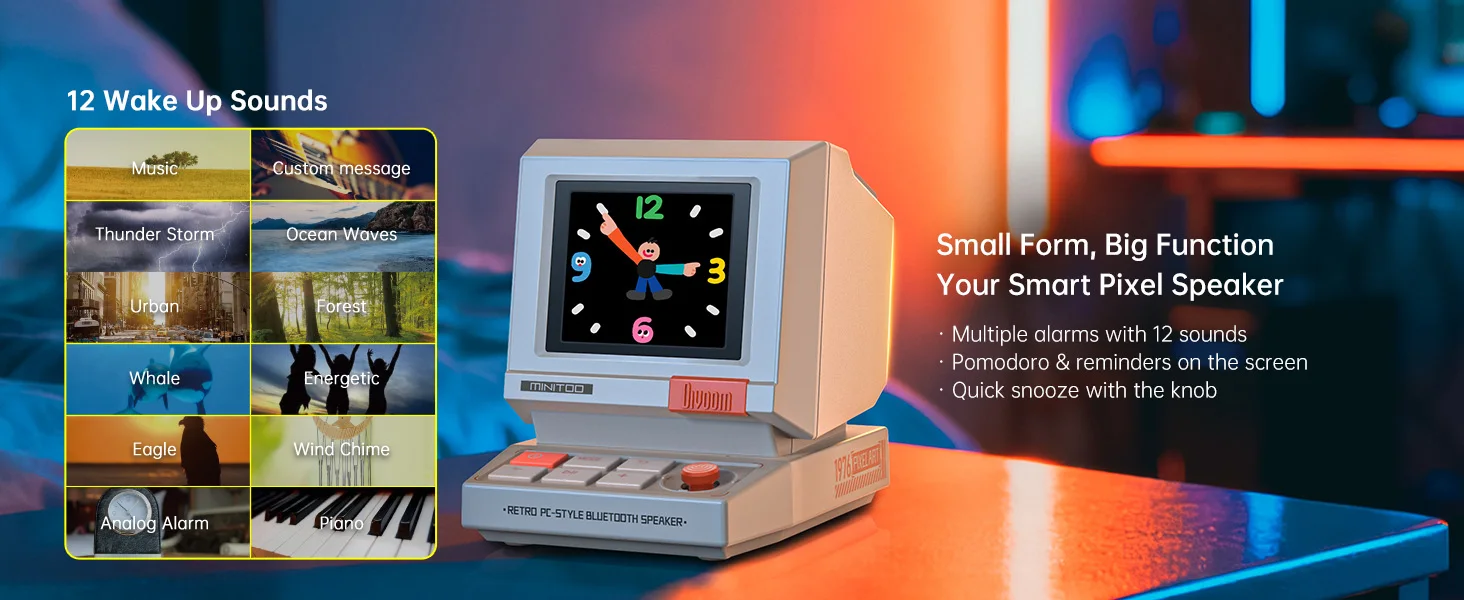
App-controlled clock & alarms — customize time styles, timers, reminders in one tap
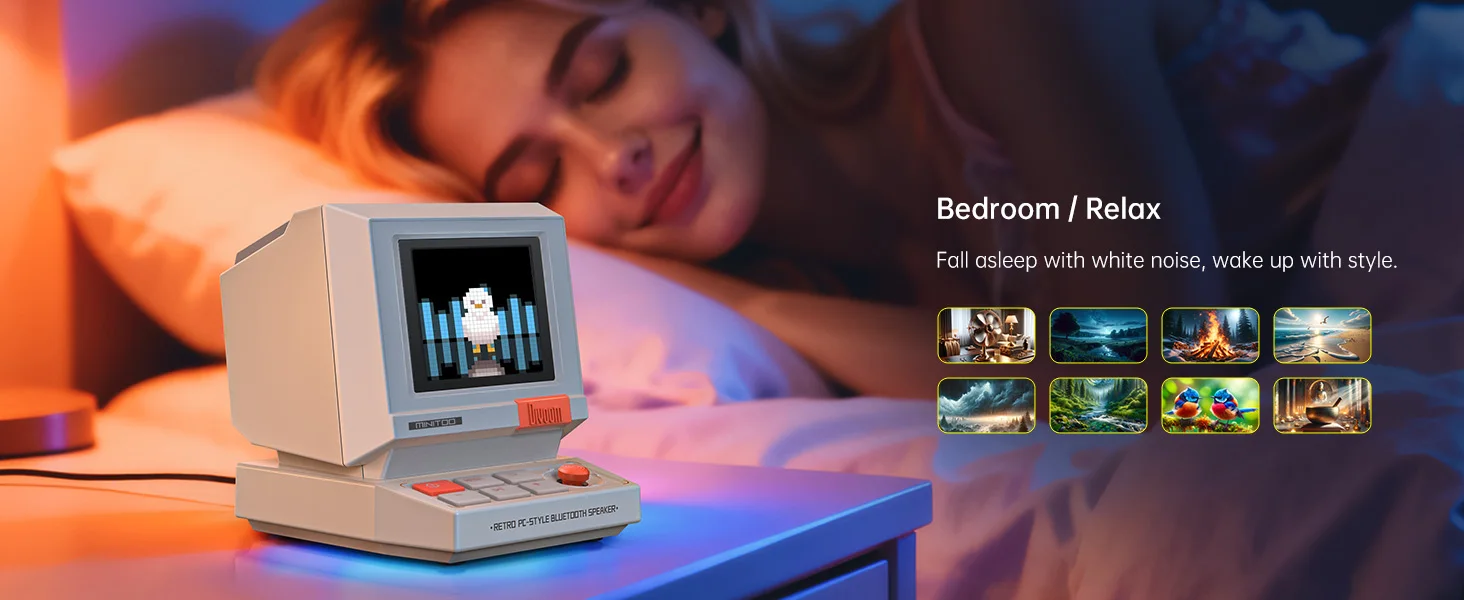
Built-in white noise & ambient sounds — relax, focus, or fall asleep easier
Portable mini speaker — lightweight for travel, bedside, office, and study corners
Divoom App creativity — browse tons of pixel art, set animations & DIY designs
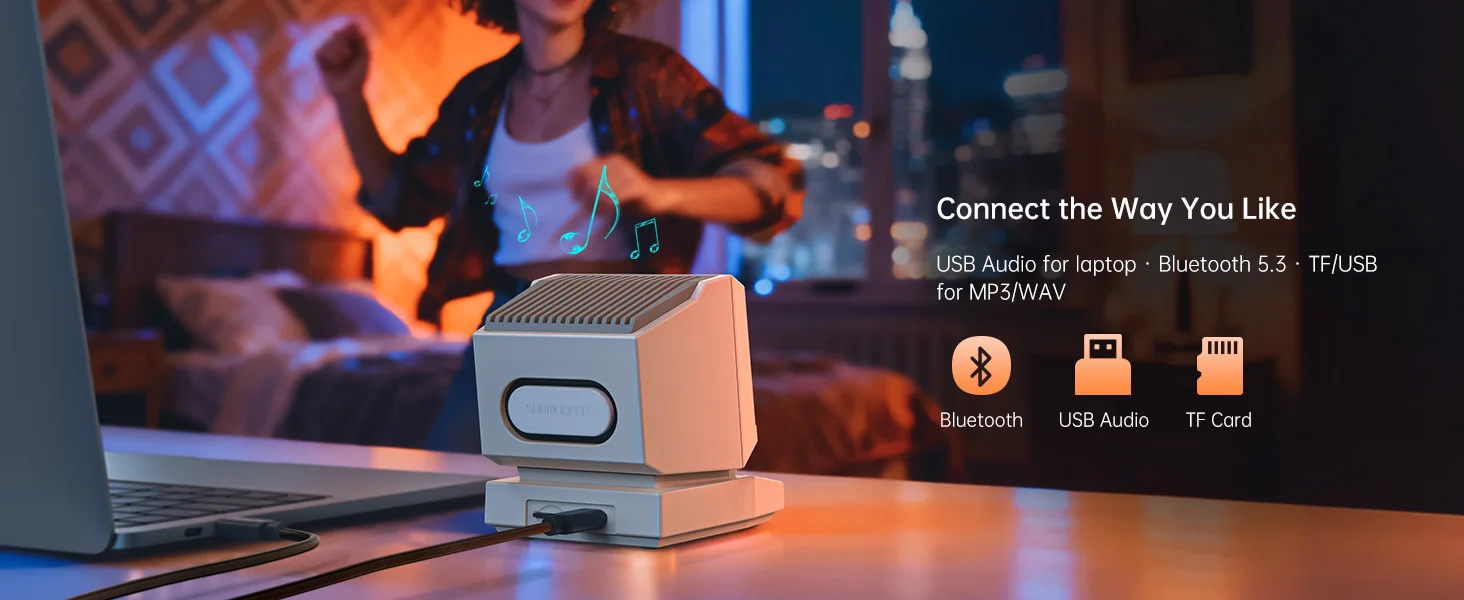
Clear wireless audio for podcasts, lo-fi, and your daily playlist
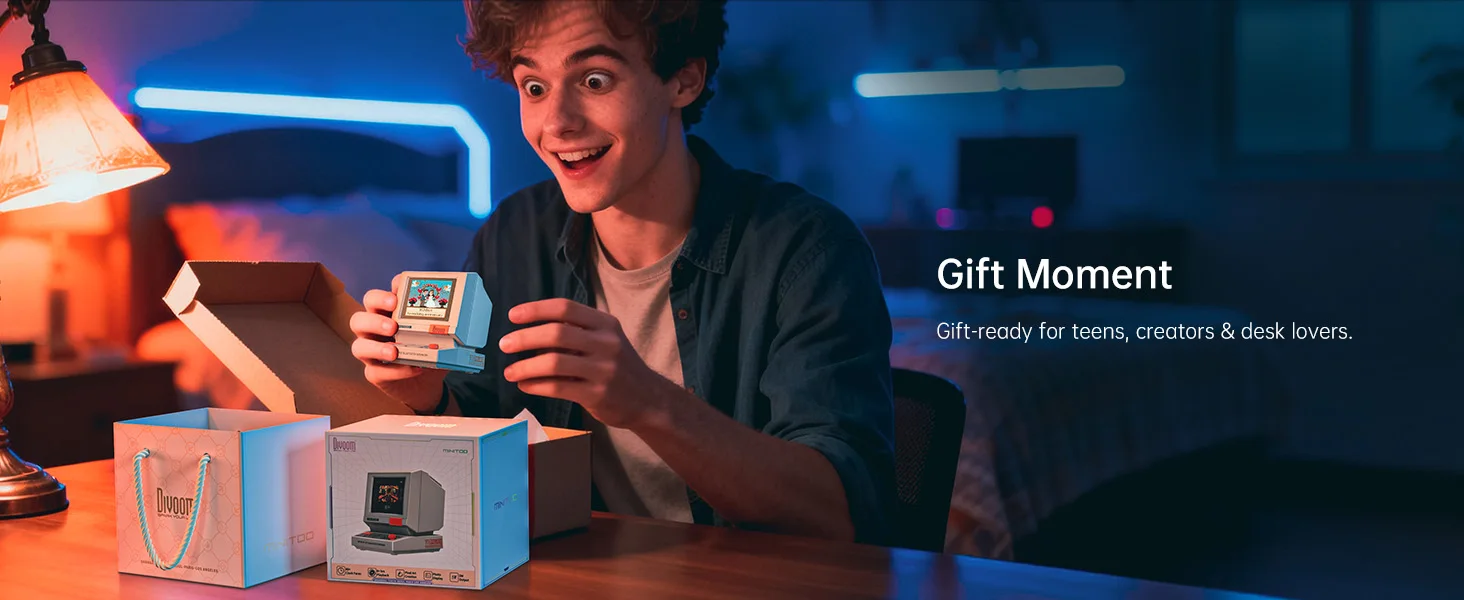
Gift-ready design — cute look, delightful unboxing, perfect for birthdays & holidays
Stable connection & easy setup — pair once and play anytime
Applicable Population & Usage Scenarios
Cozy gamers • desk-setup lovers • students • office workers • creators/gifters
Scenes: bedside clock, study focus, work background music, travel companion
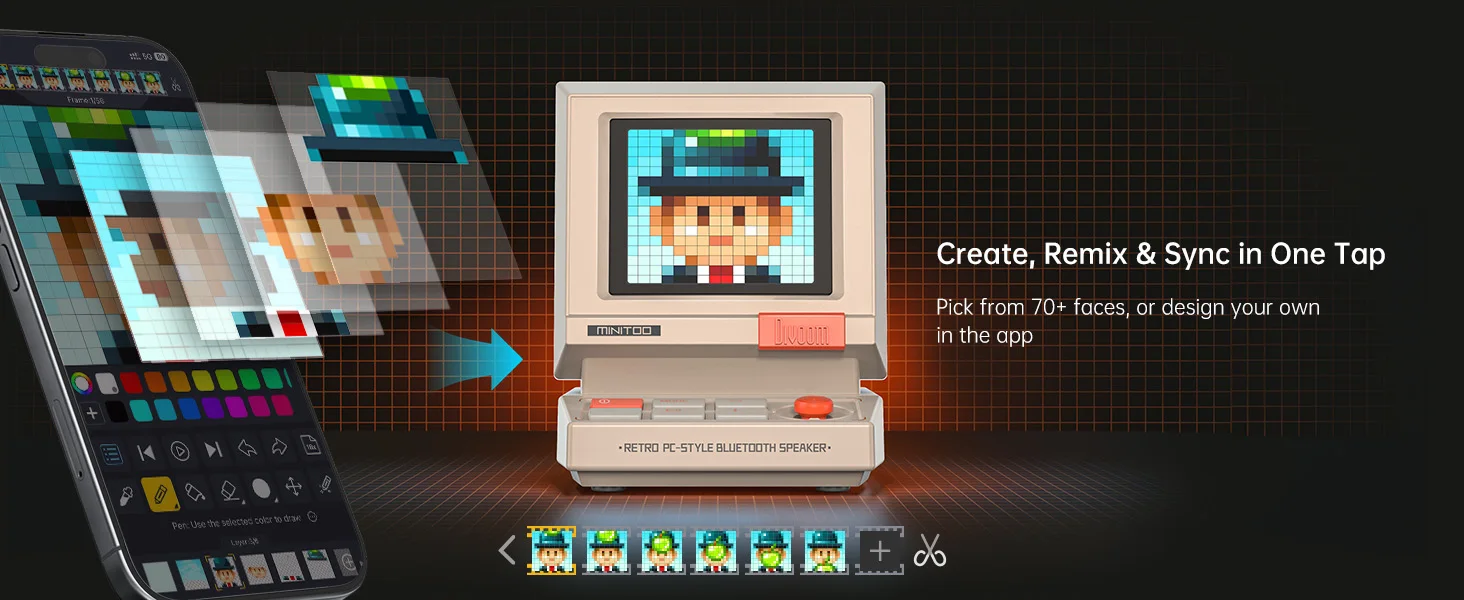
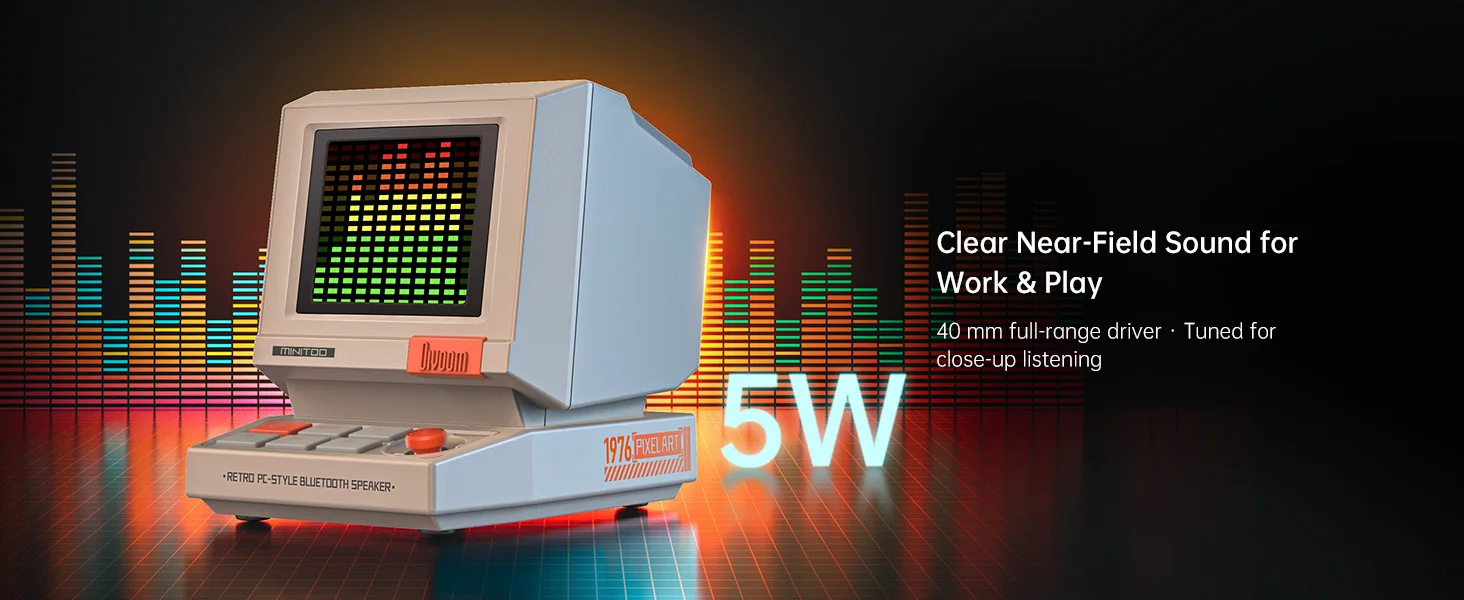
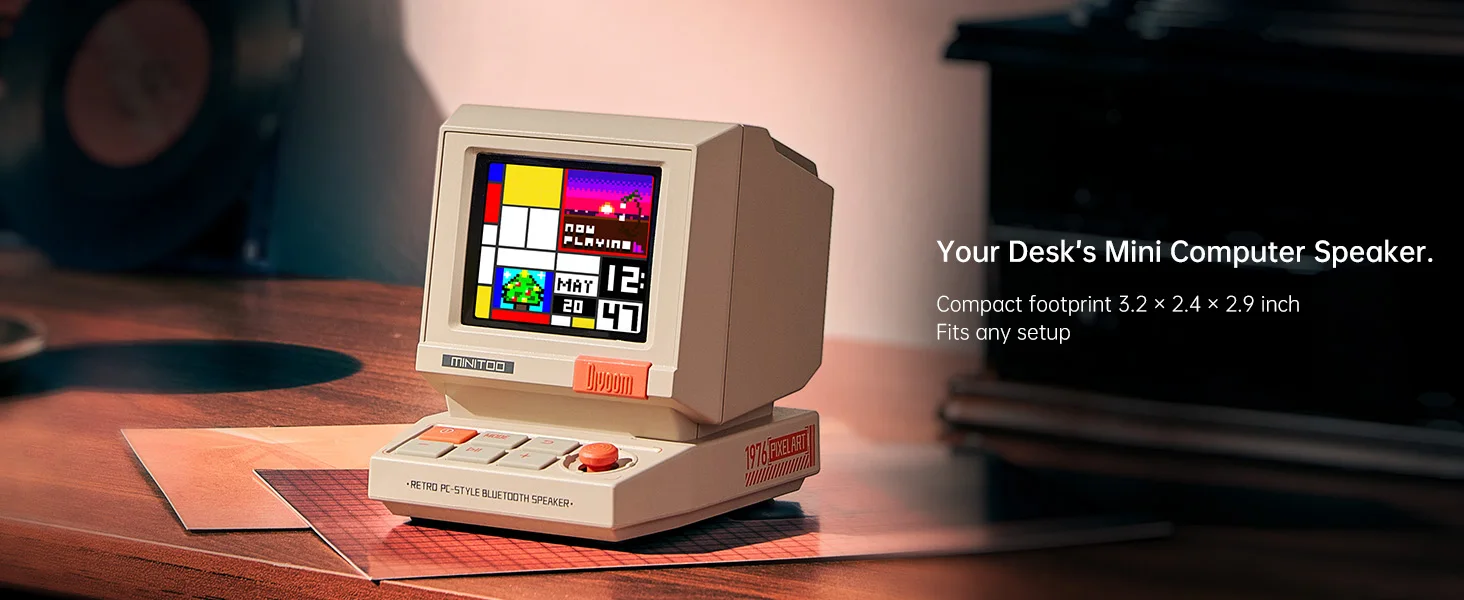
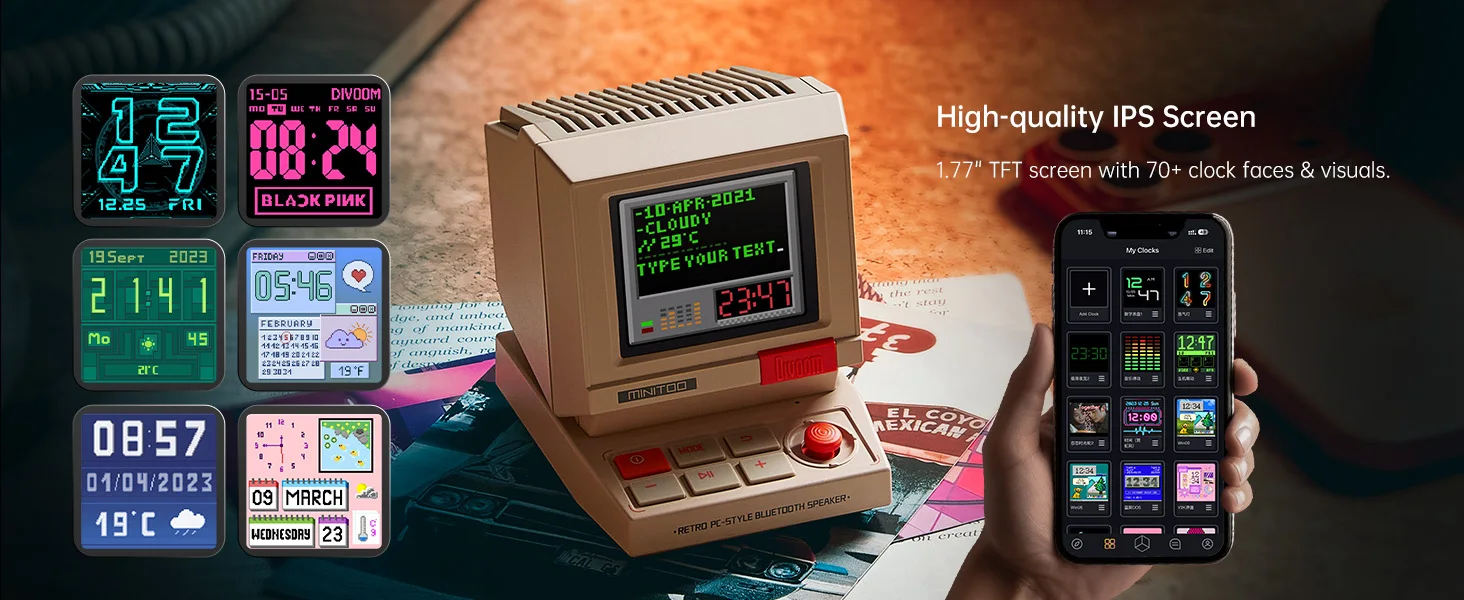
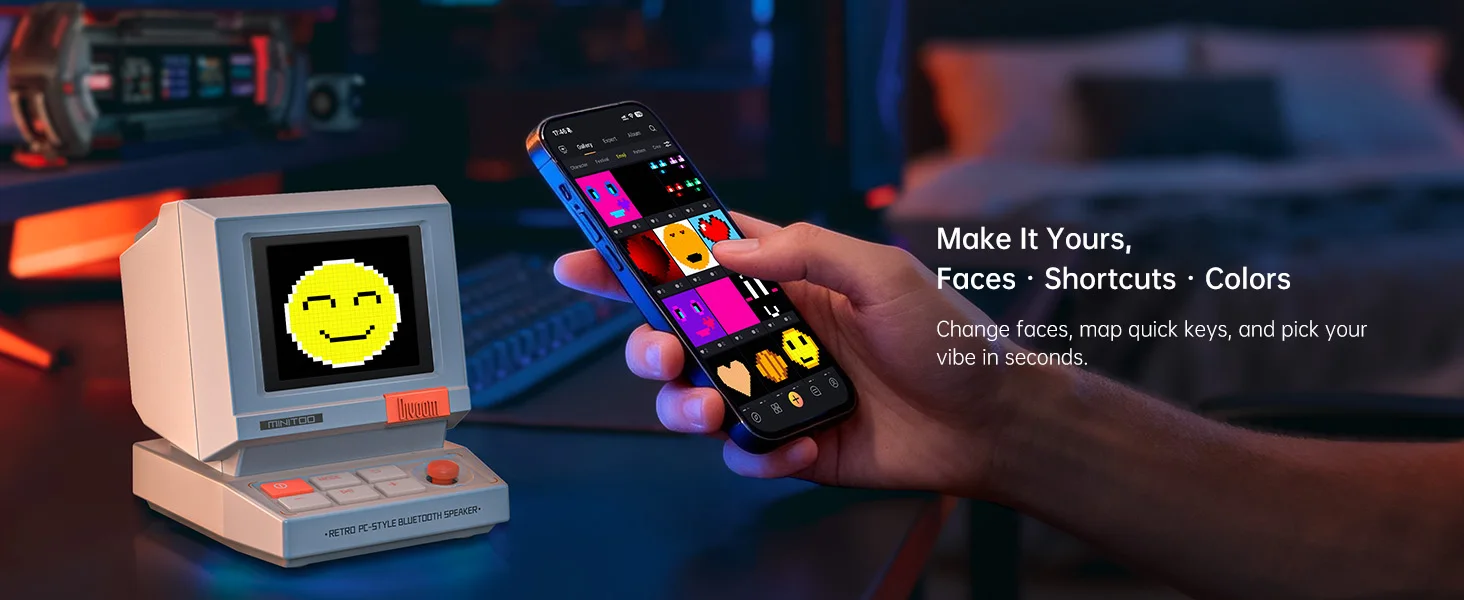
App gameplay (brief explanation)
Quick firmware & content updates in the app
Schedule alarms/timers; tweak brightness/sound
DIY pixel drawings & clock faces
Explore pixel-art gallery, set live animations
App gameplay (brief explanation) - Learn in just three steps
1Power on → 2) Bluetooth pair → 3) Open Divoom App to customize clock, alarms & pixel art.
FAQ
Q1: Do I need to keep my phone connected all the time?
A1: Music streams over Bluetooth. After setup, the clock, alarms, and pixel animations continue to run on the device.
Q2: How do I use white noise?
A2: Open the Divoom app, select White Noise/Ambient, then set the duration and volume.
Q3: Can I create my own pixel art?
A3: Yes. Use the DIY editor in the Divoom app and sync your design to the MiniToo.
Q4: What if it won’t connect?
A4: Remove the old Bluetooth pairing, restart the device, then re-pair in your phone’s Bluetooth settings and in the Divoom app.
Q5: After-sales & warranty
A5: Please refer to the warranty/service policy on our store page. If you need help, contact our customer support anytime.
matters need attention
Appearance/colors may vary slightly due to lighting & display settings.
Please use certified chargers and the included USB-C cable.
RLegal & Policy Links


Real Unboxing
Warehouse Packing
Shipping Orders Daily
Looking for More?
Subscribe to our emails
Be the first to know about new collections and special offers.