
RGB Hall Effect Wireless Controller For Nintendo Switch/Switch 2/Android Gamepad PC Joystick Joypad Controle with Turbo Function
Purple / No box
HK$921.00 HKD
Angebotspreis
HK$921.00 HKD
Normaler Preis
HK$0.00 HKD
RGB Hall Effect Wireless Controller For Nintendo Switch/Switch 2/Android Gamepad PC Joystick Joypad Controle with Turbo Function
HK$921.00 HKD
Angebotspreis
HK$921.00 HKD
Normaler Preis
HK$0.00 HKD
✔ I have reviewed the product version and details
Abholung derzeit nicht verfügbar
SPECIFICATIONS
ABXY Switch Type: Membrane
Battery Included: Yes
Brand Name: YECKTEGJ
Choice: yes
Compatible Brand/Model: Nintendo
Compatible Nintendo Model: Nintendo Switch 2,Nintendo Switch,Nintendo Switch OLED,Nintendo Switch Lite
Compatible Platform: Nintendo Switch,PC,Android,iOS,steam
Future 1: for nintendo switch
Future 2: control for nintendo switch
Future 3: for nintendo switch accessories
Future 4: for nintendo switch oled
Future 5: For nintendo switch Oled controller
Future 6: Control For Nintendo Switch
Hall Effect: Yes
High-concerned chemical: None
Interface Type: USB,Bluetooth
Origin: Mainland China
Package: No
RGB lighting joysticks: Yes
Support Software configuration: Yes
Trigger Button Type: None
Type: Gamepads
Q&A
Q: Why are all the buttons unresponsive
A: The controller is in "lock mode", all buttons cannot be turned on to wake up the controller. Use a USB data cable to charge the controller in order to exit the "lock mode" and restore its function to normal. (To avoid battery consumption caused by accidental touch of buttons during packaging and transportation, the product needs to be set to "lock mode" according to this operation before shipping)
When you connect to the Switch 2 host, the “Search for Controllers” page may display no controller connected, even though the controller is actually connected. But in fact, You can click "Contrellers" on the main menu of the Switch host, will see that the controller was successfully connected, as shown the below picture.

Support multi-platforms
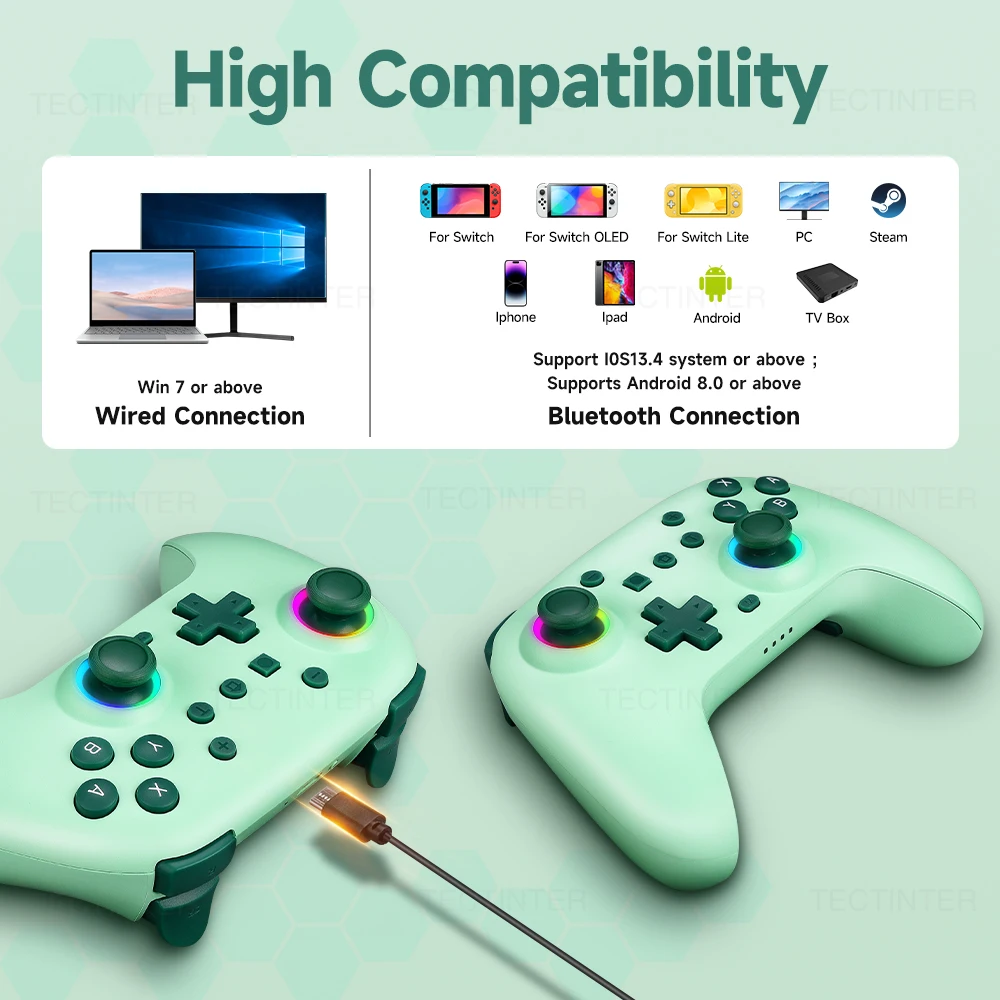
This controller is an unprecedented game controller that supports multi-platforms including Nintendo Switch, Steam, Android, iOS ,PC and Android TV BOX. Meet the needs of many players on multiple platforms.There are 2 connections. You can also connect with PC with usb cable .Just use this controller and start your games !
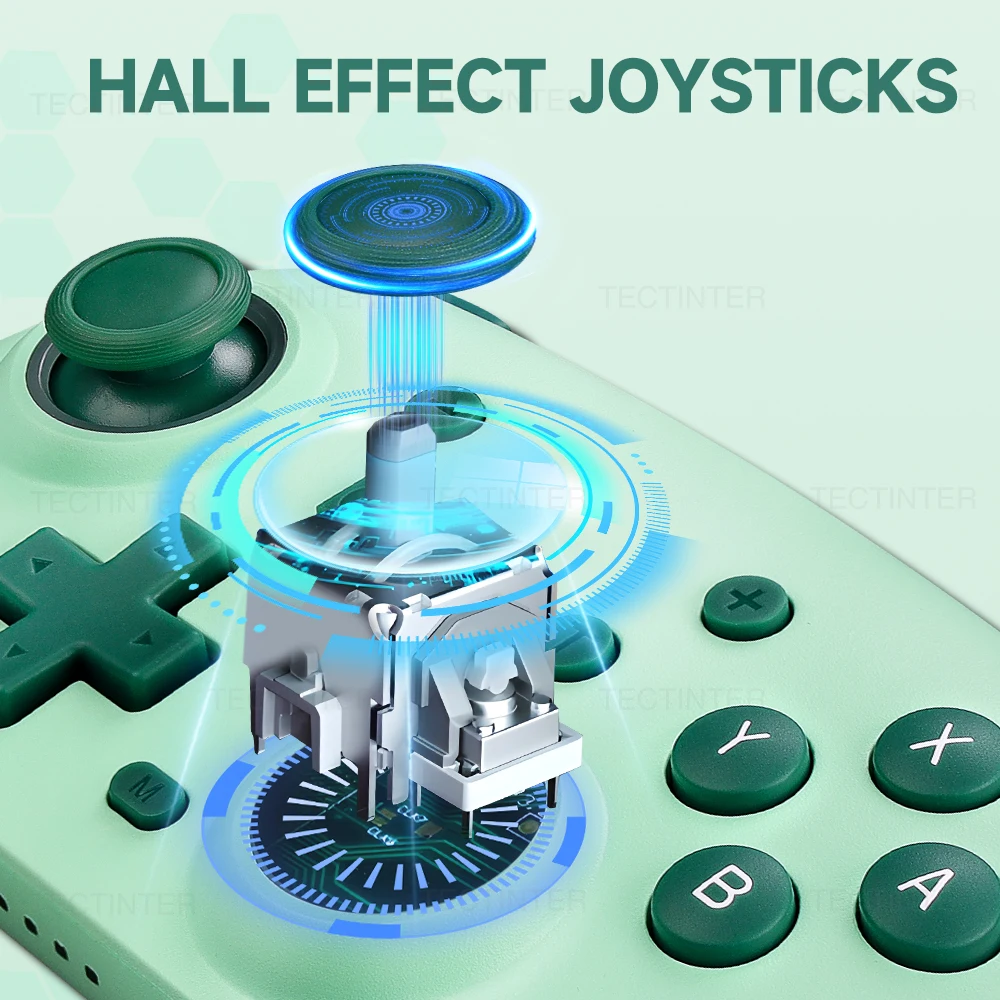
Hall-Linear Trigger Button
The Hall-Linear Trigger Button provides quick and accurate response, allowing you to dominate the game with ease.
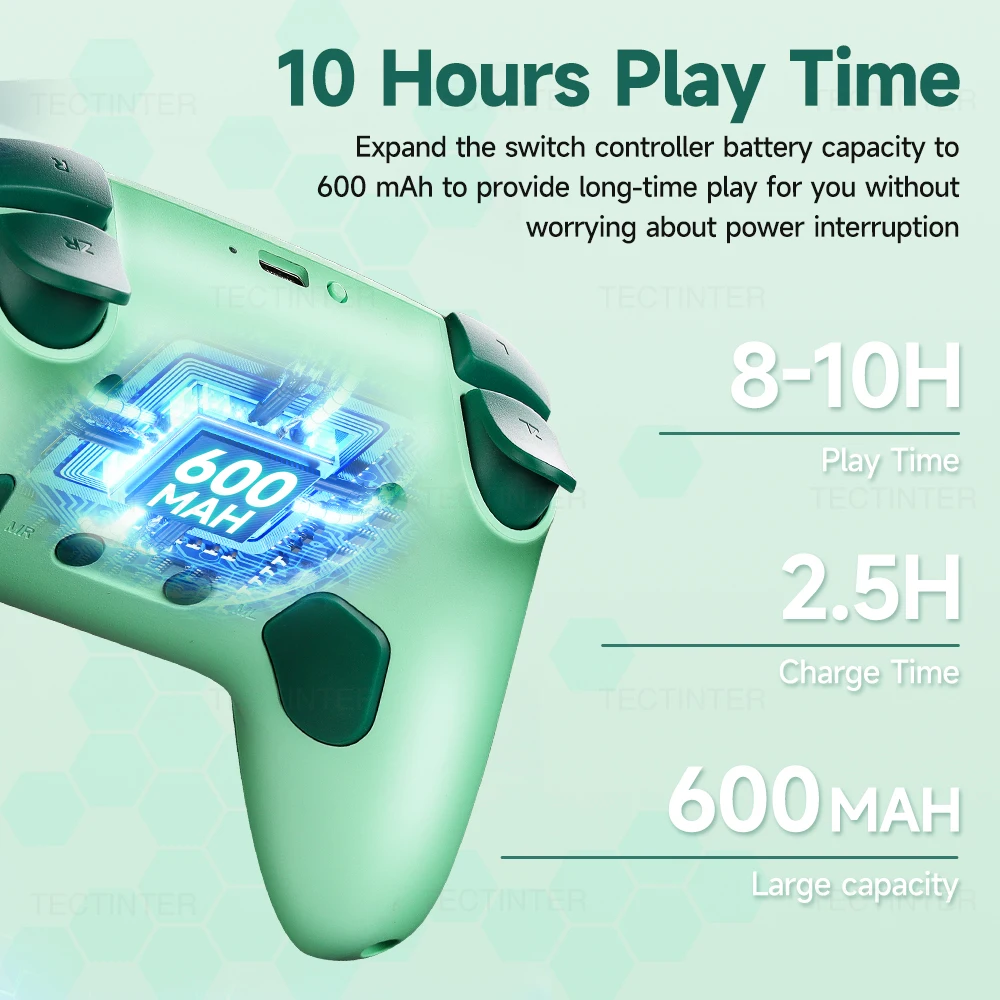
Built in 600Mah Battery
Featuring a 600Mah battery, this wireless controller ensures long-lasting gaming sessions without the hassle of frequent recharging.Charge 2.5 hours and can be used for about 8-10 hours .
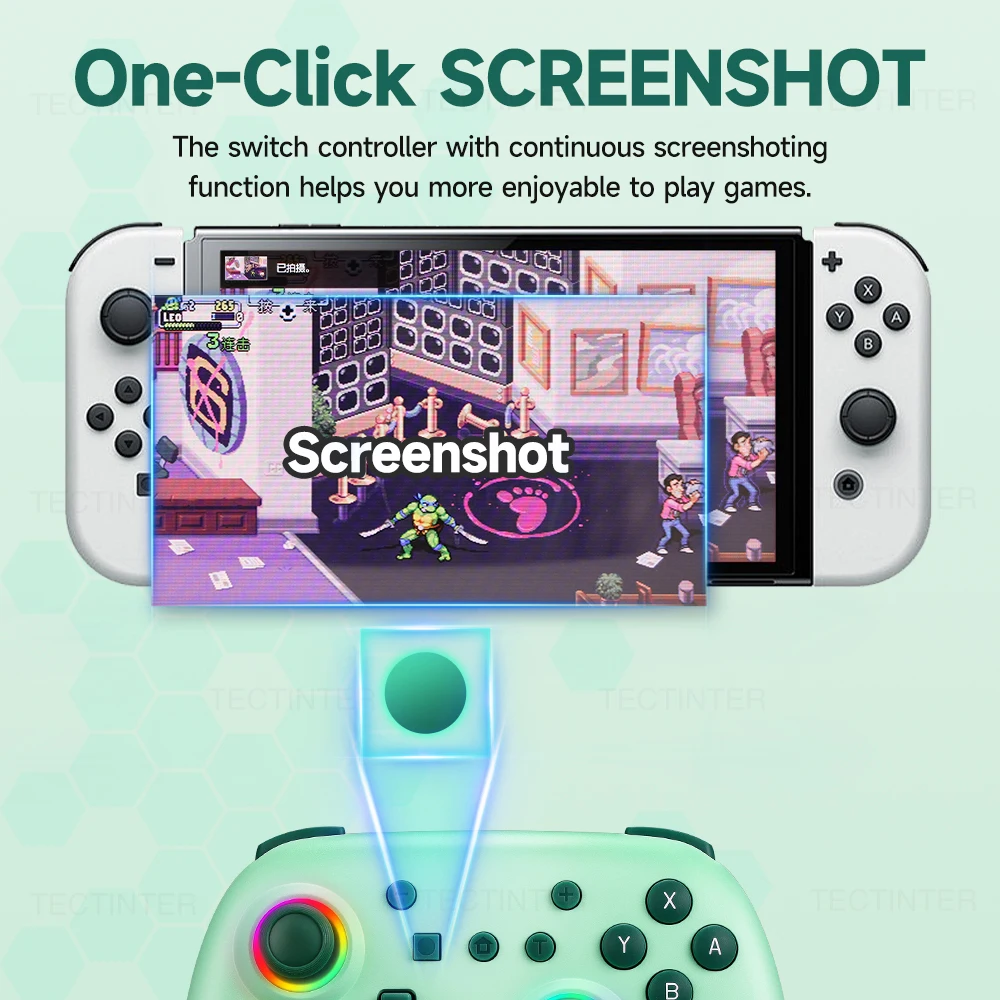
One-Click SCREENSHOT
The switch controller with continuous screenshoting function helps you more enjoyable to play games. Note :This function is only for Switch !!
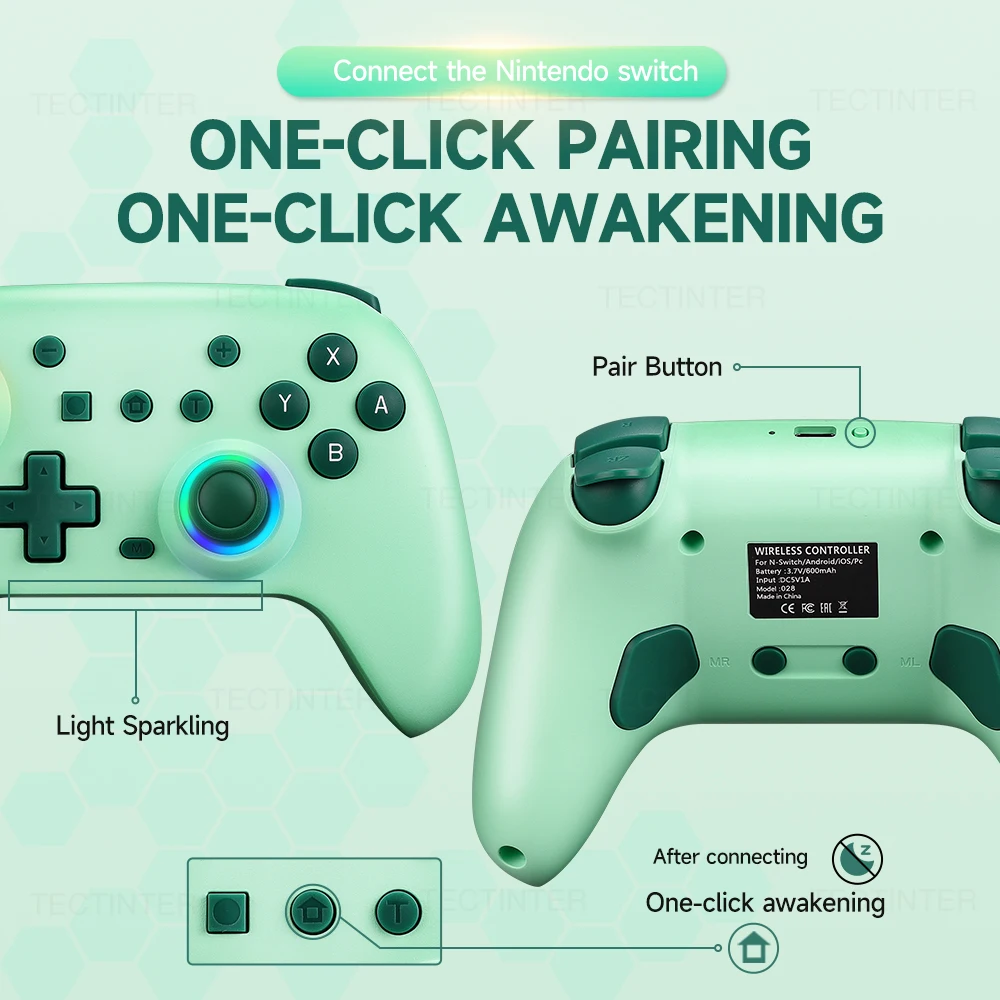
One-Click Pairing and Awakening
Steps
1.When using the controller for the first time, you need to use a data cable to charge the controller, exit the "lock mode", and then press and hold the "Pairing" button for about 3 seconds until the LED1-4 light flashes when the controller is turned on. Release it,
2.Open the Switch host to the pairing interface, and perform Bluetooth pairing. After successful pairing, all functions of the controller can be used normally,
3.Press the HOME key to wake up the console.
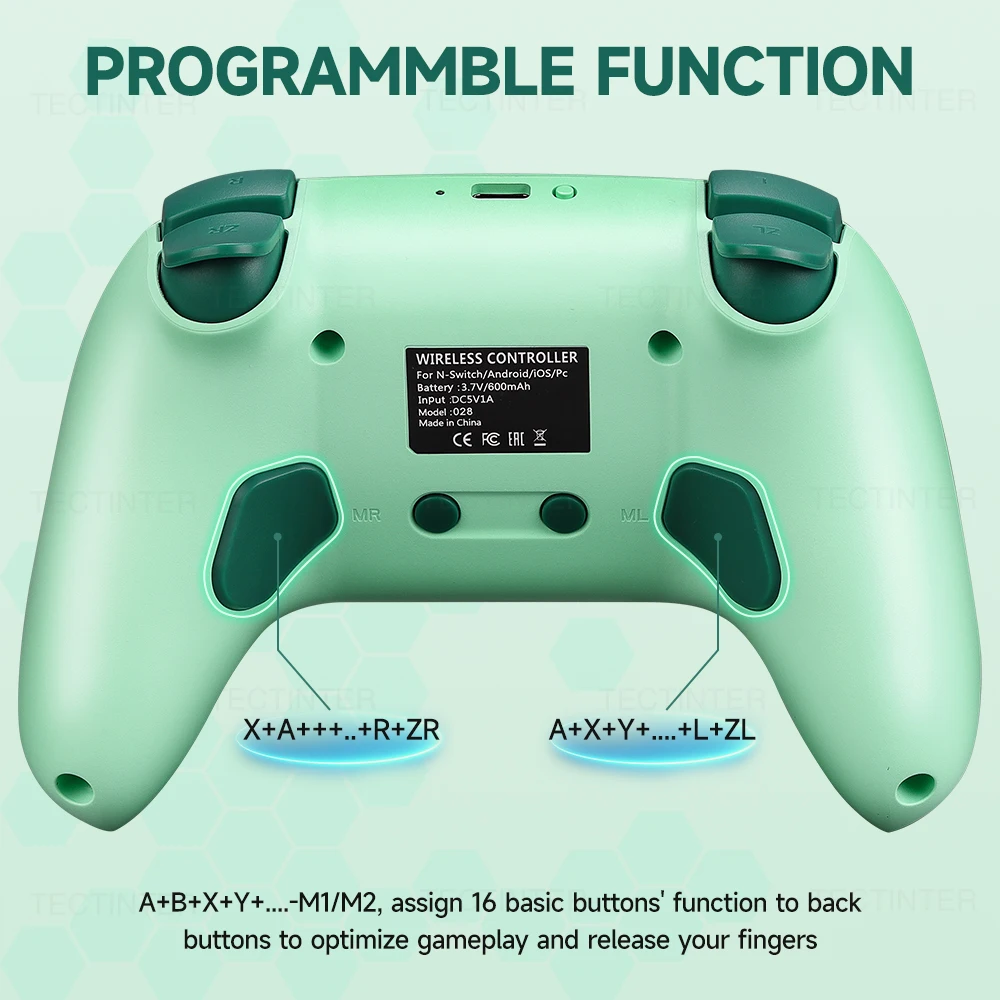
Programming Function
1. Press and hold the M programming mode button for 2 seconds, and the left and right 3D aperture lights will flash slowly, indicating that the controller has entered programming mode;
2. Press any of the following buttons that you want to program (map): A/B/X/Y/LB/RB/L3/R3/D-PAD, with the left and right 3D aperture lights flashing quickly;
3. Press any of the left or right programmable keys (the programming key on the left or right), and the left and right 3D aperture lights will change from flashing fast to on, indicating successful button programming (mapping);
Note: Up to 16 buttons can be programmed; If there is no button for more than 1 minute, the programming mode will automatically exit;
Clean up programming (mapping) function:
1. Press and hold the M programming button for 2 seconds, and the left and right 3D aperture lights will flash slowly, indicating that the handle has entered programming mode;
2. Press the programming key that needs to be cleared for ML and MR, and the left and right 3D aperture lights will flash and become longer, indicating that all programming (mapping) functions are cleared.
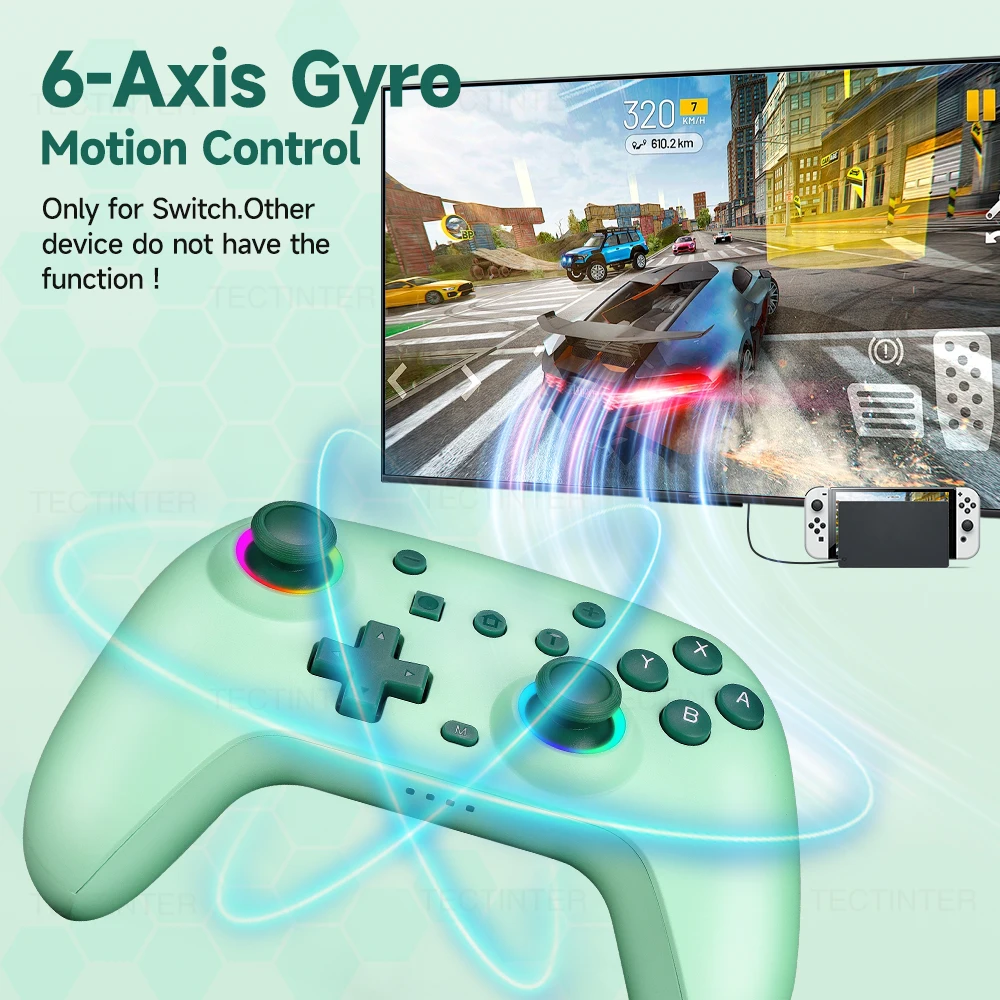
6-Axis Gyroscope For Nintendo Switch
The controller has built-in independent 6-axis high-precision gyroscope chip. (Only can use in the Switch !!!)Compared with ordinary controller, it has higher precision and response speed. It can accurately capture small hand movements and quickly complete the operation
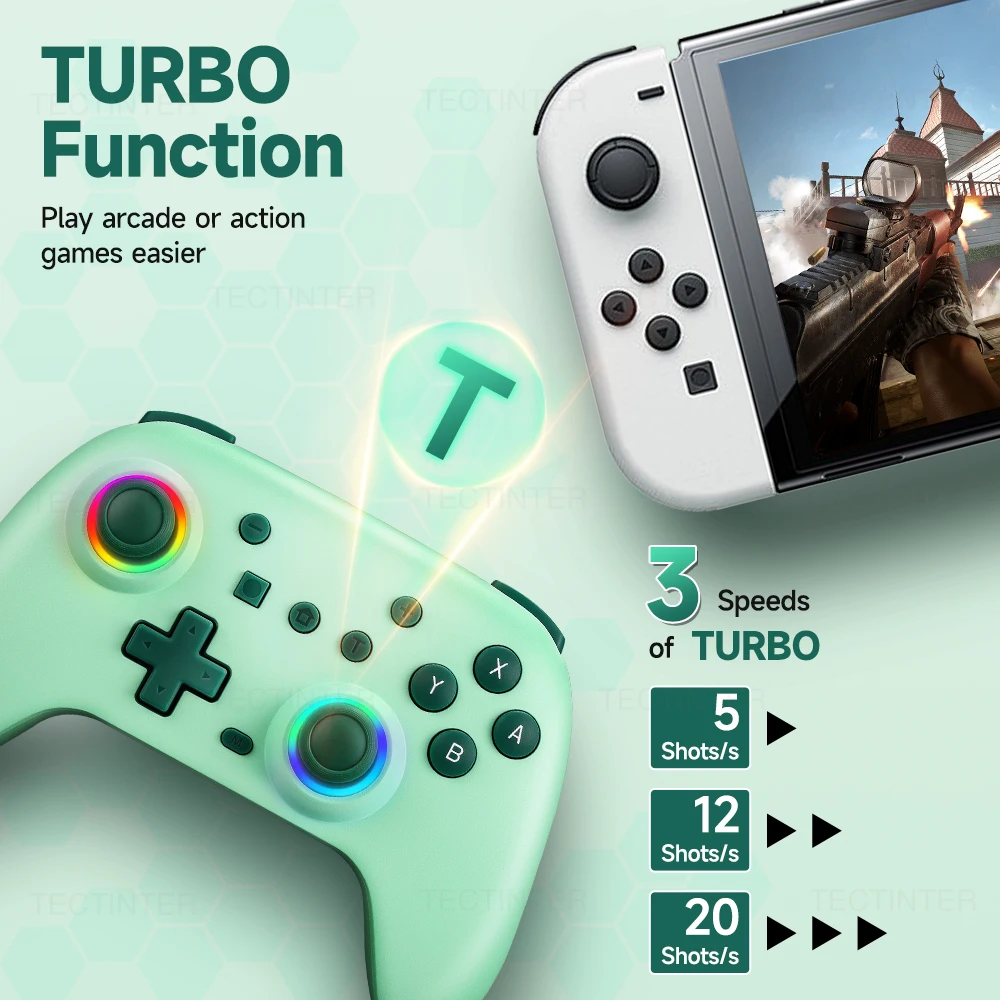
Turbo Function
Equipped with a programmable turbo function, this gamepad allows you to customize your gaming experience by enhancing your gameplay speed and efficiency.
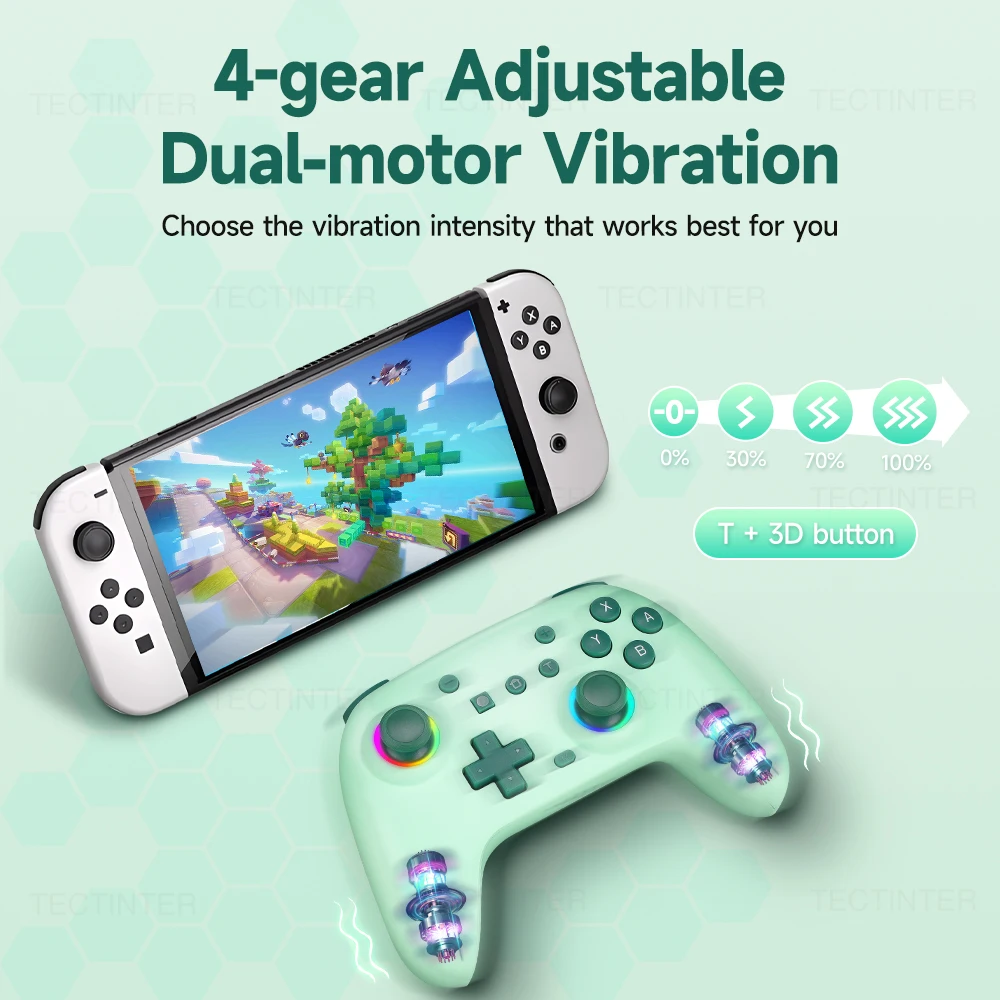
4-Gear Dual-Motor Vibration
This game controller has two vibration motors, which can enhance the immersion of the game and provide a real-time and realistic game experience. That is to say, when a player shoots, hits a target or is hit in the game, its asymmetric design can provide corresponding real-time feedback based on these different game scenarios.
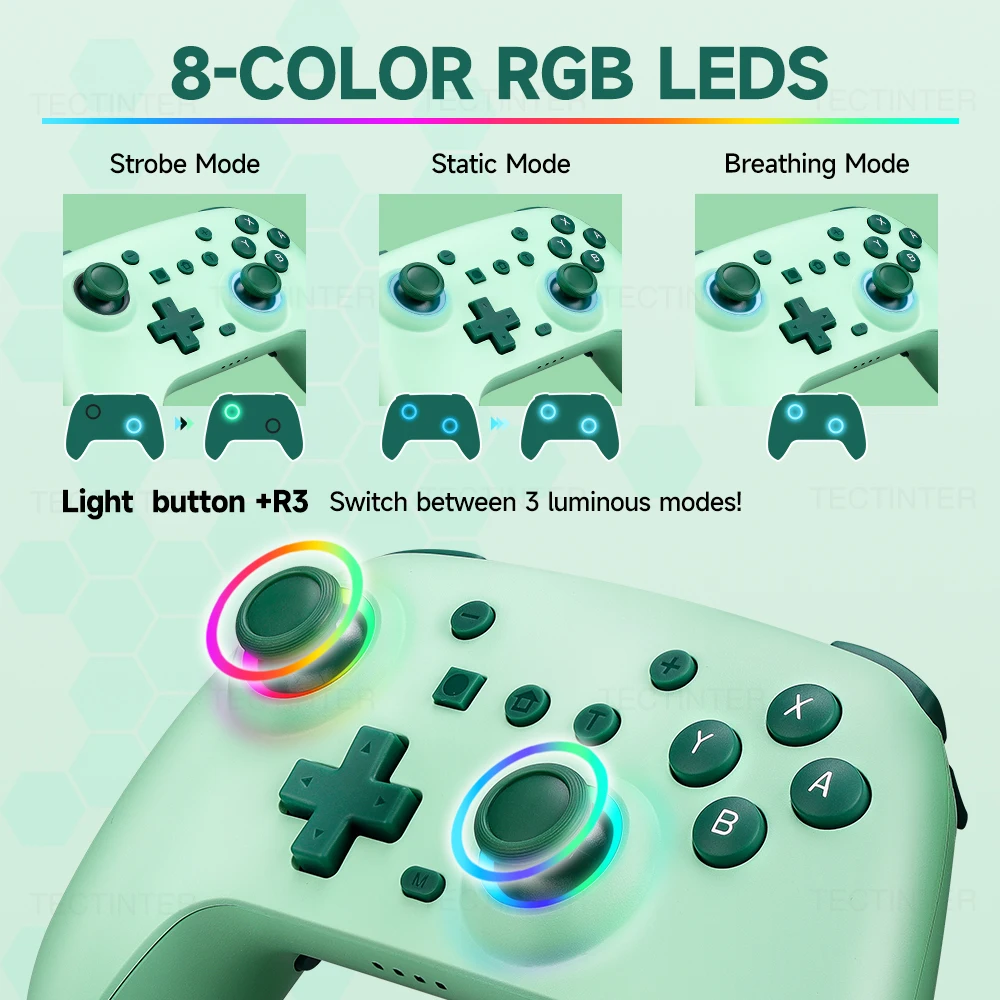
8-Color RGB Led
There are three modes.
(1) Strobe Mode: Press the "LED" and "R3" button to change the mode from . Static Mode to Strobe Mode and Breathing Mode.
(2) Breathing Mode: Simultaneously press and hold the 3D joystick L3+R3. The 1-second motor vibration prompt allows setting the color of the RGB aperture; short press the L3 key can switch the RGB light . Short press the L3 key can confirm the color you need .
(3) Static Mode: Press the ''LED' and "L3" ' button to enter static mode.
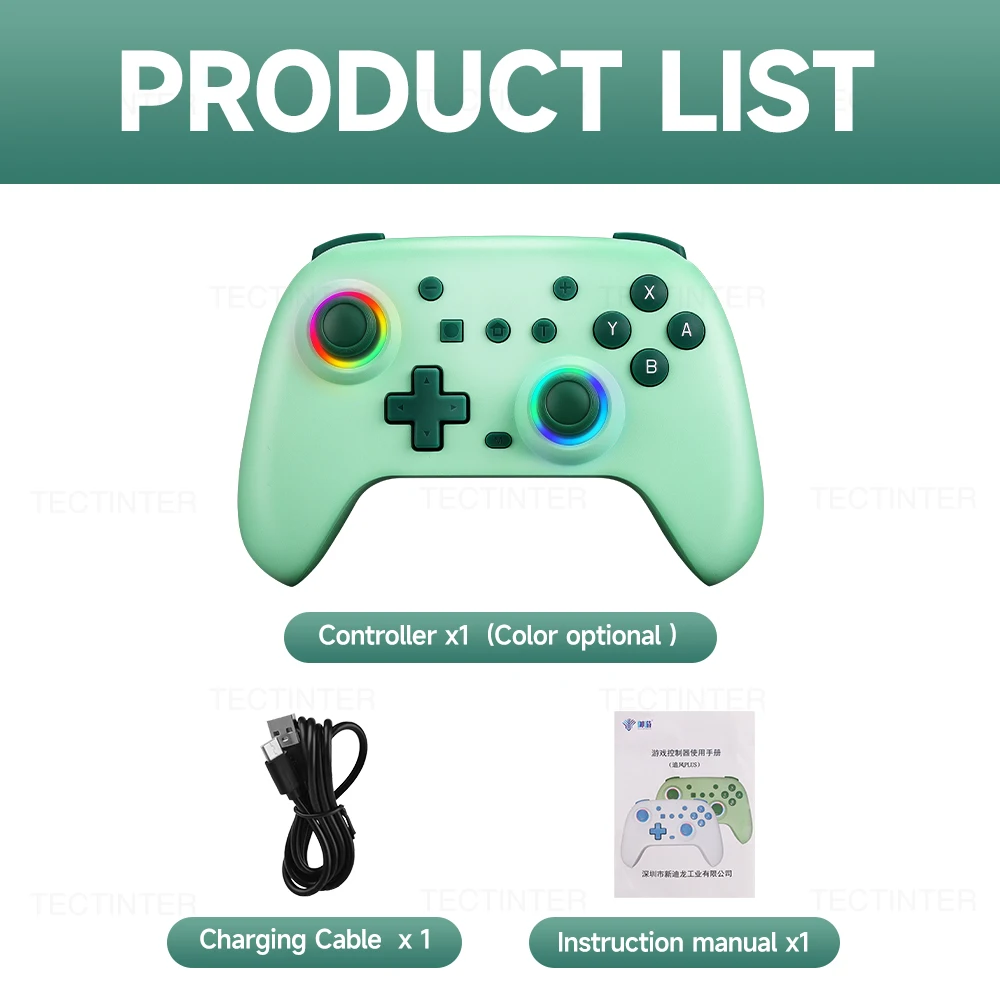
Packing list
Controller x 1
USB Cable x1
Packing Box x1
Instruction Manual x1

Rechtliche und politische Links


Real Unboxing
Warehouse Packing
Shipping Orders Daily
Auf der Suche nach mehr?
Abonnieren Sie unsere E-Mails
Erfahren Sie als Erster von neuen Kollektionen und Sonderangeboten.