
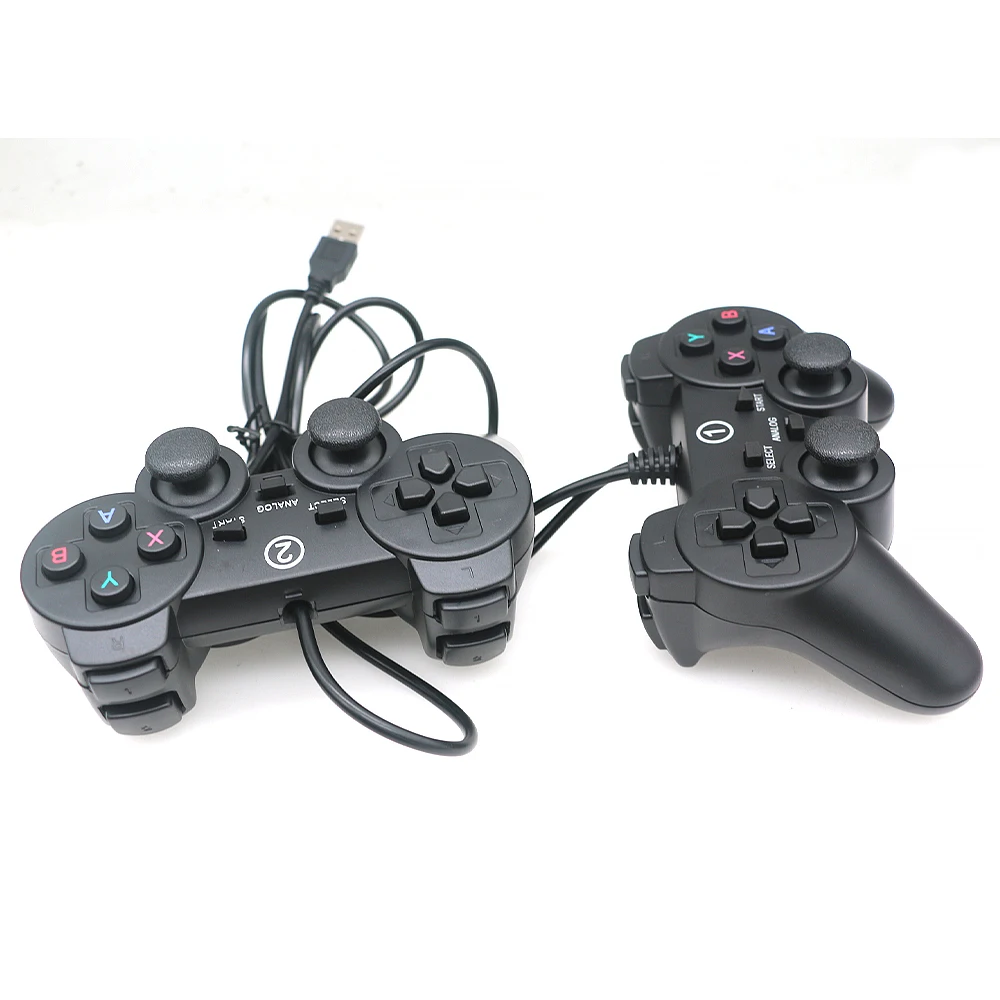
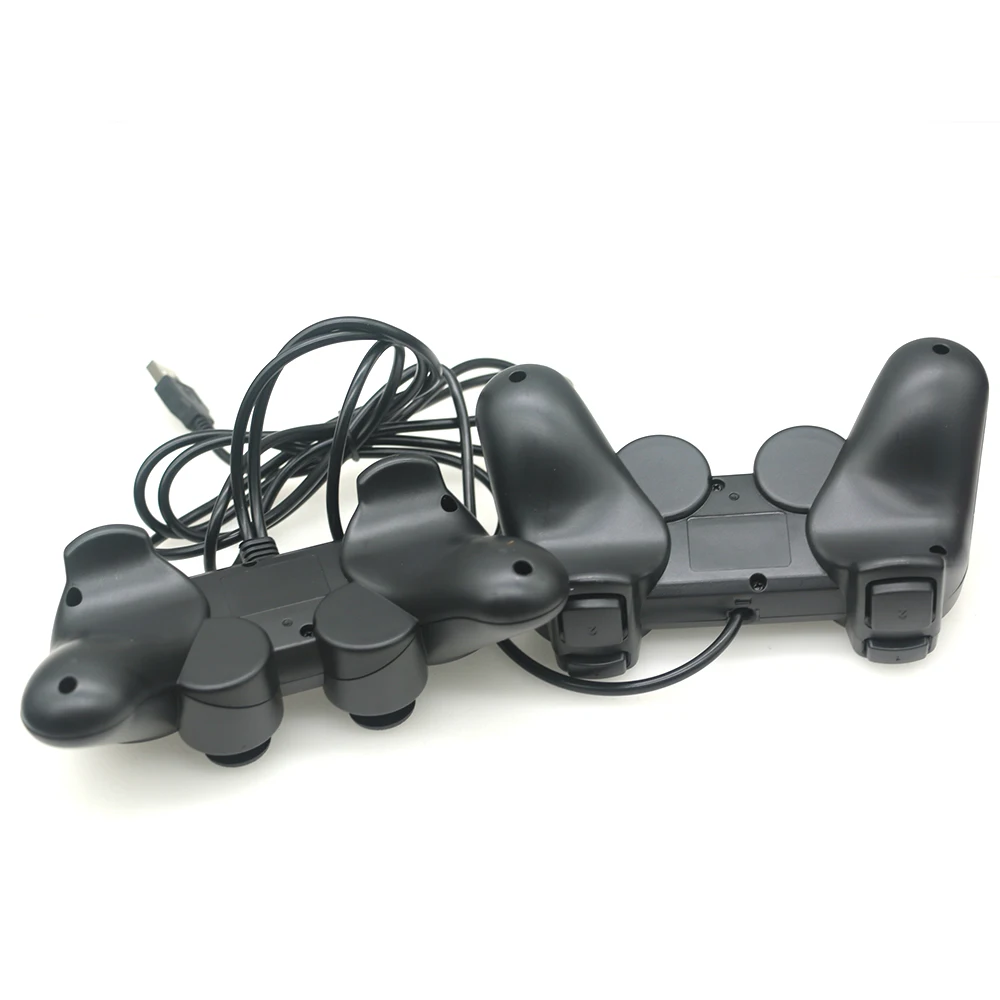
2 Player Gamepad Joypad USB Joystick Wired Usb To Pc Controller For Winxp/win7/win8/win10 Computer Laptop Pandora Arcade Game
black
HK$619.00 HKD
Angebotspreis
HK$619.00 HKD
Normaler Preis
HK$0.00 HKD
2 Player Gamepad Joypad USB Joystick Wired Usb To Pc Controller For Winxp/win7/win8/win10 Computer Laptop Pandora Arcade Game
HK$619.00 HKD
Angebotspreis
HK$619.00 HKD
Normaler Preis
HK$0.00 HKD
✔ I have reviewed the product version and details
Abholung derzeit nicht verfügbar
SPECIFICATIONS
Battery Included: No
Brand Name: XINWA XINWANG
Choice: yes
Color: Black
Compatible Brand/Model: PC
Compatible Platform: PC
Hall Effect: No
High-concerned chemical: None
Interface Type: USB
Name: USB joypad
Origin: Mainland China
PC System: Windows 10
Package: No
RGB lighting joysticks: No
Support Software configuration: No
Trigger Button Type: None
Type: Gamepads
Wear-resistant joysticks: No
Wired USB Gamepad
The trigger button is ergonomically designed with a curved design and pressure sensing for maximum comfort. This handle we designed a vibration motor, when you are playing a racing game, the brake drift action is more exciting! Immerse yourself in a happy game and can't extricate yourself! Happy games make you forget your troubles!
This controller is compatible with Windows/95/98/ME/2000/XP Vista/Win7/Win10.
Product Description:
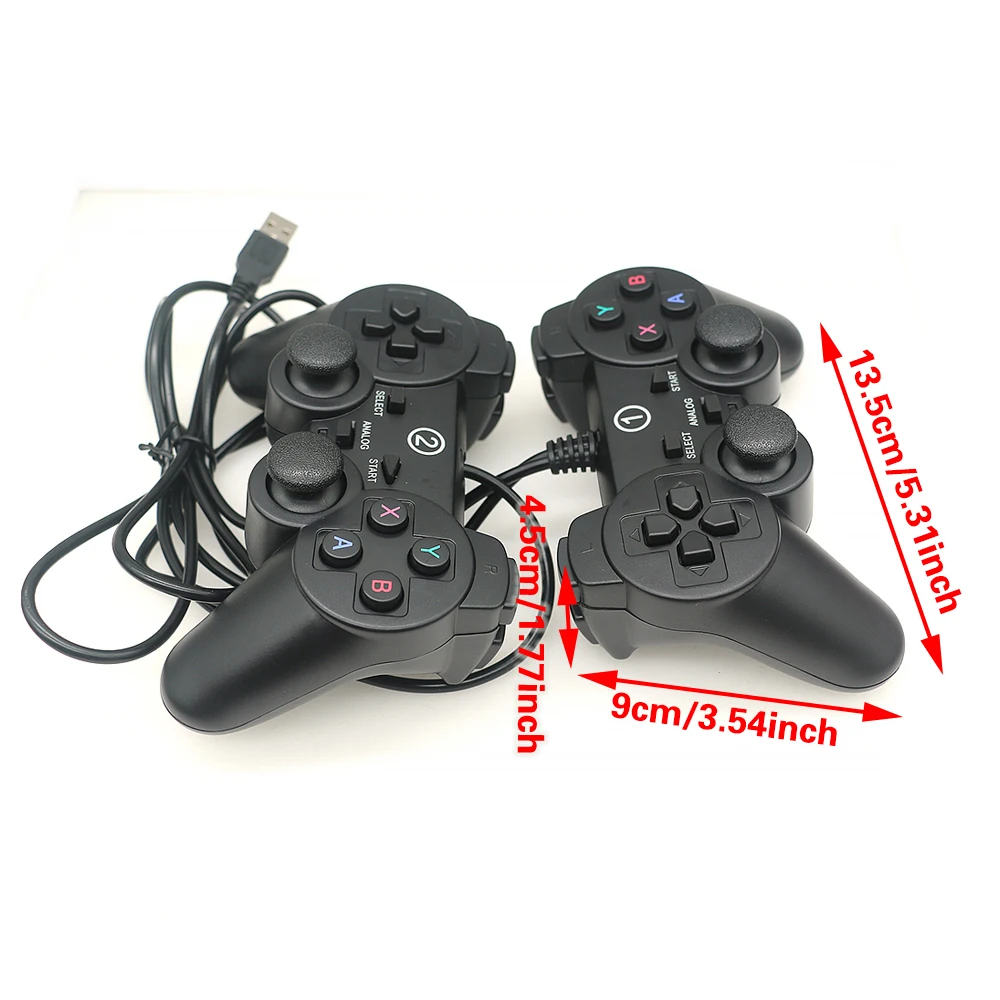
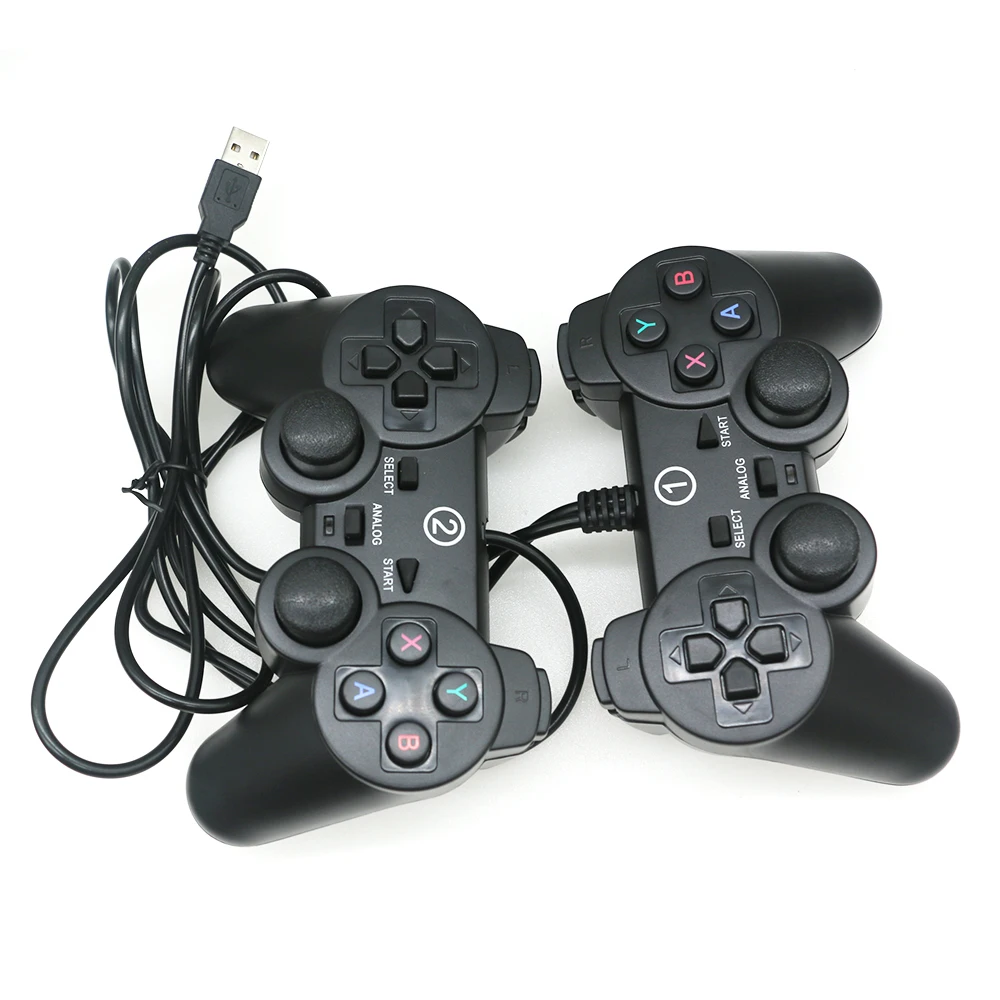
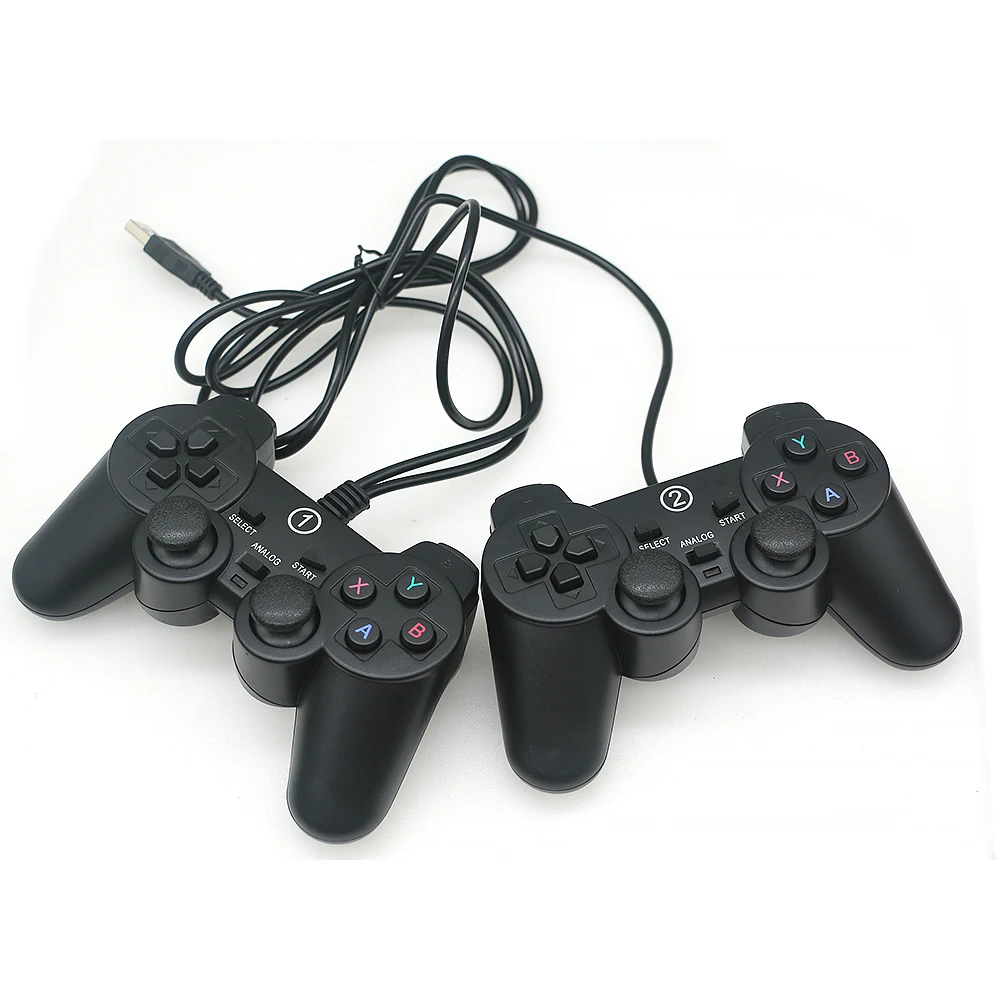
Two joypad controllers in one USB adapter
Weight: 296g
Size: 15.6 * 9 * 5.2CM
Cble length: 1.5m and 1.2m
Compatible with various games such as PC, WinXP, WIN7, WIN8, WIN10, etc
Instructions for using the controller:
1. The game control keys in keyboard mode are 1234 and the four directional keys for up, down, left, and right, as well as the left joystick;
2. The game control keys in mouse mode are the side keys L1L2, R1R2, and the right joystick;
3. SELECT is the mode selection key, STAR is the start pause key, ANALOG is the power indicator light and function switch key.
4. Some games can only be used through in-game settings. You can find the settings options in the game controller and define the buttons according to your needs.
5. Play online games with the controller. Open the game controller to enter the controller testing interface, click on keyboard and mouse settings, and enter keyboard key mapping.
Special Reminder:
If the game played by the player does not support vibration function and vibration is set in the game, the controller will not vibrate after installing the driver. The vibration function requires the game itself to support vibration in order for the vibration controller to vibrate, which is the case with any game controller.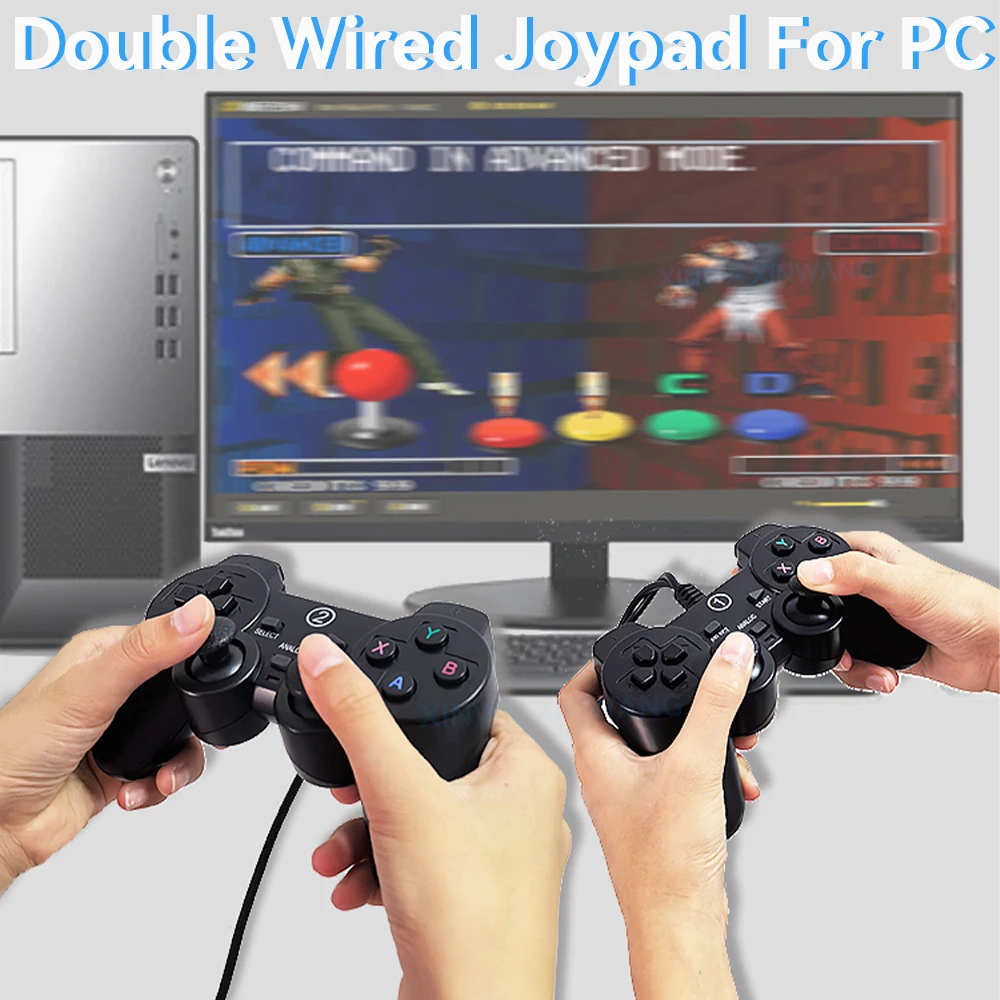
Rechtliche und politische Links


Real Unboxing
Warehouse Packing
Shipping Orders Daily
Auf der Suche nach mehr?
Abonnieren Sie unsere E-Mails
Erfahren Sie als Erster von neuen Kollektionen und Sonderangeboten.