![[USB Version] USB Controller for Classic N64 Games,Wired Gamepad Joystick for Windows PC Mac Linux Raspberry Pi 4 3](http://gameloopx.com/cdn/shop/files/S70922785e2584b279f14600a12a0b442X.webp?v=1763627316&width=120)
[USB Version] USB Controller for Classic N64 Games,Wired Gamepad Joystick for Windows PC Mac Linux Raspberry Pi 4 3
Red / CHINA
HK$2,488.00 HKD
[USB Version] USB Controller for Classic N64 Games,Wired Gamepad Joystick for Windows PC Mac Linux Raspberry Pi 4 3
HK$2,488.00 HKD
✔ I have reviewed the product version and details
Abholung derzeit nicht verfügbar
SPECIFICATIONS
Battery Included: No
Brand Name: LUXMO LUXURY MOBILE
Certification: CE
Compatible Brand/Model: None
Compatible Platform: PC
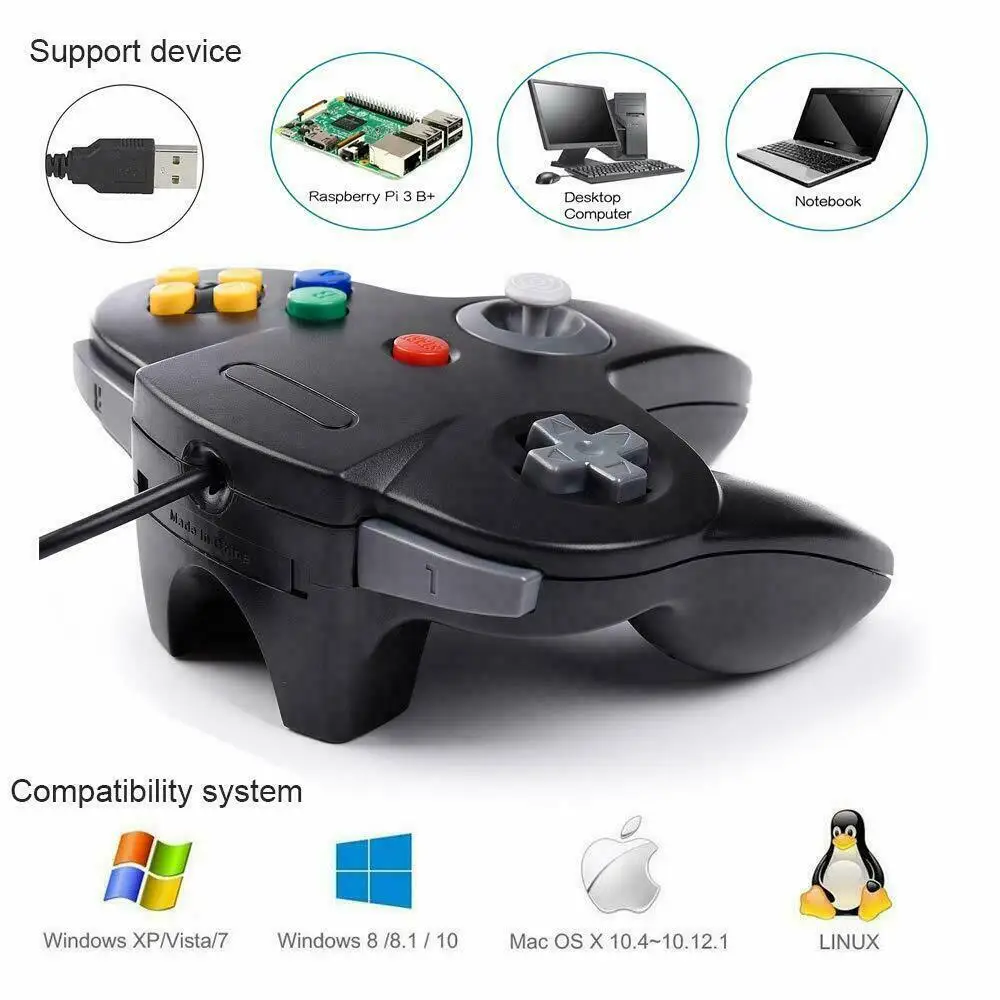
Compatible system: For Windows PC Mac Linux Raspberry Pi
High-concerned chemical: None
Interface Type: USB
NOT fit: not fit steam or other device
Origin: Mainland China
Package: Yes
Trigger Button Type: Linear
Type: Gamepads
Feature
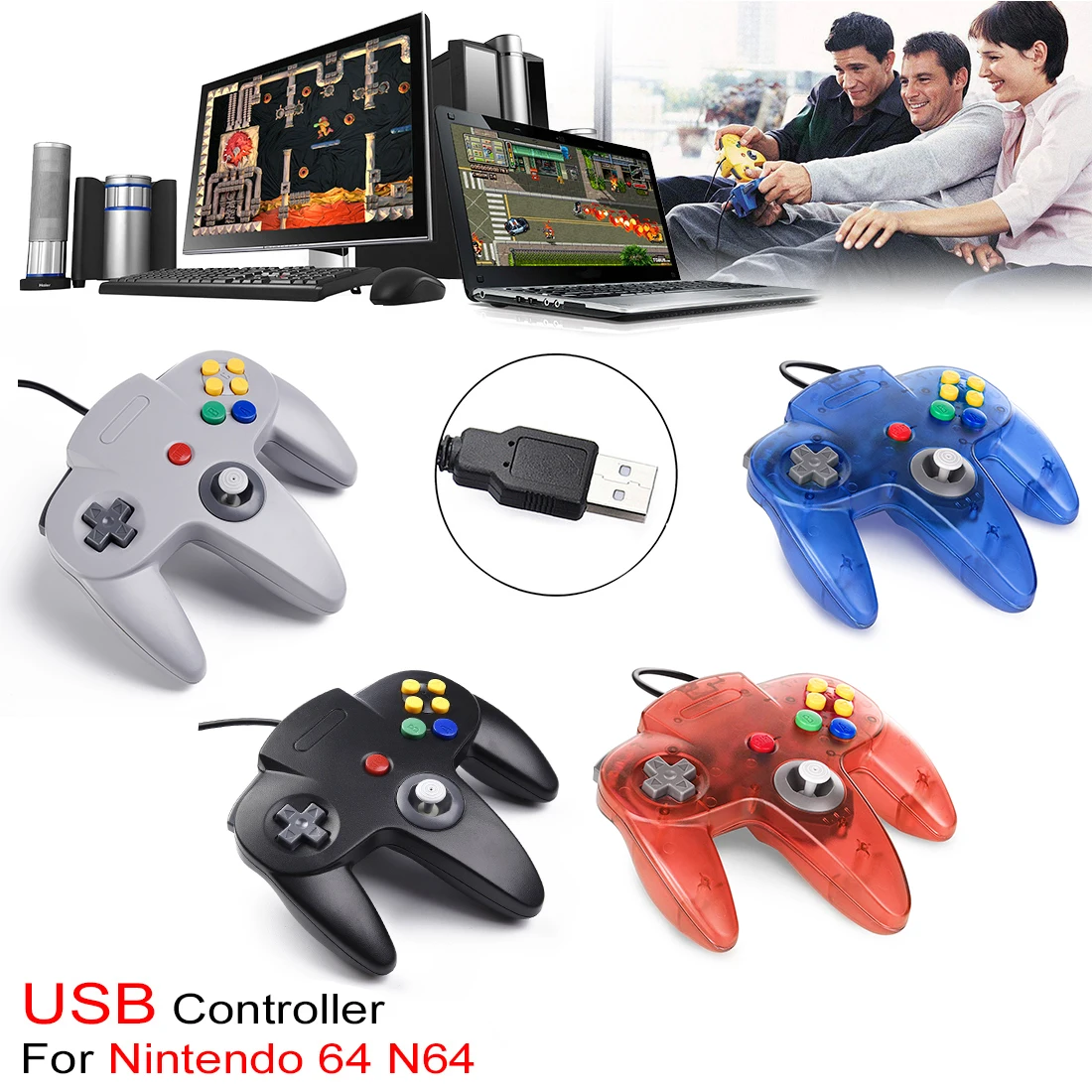
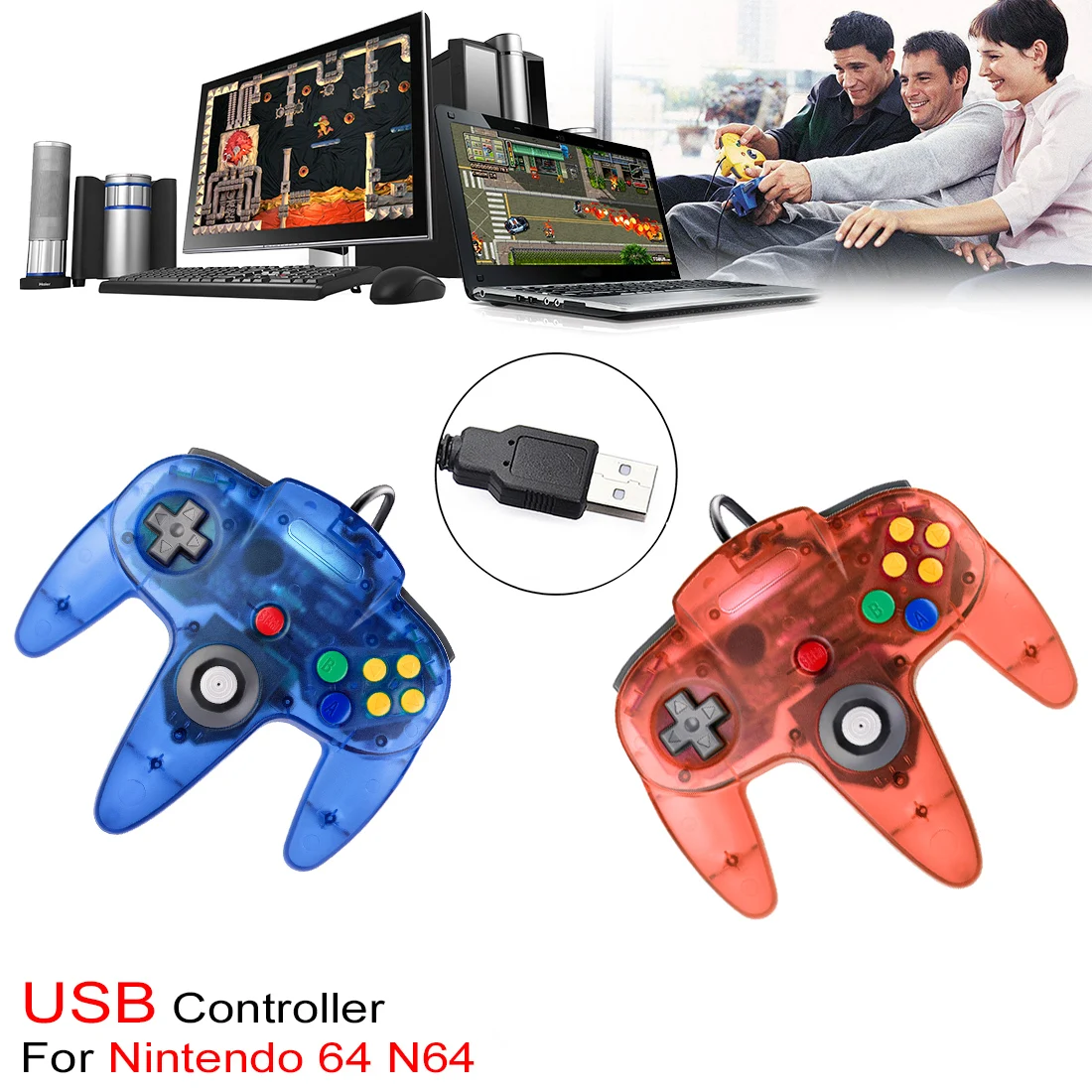
🎮 Fully Compatible with all versions Windows and Mac OS X, running Windows 98/2000/ ME/XP/Vista/Win 7/8/8.1/10 or later,or Mac running OS X,Mac OS X and macOS.
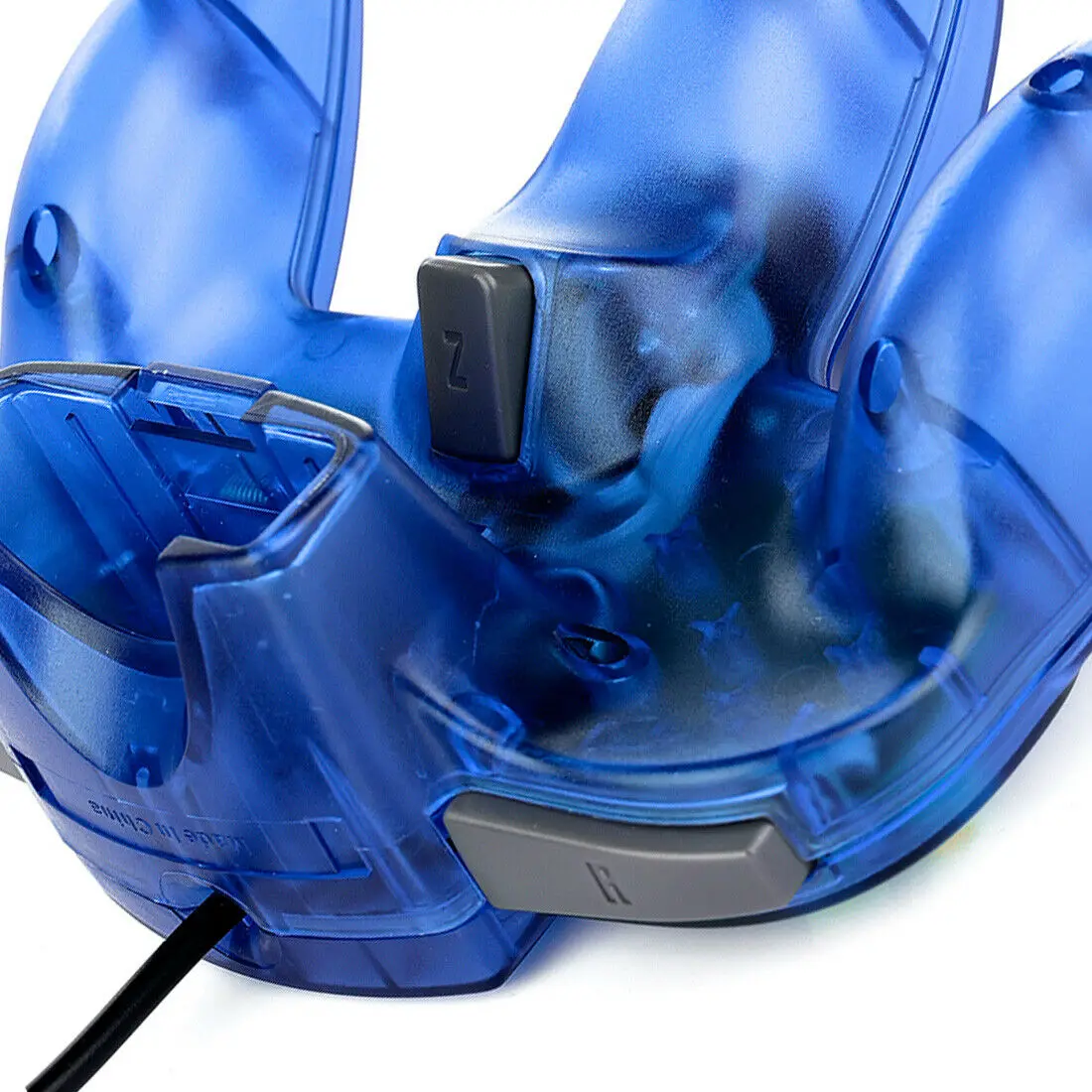
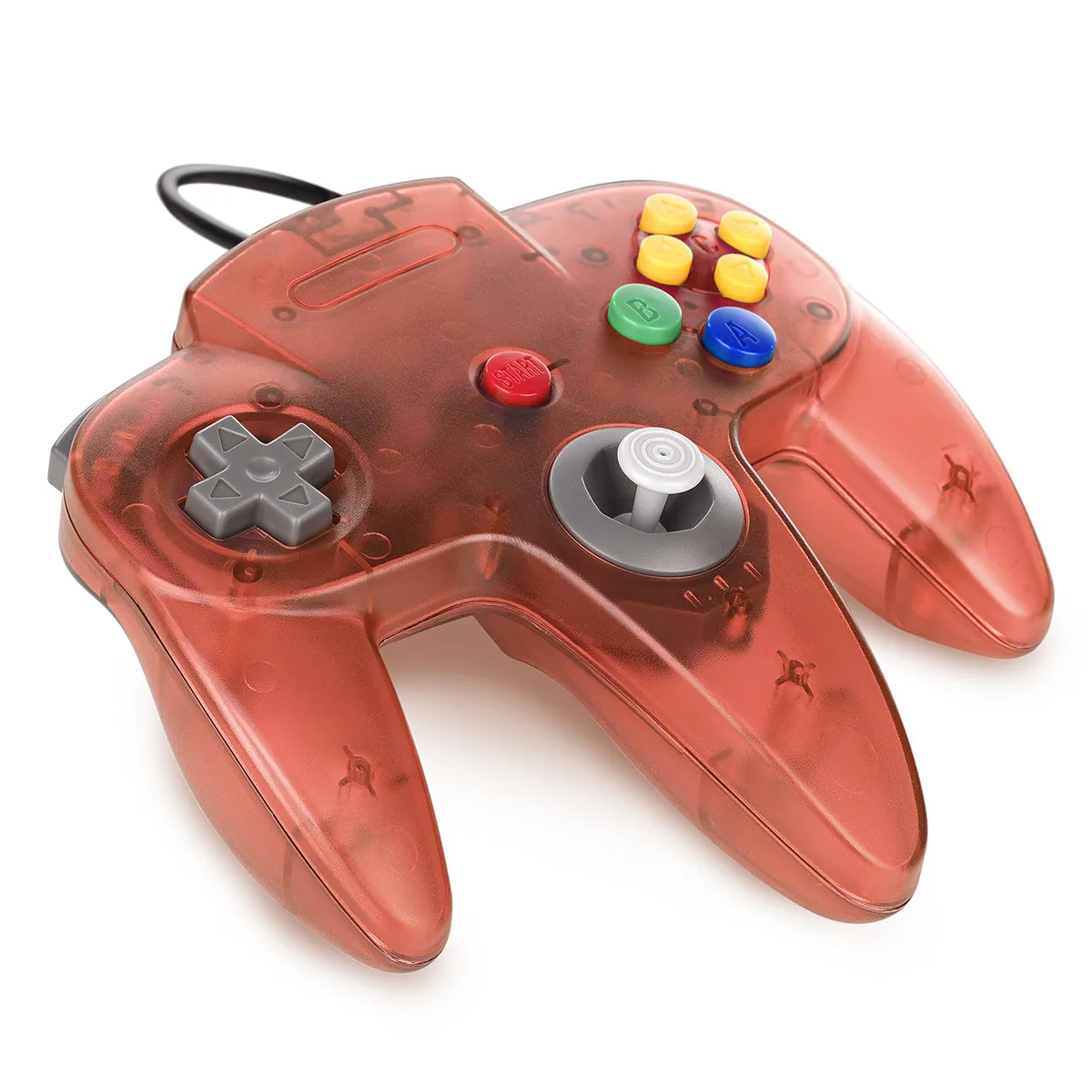
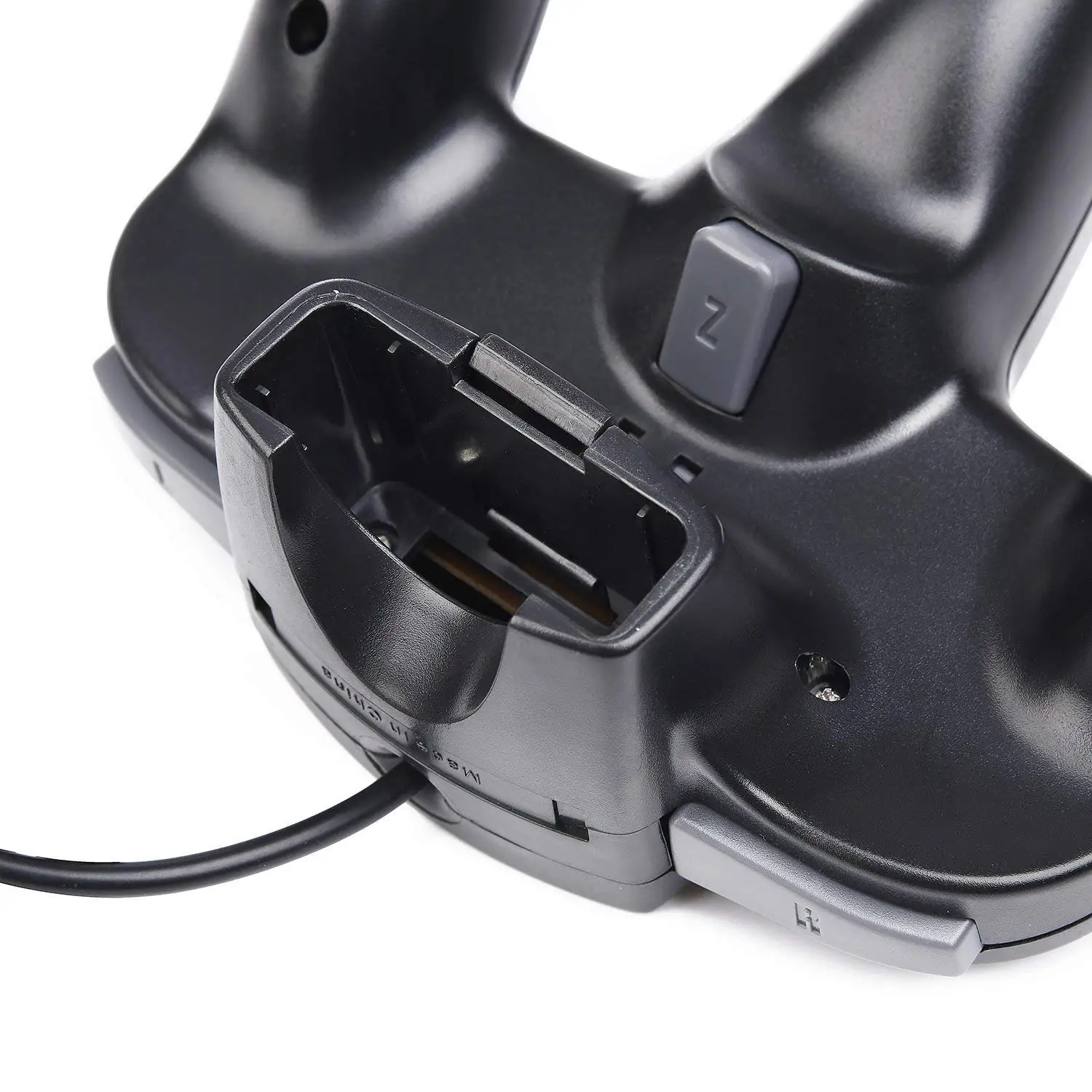
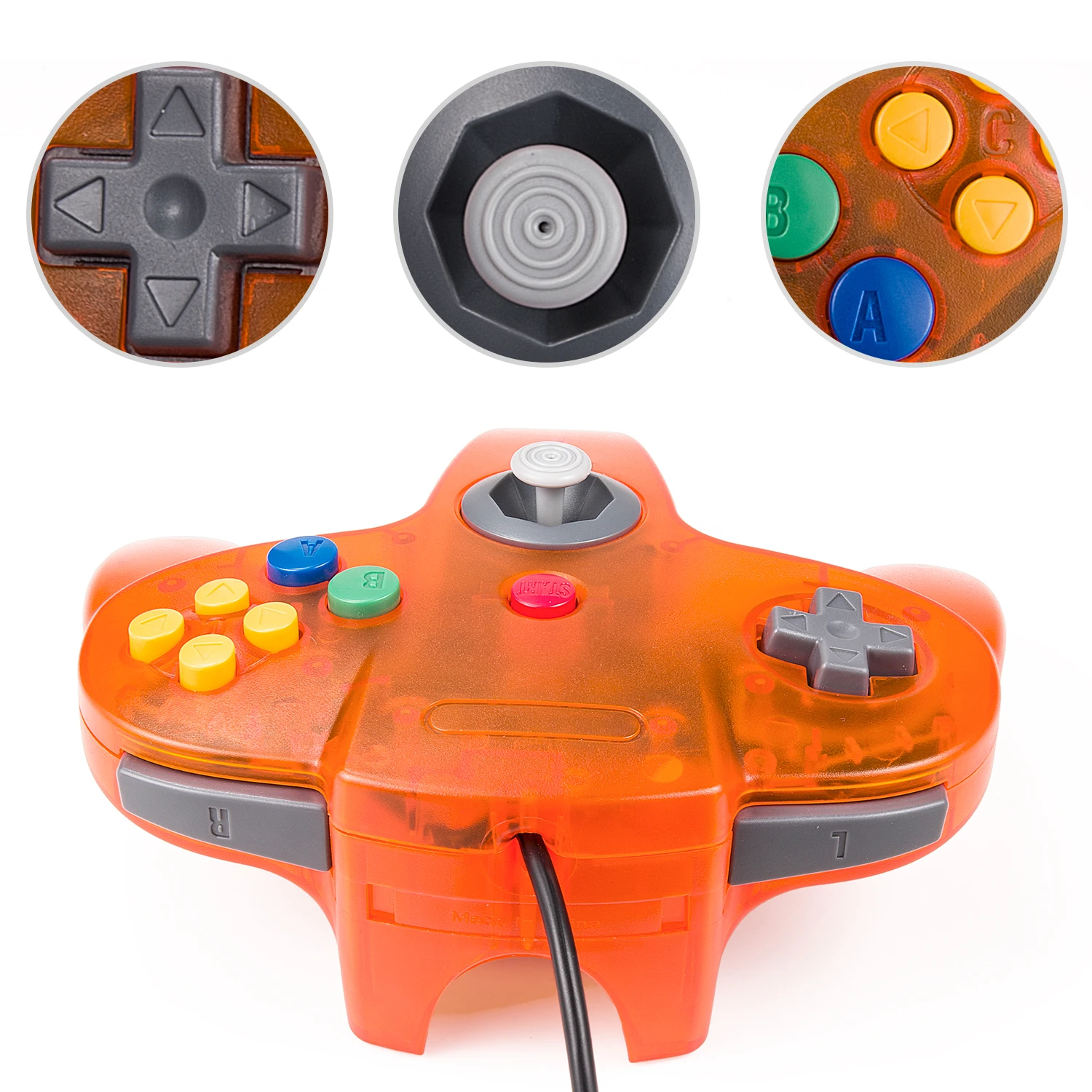
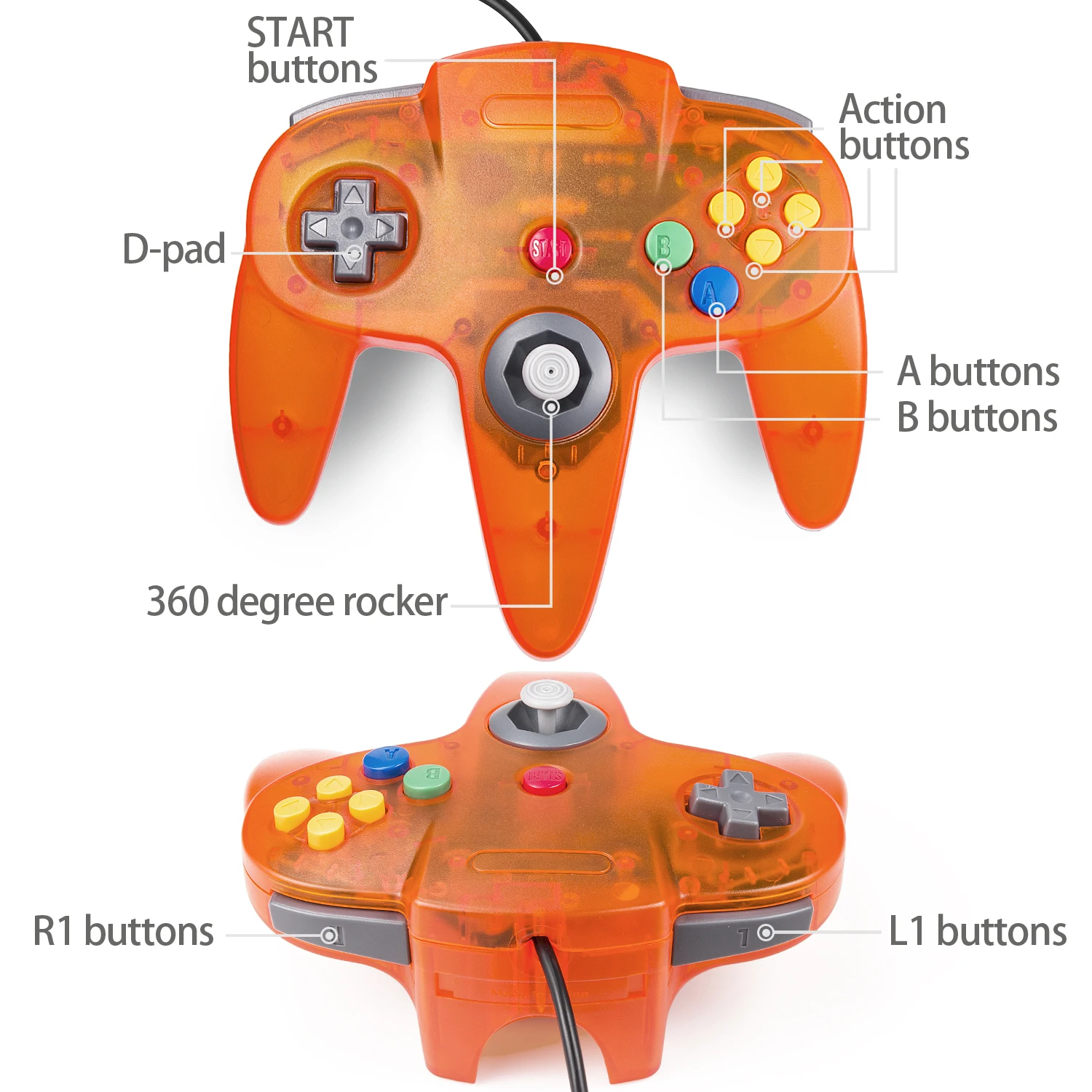
🎮 ERGONOMIC DESIGN HANDLE, perfectly fit palms, all the buttons and controls make your hand very comfortable for long periods of gaming. Dual Z buttons on the top of the N64 controller for quick shooting of enemies/Warcraft
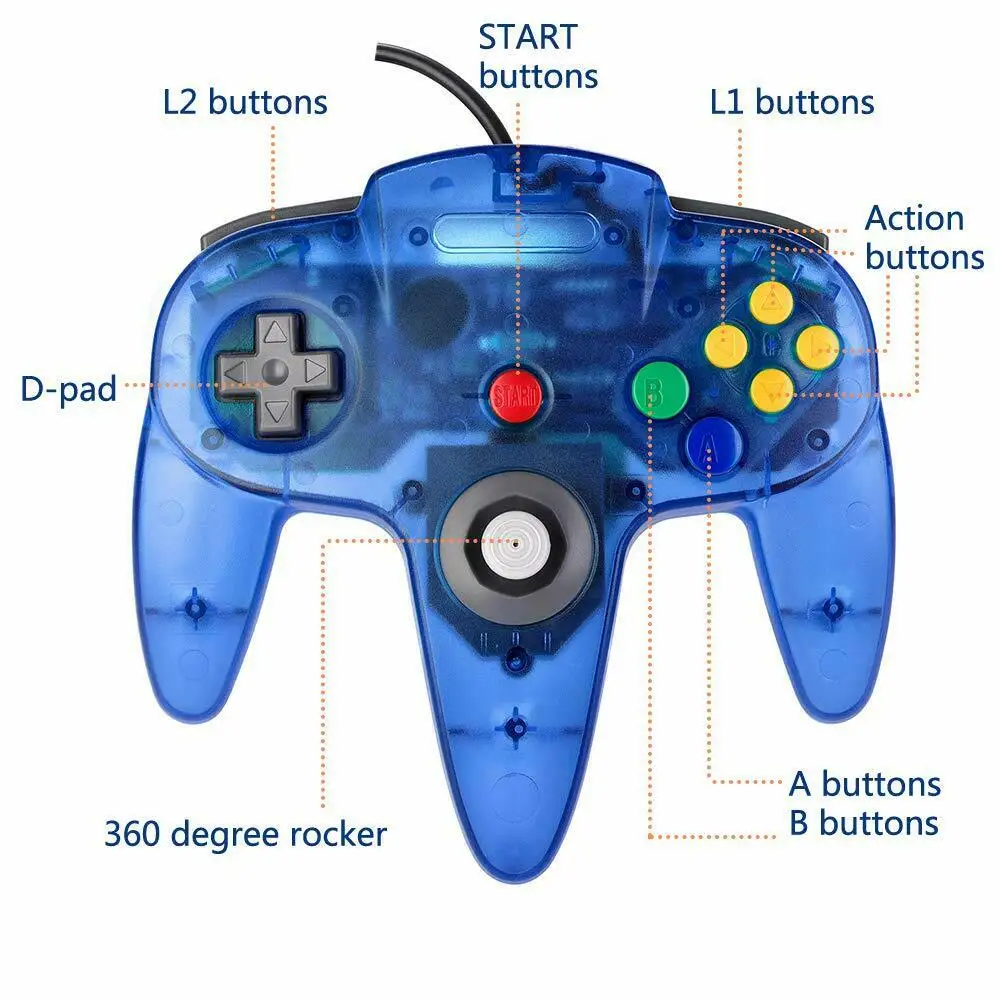
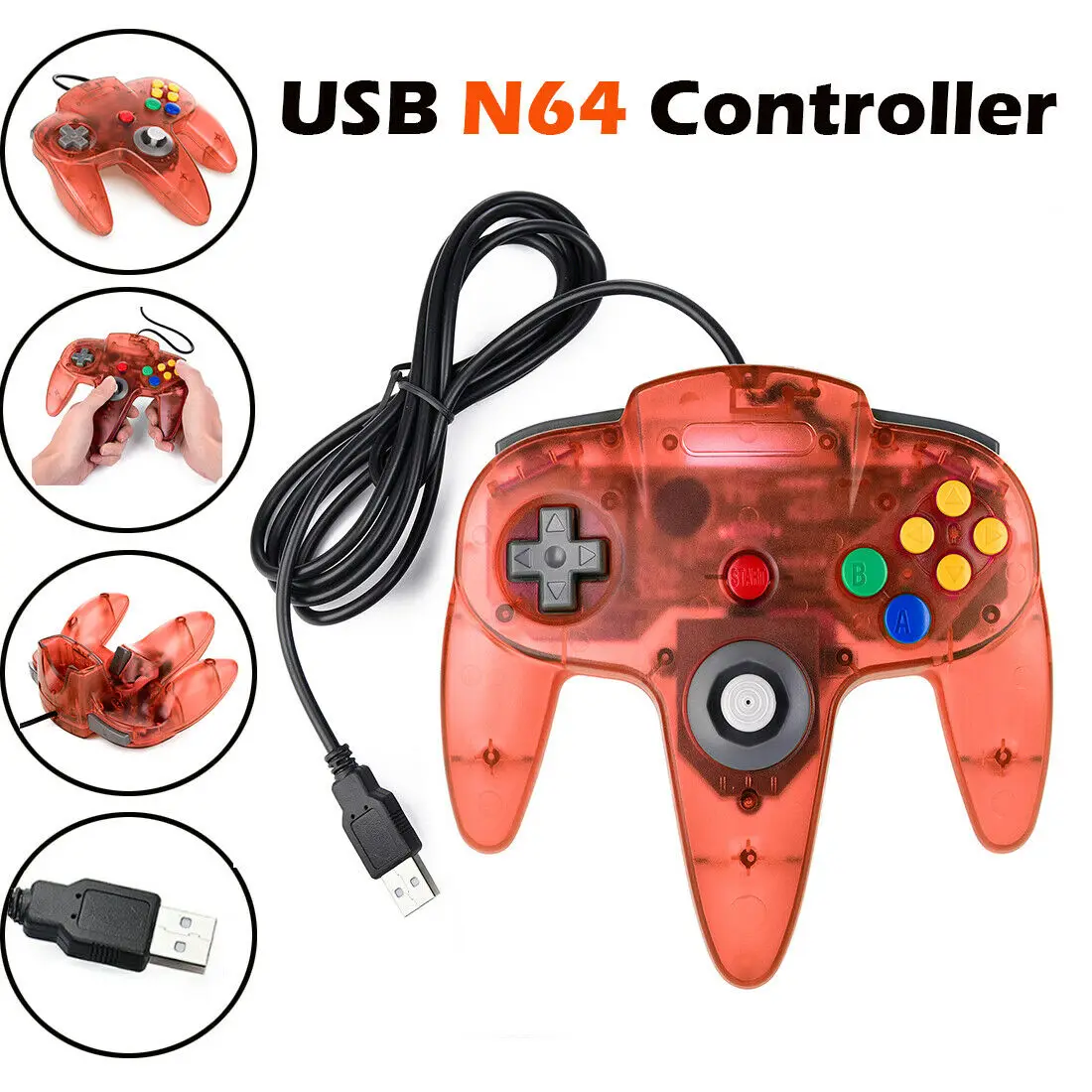
🎮 Precise 3D-high-quality analog stick made in Japan, the controller features 10 function buttons
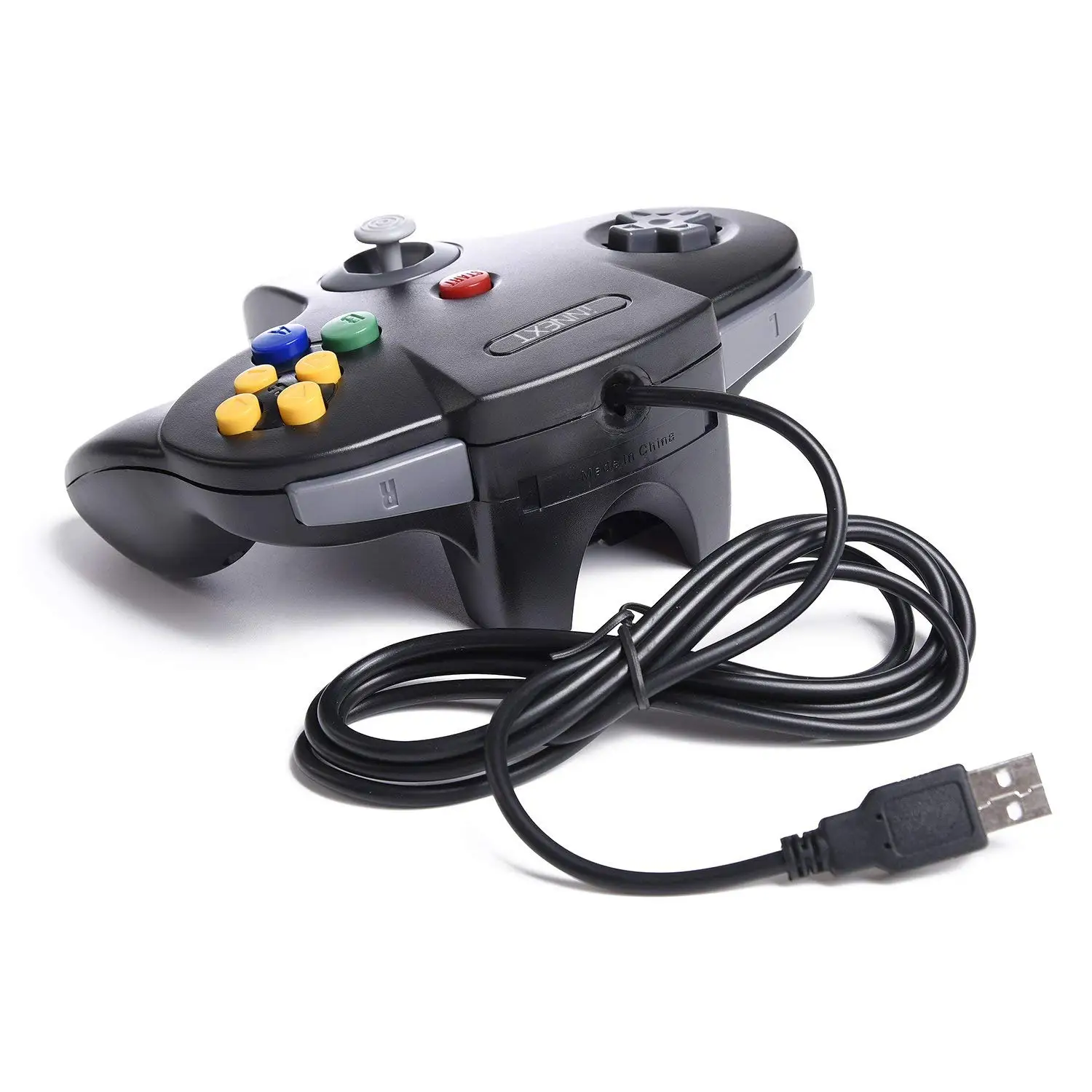
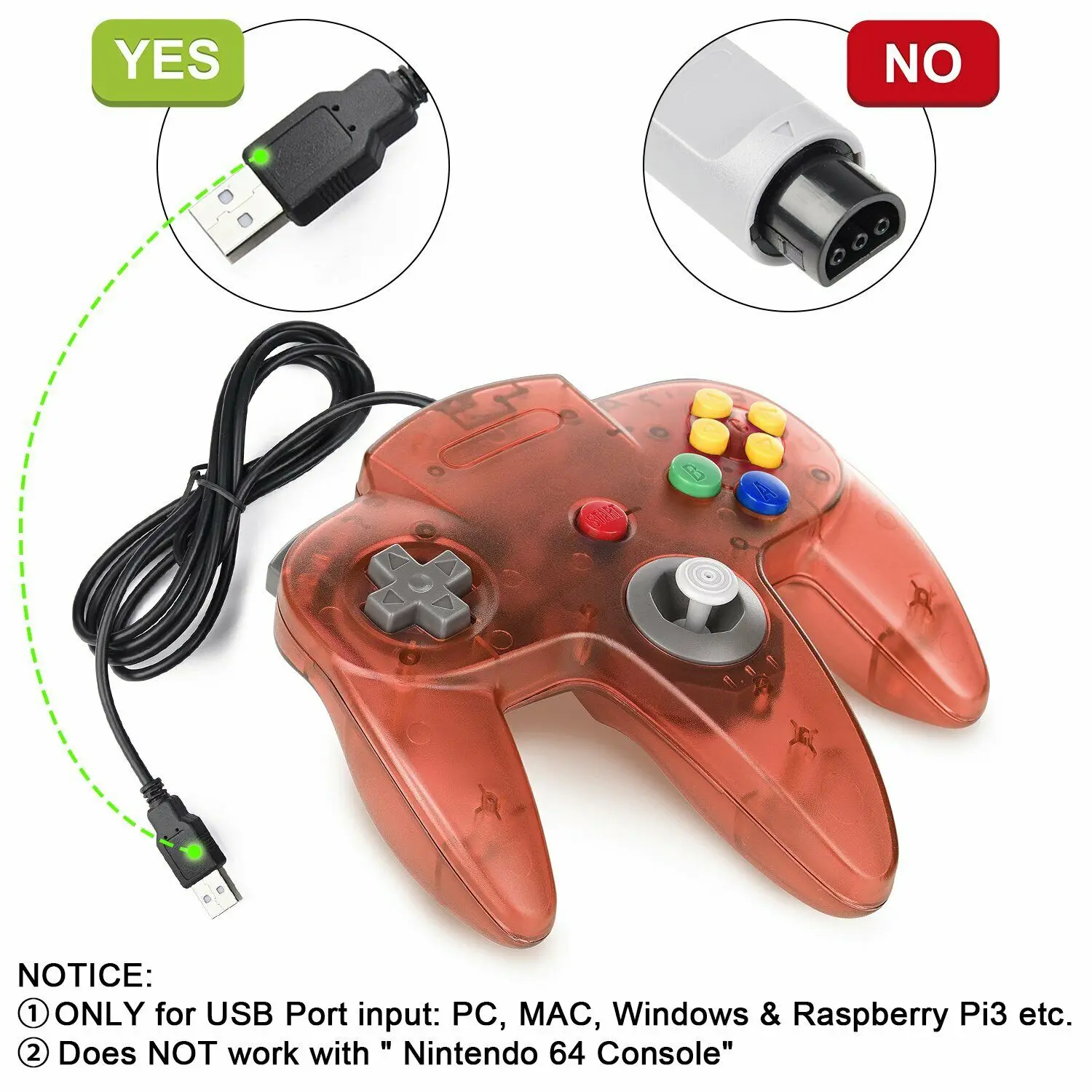
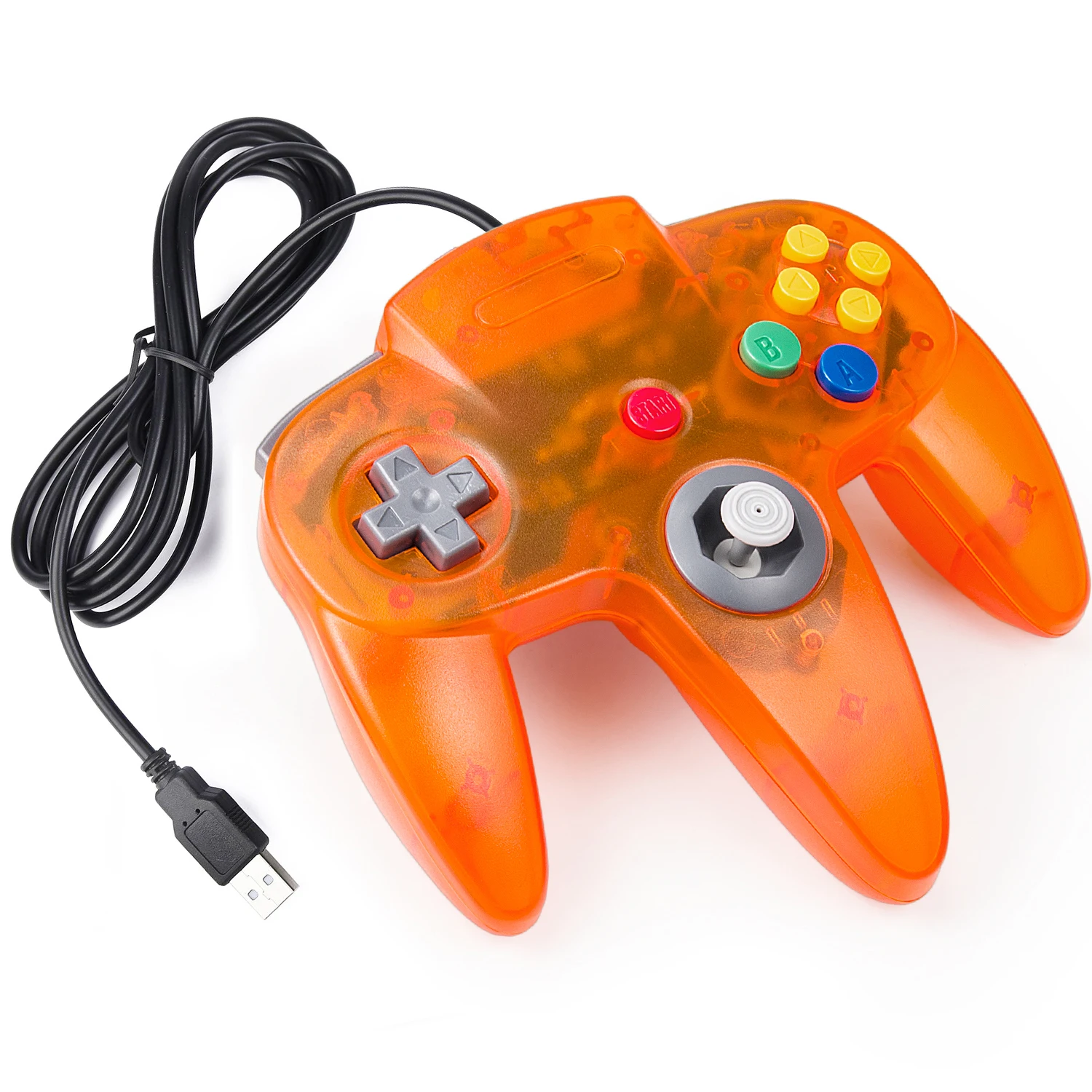
🎮 Plug and play, you don't need to install any drivers.USB enabled: Use on any PC/Mac with USB port.The cord is approx. 1.6 meters (6ft).It is also very easy to Setup with Retropie system(Raspberry Pi 3 B+,Retro Pi OS,Raspberry PI 2 model B) and OpenEmu emulator on Mac.
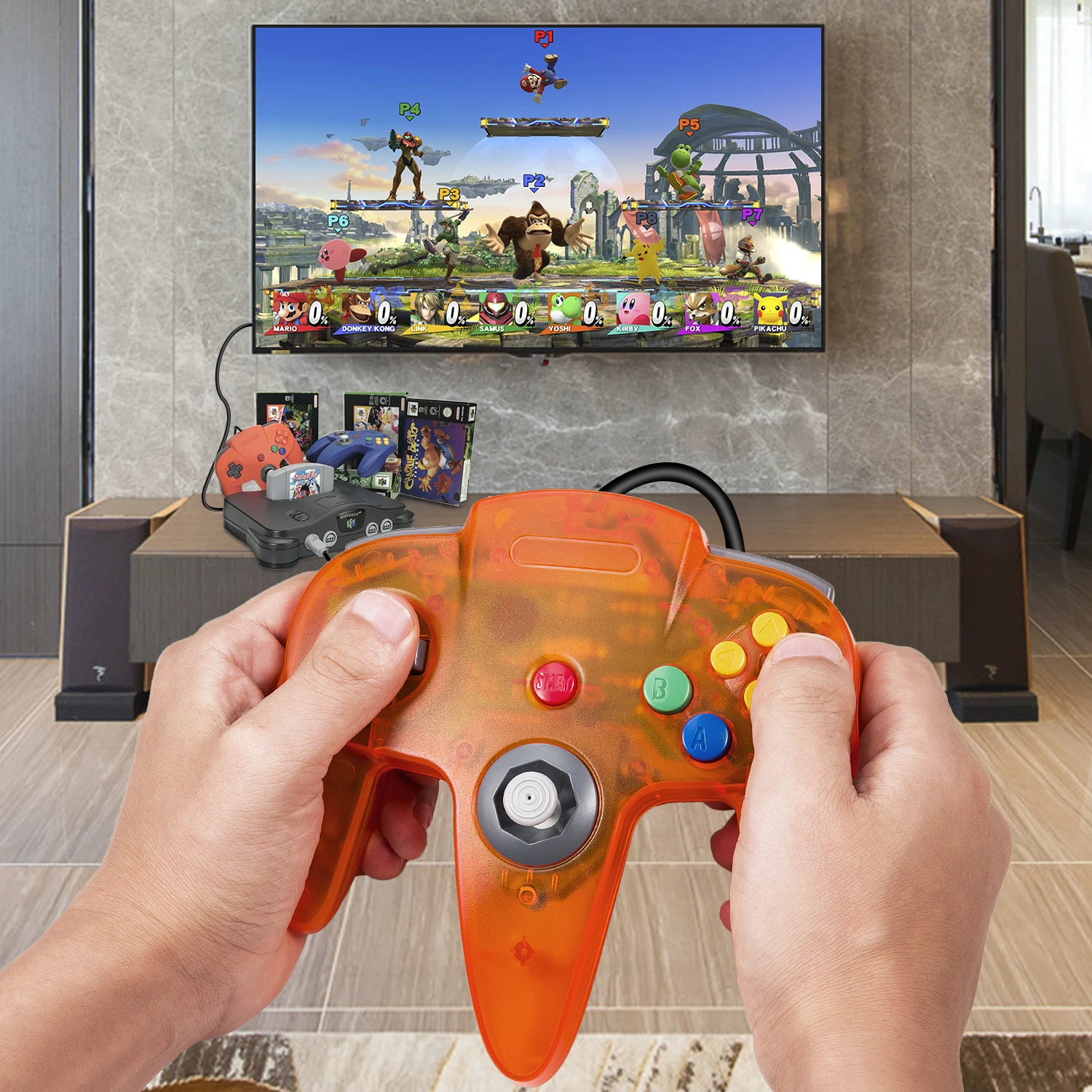
🎮 Third party N64 usb controller, not original N 64 controller,there are no connectors to use a "rumble pack".But you can play N64 games on the computer very well with your friends and family,such as Super Smash Bros,Mario Kart, Perfect Dark, Zelda,Racing Games and many other classic N64 games.
Support game Emulator
Project 64,OpenEmu,MegaN64,Mupen64,Mupen64Plus FZ,RetroArch,ClassicBoy and SixtyForce etc.
Mupen64Plus FZ is one of the newer N64 emulators.
RetroArch is one of the better N64 emulators, it actually supports a ton of different system,you can use it for our different controllers.
SixtyForce is the best option for emulating the N64 console natively in Mac OS X.
Support system devices
Windows & Mac OS System,running Windows 98/2000/ ME/XP/Vista/Win 7/8/8.1/10 or later,or Mac running OS X,Mac OS X and macOS.
How to map the button on Mac
1)Download the Game Emulator what you like( OpenEmu),no setup necessary.
2)Insert usb controller to connect with your computer, scann it and set up the buttons of the controllers.
3)Open the "OpenEmu" Emulator and playing N64 video games on your computer.
Specification
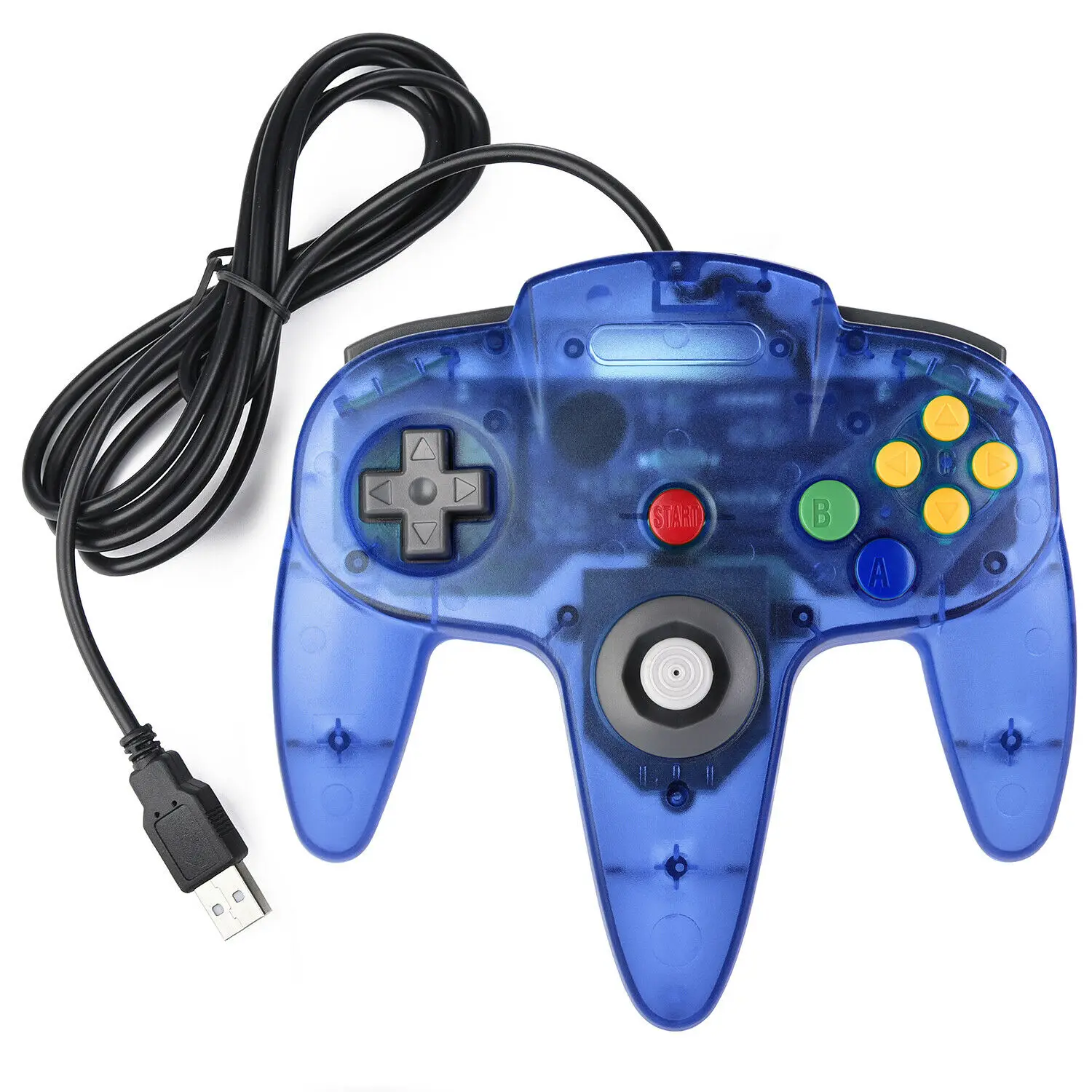
8-Way directional Pad,precise 3D analog stick
Wired controller connects with generic USB
Compatible with all versions Windows and Mac OS X system
Approximately 6ft. cable
NOT Compatible with Android Box
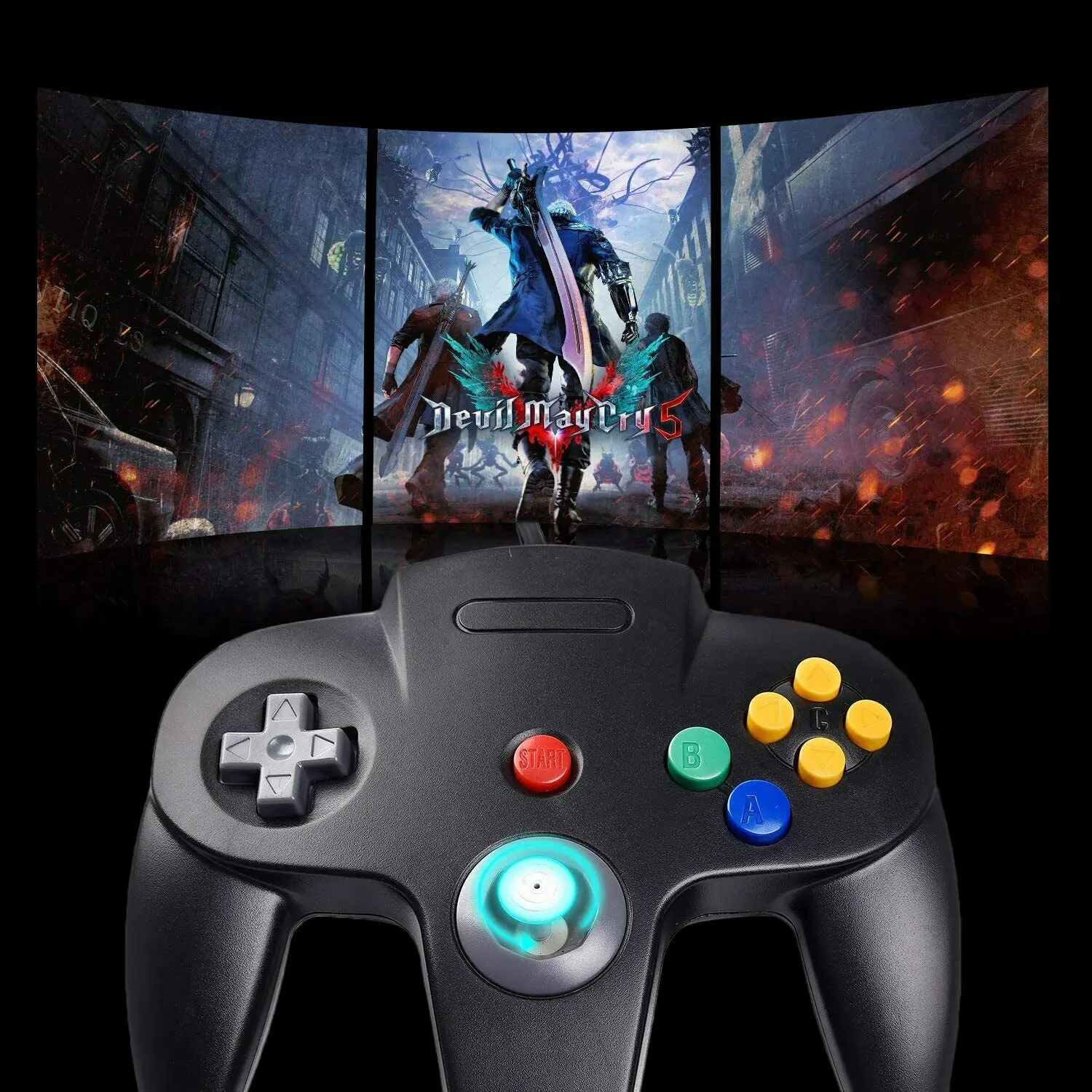
Classic feel to play N64 games
√ 360°accurate pressing,Clear and smooth touch feeling.
√ This is exactly what you are looking for if you need an new old school N64 controller for a computer.
√ If you want to relive your youth days,we recommend you to use them on emulated games
Package included:
1 x USB n64 Controller for PC MAC

Rechtliche und politische Links
![[USB Version] USB Controller for Classic N64 Games,Wired Gamepad Joystick for Windows PC Mac Linux Raspberry Pi 4 3](http://gameloopx.com/cdn/shop/files/S70922785e2584b279f14600a12a0b442X.webp?v=1763627316&width=3840)
![[USB Version] USB Controller for Classic N64 Games,Wired Gamepad Joystick for Windows PC Mac Linux Raspberry Pi 4 3](http://gameloopx.com/cdn/shop/files/S56bf7a3f48134546a6fd7f09fc9b10e0x.webp?v=1763627315&width=3840)
![[USB Version] USB Controller for Classic N64 Games,Wired Gamepad Joystick for Windows PC Mac Linux Raspberry Pi 4 3](http://gameloopx.com/cdn/shop/files/S90235d60c9d24dc79dd375606464c6318.webp?v=1763627316&width=3840)
![[USB Version] USB Controller for Classic N64 Games,Wired Gamepad Joystick for Windows PC Mac Linux Raspberry Pi 4 3](http://gameloopx.com/cdn/shop/files/Sed7775717ce544e0bde8822cfde42326n.webp?v=1763627316&width=3840)
![[USB Version] USB Controller for Classic N64 Games,Wired Gamepad Joystick for Windows PC Mac Linux Raspberry Pi 4 3](http://gameloopx.com/cdn/shop/files/S2dbf0aff79ba4af8a64d93f0dd92b753X.webp?v=1763627315&width=3840)
![[USB Version] USB Controller for Classic N64 Games,Wired Gamepad Joystick for Windows PC Mac Linux Raspberry Pi 4 3](http://gameloopx.com/cdn/shop/files/Sa9dcc92ce62d4f449f4deb9069f262238.webp?v=1763627315&width=3840)
![[USB Version] USB Controller for Classic N64 Games,Wired Gamepad Joystick for Windows PC Mac Linux Raspberry Pi 4 3](http://gameloopx.com/cdn/shop/files/S36b79ef649314c30a0d3f7347f0694dbP.webp?v=1763627316&width=3840)
![[USB Version] USB Controller for Classic N64 Games,Wired Gamepad Joystick for Windows PC Mac Linux Raspberry Pi 4 3](http://gameloopx.com/cdn/shop/files/S849d3afdbaa847fda26096816ae21516a.webp?v=1763627316&width=3840)
![[USB Version] USB Controller for Classic N64 Games,Wired Gamepad Joystick for Windows PC Mac Linux Raspberry Pi 4 3](http://gameloopx.com/cdn/shop/files/S9905c05394614db28e0e61424629657bZ.webp?v=1763627315&width=3840)
![[USB Version] USB Controller for Classic N64 Games,Wired Gamepad Joystick for Windows PC Mac Linux Raspberry Pi 4 3](http://gameloopx.com/cdn/shop/files/Sd390a7ced5434b52aafc4eb9a3afeecbp.webp?v=1763627316&width=3840)
![[USB Version] USB Controller for Classic N64 Games,Wired Gamepad Joystick for Windows PC Mac Linux Raspberry Pi 4 3](http://gameloopx.com/cdn/shop/files/Scfe308ab81a54feca974035c2045ac6fL.webp?v=1763627317&width=3840)
![[USB Version] USB Controller for Classic N64 Games,Wired Gamepad Joystick for Windows PC Mac Linux Raspberry Pi 4 3](http://gameloopx.com/cdn/shop/files/Sb8b849573bdd46a0aee3760351a835dbd.webp?v=1763627315&width=3840)
![[USB Version] USB Controller for Classic N64 Games,Wired Gamepad Joystick for Windows PC Mac Linux Raspberry Pi 4 3](http://gameloopx.com/cdn/shop/files/S9f66901beecd4153a10461d9ce8147741.webp?v=1763627316&width=3840)
Real Unboxing
Warehouse Packing
Shipping Orders Daily
Auf der Suche nach mehr?
Abonnieren Sie unsere E-Mails
Erfahren Sie als Erster von neuen Kollektionen und Sonderangeboten.