
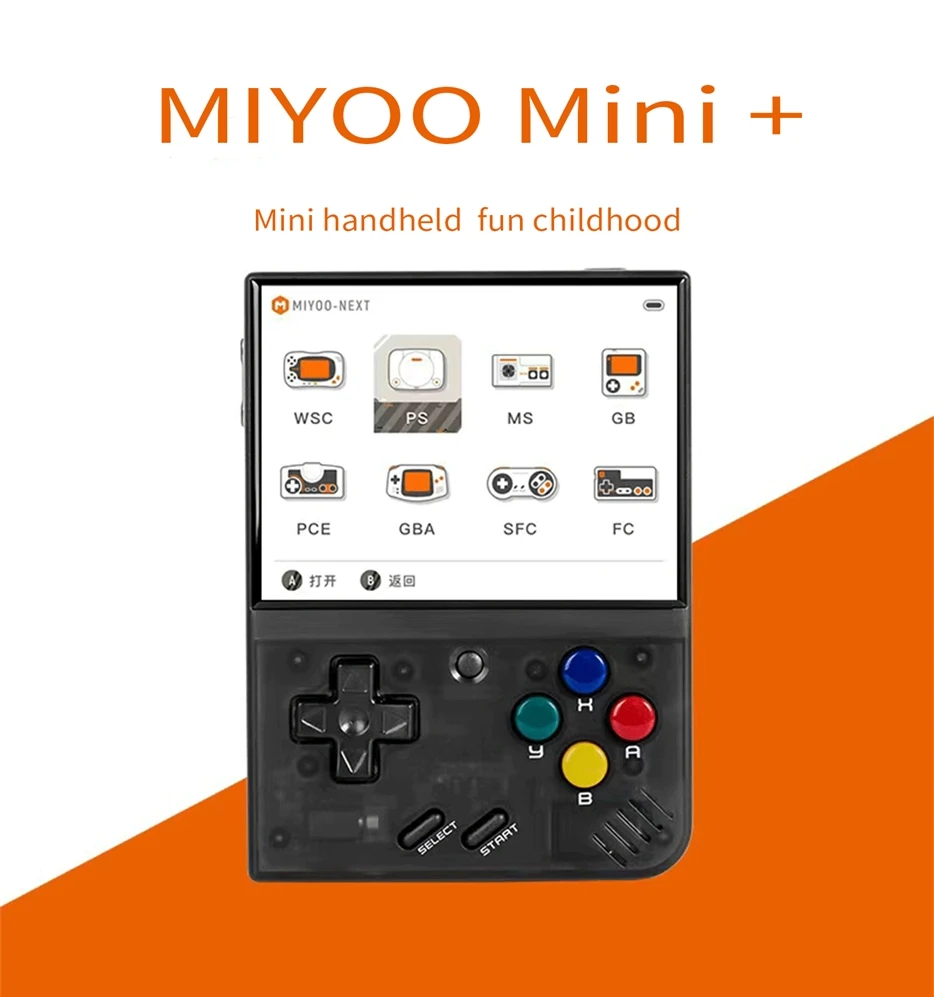
MIYOO Mini Plus Portable Retro Handheld Game Console 3.5"IPS HD Screen Mini+ Players Children's Gift Classic Gaming Emulator
White 64G / China Mainland
HK$2,845.00 HKD
Angebotspreis
HK$2,845.00 HKD
Normaler Preis
HK$0.00 HKD
MIYOO Mini Plus Portable Retro Handheld Game Console 3.5"IPS HD Screen Mini+ Players Children's Gift Classic Gaming Emulator
HK$2,845.00 HKD
Angebotspreis
HK$2,845.00 HKD
Normaler Preis
HK$0.00 HKD
✔ I have reviewed the product version and details
Abholung derzeit nicht verfügbar
SPECIFICATIONS
Battery Capacity[mAh]: 3000
Battery Included: Yes
Bluetooth-compatible: No
Brand Name: MIYOO
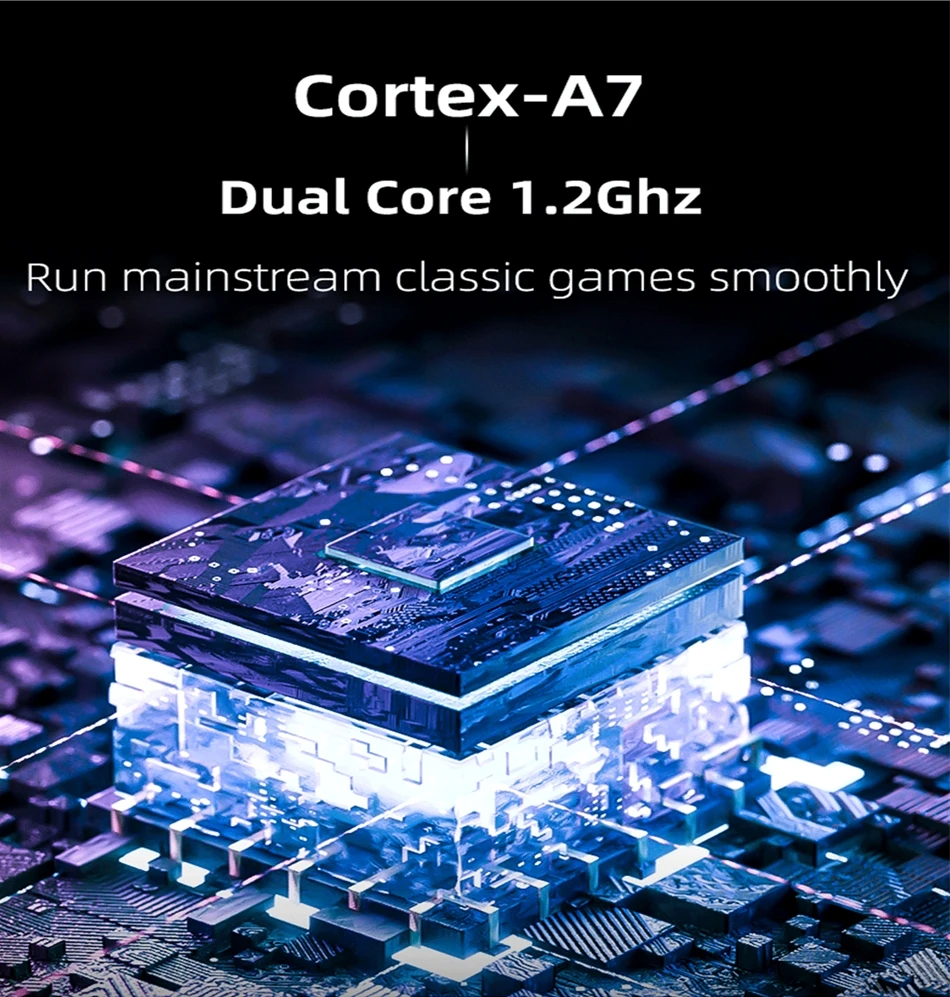
CPU: ARM Cortex-A7 dual-core 1.2G
Category: Handheld Game Players
Certification: CE
Charging Interface Type: Type-C
Choice: yes
Color Display: Yes
Communication: USB
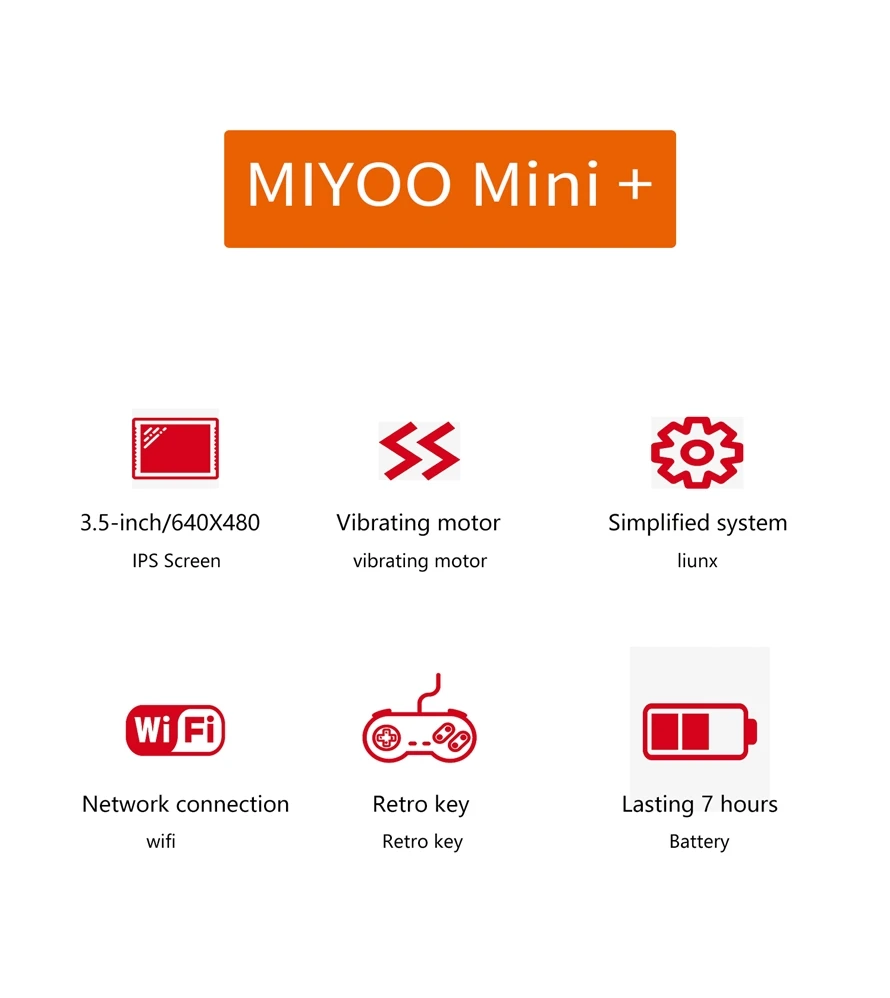
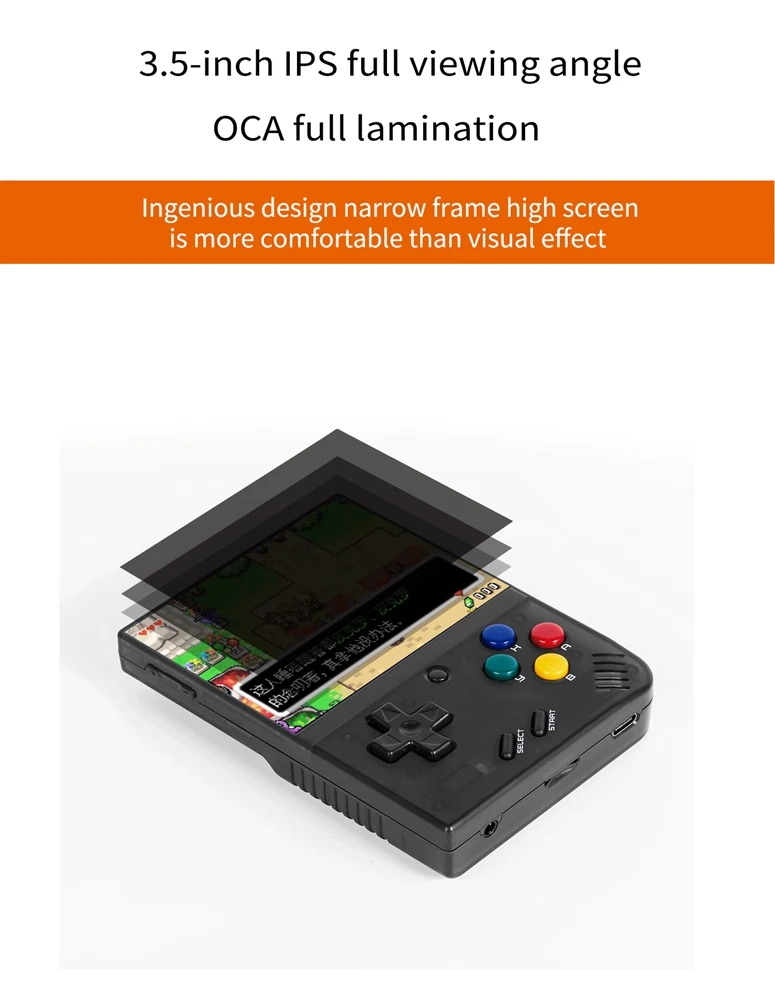
Display Size: 3.5"
Function: With RTC
Games Type: retro
Games included: 3000+
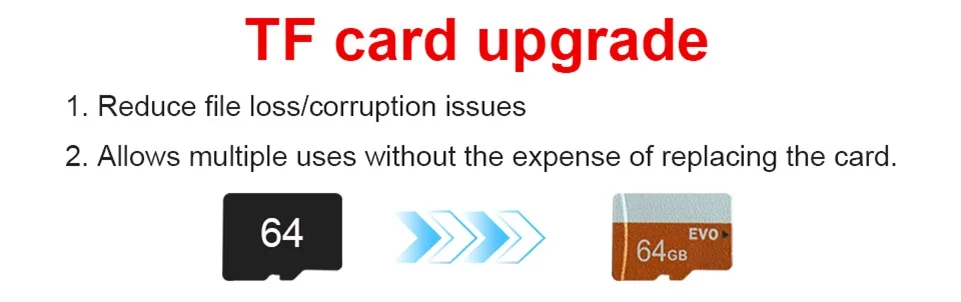
Gift accessories: 64GB TF Card X1,screen protection X1 USB type-C data cable X1,Card reader X1,Manual x1.
HDMI: Standard HDMI
High-concerned chemical: None
Input/Output: USB
MIYOO Model: mini
Material: Plastic
Memory: 128MB
Operating System: Linux
Operating system: Linux
Origin: Mainland China
Package: Yes
Power: 3.7V 3000mAh / 5V Charging interface supports 1A
Screen Resolution: 640x480
Screen Type: IPS
Sensor: Vibration motor
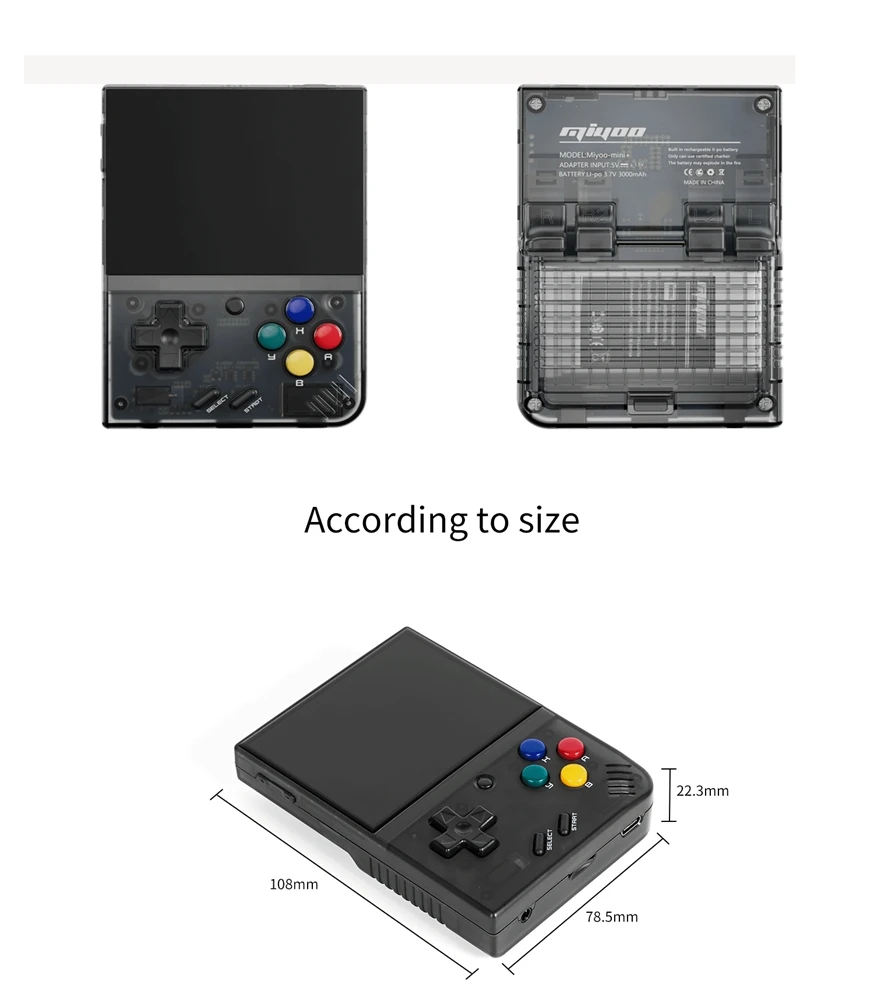
Specifications: 108mmX78.5mmX22.3mm
Storage expansion: Supports a maximum expansion of 128GB
Supporting Language: English,Simplified Chinese,Traditional Chinese Style
Touch Screen: No
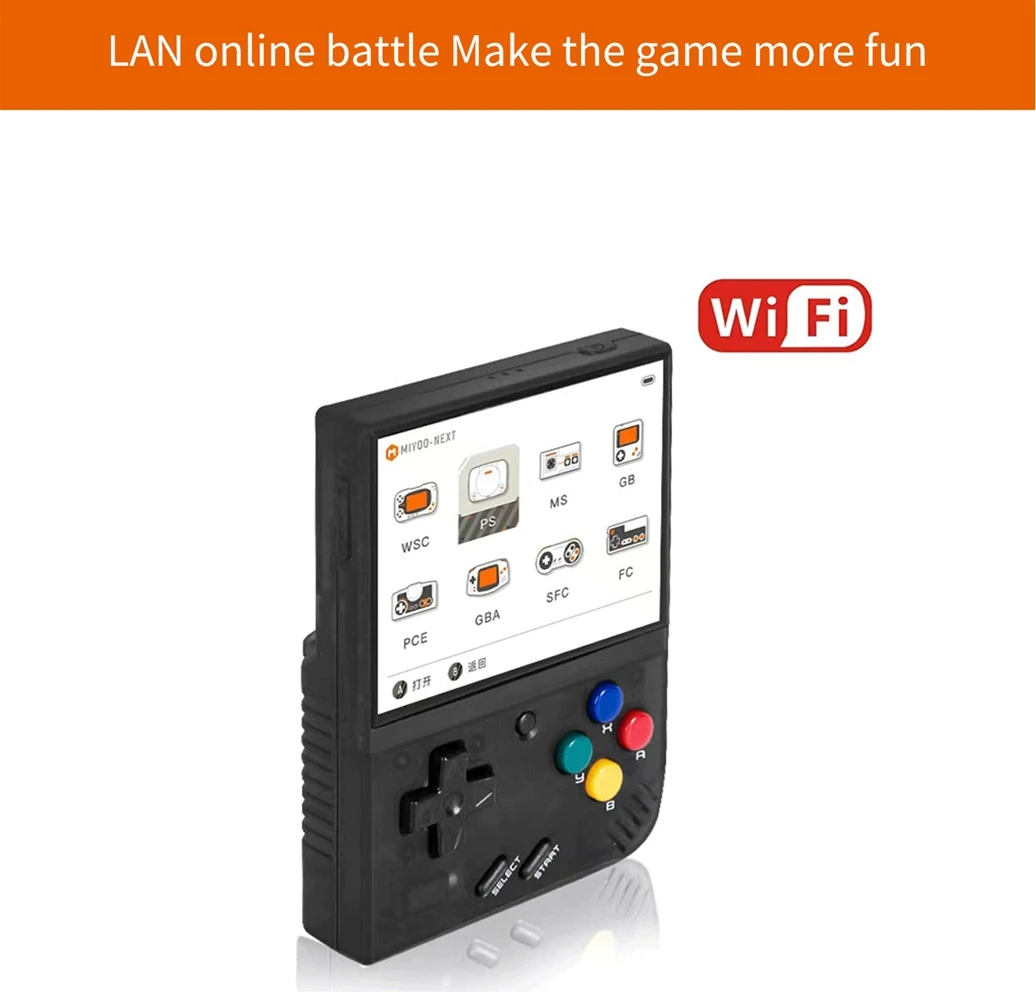
WIFI: Yes
semi_Choice: yes
Model: |
MIYOO Mini+ |
Screen size: |
3.5-inch IPS screen |
Memory: |
128MB |
Operating system: |
Linux |
Sensor: |
Vibration motor |
Color: |
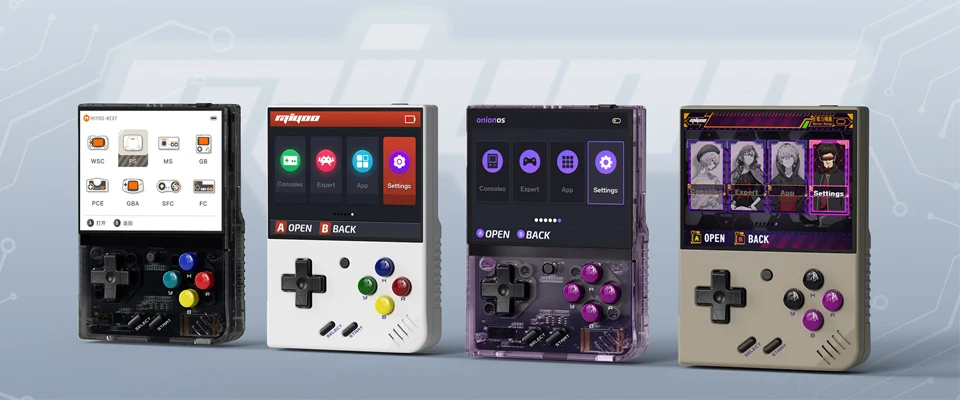
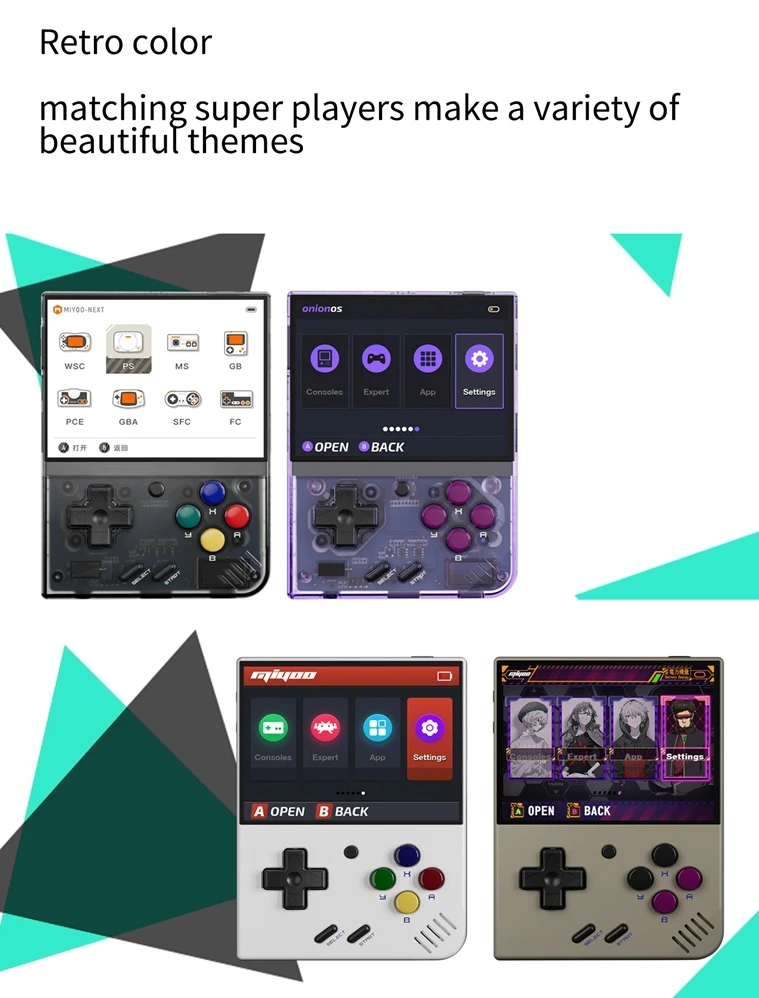
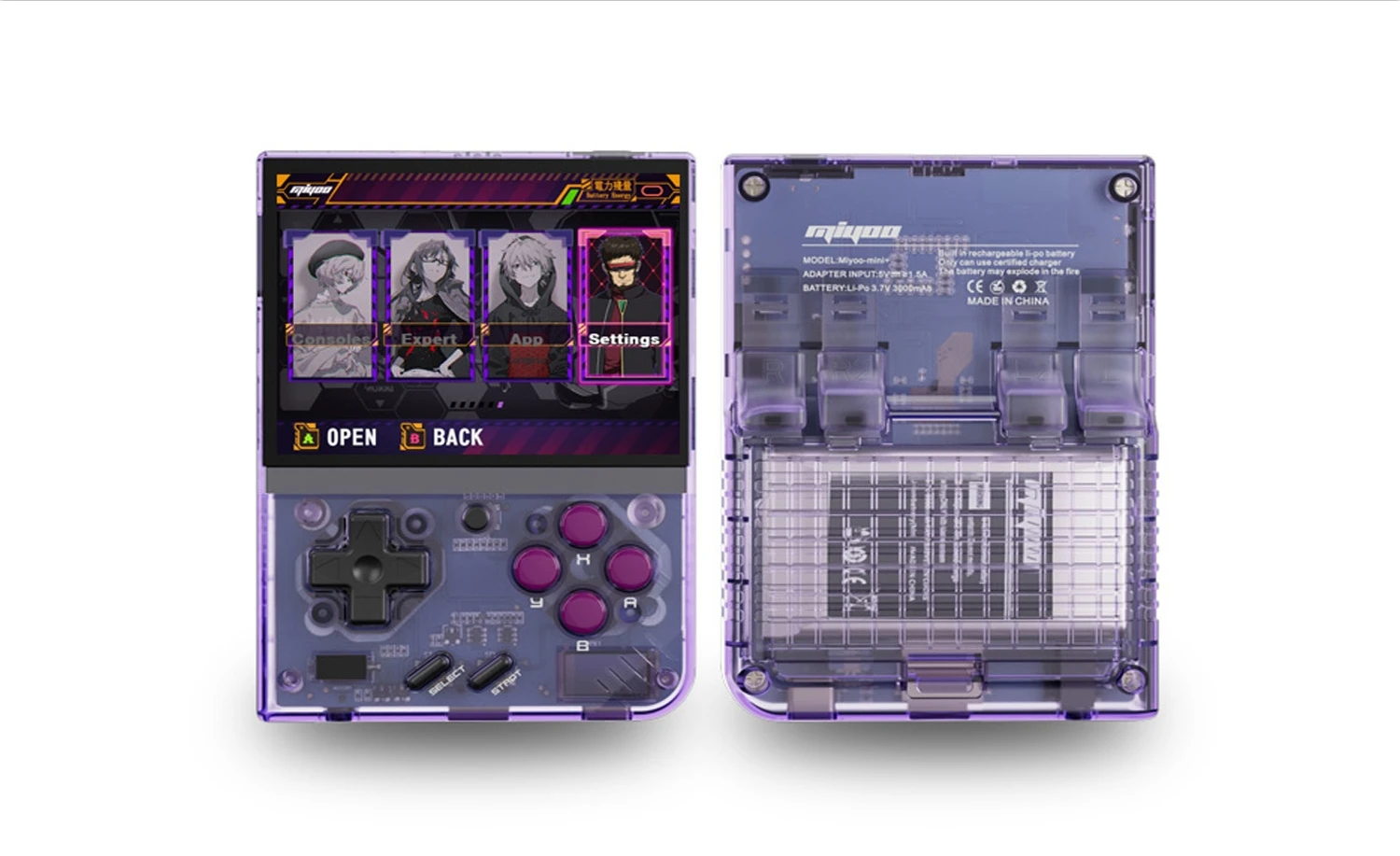
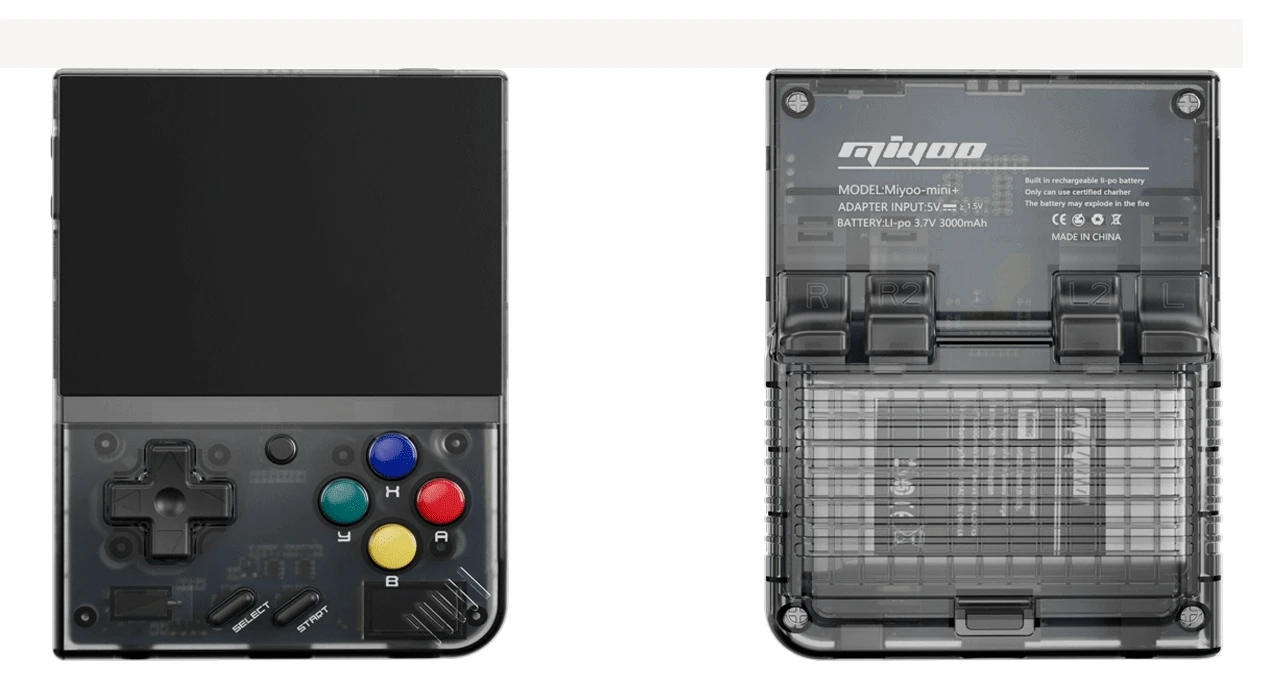
Grey , white,Black,purple |
Specifications: |
108mmX78.5mmX22.3mm |
Weight: |
162g |
CPU: |
ARM Cortex-A7 dual-core 1.2G |
||
Storage expansion: |
32GB MicroSD (TF) Card Supports a maximum expansion of 128GB |
||
Power: |
3.7V 3000mAh / 5V Charging interface supports 1.5A |
||
Gift accessories: |
64GB TF Card x1, USB type-C data cable x1, Card reader x1, Manual x1.Screen protector x1 |
||

Question answering :
Start using
1. Insert the TF card that has been installed with the game into the TF card slot;
2. Charge the equipment to ensure normal startup;
3. Start Up: press the power key for 1 seconds.
How to install games?
1. Take the TF card out of the machine,insert the card reader to connect to
the computer,
and copy the "Game ROM" to the folder of the corresponding game type in the TF card;
2. Insert the TF card into the TF card slot,Press [MENU] to open the MENU, and select "Refresh ROM".
On-off
Boot: long press the power supply for 1 seconds
Shutdown: press the power supply for 3 seconds to open the shutdown menu, and press [A] to shut down.
Idle mode, sleep mode,and wake up
60 seconds no operation enters the idle mode, and the screen becomes dark;
In idle mode, press any button to wake up;
No operation for 5 minutes or short press the power key to enter the sleep mode, close the screen and sound,
and automatically shut down after 10 minutes without operation after entering the sleep mode,
You can set the sleep time or disable sleep in the settings options;
In sleep mode, press the power key to wake up.
Firmware Upgrade
1. Shutdown status.
2. Place the Mirror file in the root directory of the TF card,
Insert the TF card slot and connect the charging line to enter the charging mode, and the nautomatically
start up and upgrade.
Do not power off during the upgrade.
Start using
In the game catalog, select a game and press[A]Start the game.
Exit the game
In the game, Press [MENU] to open the MENU, select the "Exit" option, and press [A] to Exit the game.
Save or read game progress
In the game, Press [MENU] to open the MENU, select the "Save" or "Load" option,
press the direction key [LEFT, RIGHT] to select the recording position, press [A] to
save or read the current progress. A game can save up to 10 records.
Set
Press the arrow key [UP,DOWN] to select the setting items: screen brightness,
volume, sleep time, which can be modified by the direction key [LEFT, RIGHT];
Select setting items: Language, key mapping,
System Restore, etc., and press [A] to enter the corresponding setting page.
Pay attention to the following security precautions when using it
Do not spray any liquid on the machine body to avoid damage caused by liquid entering the machine;
Do not modify, repair or disassemble the product;
Do not use any diluent or volatile liquid to clean this product;
Avoid exposure to high temperature or direct contact with flame.
Rechtliche und politische Links


Real Unboxing
Warehouse Packing
Shipping Orders Daily
Auf der Suche nach mehr?
Abonnieren Sie unsere E-Mails
Erfahren Sie als Erster von neuen Kollektionen und Sonderangeboten.