
1T Game Card For Steam Deck/Windows Handheld/PC With 61200+Retro Games of PS3/PS2/PS1/WII/SNES/N64/MAME Plug&Play Gaming Card
1T-61200 Games
HK$2,920.00 HKD
1T Game Card For Steam Deck/Windows Handheld/PC With 61200+Retro Games of PS3/PS2/PS1/WII/SNES/N64/MAME Plug&Play Gaming Card
HK$2,920.00 HKD
✔ I have reviewed the product version and details
Abholung derzeit nicht verfügbar
SPECIFICATIONS
Application: Laptop,Handheld game console
Apply to: Steam Deck/GDP WIN600/Windows PC/Handheld
Brand Name: JMachen
Capaticy: 1TB
Certification: CE,weee
Compatible Brand/Model: None
Emulators: For PS3/PS2/PS1/PSP/WII/SNES/NES/N64/MAME/3DO etc
Function 1: Game TF card
Function 2: TF Card For Steam Deck
Function 3: Plug and play
Function 4: Game Card
Game Type: Retro Game
High-concerned chemical: None
Model Number: Game Card For Steam Deck
Number of Games: 61200 Retro Games
Origin: Mainland China
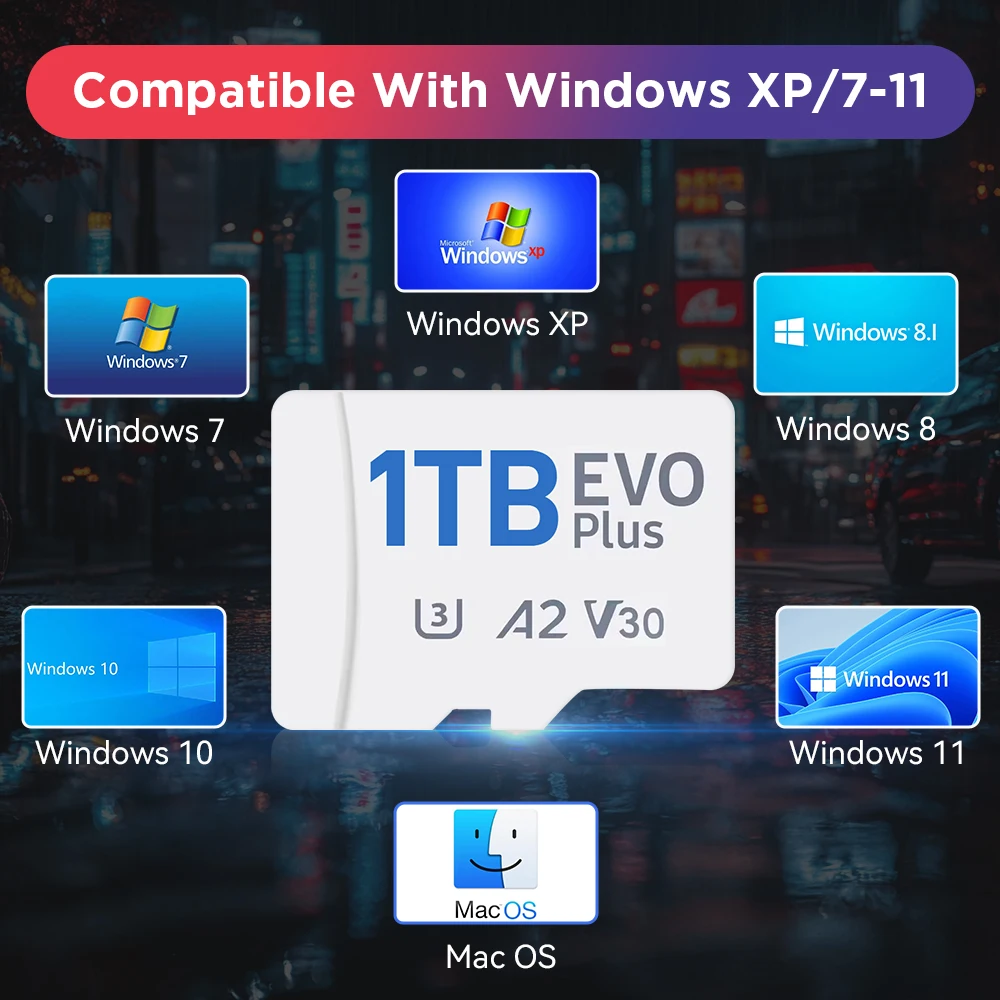
Suitable for: Windows XP/7/8.1/10/11/MAC
Video Speed Class: None
HOT SELLING-Playzone 1T

Product Highlights
✨Pre-installed with a large number of retro games, with three specifications of 1TB;
✨Built-in 70+ emulators, including PS3/PS2/PS1/PSP/WII/SNES/NES/N64/MAME/3DO etc;
✨Plug and play, you can play games directly without downloading or installing;
✨Adapt to a variety of devices, including Steam deck/Windows handheld game consoles/Windows computers;
✨Adapt to Windows XP/8.1/10/11/MAC;
✨The 1TB game card uses an A2 performance TF card, which runs smoothly and efficiently;
✨The batocera system is easy to operate.
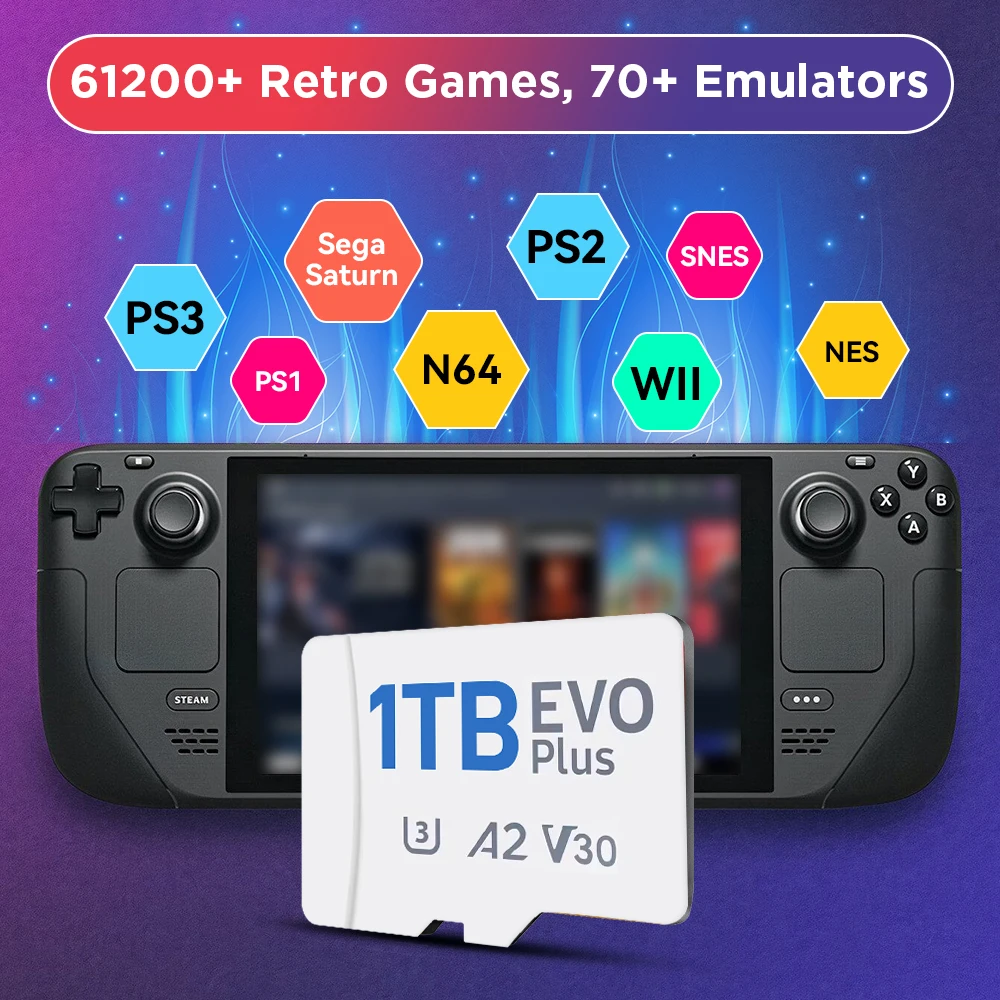
61200+ Retro Games, 70+ Emulators
The game card has many retro games built in, as well as emulators for retro game consoles. You can get multiple gaming experiences with one product.
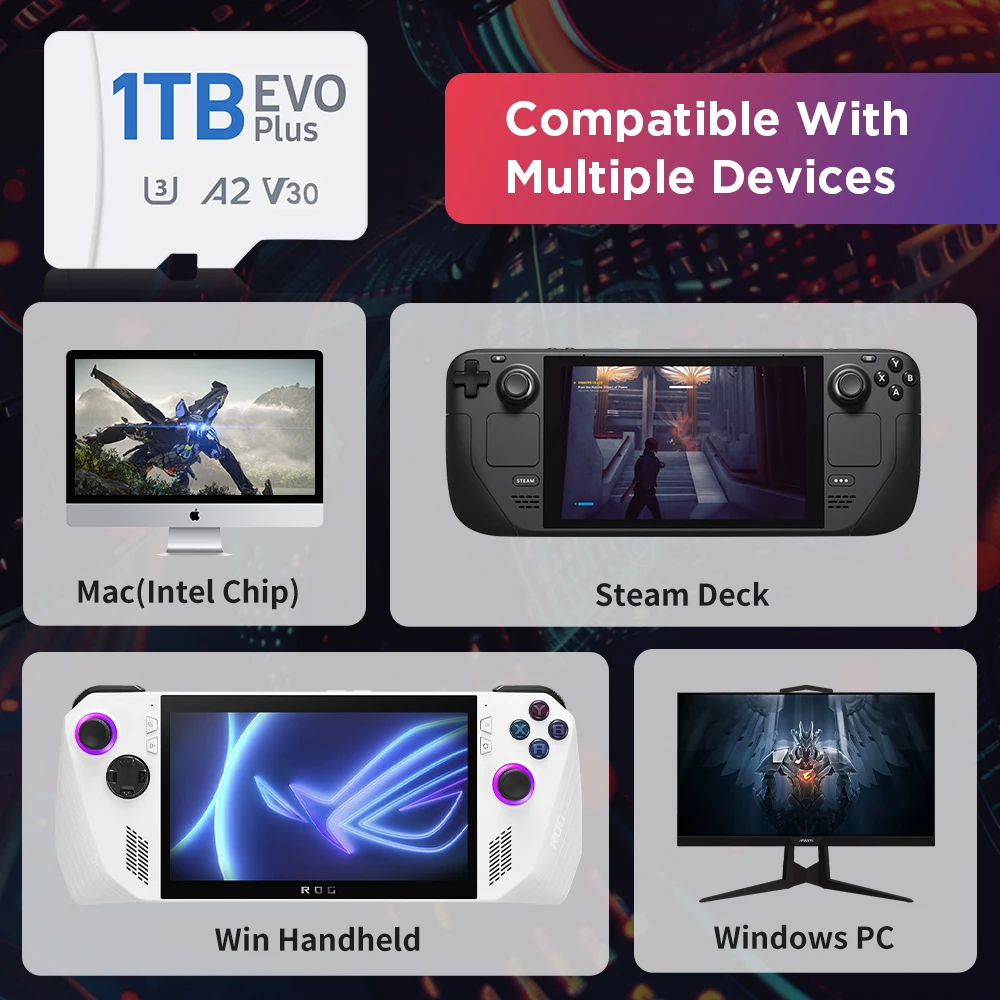
Compatible with Multiple Devices
The game card can be used on Steam deck/Windows handhelds and Windows computers. You can choose to use it on different devices to get a different experience.
How does a Steam Deck user enter the Batocera system❓
❥ Method 1: Turn off the power, insert the game card into your device; first press and hold the volume ➕ do not release it in the shutdown state, press the power button at the same time and release the power button immediately, release the volume immediately after hearing the prompt tone ➕ successfully enter the bios interface
❥❥ Method 2: Press the power button once in the shutdown state and release it, and immediately press the B button to successfully enter the bios interface
❥❥❥ Method 3: Press and hold the volume button ➖ and do not release it, press the power button at the same time, release the power button, hear the prompt tone, release the volume button ➞, you will enter the system boot interface, and then press the B button to return to the bios interface
How does WIN PC/MAC user enter Batocera system❓
1. Insert the game card into your device
2. After pressing the power button, press and hold the ESC or Delete key on the keyboard to enter the BIOS. For Mac users, just hold Option and select the removable drive to boot from.
(Select Hard Drive in the boot override option, your PC will start Batocera once, and it will return to your own operating system after restarting. If you want Batocera to be the default boot option, please enter the startup page and set the mobile hard disk as the boot option #1)
What should I do if the image is displayed vertically on the screen when using it on a computer❓
Method: just call up the MAIN MENU - find the SYSTEM SETTING - find the SCREEN POTATION - change to ATUO !
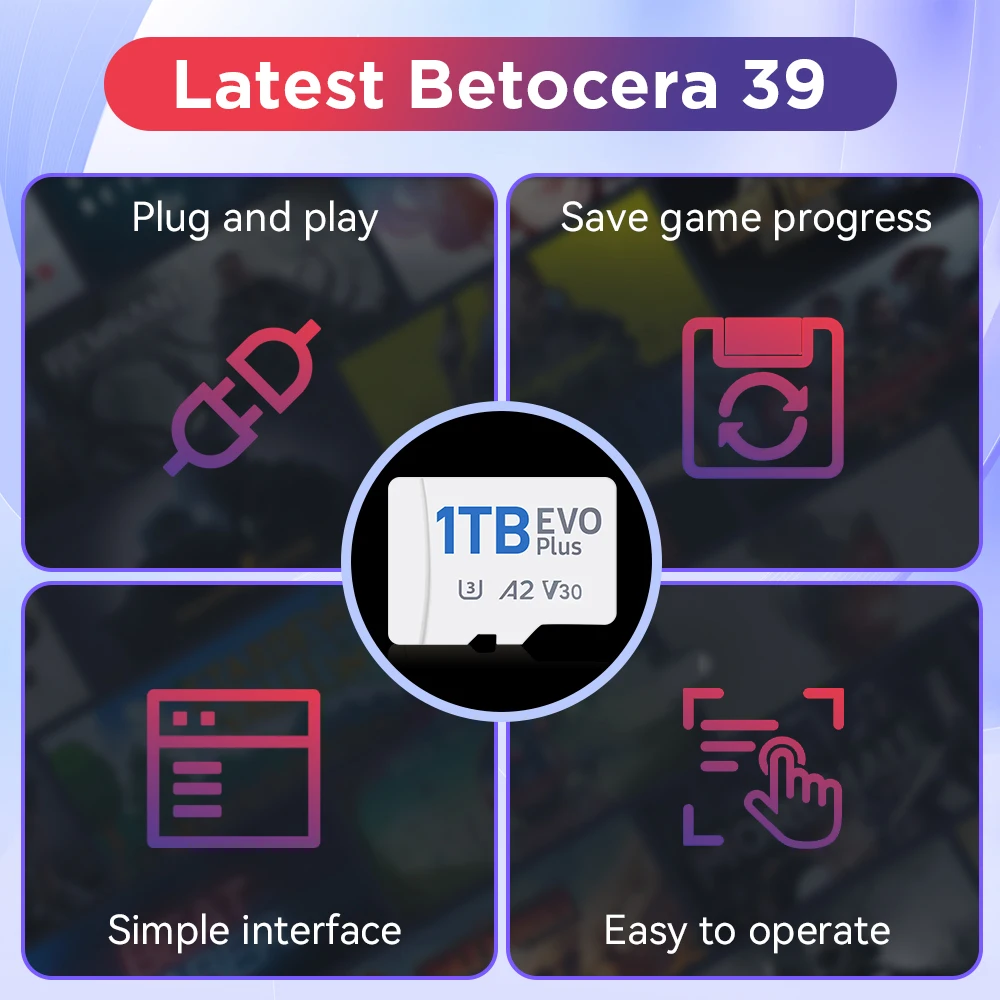
Latest Batocera 39 System
The batocera system is easy to operate, has a simple interface, and is friendly to beginners.
Plug And Play
FREE GIFT!
After receiving the goods, you can contact the online customer service to obtain free game download resources!

Compatible with Windows XP-11/Mac
Runs Smoothly Without Lag
The 1TB gaming card uses an A2 performance chip, which runs very smoothly and reduces lag.

Support Multiple Languages

Rechtliche und politische Links


Real Unboxing
Warehouse Packing
Shipping Orders Daily
Auf der Suche nach mehr?
Abonnieren Sie unsere E-Mails
Erfahren Sie als Erster von neuen Kollektionen und Sonderangeboten.